Speaker Booster Full Pro PC
AbyKaby
Download Speaker Booster Full Pro on PC With GameLoop Emulator
Speaker Booster Full Pro sa PC
Ang Speaker Booster Full Pro, na nagmumula sa developer na AbyKaby, ay tumatakbo sa Android systerm sa nakaraan.
Ngayon, maaari mong laruin ang Speaker Booster Full Pro sa PC gamit ang GameLoop nang maayos.
I-download ito sa GameLoop library o mga resulta ng paghahanap. Hindi na tumitingin sa baterya o nakakadismaya na mga tawag sa maling oras.
I-enjoy lang ang Speaker Booster Full Pro PC sa malaking screen nang libre!
Speaker Booster Full Pro Panimula
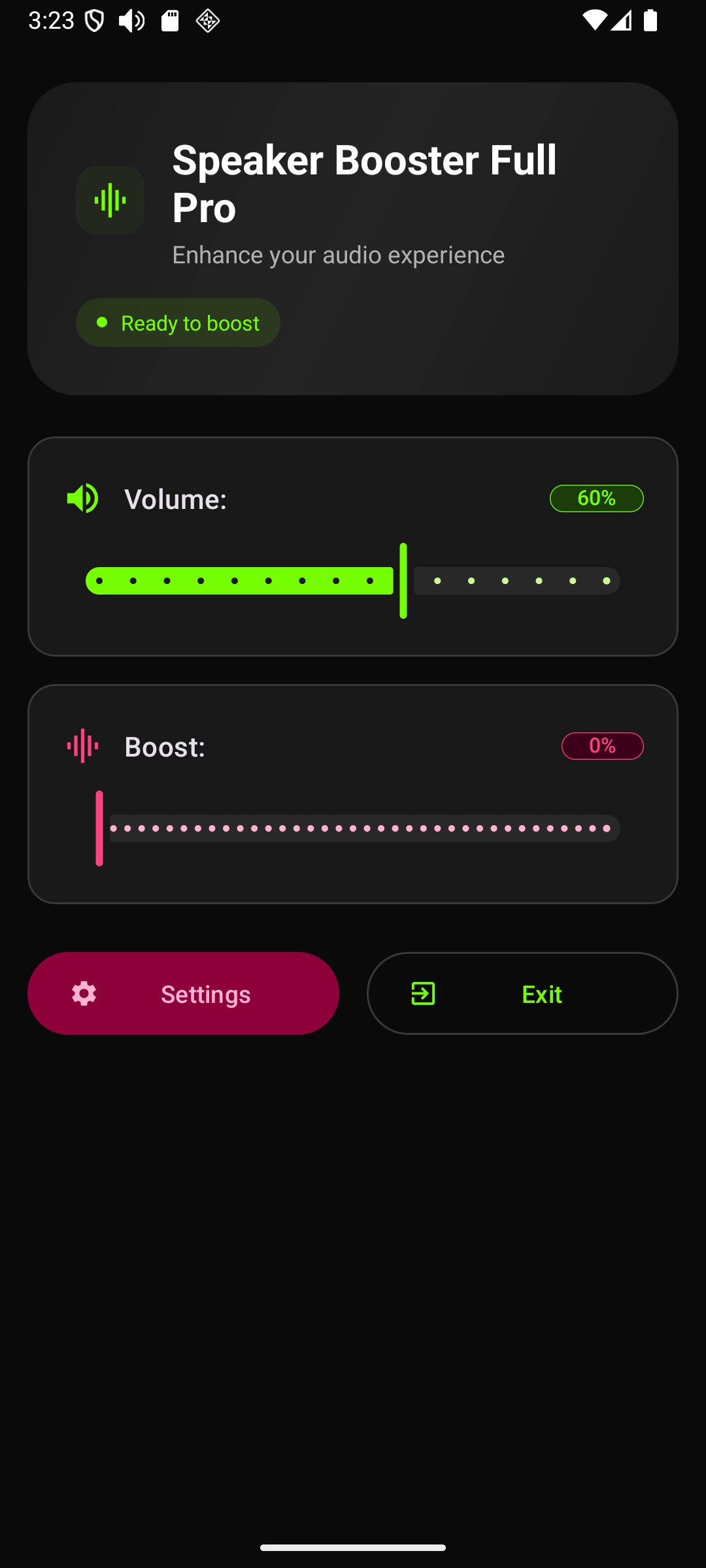
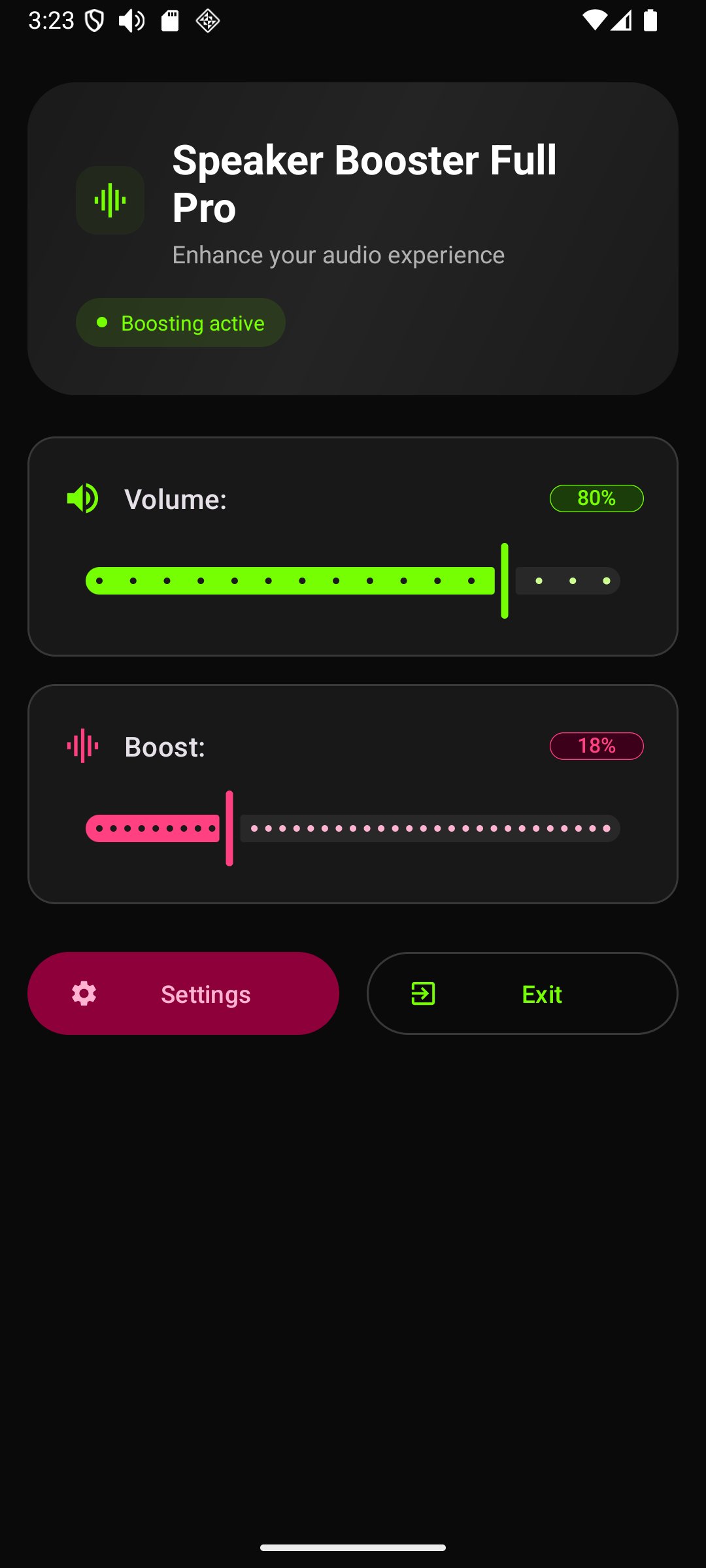
Struggling to hear your music or video? Speaker Booster Full Pro is a simple, smart app that increases the volume of your phone or tablet's speakers and headphones. Get louder, clearer sound for all your audio with one easy-to-use app.
Just control your standard volume and adjust the boost as you need.
🔊 Boost All Your Audio
Our volume booster works on all your favorite media and apps:
- Music: Get your favorite songs louder.
- Videos & Movies: Don't miss a word of dialogue in films or video clips (MP4s).
- Games: Hear every footstep and effect in your video games.
- Audiobooks & Radio: Make voice recordings and radio streams perfectly clear.
- Notifications: Never miss an important alert again.
🎧 Works With All Your Devices
This isn't just for your phone's speaker! Speaker Booster Full Pro also increases the volume for:
- Headphones: Get a more powerful audio experience (even in wired headphones).
- Bluetooth Speakers: Enhance the sound of your wireless speakers and devices.
⚠️ IMPORTANT: A Word of Warning
Listening to audio at very high volumes, especially for a prolonged time, can damage your hearing or your device's speakers. Please use this application responsibly.
Use this app at your own risk. We are not responsible for any damage to your hardware or your hearing.
About the Notification Setting
When you set the boost to zero, the app is off. The notification icon is simply a shortcut to make it easy to launch the app.
If you don't want to see the notification icon when the booster is off, you can easily change this:
1. Go to the app's Settings.
2. Set the notification to "appear only when the app is active."
Preview
Tags
Music-&Information
Developer
AbyKaby
Latest Version
24.0
Last Updated
2025-10-29
Category
Music-audio
Available on
Google Play
Show More
How to play Speaker Booster Full Pro with GameLoop on PC
1. Download GameLoop from the official website, then run the exe file to install GameLoop
2. Open GameLoop and search for “Speaker Booster Full Pro” , find Speaker Booster Full Pro in the search results and click “Install”
3. Enjoy playing Speaker Booster Full Pro on GameLoop
Minimum requirements
OS
Windows 8.1 64-bit or Windows 10 64-bit
GPU
GTX 1050
CPU
i3-8300
Memory
8GB RAM
Storage
1GB available space
Recommended requirements
OS
Windows 8.1 64-bit or Windows 10 64-bit
GPU
GTX 1050
CPU
i3-9320
Memory
16GB RAM
Storage
1GB available space