
Wireless Workbench Mobile PC
Shure Incorporated
Download Wireless Workbench Mobile on PC With GameLoop Emulator
Wireless Workbench Mobile sa PC
Ang Wireless Workbench Mobile, na nagmumula sa developer na Shure Incorporated, ay tumatakbo sa Android systerm sa nakaraan.
Ngayon, maaari mong laruin ang Wireless Workbench Mobile sa PC gamit ang GameLoop nang maayos.
I-download ito sa GameLoop library o mga resulta ng paghahanap. Hindi na tumitingin sa baterya o nakakadismaya na mga tawag sa maling oras.
I-enjoy lang ang Wireless Workbench Mobile PC sa malaking screen nang libre!
Wireless Workbench Mobile Panimula
ShurePlus Channels is now Wireless Workbench Mobile.
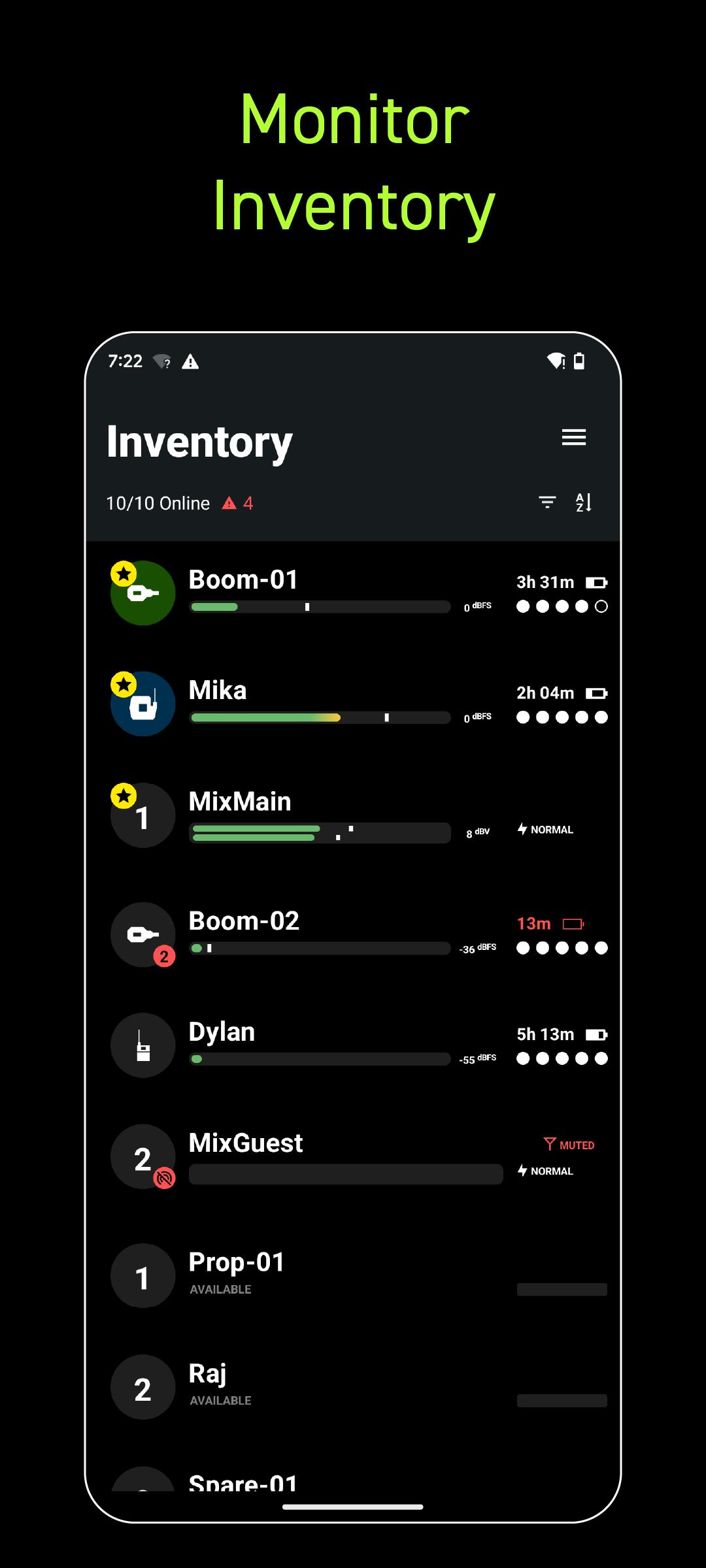
Wireless Workbench Mobile puts wireless control in your hands, wherever the job takes you. Built for professionals on the move, the app replaces ShurePlus Channels with a sleeker interface and powerful new tools. Whether on a walk test, working from a cart, or managing a live show, Wireless Workbench Mobile keeps you connected to your Shure Wireless and one step ahead.
Wireless Control, Always Within Reach:
• Control your Shure wireless systems on the go with fast, intuitive mobile access.
• Make quick, informed decisions with an interface that highlights key channel data.
• Receive guided alerts that show precisely what’s wrong and how to fix it.
• Tag, color-label, and favorite channels to match your unique workflow.
• Connect over Wi-Fi or Ethernet for reliable performance in any environment.
How It Works:
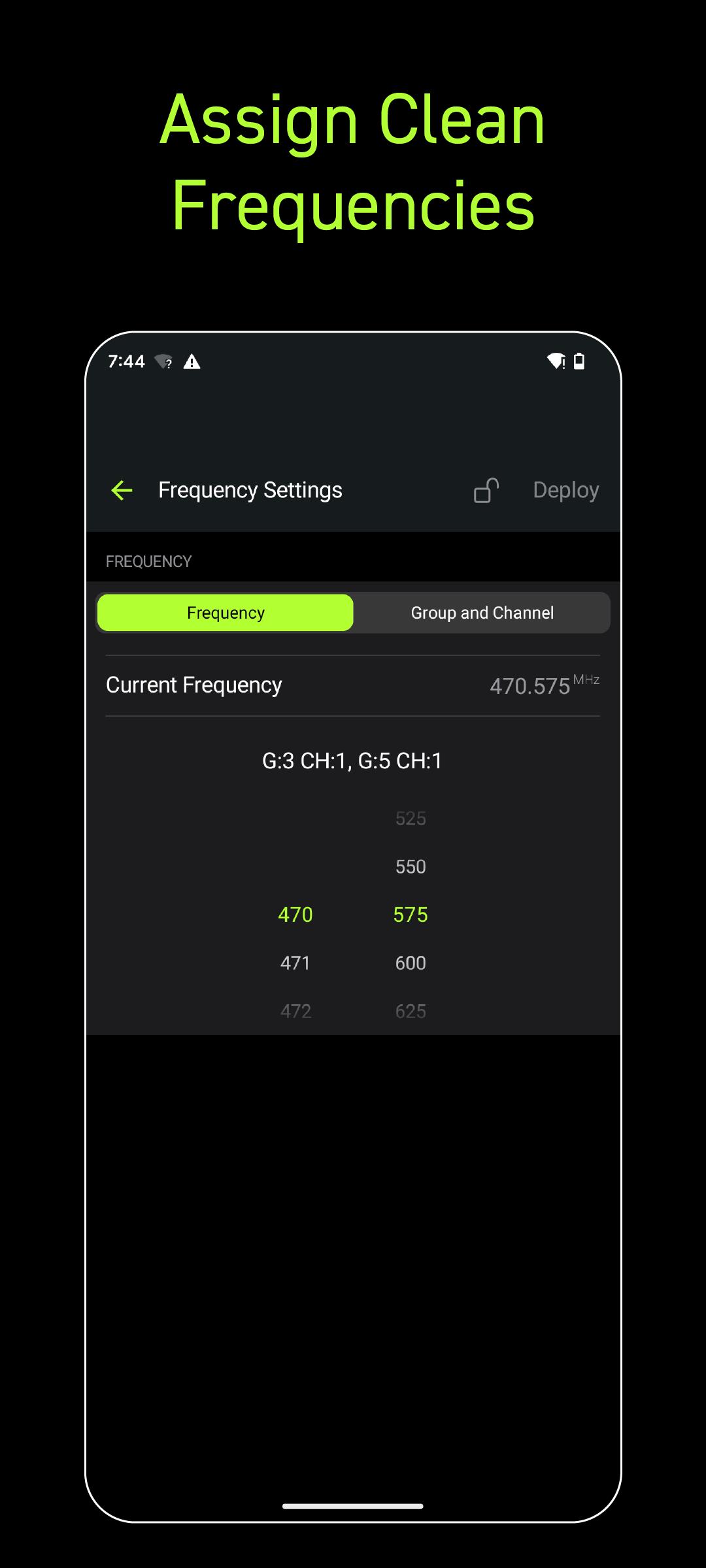
Wireless Workbench Mobile connects to supported Shure Wireless, displaying essential RF, battery, and audio data in real time. The streamlined layout adapts to your workflow, enabling you to focus on what matters most. Scan and deploy frequencies, monitor system performance, and troubleshoot directly from your tablet or phone.
Why It's Better:
Stay Ahead of Issues
Real-time alerts flag potential problems and provide guidance to resolve them, keeping your production on track.
Built for How You Work
Designed for speed and precision, the focused interface supports fast decisions in live production environments.
Preview
Tags
Music-&Information
Developer
Shure Incorporated
Latest Version
1.6.4.9
Last Updated
2025-07-15
Category
Music-audio
Available on
Google Play
Show More
How to play Wireless Workbench Mobile with GameLoop on PC
1. Download GameLoop from the official website, then run the exe file to install GameLoop
2. Open GameLoop and search for “Wireless Workbench Mobile” , find Wireless Workbench Mobile in the search results and click “Install”
3. Enjoy playing Wireless Workbench Mobile on GameLoop
Minimum requirements
OS
Windows 8.1 64-bit or Windows 10 64-bit
GPU
GTX 1050
CPU
i3-8300
Memory
8GB RAM
Storage
1GB available space
Recommended requirements
OS
Windows 8.1 64-bit or Windows 10 64-bit
GPU
GTX 1050
CPU
i3-9320
Memory
16GB RAM
Storage
1GB available space