
Sabah FM: Sabah Radio Stations PC
Radio FM Network
Download Sabah FM: Sabah Radio Stations on PC With GameLoop Emulator
Sabah FM: Sabah Radio Stations sa PC
Ang Sabah FM: Sabah Radio Stations, na nagmumula sa developer na Radio FM Network, ay tumatakbo sa Android systerm sa nakaraan.
Ngayon, maaari mong laruin ang Sabah FM: Sabah Radio Stations sa PC gamit ang GameLoop nang maayos.
I-download ito sa GameLoop library o mga resulta ng paghahanap. Hindi na tumitingin sa baterya o nakakadismaya na mga tawag sa maling oras.
I-enjoy lang ang Sabah FM: Sabah Radio Stations PC sa malaking screen nang libre!
Sabah FM: Sabah Radio Stations Panimula
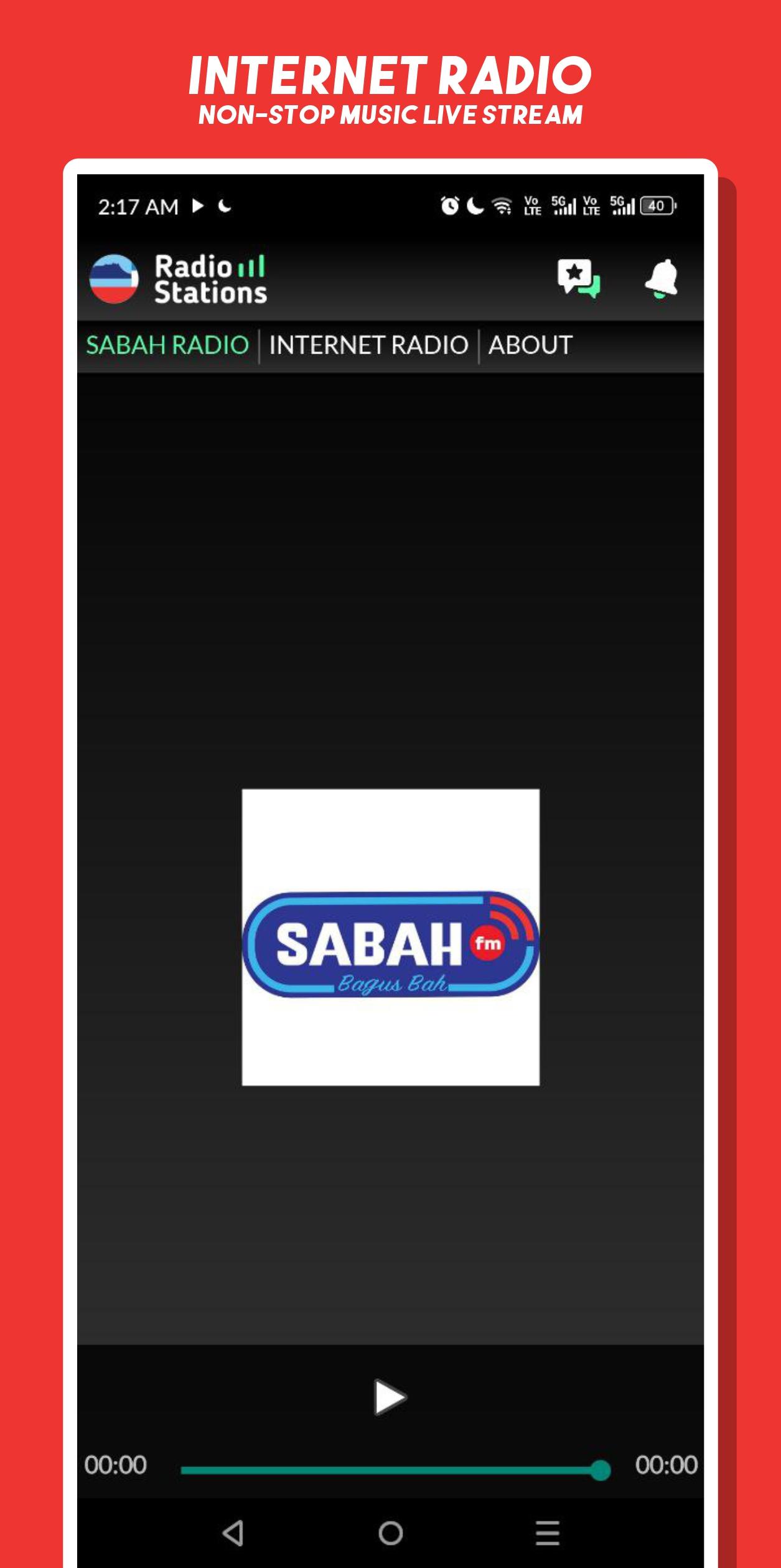
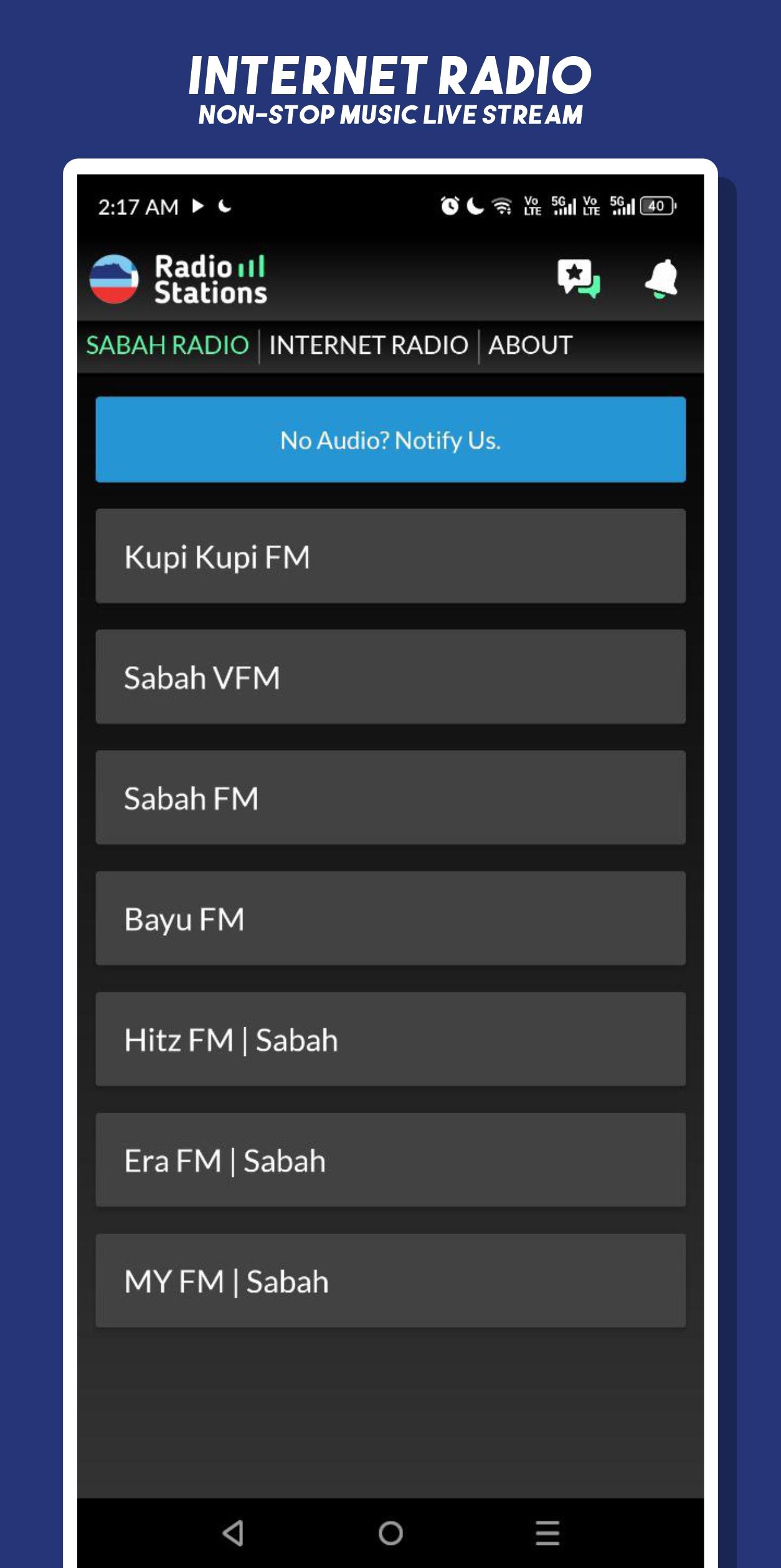
"Sabah FM: Sabah Radio Stations" is your all-in-one online radio app to enjoy the best Sabahan radio stations anywhere, anytime! Listen to your favorite local FM stations and online livestreams, playing a mix of Sabah traditional music, contemporary hits, Malaysian favorites, and international tracks, all in one easy-to-use app.
🎵 Key Features:
📻 Stream Popular Sabah Radio Stations Live
🎶 24/7 Nonstop Music & Talk Shows
🎧 High-Quality Audio Streaming
📱 Clean, Simple & User-Friendly Interface
🌐 Listen Anytime, Anywhere with Internet Connection
📌 Why Choose Sabah FM:
✅ Best radio app for Sabahan music lovers
✅ Free and easy access to multiple live stations
✅ Perfect for driving, relaxing, or working
✅ Stay connected to local news, talk shows, and traditional songs from Sabah
Note: Requires an active internet connection for streaming.
Preview
Tags
Music-&Information
Developer
Radio FM Network
Latest Version
1
Last Updated
2025-08-12
Category
Music-audio
Available on
Google Play
Show More
How to play Sabah FM: Sabah Radio Stations with GameLoop on PC
1. Download GameLoop from the official website, then run the exe file to install GameLoop
2. Open GameLoop and search for “Sabah FM: Sabah Radio Stations” , find Sabah FM: Sabah Radio Stations in the search results and click “Install”
3. Enjoy playing Sabah FM: Sabah Radio Stations on GameLoop
Minimum requirements
OS
Windows 8.1 64-bit or Windows 10 64-bit
GPU
GTX 1050
CPU
i3-8300
Memory
8GB RAM
Storage
1GB available space
Recommended requirements
OS
Windows 8.1 64-bit or Windows 10 64-bit
GPU
GTX 1050
CPU
i3-9320
Memory
16GB RAM
Storage
1GB available space