Piano & Drum Pad: Learn & Play PC
PixlerSam
Download Piano & Drum Pad: Learn & Play on PC With GameLoop Emulator
Piano & Drum Pad: Learn & Play sa PC
Ang Piano & Drum Pad: Learn & Play, na nagmumula sa developer na PixlerSam, ay tumatakbo sa Android systerm sa nakaraan.
Ngayon, maaari mong laruin ang Piano & Drum Pad: Learn & Play sa PC gamit ang GameLoop nang maayos.
I-download ito sa GameLoop library o mga resulta ng paghahanap. Hindi na tumitingin sa baterya o nakakadismaya na mga tawag sa maling oras.
I-enjoy lang ang Piano & Drum Pad: Learn & Play PC sa malaking screen nang libre!
Piano & Drum Pad: Learn & Play Panimula
Piano & Drum Pad: Learn & Play
The ultimate piano and drum pad app to learn songs, make beats, and create your own music.
Play piano, drum pads & beats anytime with Piano & Drum Pad.
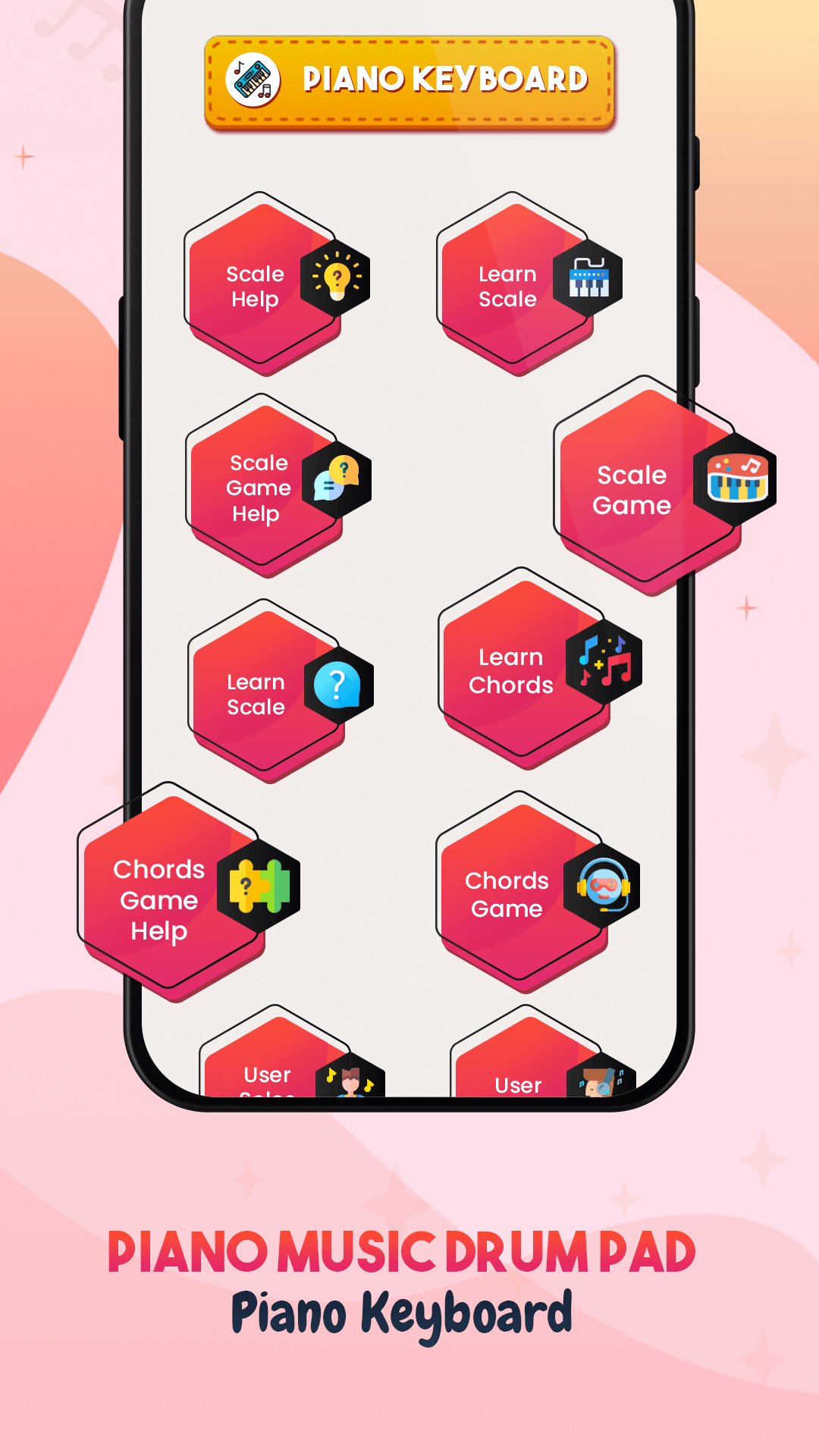
🎹 Practice piano chords & melodies with a full‑screen virtual keyboard.
🥁 Tap drum pads, record beats, customize sounds & loop rhythms.
🎙️ Record & share your music with built‑in recording studio.
Perfect for beginners, kids, producers & creative learners.
Key features:
• Multi‑touch piano & drum pad interface
• Real-time recording & playback
• Customizable pads and sounds
• Zoomable keyboard layout
• Background audio support
• Share via MP3/WAV, social media & messaging
Why choose us?
• Lightweight and easy to learn
• No physical instrument needed—play anywhere
• Great for kids, hobbyists, music students
• NO Login
Download now and unleash your musical creativity — start your music journey today!
Disclaimer:
- This Application is developed for convenience of app user to get piano keyboard at one place
- All the images or sound are copied or downloaded from the internet or free domain , app do not claiming to be an owner of any assets
- For any privacy or copyrights related issue please mail us at :- pixlersam@gmail.com
Preview
Tags
Music-&Information
Developer
PixlerSam
Latest Version
2.4
Last Updated
2026-02-20
Category
Music-audio
Available on
Google Play
Show More
How to play Piano & Drum Pad: Learn & Play with GameLoop on PC
1. Download GameLoop from the official website, then run the exe file to install GameLoop
2. Open GameLoop and search for “Piano & Drum Pad: Learn & Play” , find Piano & Drum Pad: Learn & Play in the search results and click “Install”
3. Enjoy playing Piano & Drum Pad: Learn & Play on GameLoop
Minimum requirements
OS
Windows 8.1 64-bit or Windows 10 64-bit
GPU
GTX 1050
CPU
i3-8300
Memory
8GB RAM
Storage
1GB available space
Recommended requirements
OS
Windows 8.1 64-bit or Windows 10 64-bit
GPU
GTX 1050
CPU
i3-9320
Memory
16GB RAM
Storage
1GB available space