Napster - AI Music & Experts PC
Rhapsody International, Inc
Download Napster - AI Music & Experts on PC With GameLoop Emulator
Napster - AI Music & Experts sa PC
Ang Napster - AI Music & Experts, na nagmumula sa developer na Rhapsody International, Inc, ay tumatakbo sa Android systerm sa nakaraan.
Ngayon, maaari mong laruin ang Napster - AI Music & Experts sa PC gamit ang GameLoop nang maayos.
I-download ito sa GameLoop library o mga resulta ng paghahanap. Hindi na tumitingin sa baterya o nakakadismaya na mga tawag sa maling oras.
I-enjoy lang ang Napster - AI Music & Experts PC sa malaking screen nang libre!
Napster - AI Music & Experts Panimula
Napster brings music creation to everyone, with AI musicians who collaborate with you in live video. No instruments, no experience, no typing prompts into a box. Just conversation. Whether you're chasing a melody in your head or ready to produce your next release, your crew is here to help you make it real.
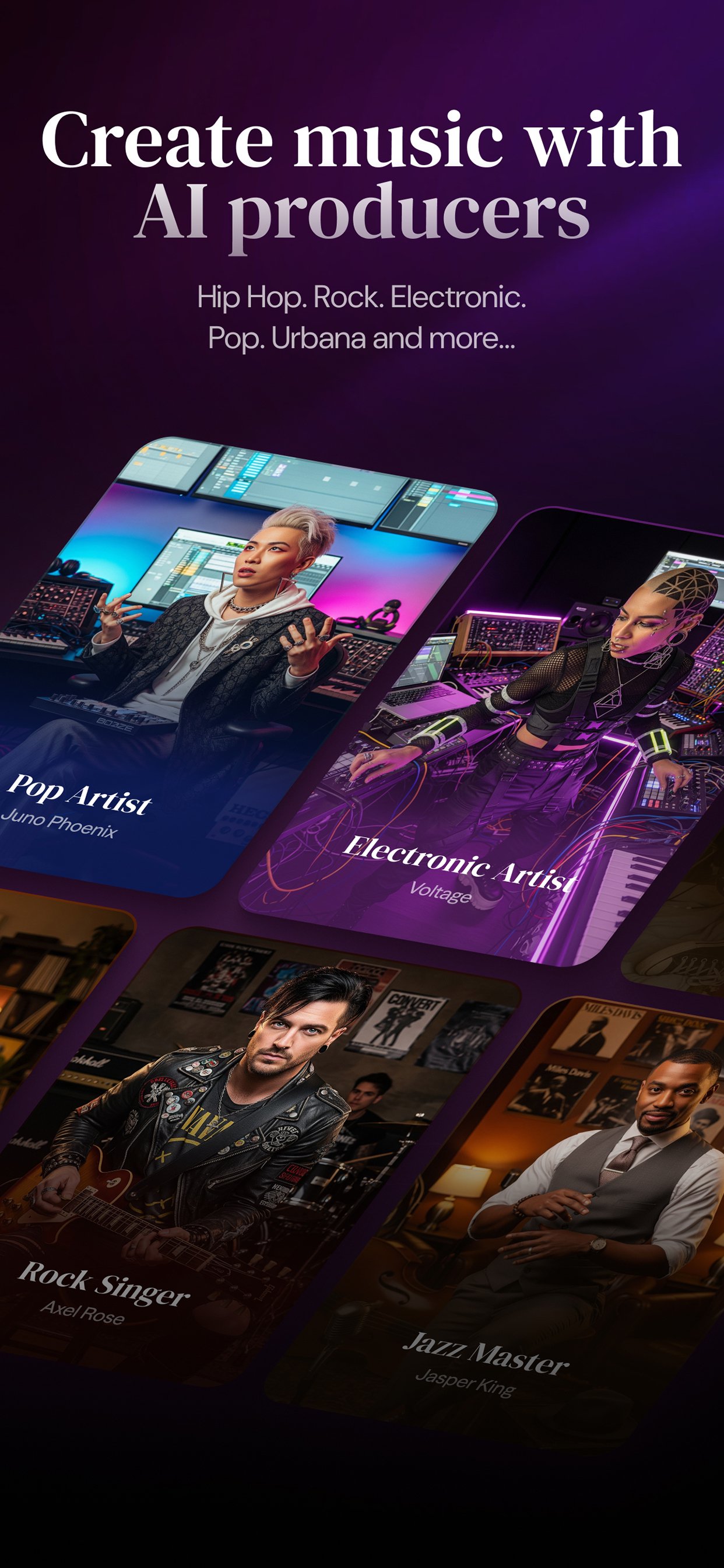
Collaborate with AI musicians across every genre:
• Work with specialists in hip-hop, jazz, country, electronic, R&B, folk, and more
• Each musician brings genre expertise and production knowledge to your session
• Get feedback on lyrics, sound, and structure as you create together
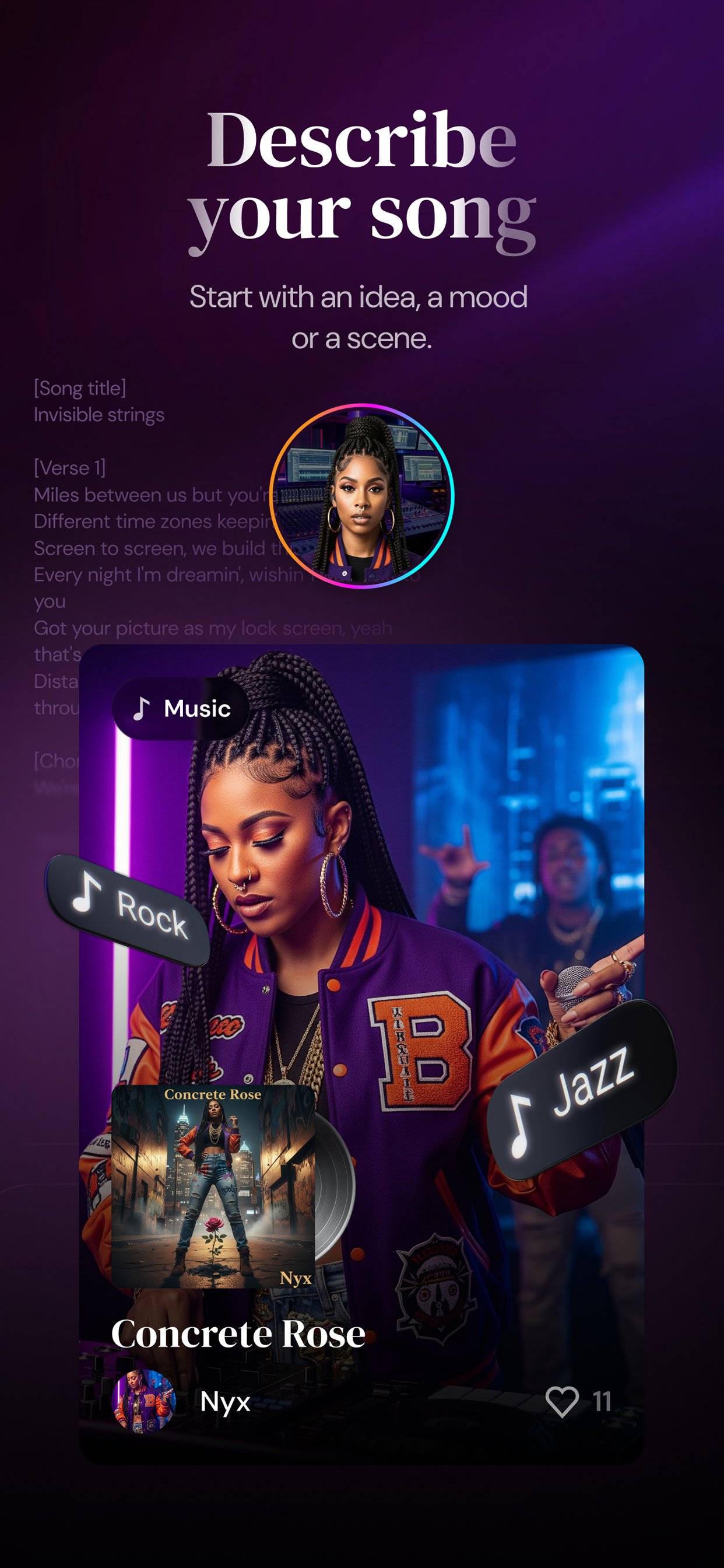
Create in conversation, not prompts:
• Talk through your ideas in live video—not just text in a box
• Your AI musicians remember your style and where you left off
• Refine your sound across multiple sessions that build on each other
Produce professional tracks in minutes:
• Generate original songs with vocals, production, and album art
• Every track is yours to keep and share
• No royalties, no licensing—just music you made
Explore and get inspired:
• Browse AI-generated music across styles and moods
• Discover what others are creating
• Find fresh sounds to spark your next idea
—
• Your subscription will be charged to your Apple Account at confirmation of purchase and will automatically renew unless auto-renew is turned off at least 24 hours before the end of the current period.
• You can manage your subscription and turn off auto-renewal by visiting your Apple Account Settings after purchase.
• Our Terms of Service: https://napsterai.com/terms
• Privacy Policy: https://napsterai.com/privacy
Preview
Tags
Music-&Information
Developer
Rhapsody International, Inc
Latest Version
10.1.1
Last Updated
2026-03-12
Category
Music-audio
Available on
Google Play
Show More
How to play Napster - AI Music & Experts with GameLoop on PC
1. Download GameLoop from the official website, then run the exe file to install GameLoop
2. Open GameLoop and search for “Napster - AI Music & Experts” , find Napster - AI Music & Experts in the search results and click “Install”
3. Enjoy playing Napster - AI Music & Experts on GameLoop
Minimum requirements
OS
Windows 8.1 64-bit or Windows 10 64-bit
GPU
GTX 1050
CPU
i3-8300
Memory
8GB RAM
Storage
1GB available space
Recommended requirements
OS
Windows 8.1 64-bit or Windows 10 64-bit
GPU
GTX 1050
CPU
i3-9320
Memory
16GB RAM
Storage
1GB available space