
Nafa Urbach Lagu Kenangan PC
Lagu Kenangan Fans
Download Nafa Urbach Lagu Kenangan on PC With GameLoop Emulator
Nafa Urbach Lagu Kenangan sa PC
Ang Nafa Urbach Lagu Kenangan, na nagmumula sa developer na Lagu Kenangan Fans, ay tumatakbo sa Android systerm sa nakaraan.
Ngayon, maaari mong laruin ang Nafa Urbach Lagu Kenangan sa PC gamit ang GameLoop nang maayos.
I-download ito sa GameLoop library o mga resulta ng paghahanap. Hindi na tumitingin sa baterya o nakakadismaya na mga tawag sa maling oras.
I-enjoy lang ang Nafa Urbach Lagu Kenangan PC sa malaking screen nang libre!
Nafa Urbach Lagu Kenangan Panimula
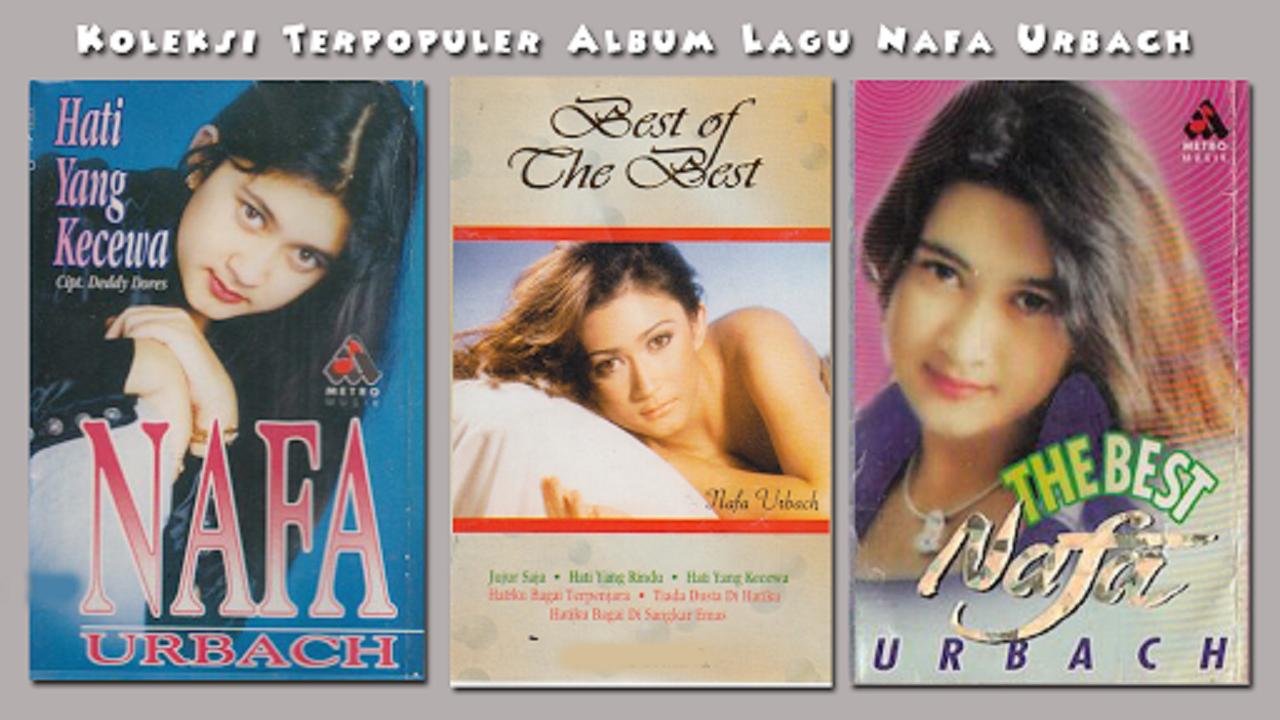
This application contains a collection of Nafa Urbach's memorable songs which you can listen to offline and you can download for free.
Nafa Urbach whose full name is Nafa Indria Urbach (born in Magelang, Central Java, 15 June 1980) is an Indonesian actor and singer.
Discography
Like a Little Candle (1995)
Roar of Dust 'Original Soundtrack' (Single, 1995)
Bandung Crying Again 'With Deddy Dores' (Single, 1996)
Heart Scratched Love 'With Rudy Chysara/RC Formation' (1996)
My Heart Is Like a Prisoner (1996)
Disappointed Heart (1997)
My Heart Is Like A Golden Cage (1998)
A Missing Heart (Single, 1998)
Gita Cinta 'With D'Urbach' (1999)
No Lies In My Heart (1999)
Be Honest (2001)
Running (2004)
Eternal Love (Single, 2009)
Superwoman (Single, 2009)
I'm Not Perfect (2010)
Soulmate (Single, 2014)
Letting You Go My Weakness (Single, 2017)
Leave Me Alone (Single, 2018)
Application Strengths and Features:
- Clear song sound
- Beautiful appearance and easy to use
- Offline without internet connection
- Play and pause is very easy
- Automatically play the next song
- You can still listen to it even if the cellphone is locked, or open another application
- Play songs randomly (Shuffle) or sequentially
- Choice of playing back songs (Repeat) according to what you want or repeating all automatically
- Share to friends or social media like Facebook, Twitter, Whatsapp, and others.
- Use it as a ringtone, alarm, and notification sound
- Light application is not heavy
DISCLAIMER
- The copyright of all songs in this application belongs to the creators, musicians and music labels concerned. If you are the copyright holder of the songs in this application and do not wish your song to be displayed, please contact us via the developer email and tell us about your ownership status for the song. We will remove the song immediately.
- All Media (Audio, Video, Images) we get and collect from files that are freely spread on the internet.
- The audio is compressed, therefore the audio sound quality is not as good as if you bought the original CDs & DVDs
- For high quality audio sound, Purchase Original CDs & DVDs to support your favorite artists!
Preview

Tags
Music-&Information
Developer
Lagu Kenangan Fans
Latest Version
1.0.0
Last Updated
2023-03-28
Category
Music-audio
Available on
Google Play
Show More
How to play Nafa Urbach Lagu Kenangan with GameLoop on PC
1. Download GameLoop from the official website, then run the exe file to install GameLoop
2. Open GameLoop and search for “Nafa Urbach Lagu Kenangan” , find Nafa Urbach Lagu Kenangan in the search results and click “Install”
3. Enjoy playing Nafa Urbach Lagu Kenangan on GameLoop
Minimum requirements
OS
Windows 8.1 64-bit or Windows 10 64-bit
GPU
GTX 1050
CPU
i3-8300
Memory
8GB RAM
Storage
1GB available space
Recommended requirements
OS
Windows 8.1 64-bit or Windows 10 64-bit
GPU
GTX 1050
CPU
i3-9320
Memory
16GB RAM
Storage
1GB available space