Music Equalizer for bluetooth PC
Lykee Studio
Download Music Equalizer for bluetooth on PC With GameLoop Emulator
Music Equalizer for bluetooth sa PC
Ang Music Equalizer for bluetooth, na nagmumula sa developer na Lykee Studio, ay tumatakbo sa Android systerm sa nakaraan.
Ngayon, maaari mong laruin ang Music Equalizer for bluetooth sa PC gamit ang GameLoop nang maayos.
I-download ito sa GameLoop library o mga resulta ng paghahanap. Hindi na tumitingin sa baterya o nakakadismaya na mga tawag sa maling oras.
I-enjoy lang ang Music Equalizer for bluetooth PC sa malaking screen nang libre!
Music Equalizer for bluetooth Panimula
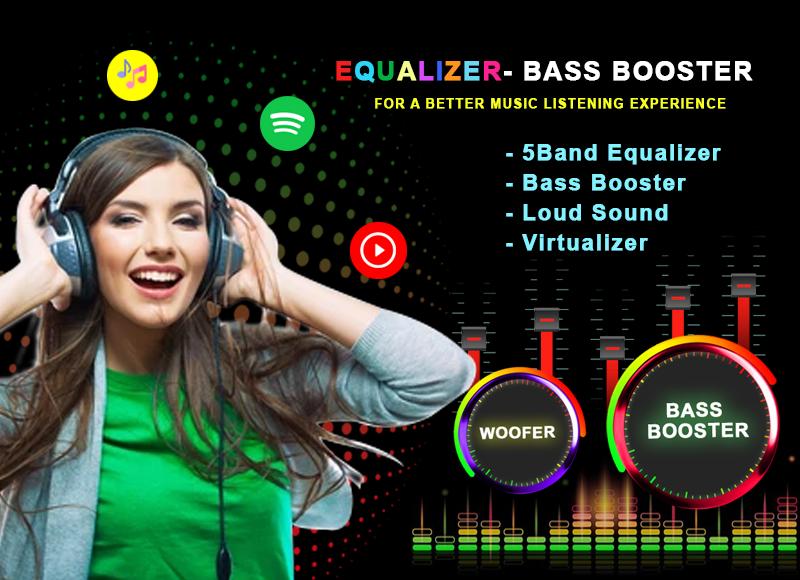
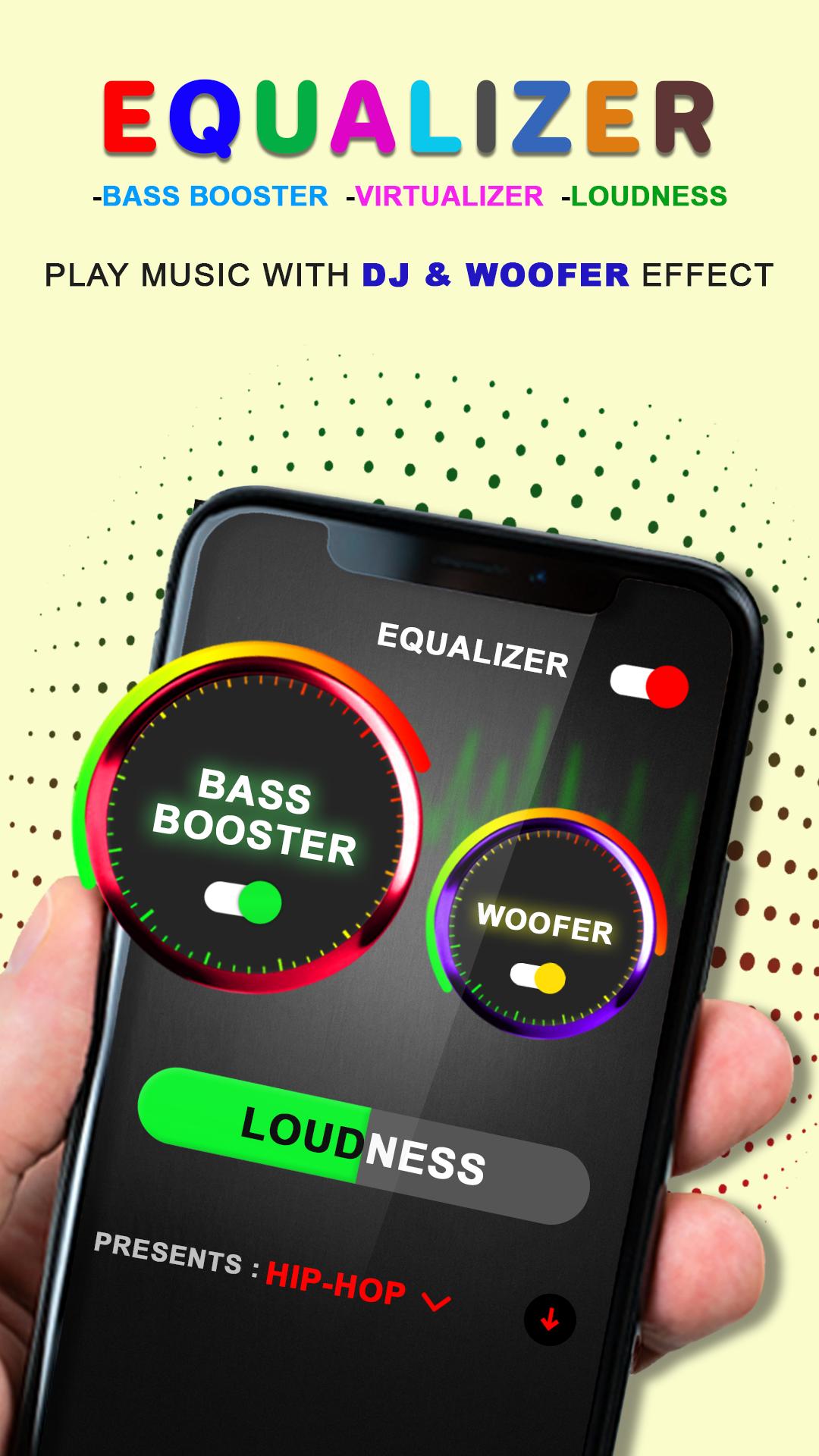
Enhance music sound using bass booster, loudness, virtualize and equalizer. Improve sound and music quality of your song on your favorite music player.
Adjust sound effect level and get best music listening experience. MusicEqualizer is able to push your device volume up highert than the default system volume.
Make all sound of your phone much louder, whether you are listening song/music, watching video, playing game, MusicEqualizer app will increase sound for all.
It's not only work for Bluetooth headset, but also work for external speaker.
MusicEqualizer: Bass Booster for bluetooth headset has various feature including five band equalizer to customize music, amp, audio control, baas boost, and visualizer.
FEATURES:
- VOLUME: Increase all media music sound including game sound, audio and video sound, notification sound.
-SOUND SPECTRUM: You can watch amazing visual music sound spectrum at the same time you listening to songs.
-SYSTEM VOLUME: Increase system volume sound including alarm, notification and ringtone volume.
-EQUALIZER: 10+ default equalizer presets available including classic, dance, folk, hip-hop, jazz, pop etc.
You can create your own equalizer preset and save to use later.
Preview
Tags
Music-&Information
Developer
Lykee Studio
Latest Version
8.0
Last Updated
2025-08-13
Category
Music-audio
Available on
Google Play
Show More
How to play Music Equalizer for bluetooth with GameLoop on PC
1. Download GameLoop from the official website, then run the exe file to install GameLoop
2. Open GameLoop and search for “Music Equalizer for bluetooth” , find Music Equalizer for bluetooth in the search results and click “Install”
3. Enjoy playing Music Equalizer for bluetooth on GameLoop
Minimum requirements
OS
Windows 8.1 64-bit or Windows 10 64-bit
GPU
GTX 1050
CPU
i3-8300
Memory
8GB RAM
Storage
1GB available space
Recommended requirements
OS
Windows 8.1 64-bit or Windows 10 64-bit
GPU
GTX 1050
CPU
i3-9320
Memory
16GB RAM
Storage
1GB available space