
Lucky Dube Offline Music PC
MooChat Plus Apps
Download Lucky Dube Offline Music on PC With GameLoop Emulator
Lucky Dube Offline Music sa PC
Ang Lucky Dube Offline Music, na nagmumula sa developer na MooChat Plus Apps, ay tumatakbo sa Android systerm sa nakaraan.
Ngayon, maaari mong laruin ang Lucky Dube Offline Music sa PC gamit ang GameLoop nang maayos.
I-download ito sa GameLoop library o mga resulta ng paghahanap. Hindi na tumitingin sa baterya o nakakadismaya na mga tawag sa maling oras.
I-enjoy lang ang Lucky Dube Offline Music PC sa malaking screen nang libre!
Lucky Dube Offline Music Panimula
Lucky Dube, Lucky Philip Dube was born in Ermelo, formerly of the Eastern Transvaal, now of Mpumalanga, on 3 August 1964.
Was a South African reggae musician and Rastafarian. He recorded 22 albums in Zulu, English and Afrikaans in a 25-year period and was South Africa's biggest selling reggae artist.
Dube was murdered in the Johannesburg suburb of Rosettenville on the evening of 18 October 2007.
App Features:
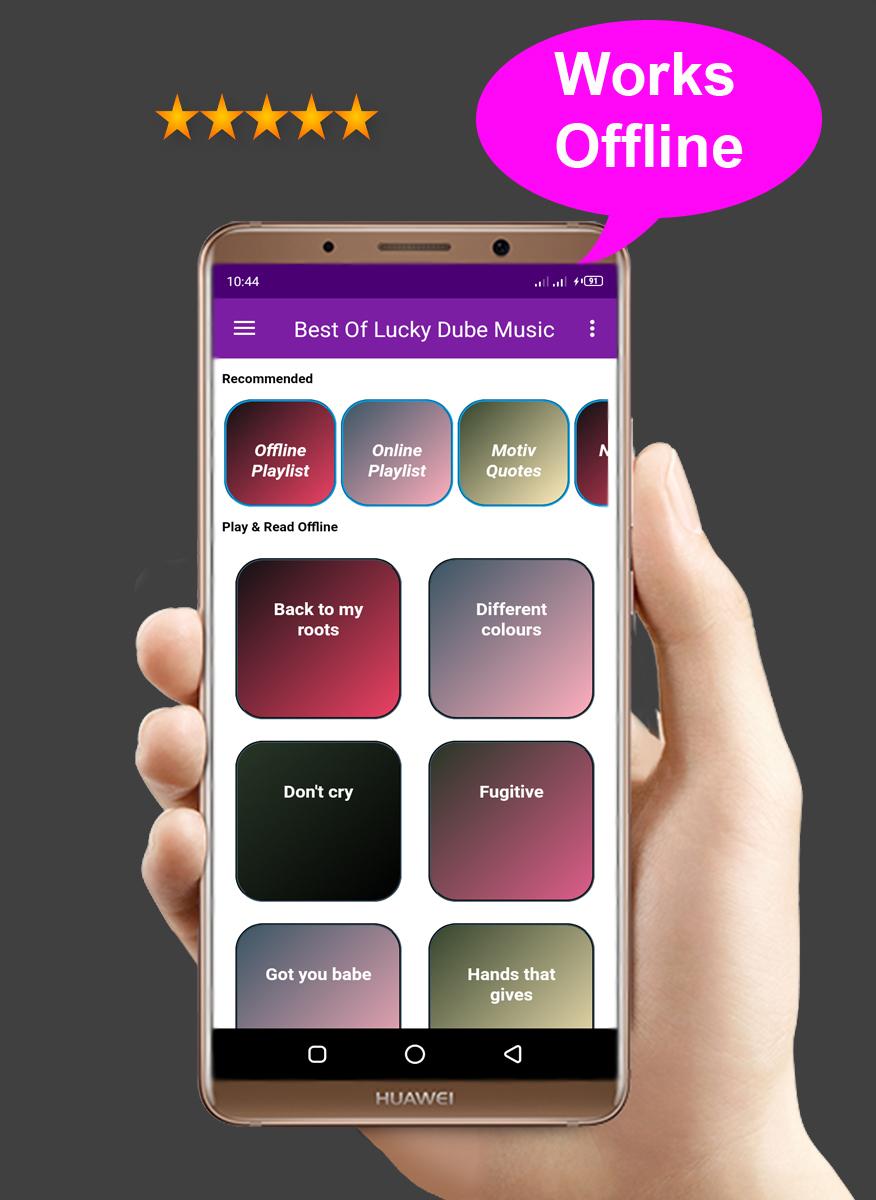
✔️ Works offline
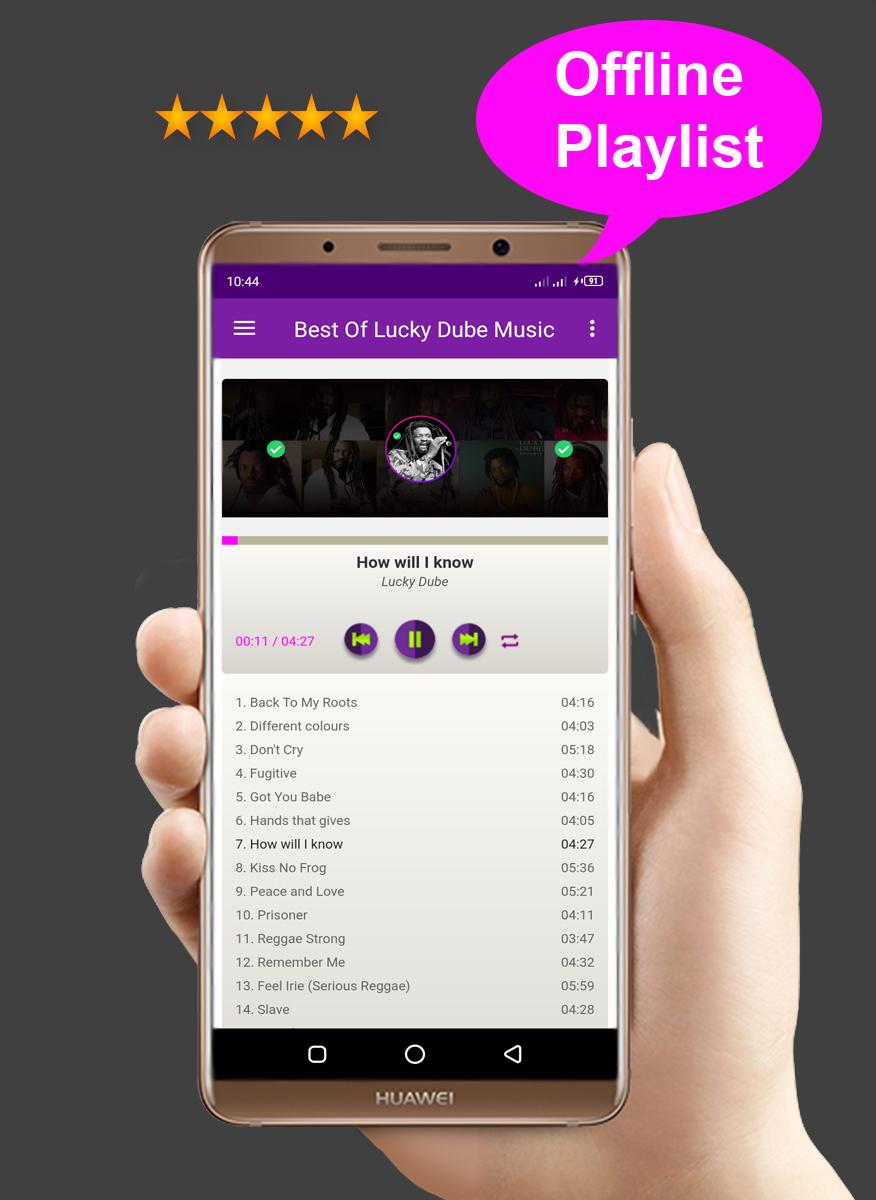
✔️ Offline playlist
✔️ Song Lyrics
✔️ Nonstops
✔️ Motivational quotes
✔️ Friendly User Interface
✔️ Best selection
Top songs
- Remember me
- How will I know
- Got you babe
- Slave
- Different colours
- Prisoner
- Romeo and Juliet
- Rip what you saw
- Reggae strong
- Peace and love
- And many more
Disclaimer:
All songs and contents in this app are fetched from internet and public domains, we don't hold copyright and trade marks as they belong to respective management.
Contact us:
music_apps@moochatplus.net
Preview
Tags
Music-&Information
Developer
MooChat Plus Apps
Latest Version
1.0
Last Updated
2021-02-11
Category
Music-audio
Available on
Google Play
Show More
How to play Lucky Dube Offline Music with GameLoop on PC
1. Download GameLoop from the official website, then run the exe file to install GameLoop
2. Open GameLoop and search for “Lucky Dube Offline Music” , find Lucky Dube Offline Music in the search results and click “Install”
3. Enjoy playing Lucky Dube Offline Music on GameLoop
Minimum requirements
OS
Windows 8.1 64-bit or Windows 10 64-bit
GPU
GTX 1050
CPU
i3-8300
Memory
8GB RAM
Storage
1GB available space
Recommended requirements
OS
Windows 8.1 64-bit or Windows 10 64-bit
GPU
GTX 1050
CPU
i3-9320
Memory
16GB RAM
Storage
1GB available space