
Loch Ness Monster Real Sounds PC
Third Age Ai
Download Loch Ness Monster Real Sounds on PC With GameLoop Emulator
Loch Ness Monster Real Sounds sa PC
Ang Loch Ness Monster Real Sounds, na nagmumula sa developer na Third Age Ai, ay tumatakbo sa Android systerm sa nakaraan.
Ngayon, maaari mong laruin ang Loch Ness Monster Real Sounds sa PC gamit ang GameLoop nang maayos.
I-download ito sa GameLoop library o mga resulta ng paghahanap. Hindi na tumitingin sa baterya o nakakadismaya na mga tawag sa maling oras.
I-enjoy lang ang Loch Ness Monster Real Sounds PC sa malaking screen nang libre!
Loch Ness Monster Real Sounds Panimula
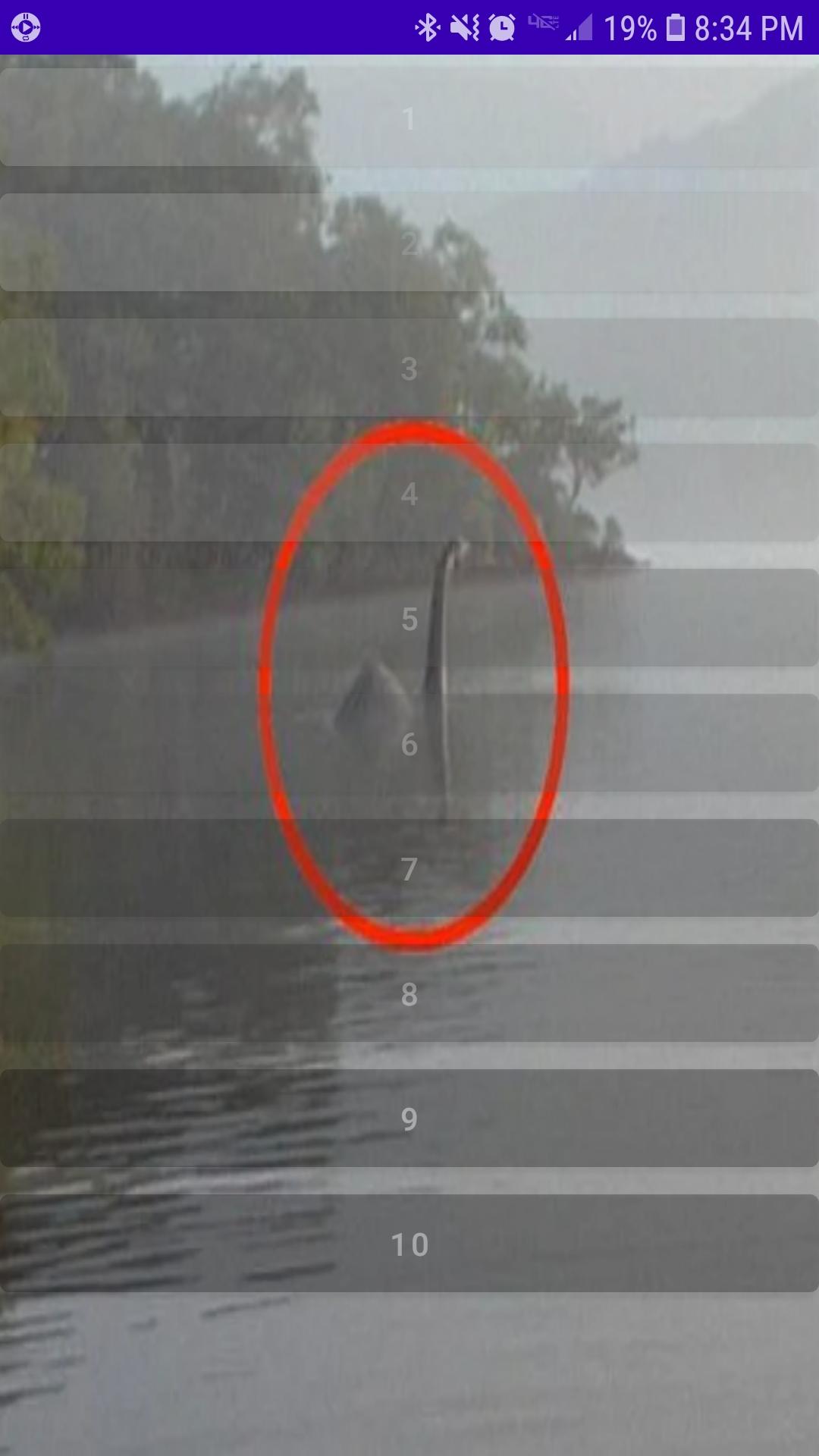
Loch Ness Monster Real Sounds features a collection of recently released sound recordings taken in the Northwest region of the lake. While Loch Ness is already well known for many strange appearances, the Loch Ness Monster continues to puzzle many sceptic, scientist and enthusiast alike. Many want to believe, yet even more remain unsure. Most just want the truth.
Recently released to the public comes a collection of audio recordings highly anticipated by most as factual proof the Loch Ness Monster lives and still inhabits the lake peacefully alongside many a brave fishermen.
What you hear may disturb you. Possibly even leave you feeling void of all purpose in response. Please take caution before glimpsing inside at what you may find. Loch Ness Monster Real Sounds is not for the faint hearted.
Preview
Tags
Music-&Information
Developer
Third Age Ai
Latest Version
3.0
Last Updated
2022-11-19
Category
Music-audio
Available on
Google Play
Show More
How to play Loch Ness Monster Real Sounds with GameLoop on PC
1. Download GameLoop from the official website, then run the exe file to install GameLoop
2. Open GameLoop and search for “Loch Ness Monster Real Sounds” , find Loch Ness Monster Real Sounds in the search results and click “Install”
3. Enjoy playing Loch Ness Monster Real Sounds on GameLoop
Minimum requirements
OS
Windows 8.1 64-bit or Windows 10 64-bit
GPU
GTX 1050
CPU
i3-8300
Memory
8GB RAM
Storage
1GB available space
Recommended requirements
OS
Windows 8.1 64-bit or Windows 10 64-bit
GPU
GTX 1050
CPU
i3-9320
Memory
16GB RAM
Storage
1GB available space