
Lk Player PC
Lakmini International
Download Lk Player on PC With GameLoop Emulator
Lk Player sa PC
Ang Lk Player, na nagmumula sa developer na Lakmini International, ay tumatakbo sa Android systerm sa nakaraan.
Ngayon, maaari mong laruin ang Lk Player sa PC gamit ang GameLoop nang maayos.
I-download ito sa GameLoop library o mga resulta ng paghahanap. Hindi na tumitingin sa baterya o nakakadismaya na mga tawag sa maling oras.
I-enjoy lang ang Lk Player PC sa malaking screen nang libre!
Lk Player Panimula
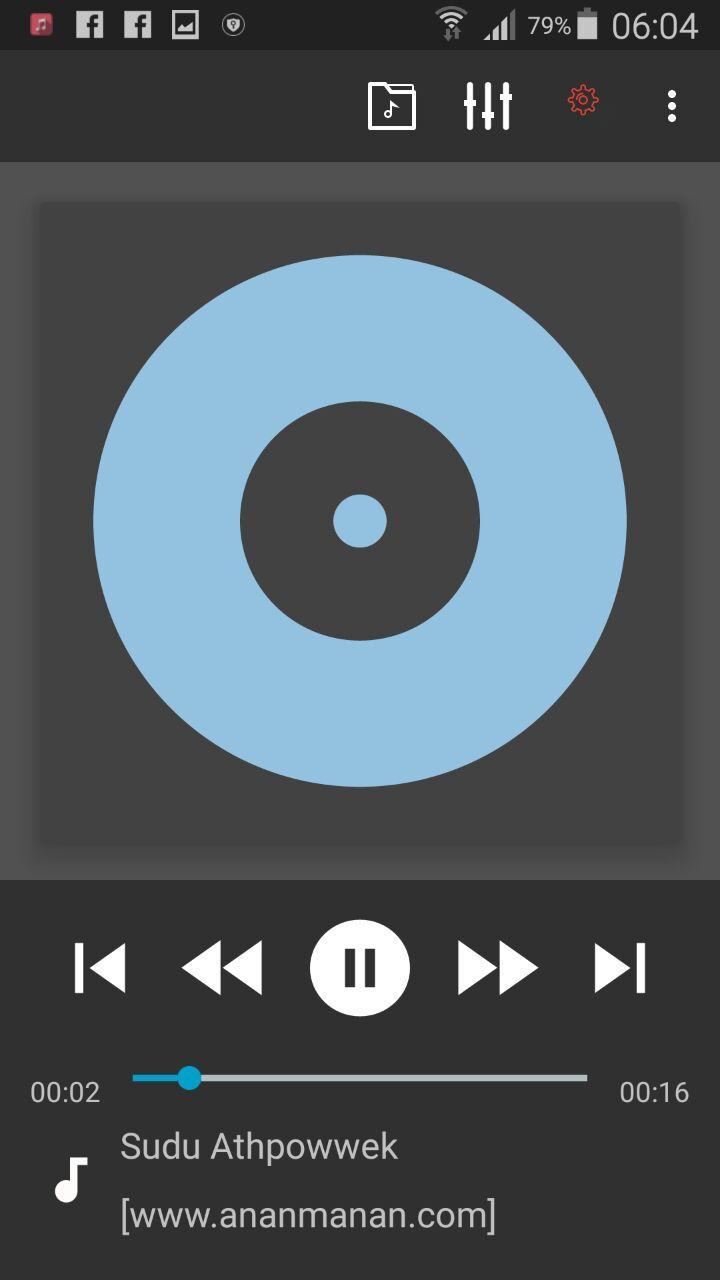
Please check Common features below in the description.
Key Features:
- plays mp3, mp4/m4a (incl. alac), ogg, wma*, flac, wav, ape, wv, tta, mpc, aiff
- 10 band optimized graphical equalizer for all supported formats, presets, custom presets
- separate powerful Bass and Treble adjustment
- stereo eXpansion, mono mixing, balance
- crossfade
- gapless
- replay gain
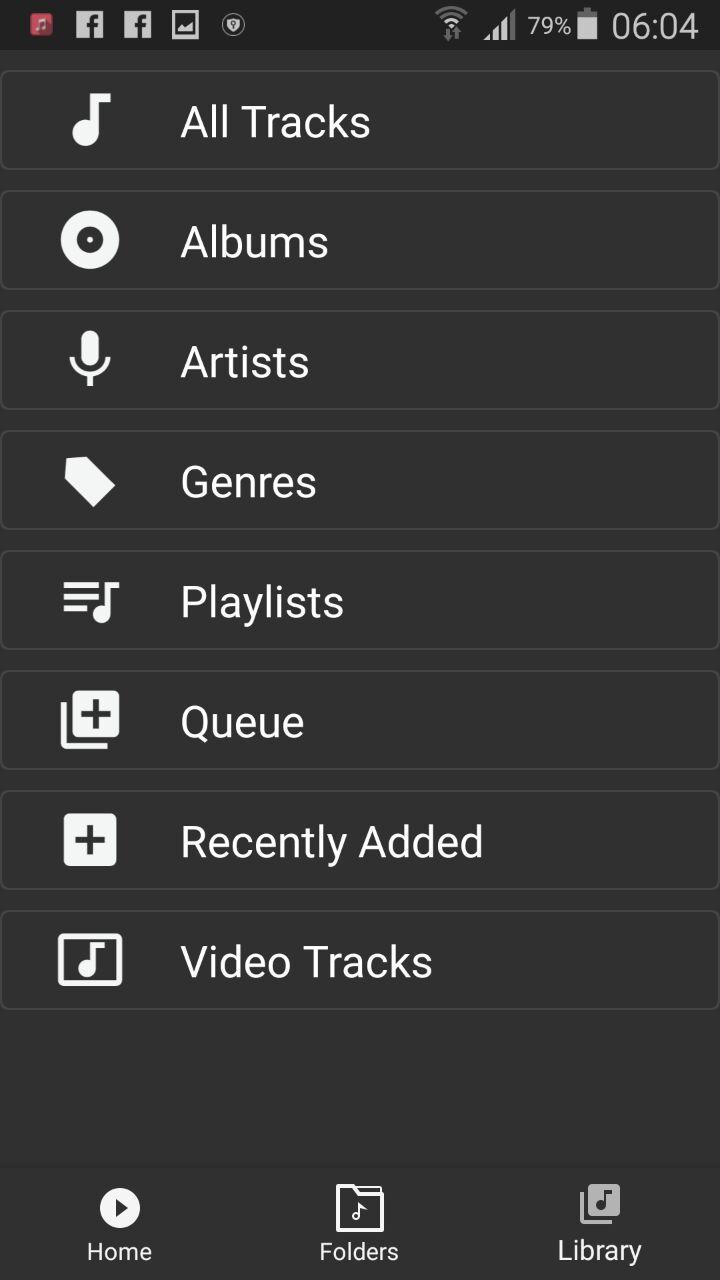
- plays songs from folders and from own library
- dynamic queue
- lyrics support, including lyrics search via musiXmatch plugin
- embed and standalone .cue files support
- support for m3u, m3u8, pls, wpl playlists
- OpenGL based cover art animation
- downloads missing album art
- custom visual themes, lot of skins available on Play
- 4 widget types with many selectable styles, advanced customization; Android 4.2 lock screen widgets
- configurable lock screen
- headset support, automatic Resume on headset and/or BT connection (can be disabled in settings)
- scrobbling
- tag editor
- fast library scan
- high level of customization via settings
Preview
Information
Developer
Lakmini International
Latest Version
1.1
Last Updated
2018-04-25
Category
Music-audio
Available on
Google Play
Show More
How to play Lk Player with GameLoop on PC
1. Download GameLoop from the official website, then run the exe file to install GameLoop
2. Open GameLoop and search for “Lk Player” , find Lk Player in the search results and click “Install”
3. Enjoy playing Lk Player on GameLoop
Minimum requirements
OS
Windows 8.1 64-bit or Windows 10 64-bit
GPU
GTX 1050
CPU
i3-8300
Memory
8GB RAM
Storage
1GB available space
Recommended requirements
OS
Windows 8.1 64-bit or Windows 10 64-bit
GPU
GTX 1050
CPU
i3-9320
Memory
16GB RAM
Storage
1GB available space