KZ-Radio PC
Koizeay Apps
Download KZ-Radio on PC With GameLoop Emulator
KZ-Radio sa PC
Ang KZ-Radio, na nagmumula sa developer na Koizeay Apps, ay tumatakbo sa Android systerm sa nakaraan.
Ngayon, maaari mong laruin ang KZ-Radio sa PC gamit ang GameLoop nang maayos.
I-download ito sa GameLoop library o mga resulta ng paghahanap. Hindi na tumitingin sa baterya o nakakadismaya na mga tawag sa maling oras.
I-enjoy lang ang KZ-Radio PC sa malaking screen nang libre!
KZ-Radio Panimula
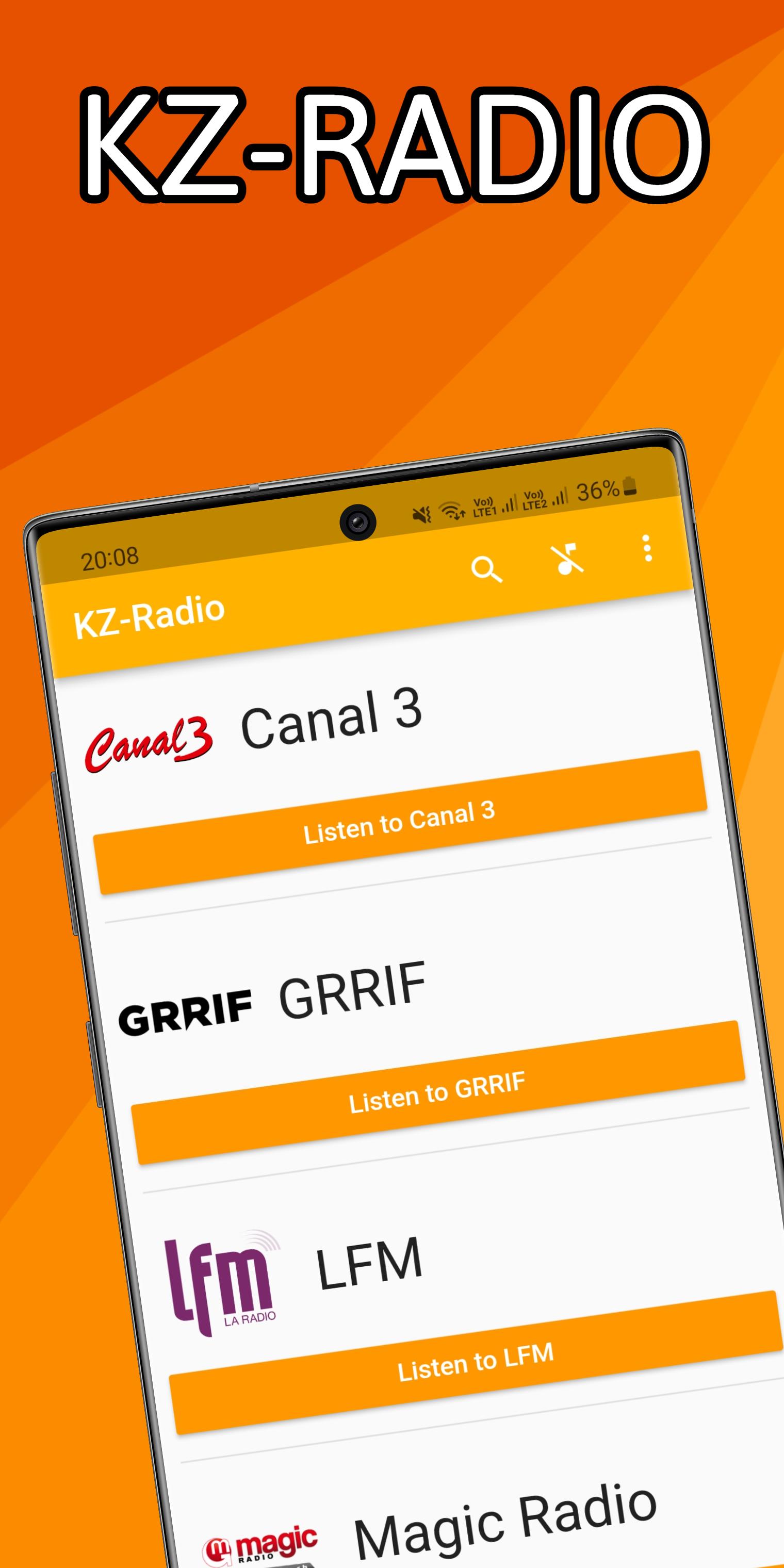
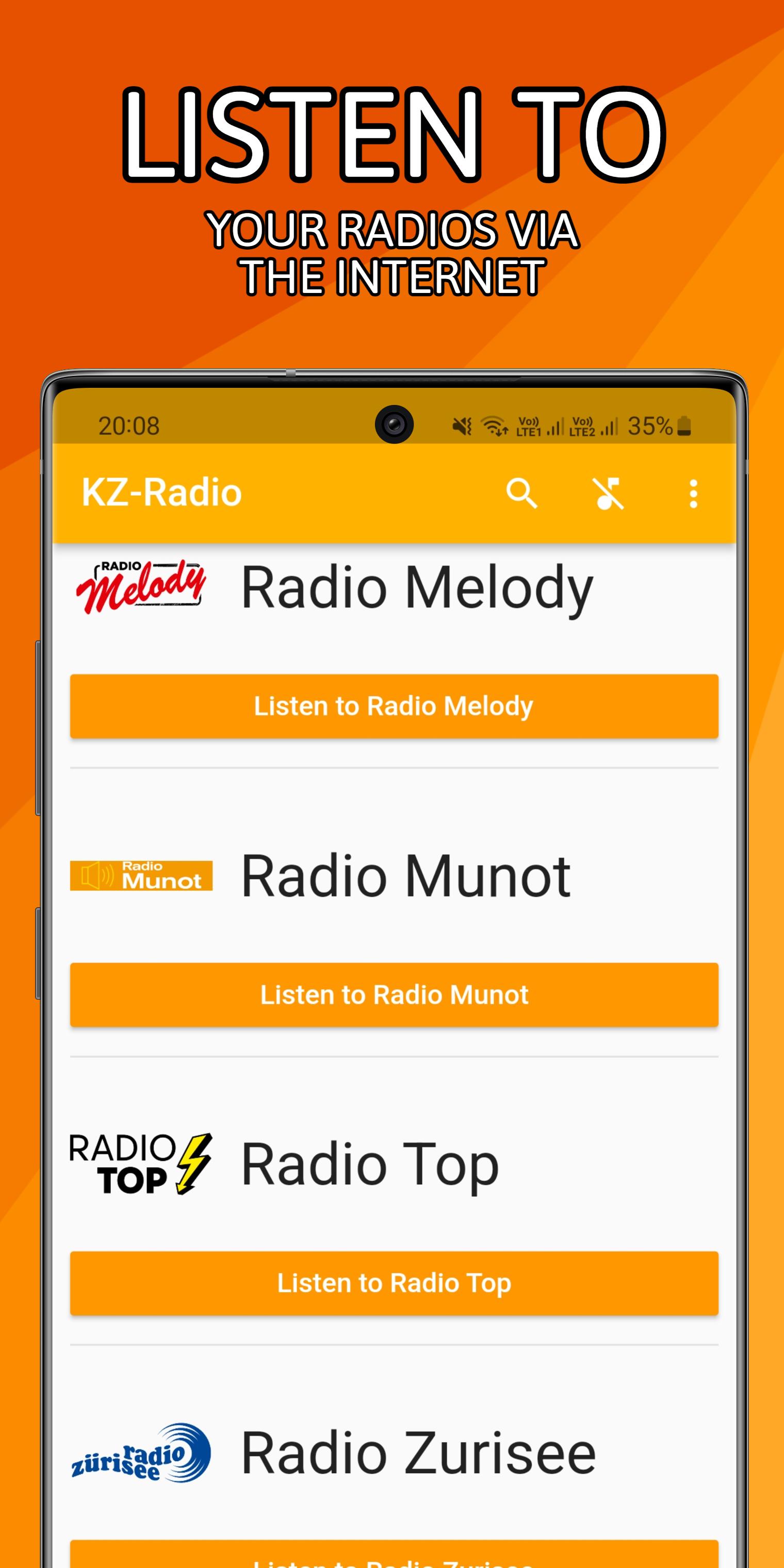
To listen to French-speaking Switzerland, German-speaking Switzerland, France or other countries radio stations anywhere in the world with an internet connection.
All you need is an internet connection to listen to the radio stations
By: Koizeay
https://koizeay.com
List of radios in the app (alphabetical order) :
French-speaking Switzerland :
• Canal 3
• GRRIF
• LFM
• Magic Radio
• NRJ Leman
• One FM
• Pirates Radio
• Radio Chablais
• Radio Fribourg
• Radio Lac
• Radio Ouistiti
• Radio Swiss Pop
• RFJ
• Rhône FM
• RJB
• Rouge FM
• RTN
• RTS Couleur 3
• RTS Espace 2
• RTS Option Musique
• RTS La Première
• Vertical Radio
German-speaking Switzerland :
• Canal 3 (DE)
• Diis Radio
• FM1
• GDS FM
• Jam On Radio
• James FM
• Life Channel
• RaBe
• Radio Argovia
• Radio Bern1
• Radio Eviva
• Radio Freiburg
• Radio Inside
• Radio Melody
• Radio Munot
• Radio Zürisee
• SRF 1
• SRF 2
• SRF 3
• SRF 4
• SRF Musikwelle
• SRF Virus
• Sunshine Radio
• Top Two
• Vintage Radio
France :
• Chérie FM
• Europe 1
• Flip
• France Culture
• France Info
• France Inter
• France Musique
• Fun Radio France
• M Radio
• Mouv'
• Nostalgie France
• NRJ (France)
• Ouï FM
• Phare FM
• Radio Classique
• Rire & Chansons
• RFM
• RTL
• RTL 2
• Skyrock
• Virgin Radio
Other countries :
You can add a custom JSON file that will add your custom radios streams
Preview
Tags
Music-&Information
Developer
Koizeay Apps
Latest Version
6.4.0
Last Updated
2023-01-28
Category
Music-audio
Available on
Google Play
Show More
How to play KZ-Radio with GameLoop on PC
1. Download GameLoop from the official website, then run the exe file to install GameLoop
2. Open GameLoop and search for “KZ-Radio” , find KZ-Radio in the search results and click “Install”
3. Enjoy playing KZ-Radio on GameLoop
Minimum requirements
OS
Windows 8.1 64-bit or Windows 10 64-bit
GPU
GTX 1050
CPU
i3-8300
Memory
8GB RAM
Storage
1GB available space
Recommended requirements
OS
Windows 8.1 64-bit or Windows 10 64-bit
GPU
GTX 1050
CPU
i3-9320
Memory
16GB RAM
Storage
1GB available space