Korg M1 tone patcher PC
Synthkorea
Download Korg M1 tone patcher on PC With GameLoop Emulator
Korg M1 tone patcher sa PC
Ang Korg M1 tone patcher, na nagmumula sa developer na Synthkorea, ay tumatakbo sa Android systerm sa nakaraan.
Ngayon, maaari mong laruin ang Korg M1 tone patcher sa PC gamit ang GameLoop nang maayos.
I-download ito sa GameLoop library o mga resulta ng paghahanap. Hindi na tumitingin sa baterya o nakakadismaya na mga tawag sa maling oras.
I-enjoy lang ang Korg M1 tone patcher PC sa malaking screen nang libre!
Korg M1 tone patcher Panimula
★ What is synth Patcher App?
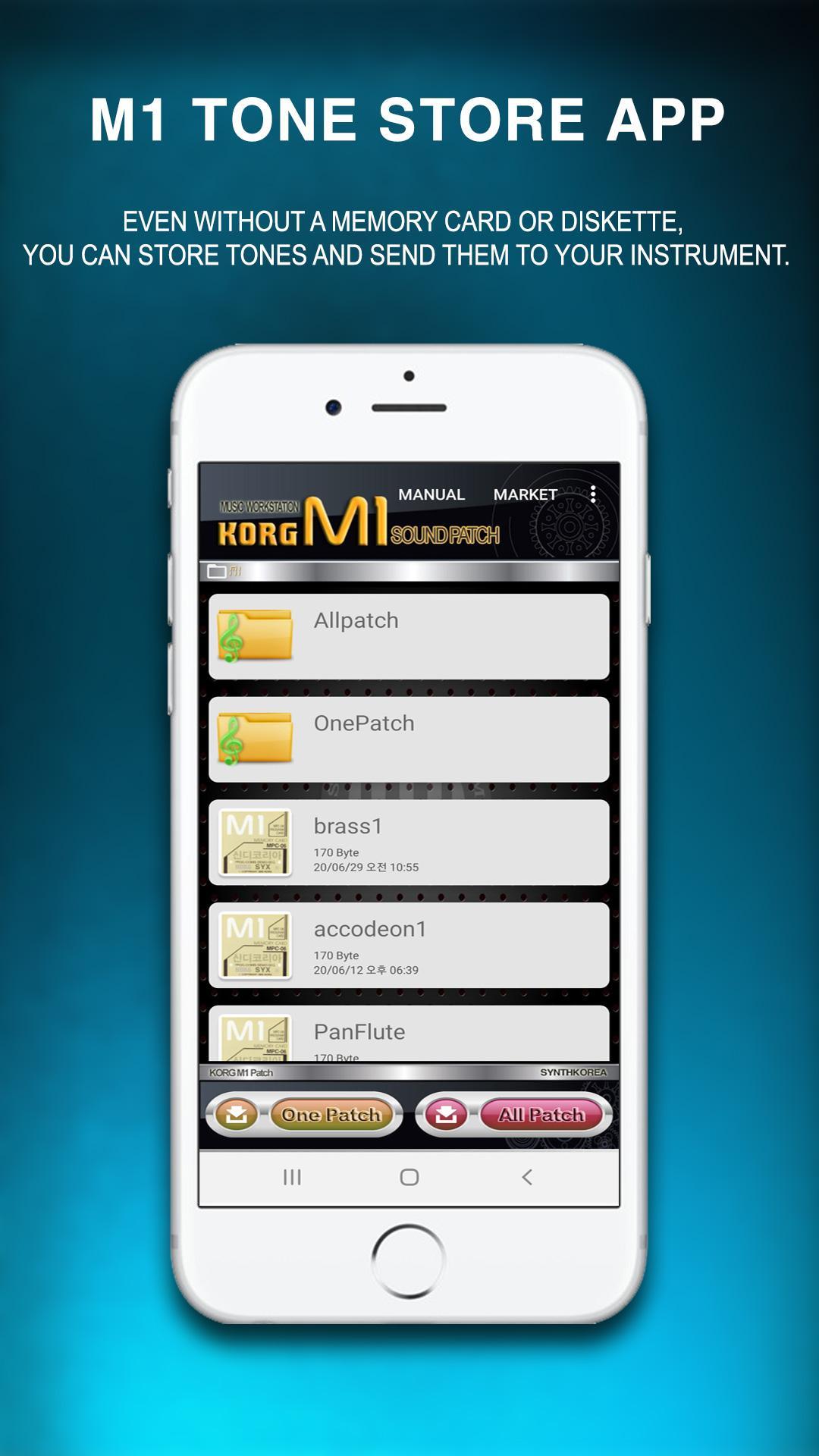
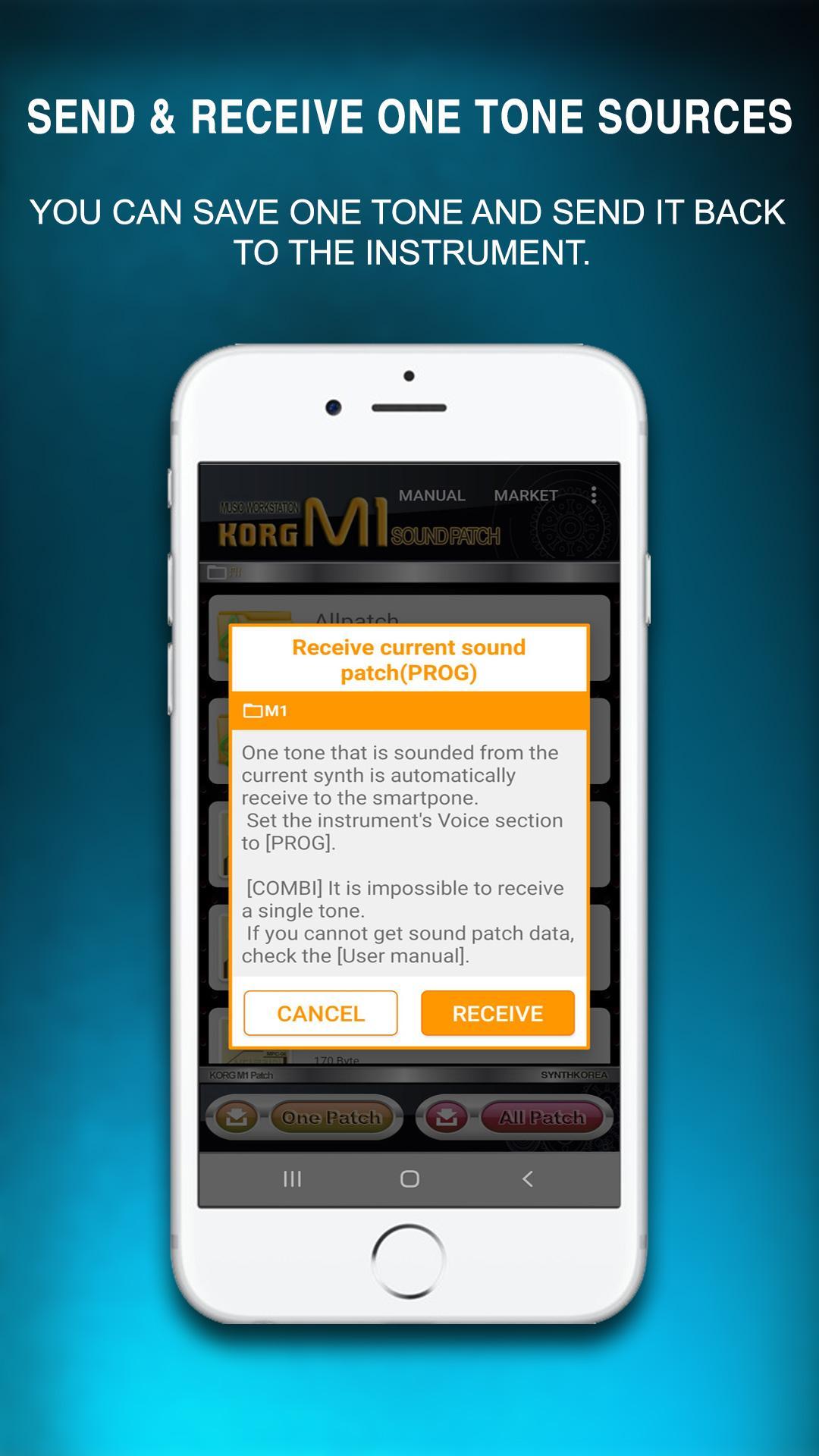
It is a synthesizer-only tone storage application that stores instrument sound sources with a smartphone and transfers them back to the instrument even without a synthesizer or keyboard storage device (memory pack, card, diskette).
[Features of the Patcher App]
▷ Any beginner can easily and conveniently put the tone into the synth instrument.
▷ All synthesizers are provided with factory-released sound sources for free.
▷ You can save one tone individually.
▷ Dozens of parts can be stored in the same way as the instrument's internal sound source is stored in the memory pack.
▷ You can download various voices for free from the patch market and
share them with your friends.
▷ Sound source can be easily saved by using the wireless Bluetooth MIDI adapter.
▷ Musician representatives or related workers can easily manage sound source files for each customer.
▷ When a new tone is registered, you can receive an automatic notification.
▶ Preparations when using the patcher app
→ To use the patcher app, you need a wireless Bluetooth MIDI adapter or a wired USB MIDI cable.
→ Synthkorea recommends using a wireless Bluetooth MIDI adapter.
※ The wireless Bluetooth MIDI adapter for Synthkorea app is a product of YAMAHA MD-BT01.
※ App-compatible USB MIDI cable
*Alesis USB-MIDI CABLE (Recommended)
*Roland UM-ONE mk2
*Edirol UM-1X
→ For detailed information on the wireless Bluetooth MIDI adapter and USB MIDI cable, please refer to the User Manual at the top of the app.
▶ We strongly recommend synth patcher app to the following people.
→ When a dedicated voice memory pack is not available
→ When the instrument's floppy disk is broken
→ When the sound of the instrument is abnormal (download the instrument initialization sound from the application sound source market)
→ When only a few specific tones are needed
→ When you often get tired of musical instrument tone
※ For detailed information and various application information, please check the website of Synthkorea.
http://synthkorea.com
>> Available for Android version 6.0 or higher. <<
Preview
Tags
Music-&Information
Developer
Synthkorea
Latest Version
4.0
Last Updated
2021-10-29
Category
Music-audio
Available on
Google Play
Show More
How to play Korg M1 tone patcher with GameLoop on PC
1. Download GameLoop from the official website, then run the exe file to install GameLoop
2. Open GameLoop and search for “Korg M1 tone patcher” , find Korg M1 tone patcher in the search results and click “Install”
3. Enjoy playing Korg M1 tone patcher on GameLoop
Minimum requirements
OS
Windows 8.1 64-bit or Windows 10 64-bit
GPU
GTX 1050
CPU
i3-8300
Memory
8GB RAM
Storage
1GB available space
Recommended requirements
OS
Windows 8.1 64-bit or Windows 10 64-bit
GPU
GTX 1050
CPU
i3-9320
Memory
16GB RAM
Storage
1GB available space