KEF Digital Media Control PC
GP Acoustics International Ltd
Download KEF Digital Media Control on PC With GameLoop Emulator
KEF Digital Media Control sa PC
Ang KEF Digital Media Control, na nagmumula sa developer na GP Acoustics International Ltd, ay tumatakbo sa Android systerm sa nakaraan.
Ngayon, maaari mong laruin ang KEF Digital Media Control sa PC gamit ang GameLoop nang maayos.
I-download ito sa GameLoop library o mga resulta ng paghahanap. Hindi na tumitingin sa baterya o nakakadismaya na mga tawag sa maling oras.
I-enjoy lang ang KEF Digital Media Control PC sa malaking screen nang libre!
KEF Digital Media Control Panimula
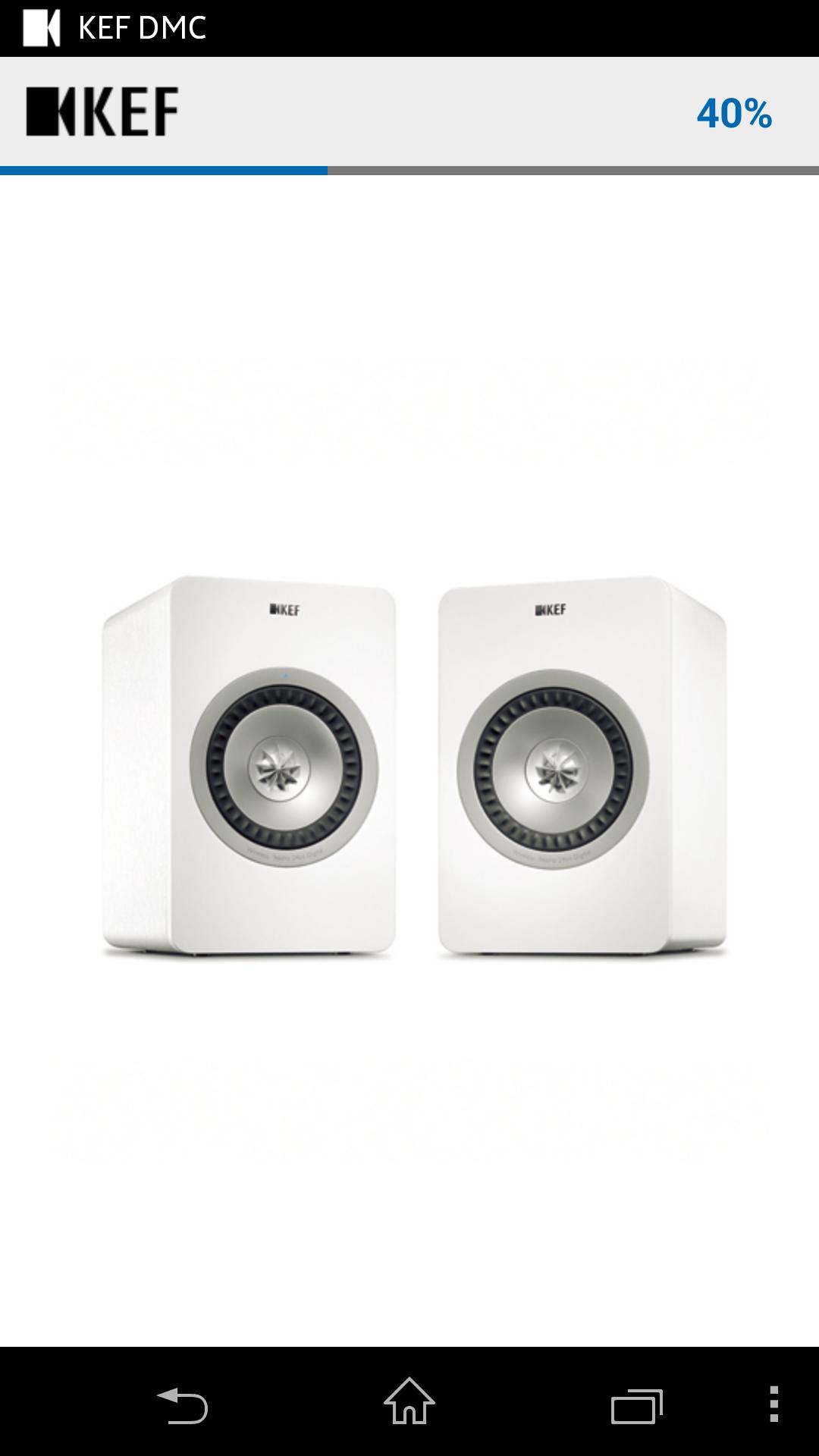
The KEF Digital Media Control (DMC) is an all-in-one music streaming control designed to bring you the best wireless streaming experience from the KEF Wireless Digital Hi-Fi Speaker System - the X300A Wireless.
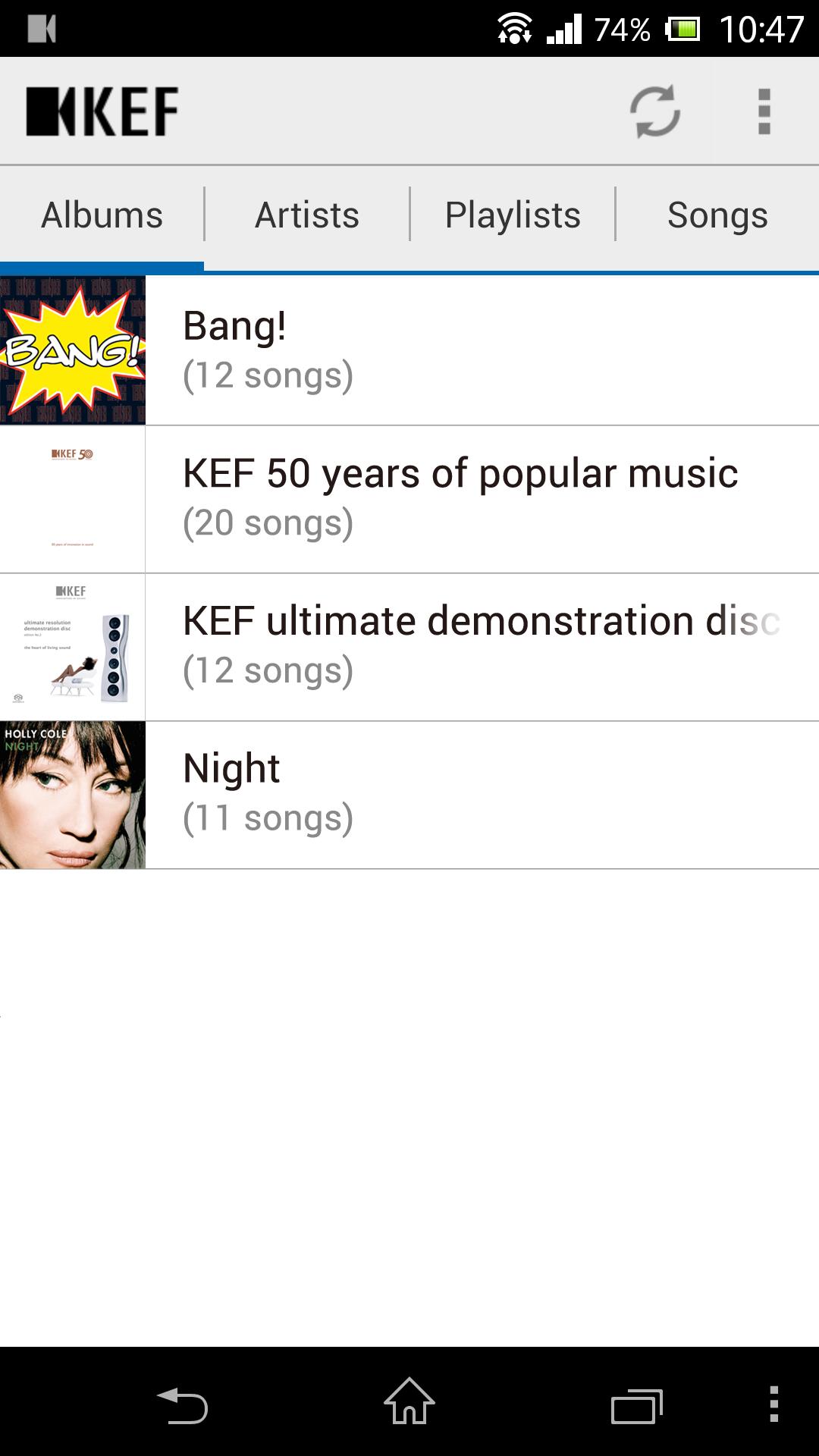
With simple to follow steps and an easy-to-understand user friendly interface, you don't need to be a tech-wizard to get a stable and high fidelity streaming experience. Simply ensure your X300A Wireless speakers and Android device are in the same Wi-Fi network and the KEF DMC will enable you to freely swap between different music libraries and stream your favourite music to the speakers. The KEF DMC also supports lossless music file formats such as FLAC and WAV, so the X300A Wireless will let you enjoy the precision and emotional intensity of true Hi-Fi sound with no loss of musical detail.
Features:
- Total compatibility to KEF X300A Wireless speakers
- One-click selection of music server (any Android device and PC with media sharing server)
- One-click selection of speakers
- Quick access to the music you want to play
- Personalised playlist creation
- Easy-to-manage library list
- Easy-to-follow user interface
- Lossless FLAC, WAV supported
Requirements:
- The KEF X300A Wireless speakers
- Android device running Android OS version 2.3 or later
- PC with media sharing software can be controlled by the KEF DMC
Preview
Information
Developer
GP Acoustics International Ltd
Latest Version
1.2.0
Last Updated
2017-03-07
Category
Music-audio
Available on
Google Play
Show More
How to play KEF Digital Media Control with GameLoop on PC
1. Download GameLoop from the official website, then run the exe file to install GameLoop
2. Open GameLoop and search for “KEF Digital Media Control” , find KEF Digital Media Control in the search results and click “Install”
3. Enjoy playing KEF Digital Media Control on GameLoop
Minimum requirements
OS
Windows 8.1 64-bit or Windows 10 64-bit
GPU
GTX 1050
CPU
i3-8300
Memory
8GB RAM
Storage
1GB available space
Recommended requirements
OS
Windows 8.1 64-bit or Windows 10 64-bit
GPU
GTX 1050
CPU
i3-9320
Memory
16GB RAM
Storage
1GB available space