Hammered Dulcimer PC
AppCordions
Download Hammered Dulcimer on PC With GameLoop Emulator
Hammered Dulcimer sa PC
Ang Hammered Dulcimer, na nagmumula sa developer na AppCordions, ay tumatakbo sa Android systerm sa nakaraan.
Ngayon, maaari mong laruin ang Hammered Dulcimer sa PC gamit ang GameLoop nang maayos.
I-download ito sa GameLoop library o mga resulta ng paghahanap. Hindi na tumitingin sa baterya o nakakadismaya na mga tawag sa maling oras.
I-enjoy lang ang Hammered Dulcimer PC sa malaking screen nang libre!
Hammered Dulcimer Panimula
Hammered Dulcimer is an amazing Hammered Dulcimer app for Android.
Written by an experienced Hammered Dulcimer player, this virtual dulcimer sounds and plays like the real thing!
The Hammered Dulcimer is a popular stringed instrument for American folk music and traditional Irish music.
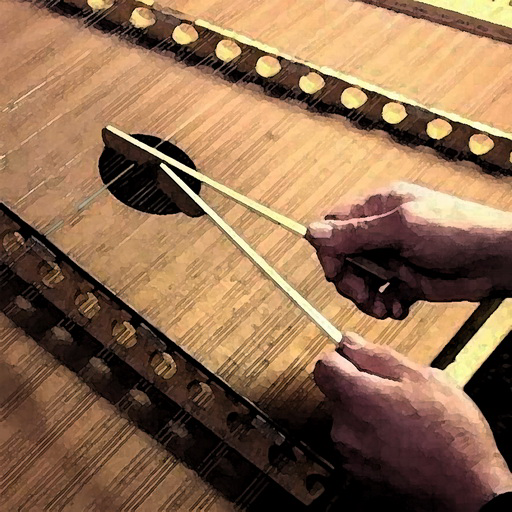
The real instrument is played with two small wooden hammers that are used to strike the strings. The app works exactly the same way, except using your fingers.
Quick response and a huge sound make this dulcimer app like no other.
Hammered Dulcimer Free emulates a 12/11-style Hammered Dulcimer.
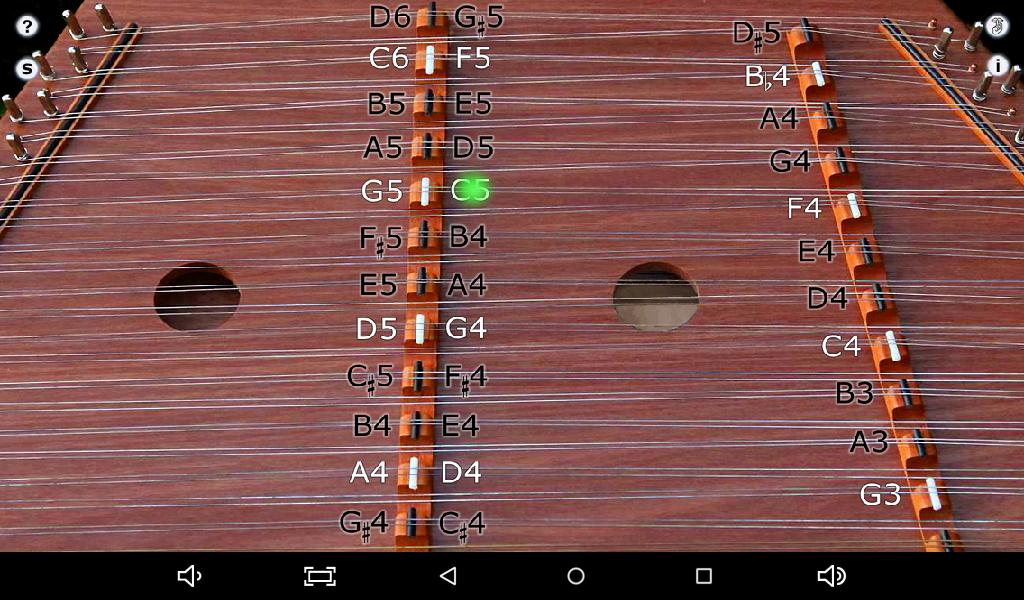
12/11 means there are 12 bridges on the Treble (left) side of the instrument, 11 bridges on the Bass (right) side of the instrument. The left side of the Treble bridge is 5 scale tones above the right (a fifth).
To play, just touch the strings on either side of the left (Treble) bridge or the left side of the right (Bass) bridge just like the real instrument.
To play a scale, start on any white bridge marker, play 4 notes up the same bridge, then switch to the other side of the bridge at the white marker where you started and play up 4 more notes. If you start on the Bass bridge, switch to the white marker on the right side of the Treble bridge.
To get repeated note "drag roll" effects as are done on the reed instrument, drag quickly horizontally across the strings. The sensitivity of the drag effect may be set in the control panel.
Touch the "?" on the upper left corner to show the note names for the strings.
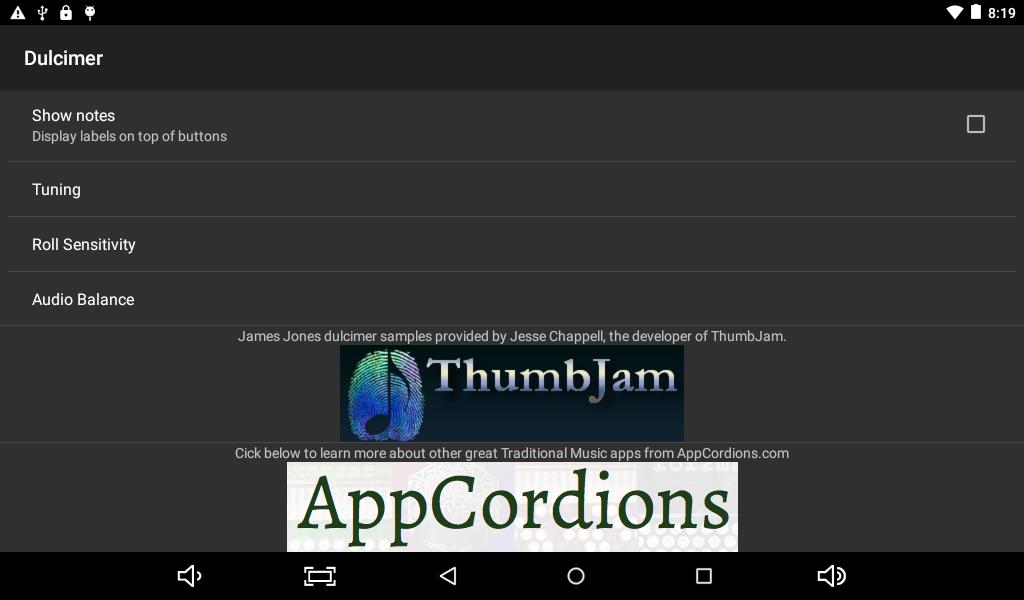
Touch the "i" to bring up the settings screen where you can enable or disable the drag roll feature and set the roll sensitivity for how far you need to drag to get the roll effect.
On this screen you can switch between Stereo (default) and Mono sound.
Set the switch to Stereo for the highest quality experience or for use with headphones or an external amplifier.
Set the switch to Mono if the audio hardware on your phone or tablet only plays sound to the speaker from either the right or left channel. Some low-end tablets have this limitation.
Touch the button below the "?" to toggle between Standard and Michigan (octave) tuning.
Hammered Dulcimer Free is ad-supported.
Looking for a version without ads? Please check out our "Trapezoid - Hammered Dulcimer" app!
Touch the "Shhh" button on the upper right corner to quiet all the strings.
Because of the large number of strings that can be played, the app works best on the larger screen Android phones and tablet.
Samples of Wes Chappell's fantastic Hammered Dulcimer provided by Jesse Chappell at ThumbJam.com. The instrument was built by James Jones, from Bedford, VA.
Hammered Dulcimers are found in many forms worldwide including the Cimbalom in Eastern Europe, the Santur (Santoor) in Iran, Iraq, and India, and the Yangqin in China.
Preview
Tags
Music-&Information
Developer
AppCordions
Latest Version
1.18
Last Updated
2022-01-03
Category
Music-audio
Available on
Google Play
Show More
How to play Hammered Dulcimer with GameLoop on PC
1. Download GameLoop from the official website, then run the exe file to install GameLoop
2. Open GameLoop and search for “Hammered Dulcimer” , find Hammered Dulcimer in the search results and click “Install”
3. Enjoy playing Hammered Dulcimer on GameLoop
Minimum requirements
OS
Windows 8.1 64-bit or Windows 10 64-bit
GPU
GTX 1050
CPU
i3-8300
Memory
8GB RAM
Storage
1GB available space
Recommended requirements
OS
Windows 8.1 64-bit or Windows 10 64-bit
GPU
GTX 1050
CPU
i3-9320
Memory
16GB RAM
Storage
1GB available space