
Guitar Tuner Pro, Chords PC
Betasoft Inc
Download Guitar Tuner Pro, Chords on PC With GameLoop Emulator
Guitar Tuner Pro, Chords sa PC
Ang Guitar Tuner Pro, Chords, na nagmumula sa developer na Betasoft Inc, ay tumatakbo sa Android systerm sa nakaraan.
Ngayon, maaari mong laruin ang Guitar Tuner Pro, Chords sa PC gamit ang GameLoop nang maayos.
I-download ito sa GameLoop library o mga resulta ng paghahanap. Hindi na tumitingin sa baterya o nakakadismaya na mga tawag sa maling oras.
I-enjoy lang ang Guitar Tuner Pro, Chords PC sa malaking screen nang libre!
Guitar Tuner Pro, Chords Panimula
Guitar Tuner Pro, Bass Tuner is a high-quality tuning application designed for string instruments like guitar, bass, ukulele, banjo, violin, etc. It’s easy to use, convenient, fast and extremely precise.
With precise tuning performance not inferior to any expensive professional physical tuner, the tuner lets you tune your instrument quickly and accurately anywhere, anytime. Besides, it is a useful tool to help you improve your rhythm and playing instrument skills. Let's find out what it has.
Our guitar string tuning app has it all:
- A powerful tuner for all musicians
- Varieties of tunings for guitar including standard guitar tuning and alternate tunings
- A virtual metronome with tap-for-tempo, multiple time signatures and subdivisions
- A rich guitar chord library to learn and practice
- A chromatic tuner for experts
All you need in a single guitar tuning app.
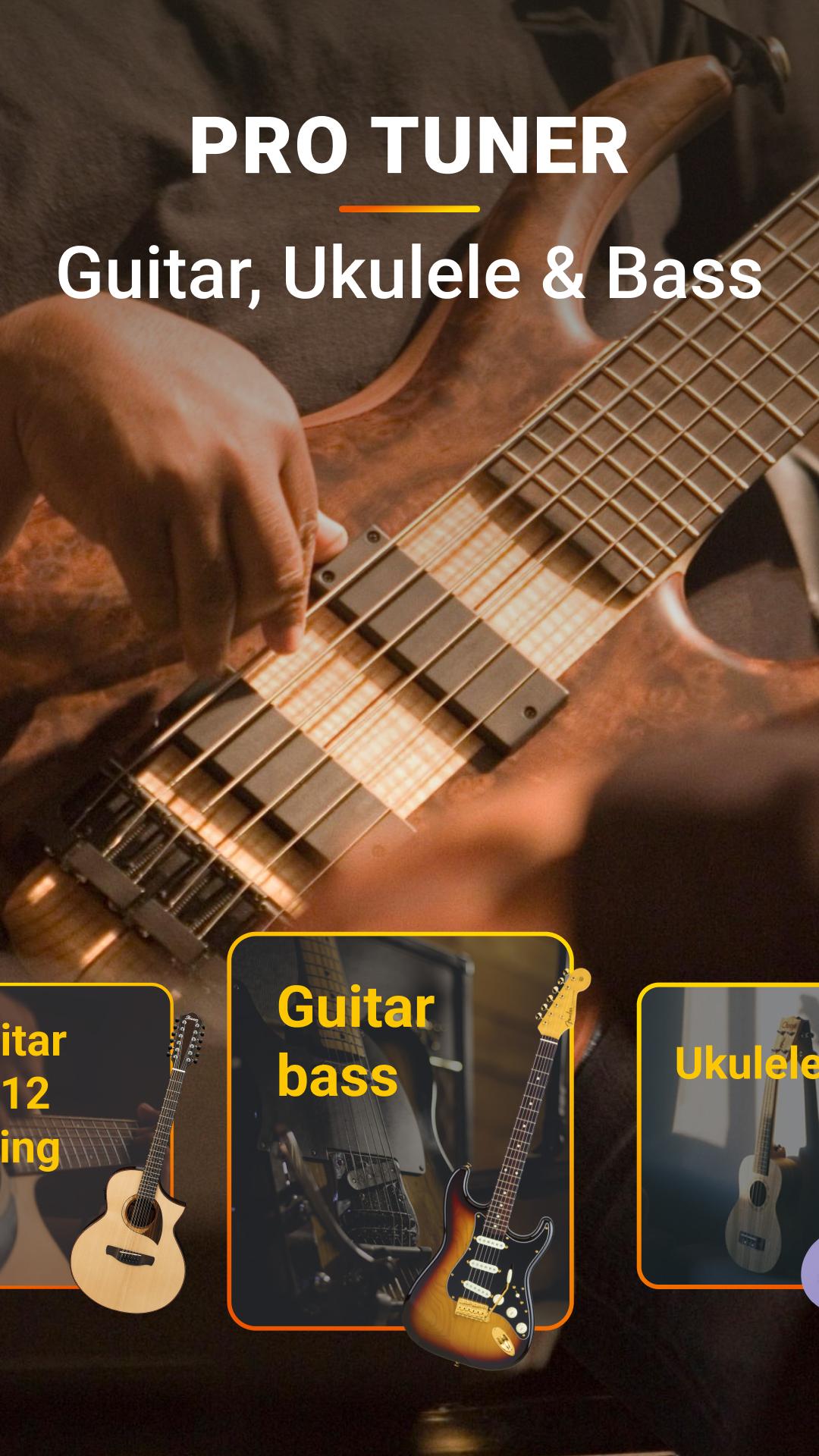
In addition to being an acoustic and electric guitar tuner, it is also a bass tuner, ukulele tuner, violin tuner and a tuner for many other popular stringed instruments.
Our tuner works well with over 20 other popular stringed instruments, including:
* Guitar: 7-string, 12-string
* Bass: 4-string, 5-string, 6-string, 7-string
* Ukulele and Cavaquinho: Soprano, Concert, Tenor, and Baritone
* Violin family: Violin, Viola, Cello, Fiddle, Double Bass
* Folk instrument: Mandolin, Mandola, Mandocello, Mandobass, Balalaika, Banjo
And provide dozens of corresponding tunings for each instrument:
- 7-string & 12-string guitar tunings: Standard, Russian Open G, Variant, etc.
- Bass guitar tunings: Standard, Drop C, Half-step, Full-step, etc.
- Ukulele tunings: Standard ukulele tuning, Open D ,Open G, etc.
- Violin tuning, fiddle tuning
- Banjo tuning
- And more
How it works
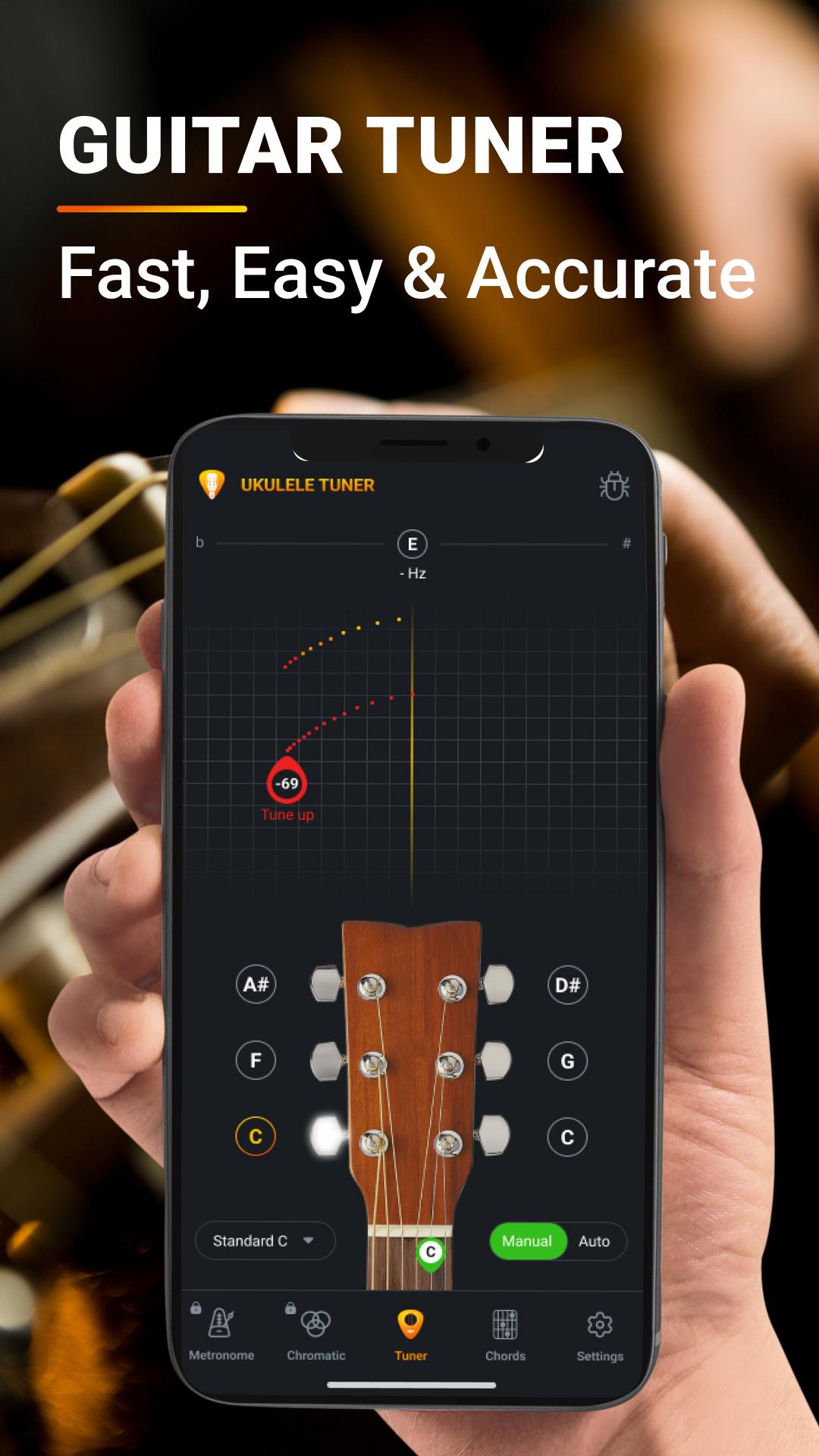
- Put your phone's microphone close to the guitar, pluck a string and Guitar Tuner, Bass Tuner will automatically detect the sound.
- You’ll get instant visual feedback while tuning. The app will let you know if the note you’re playing is sharp (too high), flat (too low), or if it is in tune.. No cables needed.
- Our advanced sound recognition technology eliminates background noise during tuning, ensuring extremely precise tuning.
Guitar Tuner, Bass Tuner is a convenient and optimal alternative to many physical tools including guitar tuner, metronome and thick chord books. In addition to tune your guitar in standard tuning, you can try alternate tunings like drop b tuning, drop d tuning, open a, etc. for a new, more unique sound experience. Using the built-in metronome to practice your rhythm, keep your timing and improve your musical skills. Plus, our extensive chord library is constantly being filled up so you're free to learn and practice new chords.
Guitar Tuner is now available on the App Store, don't hesitate to download and grab the chance to use our premium guitar tuner for free.
Try it out and let us know your experience!
Privacy policy and Terms of Use : https://sites.google.com/view/privacy-policy-betasoft-inc
Preview
Tags
Music-&Information
Developer
Betasoft Inc
Latest Version
1.3
Last Updated
2023-03-13
Category
Music-audio
Available on
Google Play
Show More
How to play Guitar Tuner Pro, Chords with GameLoop on PC
1. Download GameLoop from the official website, then run the exe file to install GameLoop
2. Open GameLoop and search for “Guitar Tuner Pro, Chords” , find Guitar Tuner Pro, Chords in the search results and click “Install”
3. Enjoy playing Guitar Tuner Pro, Chords on GameLoop
Minimum requirements
OS
Windows 8.1 64-bit or Windows 10 64-bit
GPU
GTX 1050
CPU
i3-8300
Memory
8GB RAM
Storage
1GB available space
Recommended requirements
OS
Windows 8.1 64-bit or Windows 10 64-bit
GPU
GTX 1050
CPU
i3-9320
Memory
16GB RAM
Storage
1GB available space