
FN Music Extension PC
GoneMAD Software LLC
Download FN Music Extension on PC With GameLoop Emulator
FN Music Extension sa PC
Ang FN Music Extension, na nagmumula sa developer na GoneMAD Software LLC, ay tumatakbo sa Android systerm sa nakaraan.
Ngayon, maaari mong laruin ang FN Music Extension sa PC gamit ang GameLoop nang maayos.
I-download ito sa GameLoop library o mga resulta ng paghahanap. Hindi na tumitingin sa baterya o nakakadismaya na mga tawag sa maling oras.
I-enjoy lang ang FN Music Extension PC sa malaking screen nang libre!
FN Music Extension Panimula
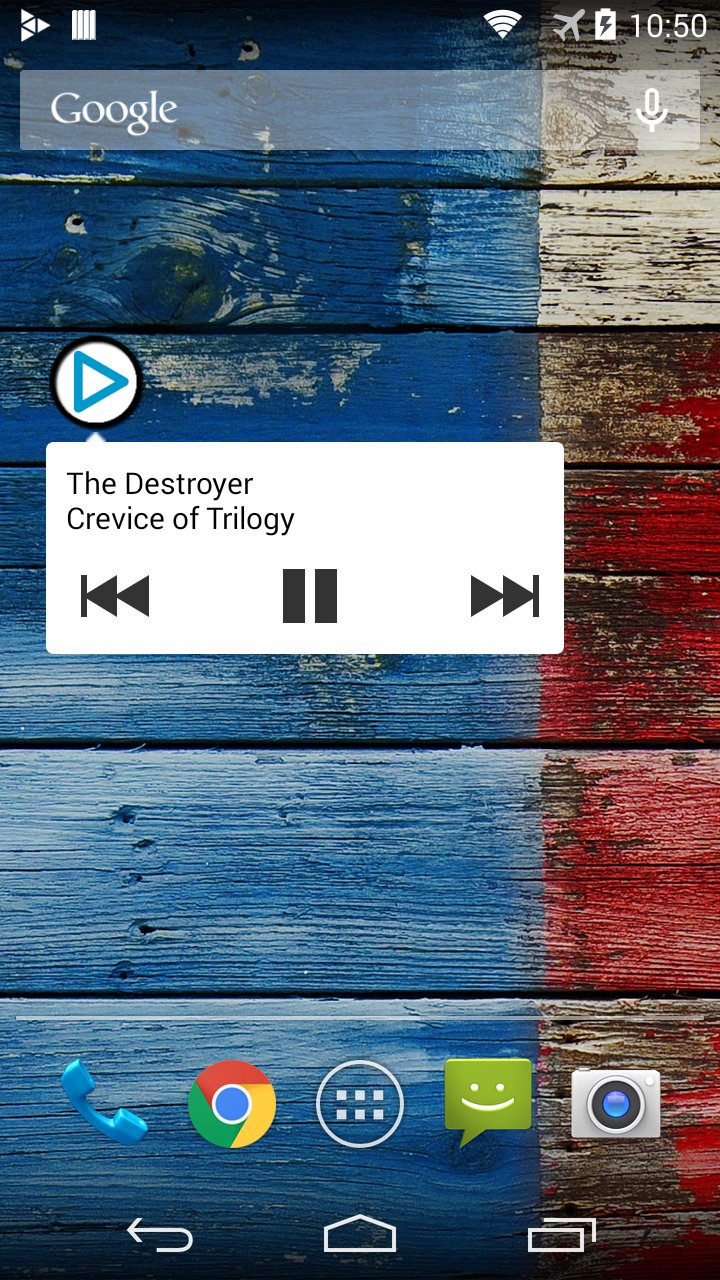
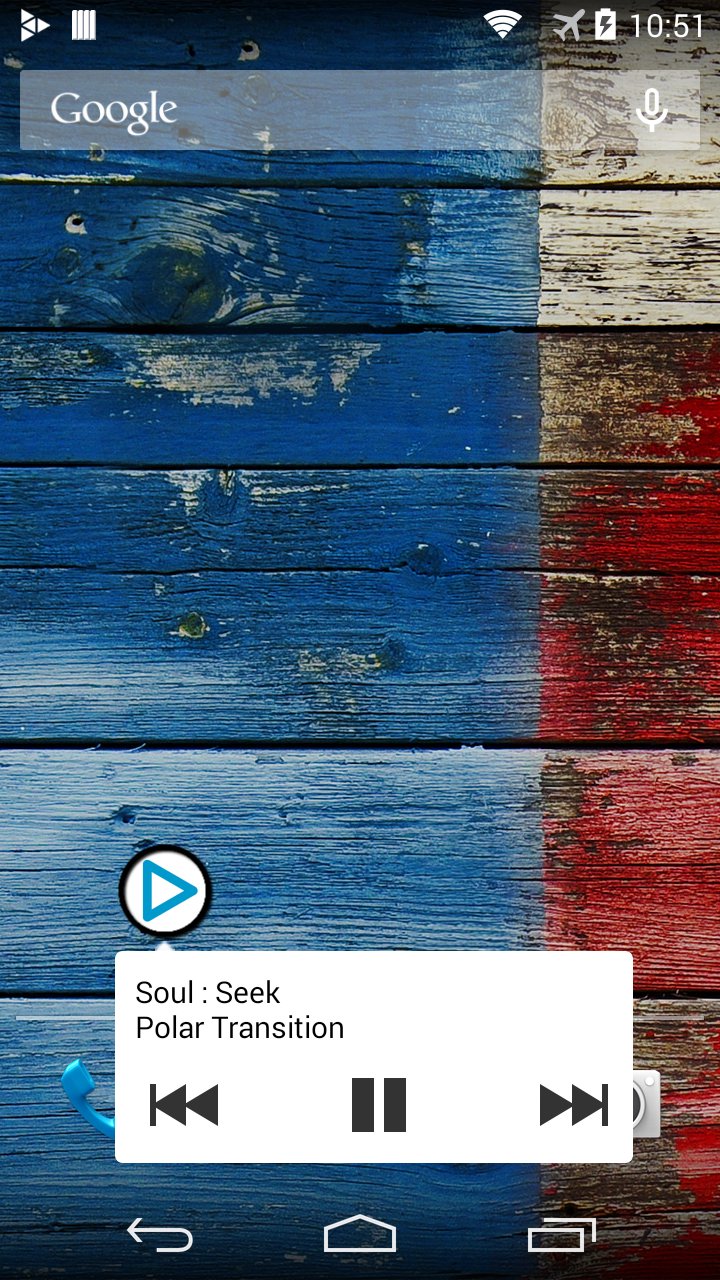
Shows the currently playing track and artist in Floatifications (Floating Notifications) along with buttons to control your music (play/pause/next/previous). Tapping on the next in the notification will launch the player of your choice (you must select the player to launch in the preferences).
Pro features:
-Show album art instead of default icon
-Automatic downloading of album art
-Customize what info is displayed and how it is formatted
The album art feature works with many players but some players that use their own database might not work, so be sure to use the album art test before purchasing.
Translations: http://www.getlocalization.com/FNMusicExtension/
Works with most music players. If your player does not work, try the suggestions below. If it still doesnt work then your player is not compatible because it does not broadcast out what its playing.
Android 4.4+: Enable the Notification Listener setting to support any player that also supports the android lockscreen music controls.
Android 4.3 and earlier: If your player has last.fm scrobbling support, enable that. If not, look for a setting to broadcast metadata and enable that.
FN Music Extension requires Floatifications (Floating Notifications) by Rob J:
https://play.google.com/store/apps/details?id=robj.floating.notifications
Email any suggestions/issues to gonemadsoftware@gmail.com or visit the forums: http://gonemadmusicplayer.proboards.com/index.cgi?board=fnfeedback
PERMISSIONS:
-com.android.vending.BILLING: Used for in app purchase of a pro version of this extension
-android.permission.INTERNET: Used to download album art
-android.permission.ACCESS_NETWORK_STATE: Used to download album art
-android.permission.WRITE_EXTERNAL_STORAGE: Used to save album art to storage
Preview
Tags
Music-&Information
Developer
GoneMAD Software LLC
Latest Version
2.3
Last Updated
2017-11-23
Category
Music-audio
Available on
Google Play
Show More
How to play FN Music Extension with GameLoop on PC
1. Download GameLoop from the official website, then run the exe file to install GameLoop
2. Open GameLoop and search for “FN Music Extension” , find FN Music Extension in the search results and click “Install”
3. Enjoy playing FN Music Extension on GameLoop
Minimum requirements
OS
Windows 8.1 64-bit or Windows 10 64-bit
GPU
GTX 1050
CPU
i3-8300
Memory
8GB RAM
Storage
1GB available space
Recommended requirements
OS
Windows 8.1 64-bit or Windows 10 64-bit
GPU
GTX 1050
CPU
i3-9320
Memory
16GB RAM
Storage
1GB available space