
Music Player - MP3 Player PC
Destiny Tool
Download Music Player - MP3 Player on PC With GameLoop Emulator
Music Player - MP3 Player sa PC
Ang Music Player - MP3 Player, na nagmumula sa developer na Destiny Tool, ay tumatakbo sa Android systerm sa nakaraan.
Ngayon, maaari mong laruin ang Music Player - MP3 Player sa PC gamit ang GameLoop nang maayos.
I-download ito sa GameLoop library o mga resulta ng paghahanap. Hindi na tumitingin sa baterya o nakakadismaya na mga tawag sa maling oras.
I-enjoy lang ang Music Player - MP3 Player PC sa malaking screen nang libre!
Music Player - MP3 Player Panimula
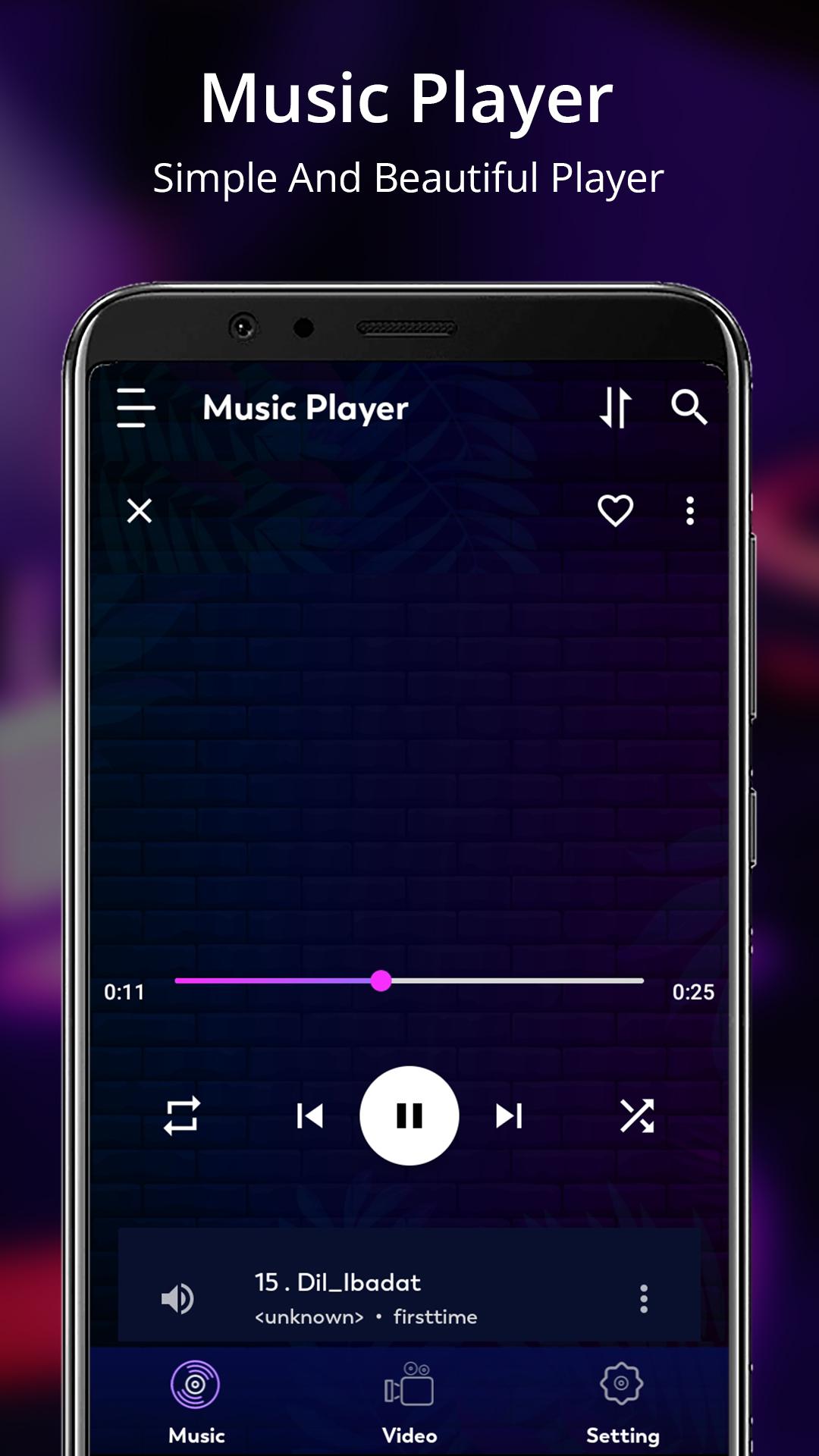
Enjoy your favorite songs and videos like never before with the Music Player - MP3 Player app!
This music player app supports almost all audio formats, including MP3, MIDI, WAV, FLAC, AAC, and more. Easily 🌐 browse and play your dream music by 🎼 genre, album, artist or song.
Whether you are at home or on the go, your music is always with you! More than just a music player, this app also offers a powerful video player with smooth playback capabilities. You can enjoy HD and Ultra HD videos in all formats on your Android device without any hassle or restrictions!
Key Features:
🎵 Enjoy your music in crystal-clear sound.
🎵 Browse your collection of music files.
🎵 Supports all 🎶 music file format MP3, MP4, WAV, M4A, FLAC, 3GP, OGC etc.
🎵 Plays ▶️ all audio files.
🎵 Mark Favorite songs ❤️ option on go.
🎵 Video Player gives you smoother, better-quality videos.
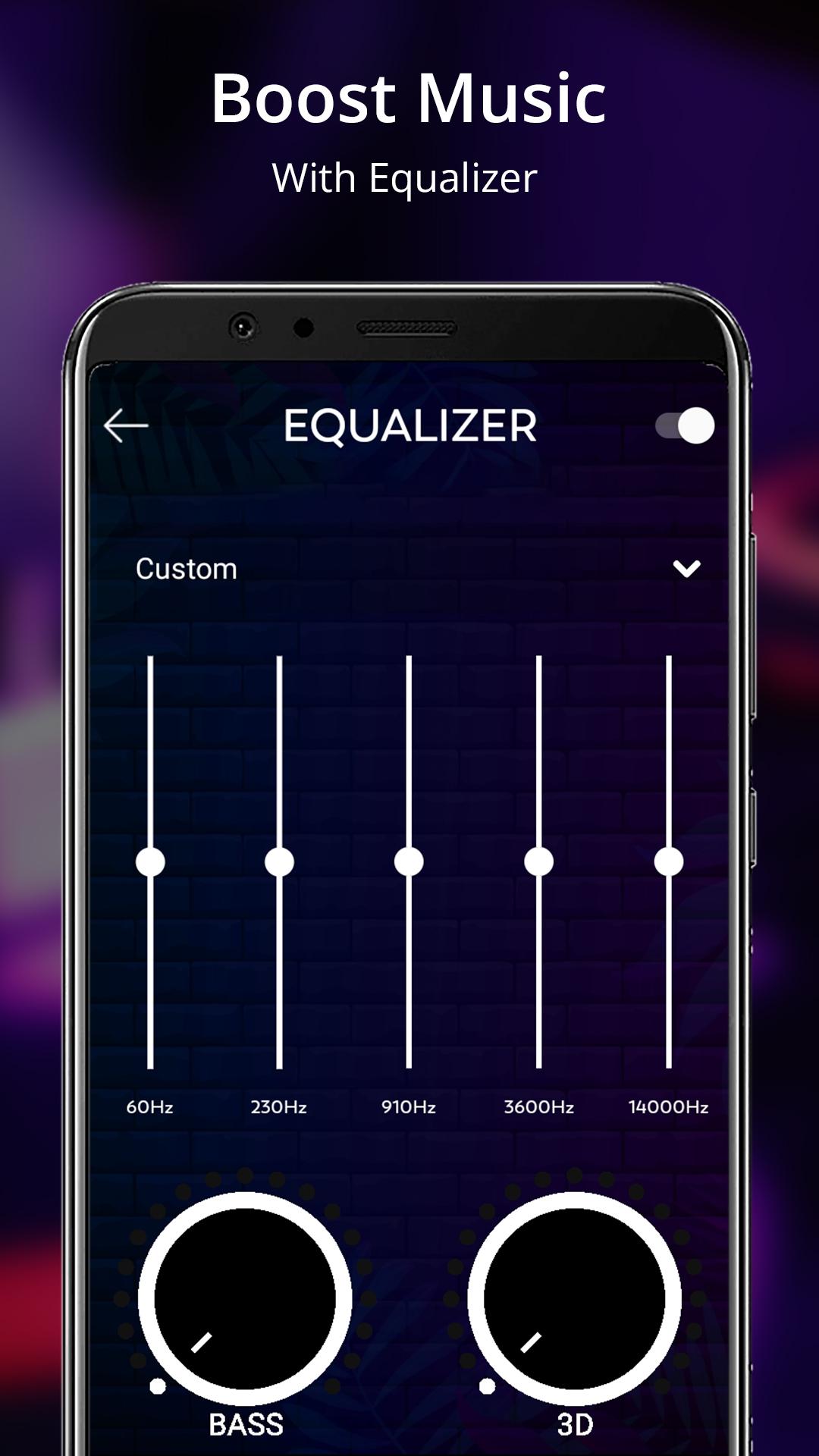
🎵 Personalized audio with sound equalizer.
🎵 Play, next, or previous 🎙️ playback easily.
🎵 Play songs from the playlist for convenience.
🎵 Music playlists collection as per your mood or occasion.
The Music Player - MP3 Player is the perfect app for anyone who loves music and videos. With this simple design and powerful features, you can easily browse and enjoy your favorite media anytime, anywhere.
Download Music Player - MP3 Player app today and elevate your music and video experience. Your entertainment awaits!
Preview
Tags
Music-&Information
Developer
Destiny Tool
Latest Version
1.32
Last Updated
2024-10-03
Category
Music-audio
Available on
Google Play
Show More
How to play Music Player - MP3 Player with GameLoop on PC
1. Download GameLoop from the official website, then run the exe file to install GameLoop
2. Open GameLoop and search for “Music Player - MP3 Player” , find Music Player - MP3 Player in the search results and click “Install”
3. Enjoy playing Music Player - MP3 Player on GameLoop
Minimum requirements
OS
Windows 8.1 64-bit or Windows 10 64-bit
GPU
GTX 1050
CPU
i3-8300
Memory
8GB RAM
Storage
1GB available space
Recommended requirements
OS
Windows 8.1 64-bit or Windows 10 64-bit
GPU
GTX 1050
CPU
i3-9320
Memory
16GB RAM
Storage
1GB available space