Ringtone Maker & Audio Editor PC
GOVO TECH
Download Ringtone Maker & Audio Editor on PC With GameLoop Emulator
Ringtone Maker & Audio Editor sa PC
Ang Ringtone Maker & Audio Editor, na nagmumula sa developer na GOVO TECH, ay tumatakbo sa Android systerm sa nakaraan.
Ngayon, maaari mong laruin ang Ringtone Maker & Audio Editor sa PC gamit ang GameLoop nang maayos.
I-download ito sa GameLoop library o mga resulta ng paghahanap. Hindi na tumitingin sa baterya o nakakadismaya na mga tawag sa maling oras.
I-enjoy lang ang Ringtone Maker & Audio Editor PC sa malaking screen nang libre!
Ringtone Maker & Audio Editor Panimula
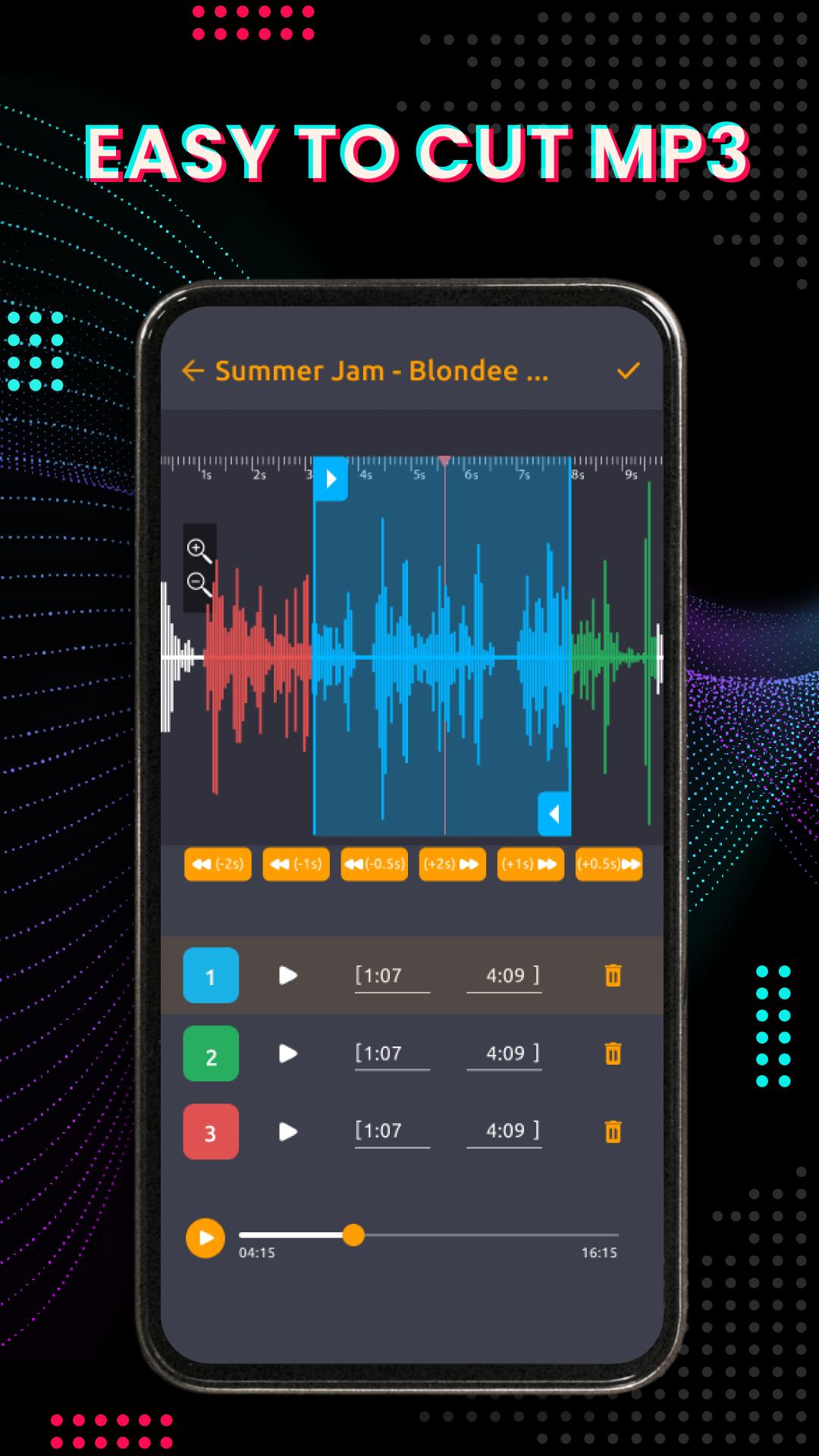
Do you want to edit your own music from your favorite songs? Or do you want to cut mp3 music, and edit audio according to your preferences to make phone ringtones? Then don't miss this ringtone maker audio editor app. With the MP3 cutter music editor app, you can cut mp3 songs and custom ringtones easily and quickly! ❤️❤️️
Audio editor is a simple and free music pairing and ringtone maker application. MP3 cutter application allows users to Cut Mp3 Ringtones, crop music, and cut music. Music Editor precisely blends and cuts the best pieces of music to create high-quality tunes in the audio lab!
🎶 Simple And Effective Audio Editor Music Editor:
With this audio editor free app, you are completely free to be creative, cut the music, and merge audio tracks according to your preferences. With many attractive features and a user-friendly interface, you will easily cut music, edit remix music and custom ringtones in just a few seconds.
🎶 Cut MP3 Music & Edit Audio At Once:
In the same editing operation, audio merge, music merge, and MP3 cut as ringtone, you can freely change the audio clip, arrange the order of songs or add multiple cuts to the song easily.
🎶 Free & Perfect Ringtone Maker:
This is the most simple music cutter and easy-to-use MP3 cutter - Audio editor music editor. Choose your favorite songs, then use Free Ringtone Maker to create your personalized music mix and custom ringtones.
🎶 Scan & Check The Audio Files Correctly
Music Editor application can automatically recognize all audio files on the device and SD files. The scan MP3 feature of Audio Editor Music Editor helps users to scan and check all the audio files in the device.
🎶 Melodies Creation Editor:
Using the audio editor app, you can freely edit the sound, zoom in and out of the sound waves of the song to easily edit and edit the music to your liking, cut mp3 as ringtone in the most accurate way.
🎶 Crop Audio & Set Alarm Ringtones:
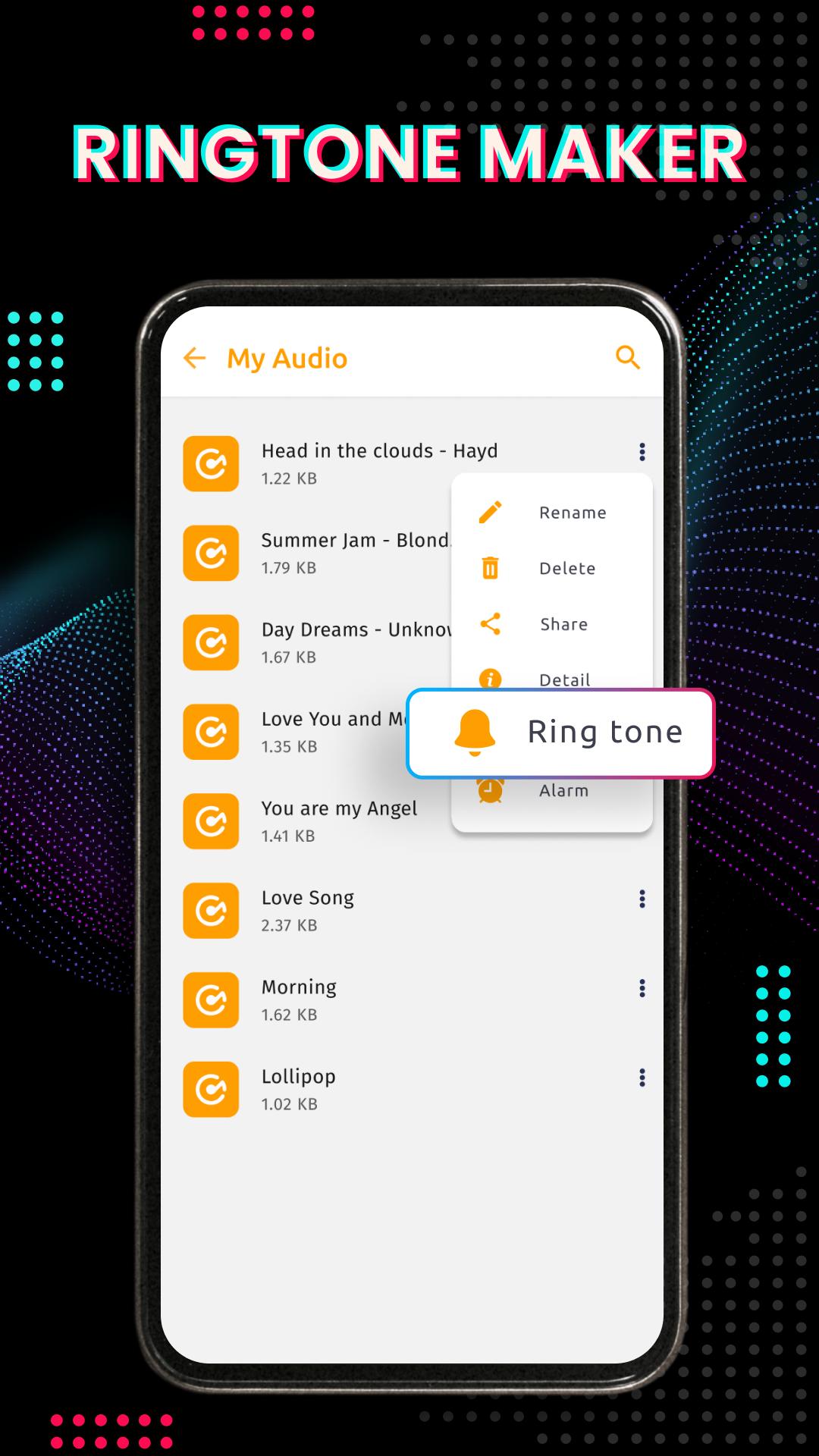
After extracting MP3 tracks, the song has been cut with audio, you can easily combine music for phone ringtones, alarms and notifications. Editing MP3 music and setting ringtones is easier than ever with Audio Editor Free.
🎶 Smart Free Ringtone Maker And Music Cutter:
The built-in audio lab allows you to play music right on the Audio Editor free application. You can turn on music to listen to relax or listen to it before cutting, editing and remixing music.
🎶 High-quality Sound And Melodies Products:
All output products of the music cutter application that cut mp3 as ringtones are always of the highest quality. Thanks to this music application, users will have the best experience when using ringtones created by Audio Lab.
With the above utilities of the audio editor application, you will have a convenient MP3 cutter, ringtone maker and music editor on your phone ❤️ What are you waiting for, download free Ringtone Maker to create unique remixes and ringtones for your phone. 😊😊😊
Our development team is always trying to optimize the application as well as improve the user experience. If you have any suggestions or questions to answer, do not hesitate to contact us via email: feedback@volio.vn 💌 If you find this application useful and love it, please give it 5 stars. Thank you for using the app!
Preview
Tags
Music-&Information
Developer
GOVO TECH
Latest Version
3.0.1
Last Updated
2022-11-15
Category
Music-audio
Available on
Google Play
Show More
How to play Ringtone Maker & Audio Editor with GameLoop on PC
1. Download GameLoop from the official website, then run the exe file to install GameLoop
2. Open GameLoop and search for “Ringtone Maker & Audio Editor” , find Ringtone Maker & Audio Editor in the search results and click “Install”
3. Enjoy playing Ringtone Maker & Audio Editor on GameLoop
Minimum requirements
OS
Windows 8.1 64-bit or Windows 10 64-bit
GPU
GTX 1050
CPU
i3-8300
Memory
8GB RAM
Storage
1GB available space
Recommended requirements
OS
Windows 8.1 64-bit or Windows 10 64-bit
GPU
GTX 1050
CPU
i3-9320
Memory
16GB RAM
Storage
1GB available space