
Musicbox - AI Equalizer PC
Sagu
Download Musicbox - AI Equalizer on PC With GameLoop Emulator
Musicbox - AI Equalizer sa PC
Ang Musicbox - AI Equalizer, na nagmumula sa developer na Sagu, ay tumatakbo sa Android systerm sa nakaraan.
Ngayon, maaari mong laruin ang Musicbox - AI Equalizer sa PC gamit ang GameLoop nang maayos.
I-download ito sa GameLoop library o mga resulta ng paghahanap. Hindi na tumitingin sa baterya o nakakadismaya na mga tawag sa maling oras.
I-enjoy lang ang Musicbox - AI Equalizer PC sa malaking screen nang libre!
Musicbox - AI Equalizer Panimula
🎧 Take Control of Your Sound with Musicbox Equalizer!
Experience pro-level music enhancement with Musicbox Equalizer – the ultimate Android audio editor and equalizer powered by AI.
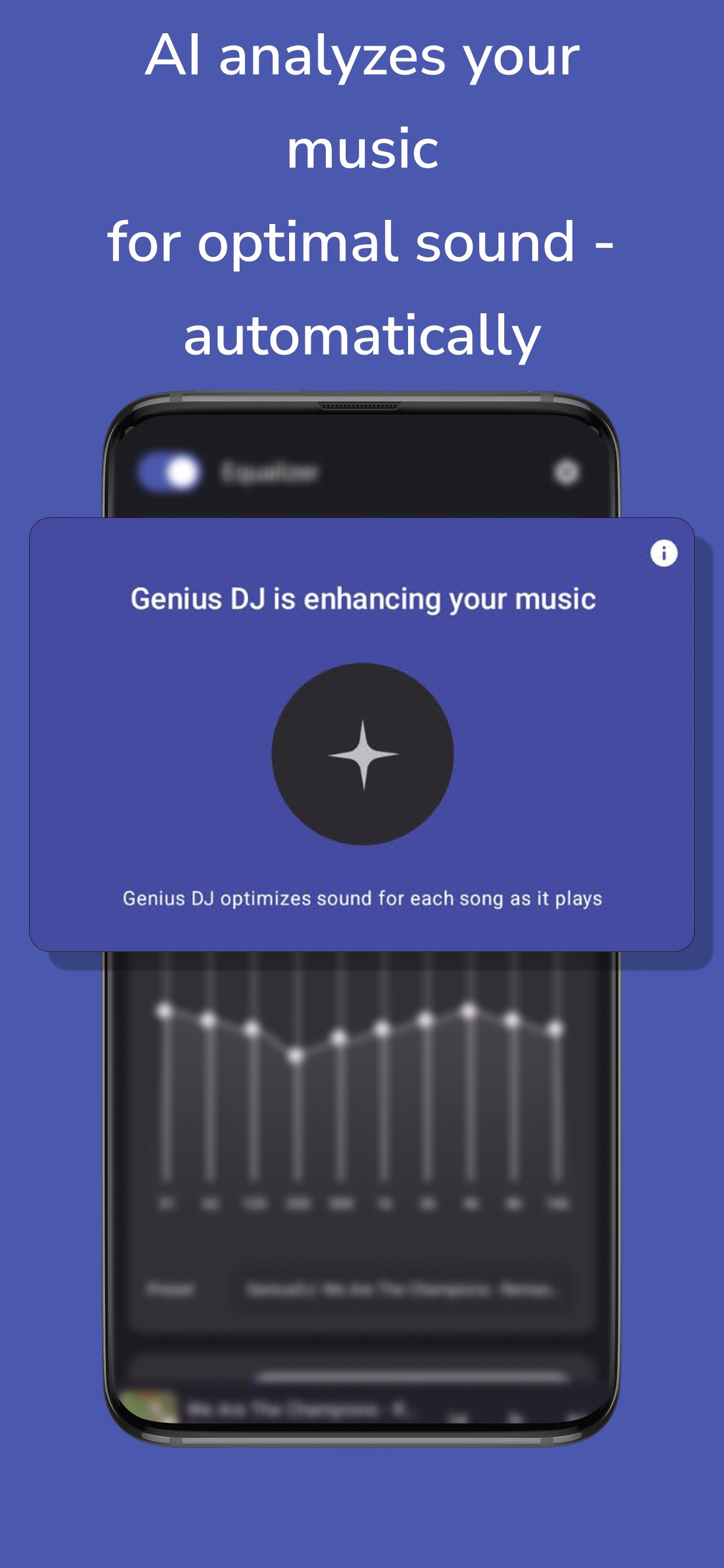
Whether you're a casual listener or an audiophile, Musicbox lets you fine-tune your sound like never before. Use real-time bass boost, treble adjustment, and loudness control to shape your perfect sound profile. Our AI-powered Genius DJ even generates smart audio presets based on the song you're listening to!
🛠️ Top Features
• 🎚️ 10-band audio equalizer with live sound control
• 🎵 AI-generated sound presets tailored to your music
• 🔊 Bass Boost, Treble, and Loudness sliders
• 🎛️ Customizable sound effects & audio filters
• 📁 Save, load, and manage sound presets
• 🎨 Dynamic & colorful themes, including Material You support
• 📲 Adaptive design for phones, tablets & foldables
• 🔁 Real-time media playback integration
• 🔒 Secure in-app purchases with RevenueCat
🌈 Personalize Your Experience
Choose from vibrant themes like Purple, Blue, Teal, and Pink, or go dynamic on Android 12+ with Material You color integration.
🚀 AI-Powered Audio Engine
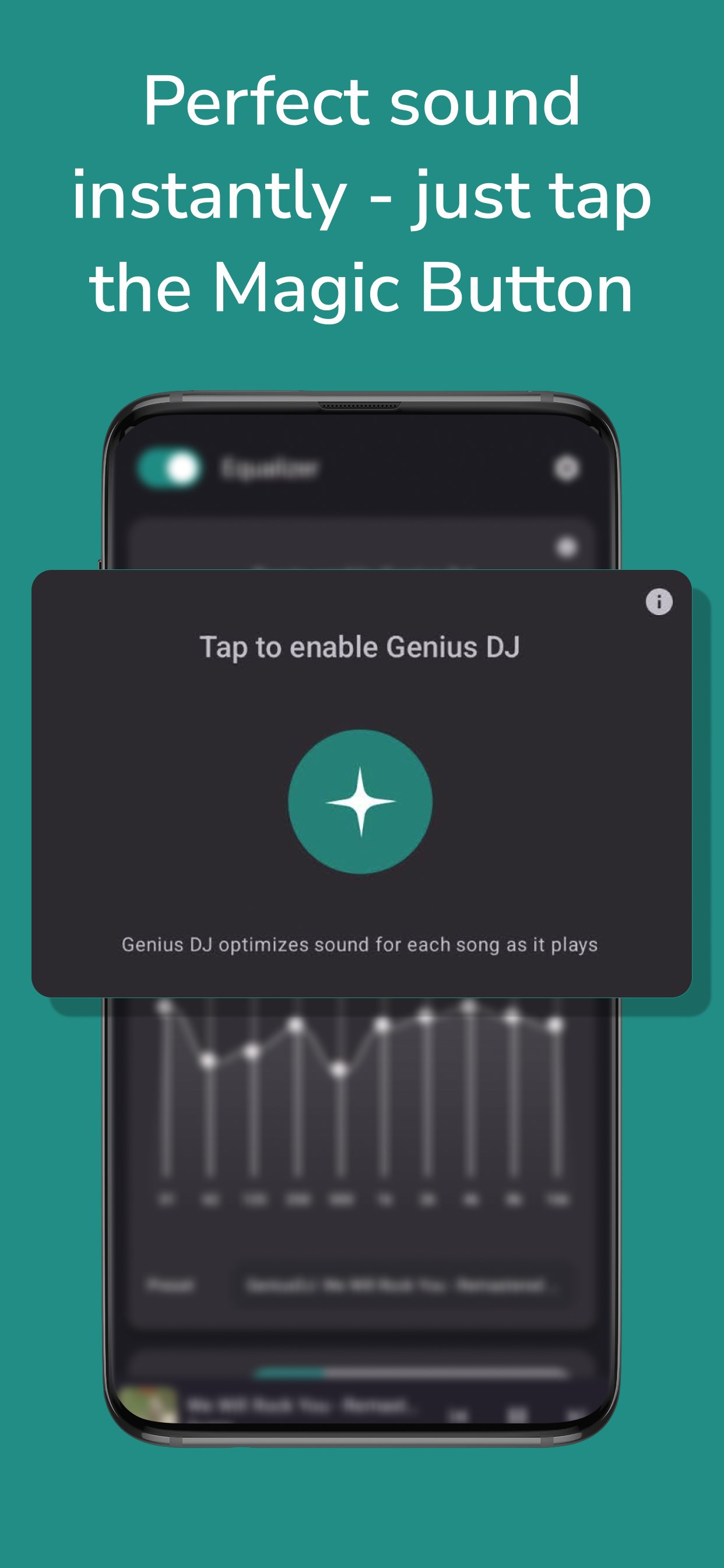
Our exclusive Genius DJ uses advanced AI to auto-optimize sound based on the currently playing track. Activate the Magic Button for wave animations and next-level sound quality.
📡 Always Up-to-Date
Thanks to Firebase Remote Config, we ensure you're always running the best version of the app. You'll never miss out on the latest features or enhancements.
🎁 Premium Features
Unlock advanced controls and exclusive AI modes with a single tap. Upgrade your listening with premium subscriptions.
Preview
Tags
Music-&Information
Developer
Sagu
Latest Version
2.0.0
Last Updated
2025-04-26
Category
Music-audio
Available on
Google Play
Show More
How to play Musicbox - AI Equalizer with GameLoop on PC
1. Download GameLoop from the official website, then run the exe file to install GameLoop
2. Open GameLoop and search for “Musicbox - AI Equalizer” , find Musicbox - AI Equalizer in the search results and click “Install”
3. Enjoy playing Musicbox - AI Equalizer on GameLoop
Minimum requirements
OS
Windows 8.1 64-bit or Windows 10 64-bit
GPU
GTX 1050
CPU
i3-8300
Memory
8GB RAM
Storage
1GB available space
Recommended requirements
OS
Windows 8.1 64-bit or Windows 10 64-bit
GPU
GTX 1050
CPU
i3-9320
Memory
16GB RAM
Storage
1GB available space