Voice Changer App - Auto Tuner PC
Ponica.Media
Download Voice Changer App - Auto Tuner on PC With GameLoop Emulator
Voice Changer App - Auto Tuner sa PC
Ang Voice Changer App - Auto Tuner, na nagmumula sa developer na Ponica.Media, ay tumatakbo sa Android systerm sa nakaraan.
Ngayon, maaari mong laruin ang Voice Changer App - Auto Tuner sa PC gamit ang GameLoop nang maayos.
I-download ito sa GameLoop library o mga resulta ng paghahanap. Hindi na tumitingin sa baterya o nakakadismaya na mga tawag sa maling oras.
I-enjoy lang ang Voice Changer App - Auto Tuner PC sa malaking screen nang libre!
Voice Changer App - Auto Tuner Panimula
🎙️ Record and transform vocals with clarity — ideal for audio recording and content creation.
Create clean voice recordings, enhance your sound in seconds, and tune your voice — perfect for voiceovers, narration, and creative audio projects.
Whether you are working on a song, a podcast episode, or a fun audio clip, this voice changer & voice editor gives you powerful tools to sound professional or delightfully creative! 😄
✨ Transform Your Voice in Seconds
Customize your voice with easy controls and instant effects:
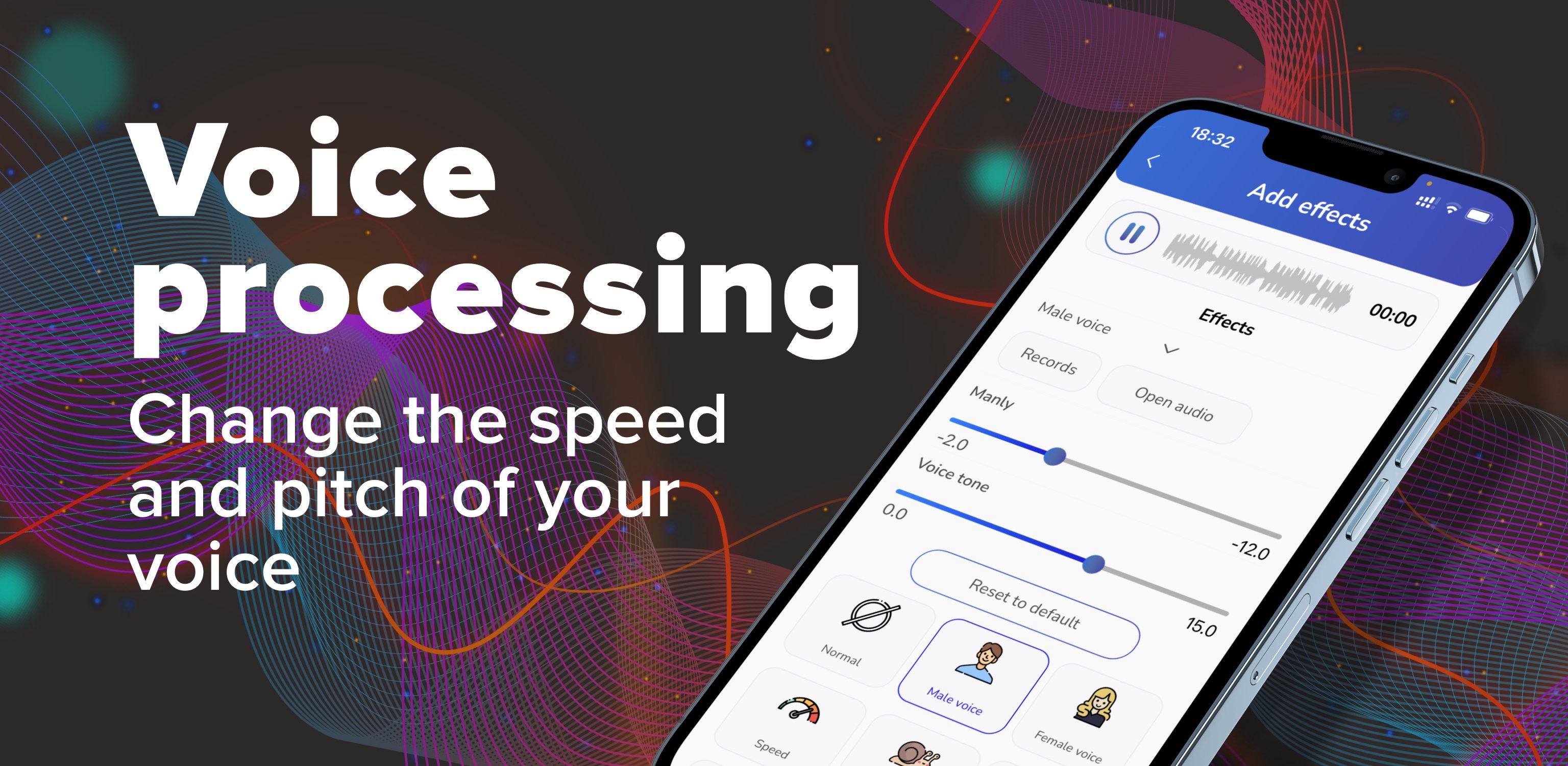
🎚️ Adjust pitch, tone & speed
🔊 Boost volume & clarity
🎶 Vocal tuning & autotune effects
🌊 Reverb & echo for a bigger, richer sound
🎧 Bass boost for a deeper voice
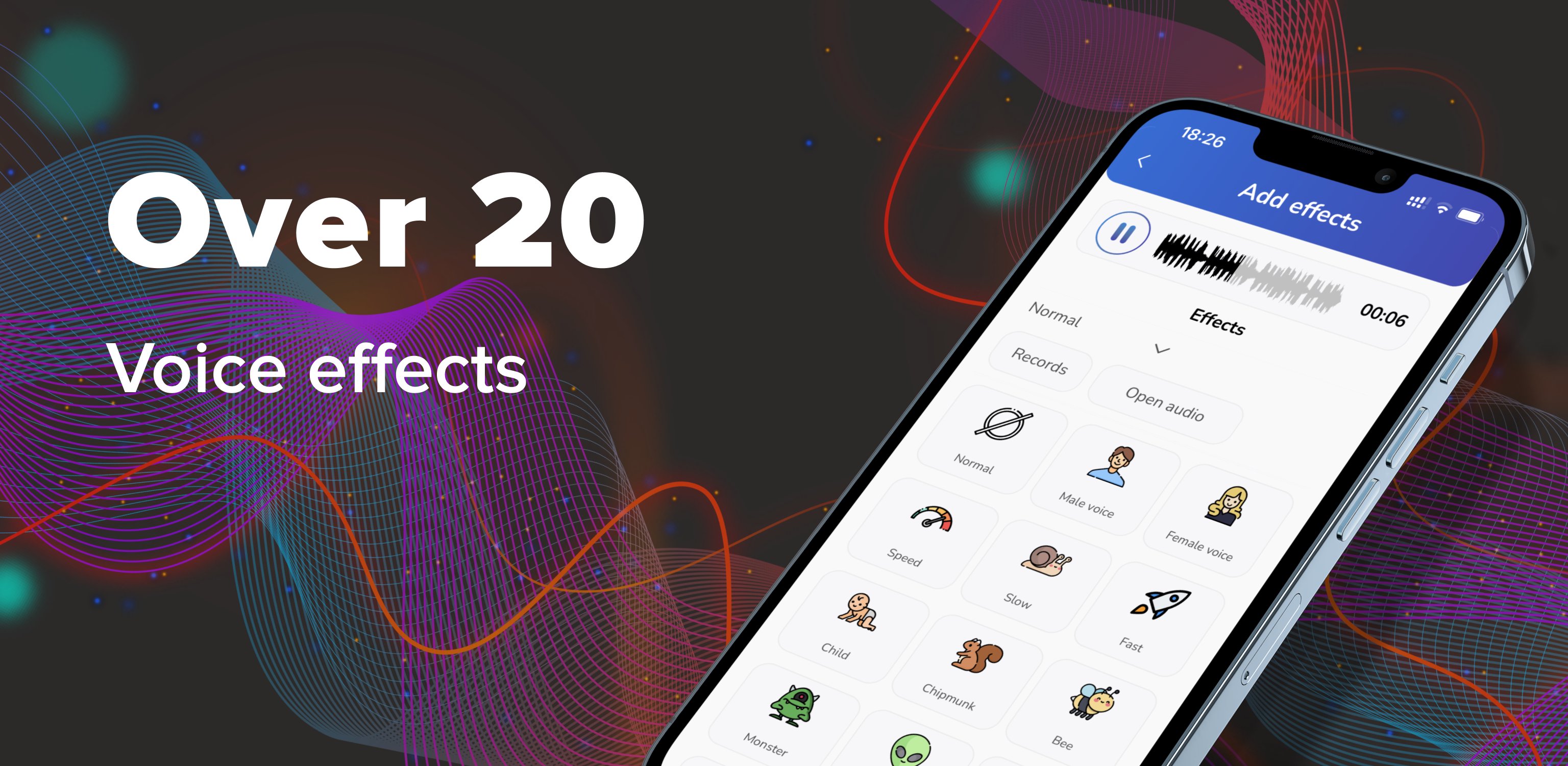
🎭 Fun Voice Effects You'll Love
Make your voice sound like:
👶 Child voice
🐿️ Chipmunk
🎈 Helium
🧓 Old voice
🐾 Animal-style voices
🌧️ Rain, wind & background sound effects
🎤 Perfect For:
🎵 Singing & vocal practice
🎙️ Podcasts & voiceovers
📹 Social media video clips
😂 Funny messages & voice notes
🎭 Skits, roleplay & creative audio
📲 Custom ringtones, alarms & notification sounds
📲 Record or Import Audio
Use the app your way:
🎙️ Record directly inside the app
🎧 Import any audio file and edit it
💾 Save in high quality and share anywhere
🚀 Download now and start creating clean, powerful, and fun voice edits today! 🎤✨
Preview
Tags
Music-&Information
Developer
Ponica.Media
Latest Version
1.48.7
Last Updated
2026-09-04
Category
Music-audio
Available on
Google Play
Show More
How to play Voice Changer App - Auto Tuner with GameLoop on PC
1. Download GameLoop from the official website, then run the exe file to install GameLoop
2. Open GameLoop and search for “Voice Changer App - Auto Tuner” , find Voice Changer App - Auto Tuner in the search results and click “Install”
3. Enjoy playing Voice Changer App - Auto Tuner on GameLoop
Minimum requirements
OS
Windows 8.1 64-bit or Windows 10 64-bit
GPU
GTX 1050
CPU
i3-8300
Memory
8GB RAM
Storage
1GB available space
Recommended requirements
OS
Windows 8.1 64-bit or Windows 10 64-bit
GPU
GTX 1050
CPU
i3-9320
Memory
16GB RAM
Storage
1GB available space