
Wavelet: headphone specific EQ PC
pittvandewitt
Download Wavelet: headphone specific EQ on PC With GameLoop Emulator
Wavelet: headphone specific EQ sa PC
Ang Wavelet: headphone specific EQ, na nagmumula sa developer na pittvandewitt, ay tumatakbo sa Android systerm sa nakaraan.
Ngayon, maaari mong laruin ang Wavelet: headphone specific EQ sa PC gamit ang GameLoop nang maayos.
I-download ito sa GameLoop library o mga resulta ng paghahanap. Hindi na tumitingin sa baterya o nakakadismaya na mga tawag sa maling oras.
I-enjoy lang ang Wavelet: headphone specific EQ PC sa malaking screen nang libre!
Wavelet: headphone specific EQ Panimula
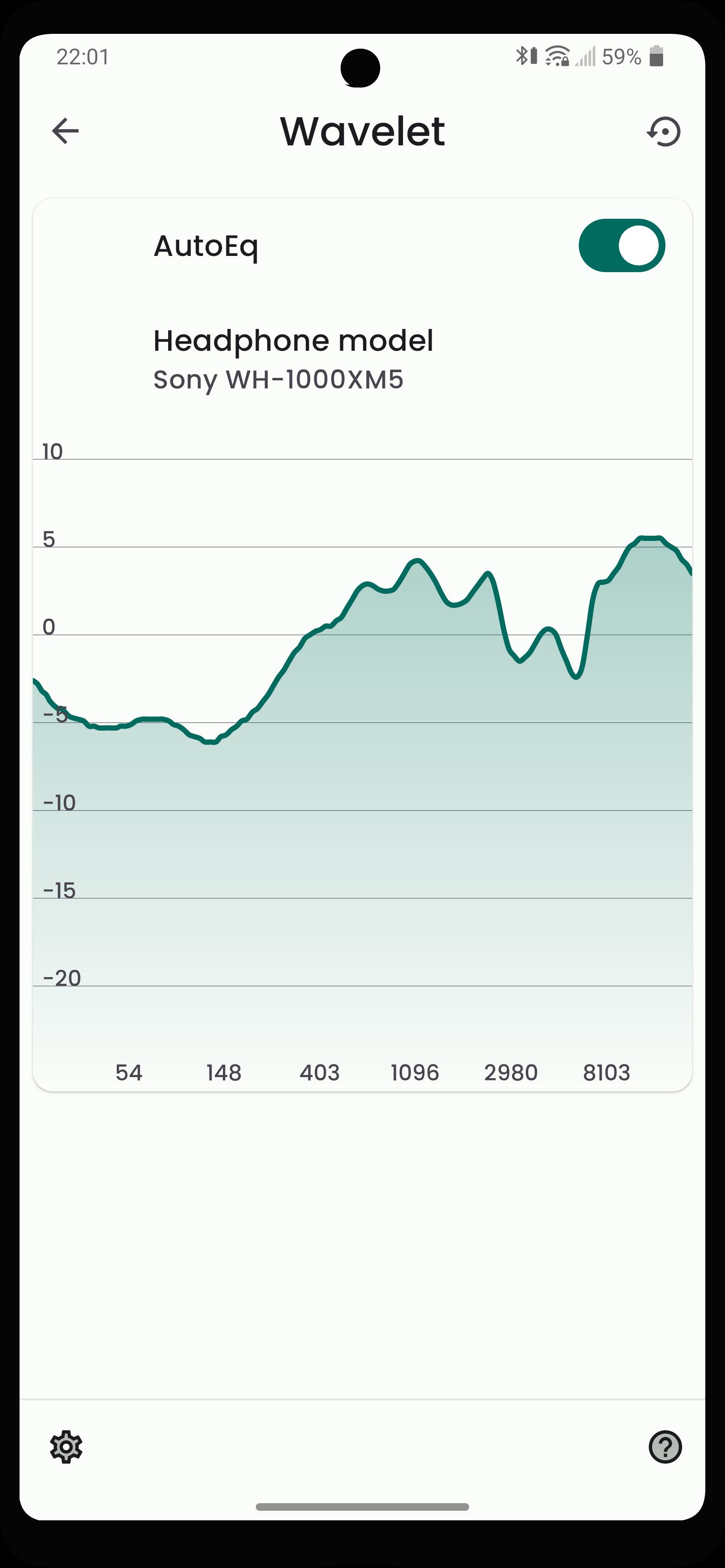
With over 3400 precalculated optimizations for headphone models and many options for customizability, Wavelet is a great addition to any mobile audio setup.
Features:
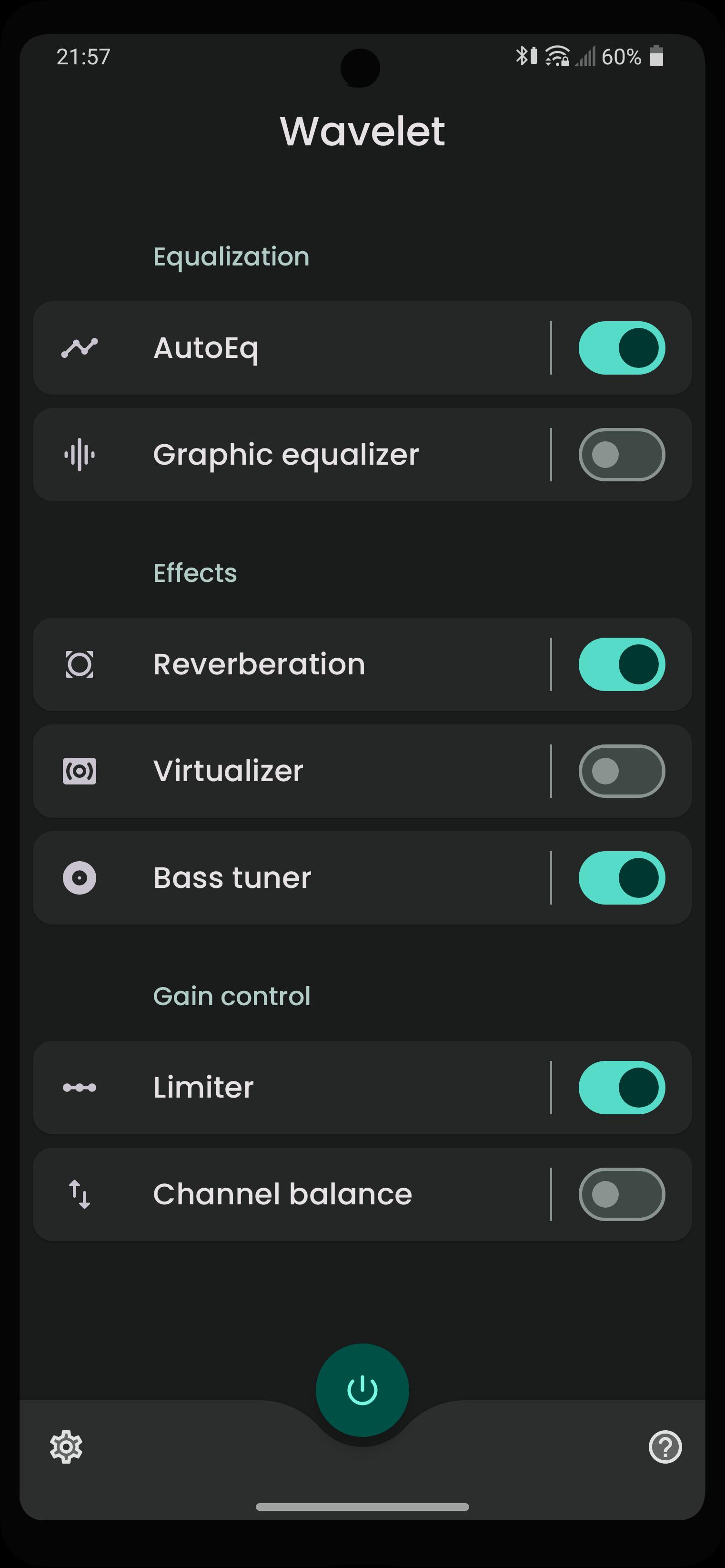
AutoEq
• All included headphone models have been measured and compensated to the Harman target to provide you with the best sound quality you can get out of your headphones
9-band Graphic equalizer
• Compensate for missing frequencies or annoying spikes
Reverberation (PRO feature)
• Simulate reverberation in your tracks
Virtualizer (PRO feature)
• Add spatialization effect to your music
Bass tuner (PRO feature)
• Add extra oomph to your beats or remove unwanted resonance from the lower frequencies
Limiter
• Remove unwanted volume peaks and dips
Channel balance
• Restore balance between left and right channels
Preview
Tags
Music-&Information
Developer
pittvandewitt
Latest Version
23.09
Last Updated
2023-09-27
Category
Music-audio
Available on
Google Play
Show More
How to play Wavelet: headphone specific EQ with GameLoop on PC
1. Download GameLoop from the official website, then run the exe file to install GameLoop
2. Open GameLoop and search for “Wavelet: headphone specific EQ” , find Wavelet: headphone specific EQ in the search results and click “Install”
3. Enjoy playing Wavelet: headphone specific EQ on GameLoop
Minimum requirements
OS
Windows 8.1 64-bit or Windows 10 64-bit
GPU
GTX 1050
CPU
i3-8300
Memory
8GB RAM
Storage
1GB available space
Recommended requirements
OS
Windows 8.1 64-bit or Windows 10 64-bit
GPU
GTX 1050
CPU
i3-9320
Memory
16GB RAM
Storage
1GB available space