
Burn In Headphones - SQZSoft PC
SQZSoft
Download Burn In Headphones - SQZSoft on PC With GameLoop Emulator
Burn In Headphones - SQZSoft sa PC
Ang Burn In Headphones - SQZSoft, na nagmumula sa developer na SQZSoft, ay tumatakbo sa Android systerm sa nakaraan.
Ngayon, maaari mong laruin ang Burn In Headphones - SQZSoft sa PC gamit ang GameLoop nang maayos.
I-download ito sa GameLoop library o mga resulta ng paghahanap. Hindi na tumitingin sa baterya o nakakadismaya na mga tawag sa maling oras.
I-enjoy lang ang Burn In Headphones - SQZSoft PC sa malaking screen nang libre!
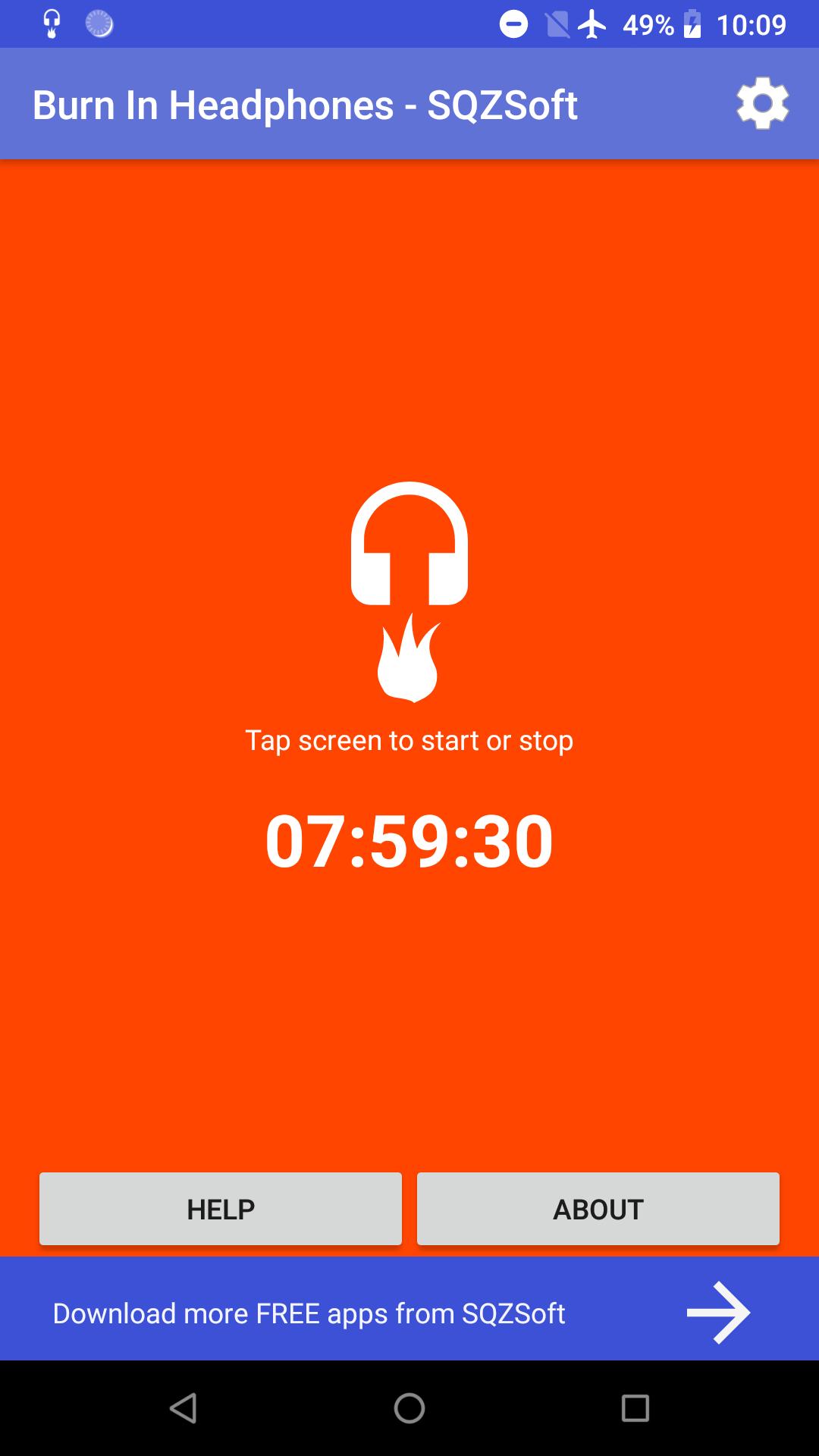
Burn In Headphones - SQZSoft Panimula
Features:
* Use rand white noise data to burn in, full frequency range
* Can run in the background
* Supports headphones / speakers, even bluetooth / NFC speakers!
* Can specify how many hours / minutes to burn in
* With detailed burn in manual, to teach you how to burn in
Why Burn In?
Burn-in is the process for exercising new audio equipment. Most headphones/speakers require at least 40 hours of burn-in time to reach their optimal performing state.
The main purpose of the burn-in process is to loosen the diaphragm of a newly crafted headphone and to stress the headphone driver. Most audiophiles agree that the sound quality will be noticeably improved after burn-in.
How to Burn In?
There are different ways to burn-in your headphones (or earbuds). The most common ways include running a white noise through the headphones at a medium volume. Note: too high of a volume can cause damage to, or even kill your headphones!
How long should I do it?
The general rule is about 40 hours. Some people burn-in their headphones quickly playing them 40 hours continuously after bringing them home. This may not be good because, the diaphragm may be too weak at this time and should not be pushed to the limit. The best thing to do may be to plug your headphones into your android phone / tablet, set the volume to medium, and run burn in app for up to 4-5 hours a day for 5 days (perhaps, while you are at work or sleeping). After that, your headphones will most likely sound their best. Note: you do not need to listen the whole time.
Preview
Tags
Music-&Information
Developer
SQZSoft
Latest Version
3.0
Last Updated
2023-06-12
Category
Music-audio
Available on
Google Play
Show More
How to play Burn In Headphones - SQZSoft with GameLoop on PC
1. Download GameLoop from the official website, then run the exe file to install GameLoop
2. Open GameLoop and search for “Burn In Headphones - SQZSoft” , find Burn In Headphones - SQZSoft in the search results and click “Install”
3. Enjoy playing Burn In Headphones - SQZSoft on GameLoop
Minimum requirements
OS
Windows 8.1 64-bit or Windows 10 64-bit
GPU
GTX 1050
CPU
i3-8300
Memory
8GB RAM
Storage
1GB available space
Recommended requirements
OS
Windows 8.1 64-bit or Windows 10 64-bit
GPU
GTX 1050
CPU
i3-9320
Memory
16GB RAM
Storage
1GB available space