Box Radio : City Pop & More PC
Sense Media Gh
Download Box Radio : City Pop & More on PC With GameLoop Emulator
Box Radio : City Pop & More sa PC
Ang Box Radio : City Pop & More, na nagmumula sa developer na Sense Media Gh, ay tumatakbo sa Android systerm sa nakaraan.
Ngayon, maaari mong laruin ang Box Radio : City Pop & More sa PC gamit ang GameLoop nang maayos.
I-download ito sa GameLoop library o mga resulta ng paghahanap. Hindi na tumitingin sa baterya o nakakadismaya na mga tawag sa maling oras.
I-enjoy lang ang Box Radio : City Pop & More PC sa malaking screen nang libre!
Box Radio : City Pop & More Panimula
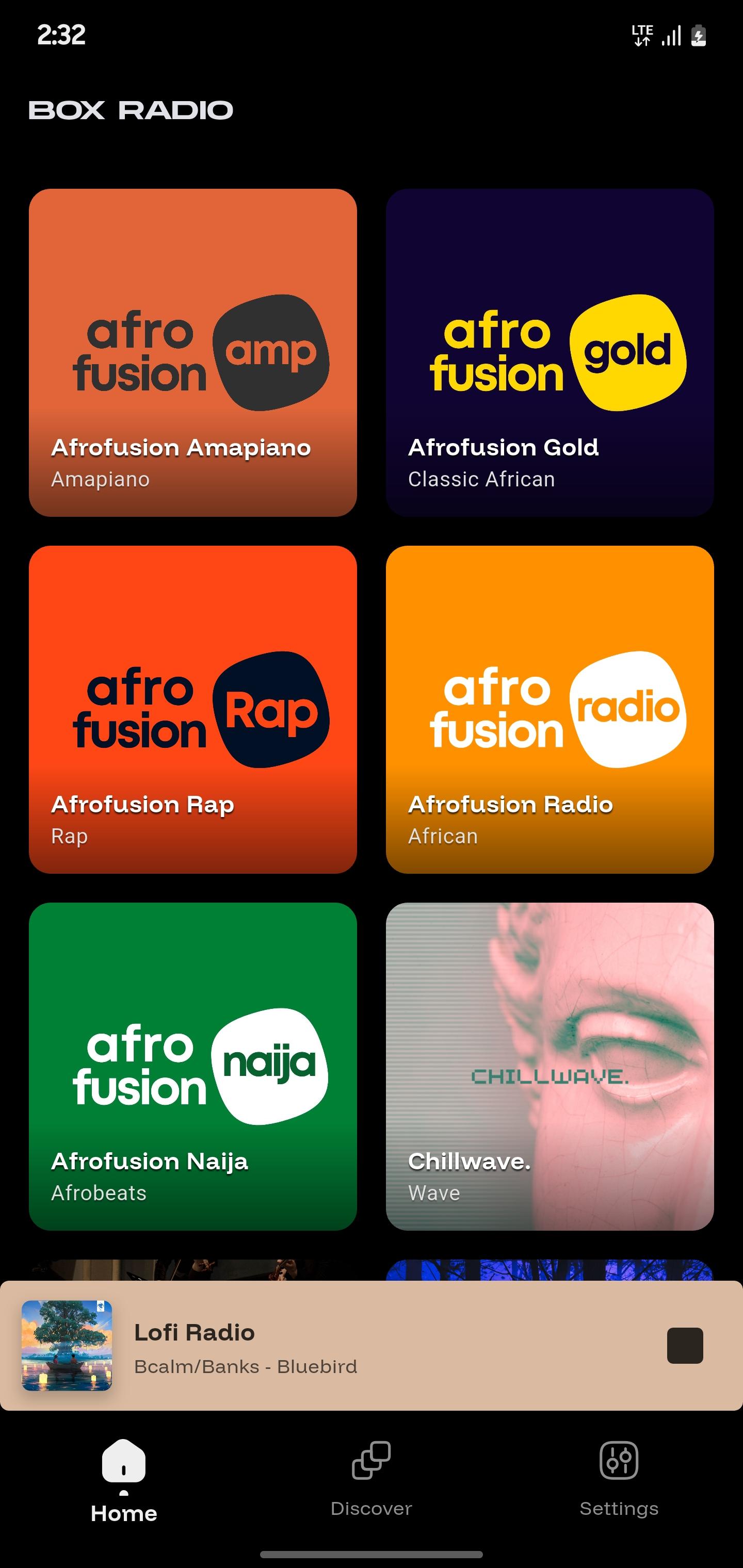
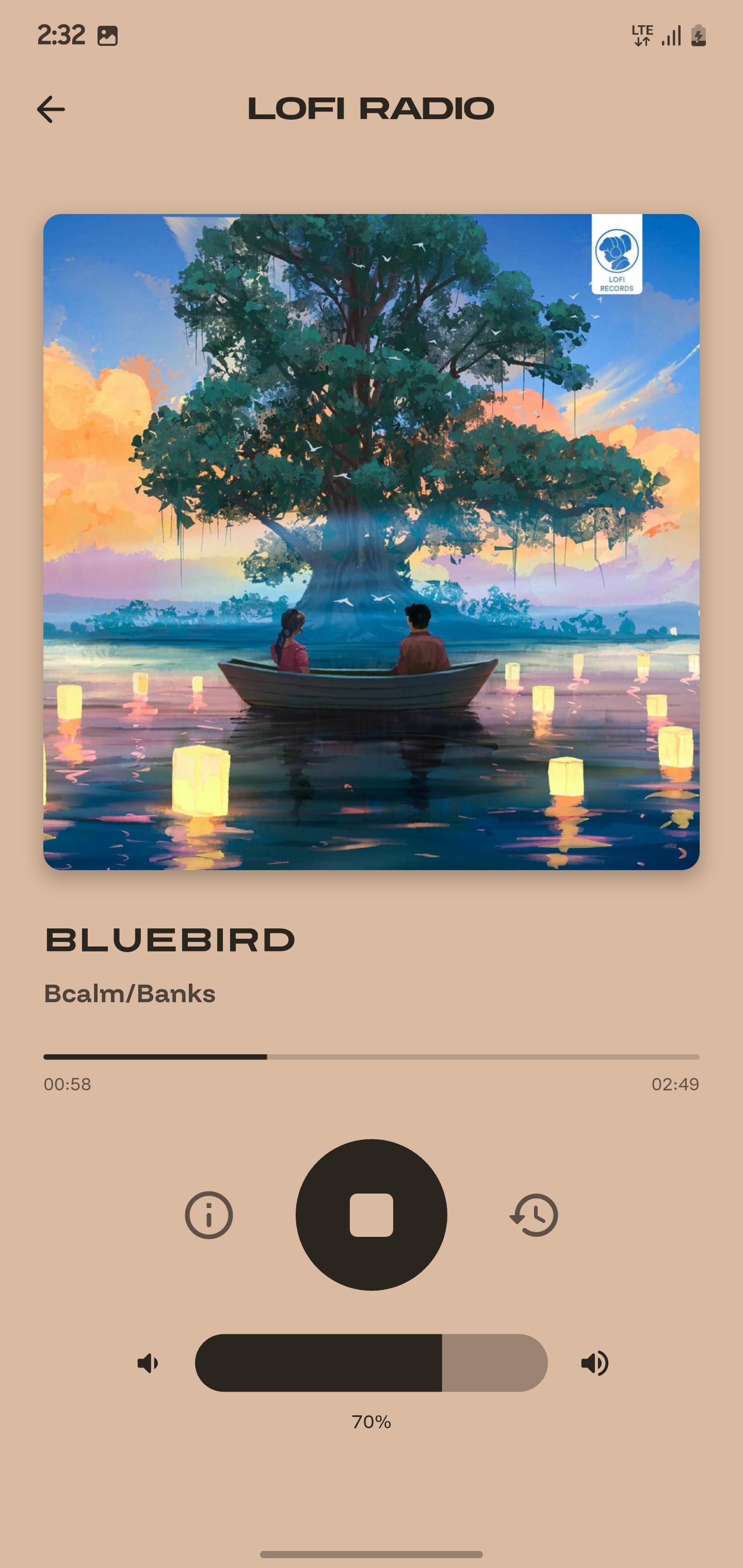
Listen to high-quality music radio stations anytime, anywhere with Box Radio. Powered by Ghanacloud Limited, we bring you nonstop music and entertainment from over 30 free stations across the world’s favorite genres.
Whether you’re in the mood to relax, party, study, or discover new sounds, Box Radio has a station for you. Enjoy crystal-clear streaming, no sign-ups required, and instant access to the music you love.
Our stations cover every mood and style:
• Afrofusion – Afrobeats, Naija, Amapiano, African Rap, and Classics
• Pop & Dance – Global Pop, J-POP, K-POP, City Pop, Dance, and Game Music
• Chill & Study – Lofi, ChillHop, ChillJazz, and ChillWave
• Rock & Hip-Hop – Rock and Roll, 90s Hip-Hop, Classic Rap
• Jazz & Classical – Timeless Jazz and Classical masterpieces
• Reggae & Dancehall – Reggae Republic, Dancehall Mash Up
• Faith & Inspiration – Gospel Plus and Christian music 24/7
• Fun & Family – Comedy, Anime, Kiddiestream, and Santa Radio
Key Features:
– 30+ curated music stations across multiple genres
– 24/7 high-quality streaming
– Free and easy to use, no registration needed
– Global music for every mood
Box Radio: Music Without Limits. Press play and let the music take over.
Preview
Tags
Music-&Information
Developer
Sense Media Gh
Latest Version
1.0.4
Last Updated
2025-10-04
Category
Music-audio
Available on
Google Play
Show More
How to play Box Radio : City Pop & More with GameLoop on PC
1. Download GameLoop from the official website, then run the exe file to install GameLoop
2. Open GameLoop and search for “Box Radio : City Pop & More” , find Box Radio : City Pop & More in the search results and click “Install”
3. Enjoy playing Box Radio : City Pop & More on GameLoop
Minimum requirements
OS
Windows 8.1 64-bit or Windows 10 64-bit
GPU
GTX 1050
CPU
i3-8300
Memory
8GB RAM
Storage
1GB available space
Recommended requirements
OS
Windows 8.1 64-bit or Windows 10 64-bit
GPU
GTX 1050
CPU
i3-9320
Memory
16GB RAM
Storage
1GB available space