
AudioFetch PC
AudioFetch - Audio to WiFi-connected smartphones
Download AudioFetch on PC With GameLoop Emulator
AudioFetch sa PC
Ang AudioFetch, na nagmumula sa developer na AudioFetch - Audio to WiFi-connected smartphones, ay tumatakbo sa Android systerm sa nakaraan.
Ngayon, maaari mong laruin ang AudioFetch sa PC gamit ang GameLoop nang maayos.
I-download ito sa GameLoop library o mga resulta ng paghahanap. Hindi na tumitingin sa baterya o nakakadismaya na mga tawag sa maling oras.
I-enjoy lang ang AudioFetch PC sa malaking screen nang libre!
AudioFetch Panimula
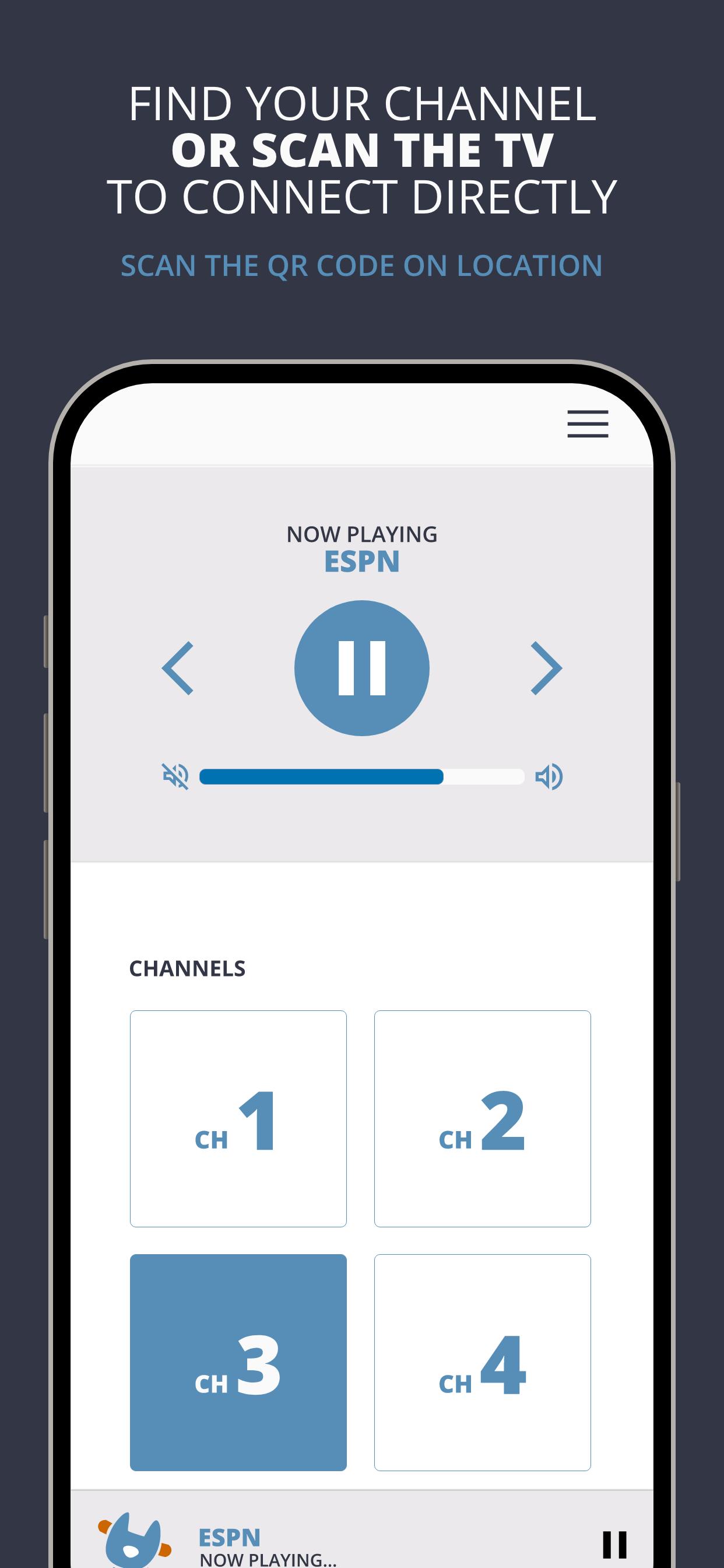
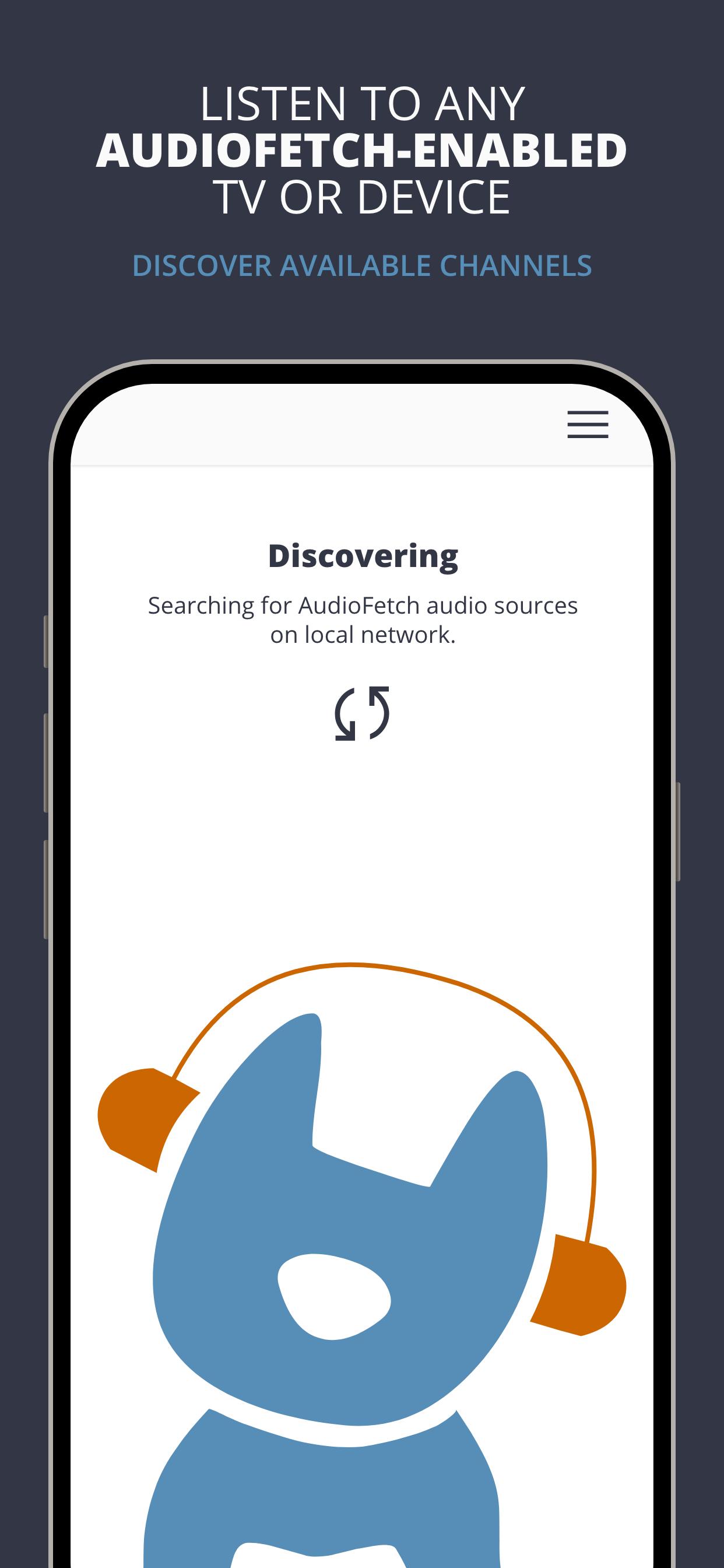
AudioFetch is the premium solution for local audio to smartphones and tablets over WiFi for unlimited uses including:
Fitness Centers: Delight your customers by enabling them to hear TV audio throughout the facility without being tethered to cardio equipment. Great for GroupEx classes as well.
Sports Bars: Sports fans will choose your pub, stay longer, and order more items when they can hear their game.
Church: Enhance your church services with assistive listening and/or real-time translation for those who need it. Works great with popular Bluetooth-enabled headphones.
Tourism: Replace outdated, expensive and unhygienic tour guide receivers with your guests’ smartphones, and allow your guests to maintain a safe social distance while still hearing the program.
Preview
Tags
Music-&Information
Developer
AudioFetch - Audio to WiFi-connected smartphones
Latest Version
5.1.30
Last Updated
2025-06-16
Category
Music-audio
Available on
Google Play
Show More
How to play AudioFetch with GameLoop on PC
1. Download GameLoop from the official website, then run the exe file to install GameLoop
2. Open GameLoop and search for “AudioFetch” , find AudioFetch in the search results and click “Install”
3. Enjoy playing AudioFetch on GameLoop
Minimum requirements
OS
Windows 8.1 64-bit or Windows 10 64-bit
GPU
GTX 1050
CPU
i3-8300
Memory
8GB RAM
Storage
1GB available space
Recommended requirements
OS
Windows 8.1 64-bit or Windows 10 64-bit
GPU
GTX 1050
CPU
i3-9320
Memory
16GB RAM
Storage
1GB available space