
Audio Video Player- Play Music PC
OnicTech, Inc
Download Audio Video Player- Play Music on PC With GameLoop Emulator
Audio Video Player- Play Music sa PC
Ang Audio Video Player- Play Music, na nagmumula sa developer na OnicTech, Inc, ay tumatakbo sa Android systerm sa nakaraan.
Ngayon, maaari mong laruin ang Audio Video Player- Play Music sa PC gamit ang GameLoop nang maayos.
I-download ito sa GameLoop library o mga resulta ng paghahanap. Hindi na tumitingin sa baterya o nakakadismaya na mga tawag sa maling oras.
I-enjoy lang ang Audio Video Player- Play Music PC sa malaking screen nang libre!
Audio Video Player- Play Music Panimula
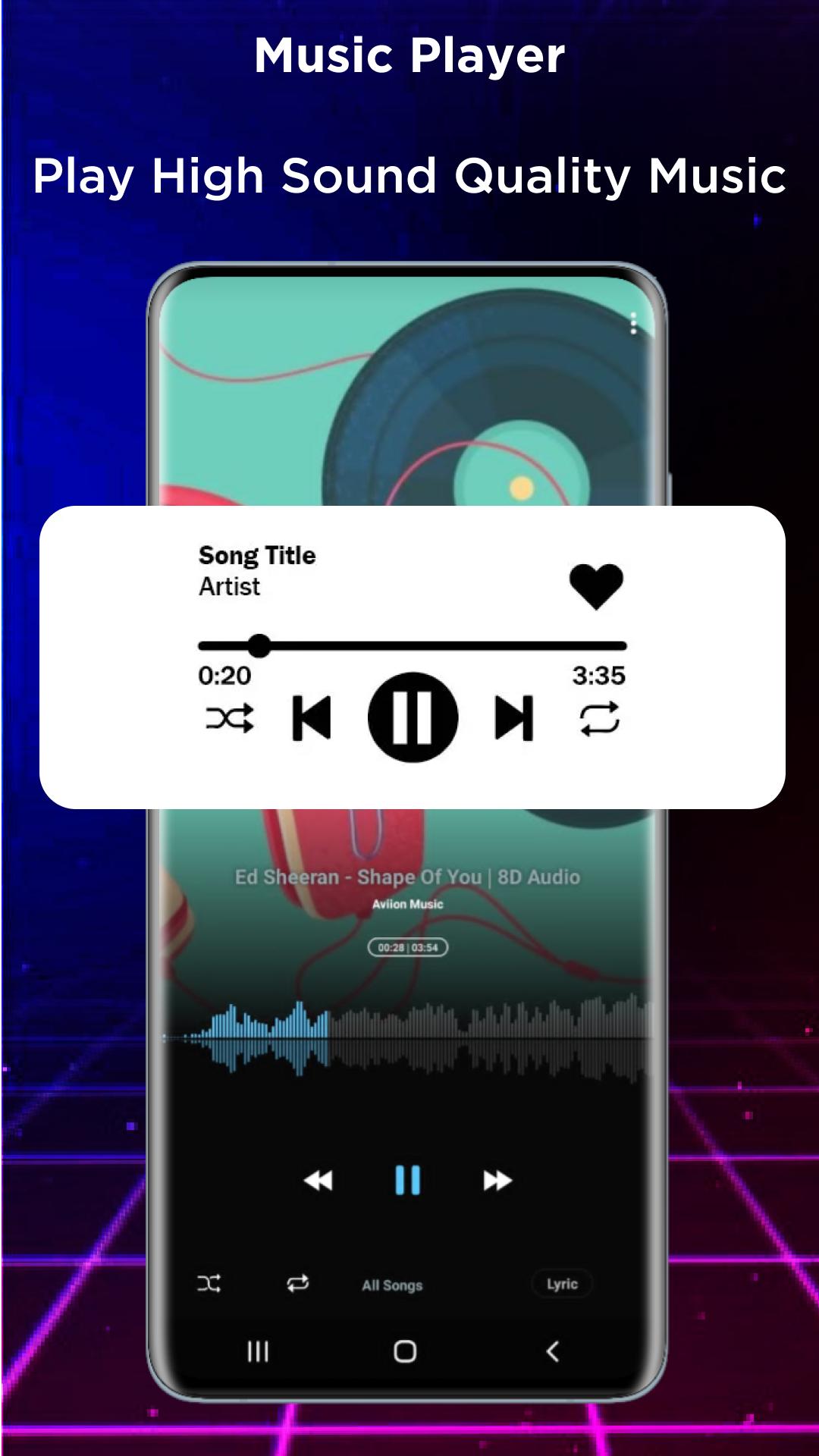
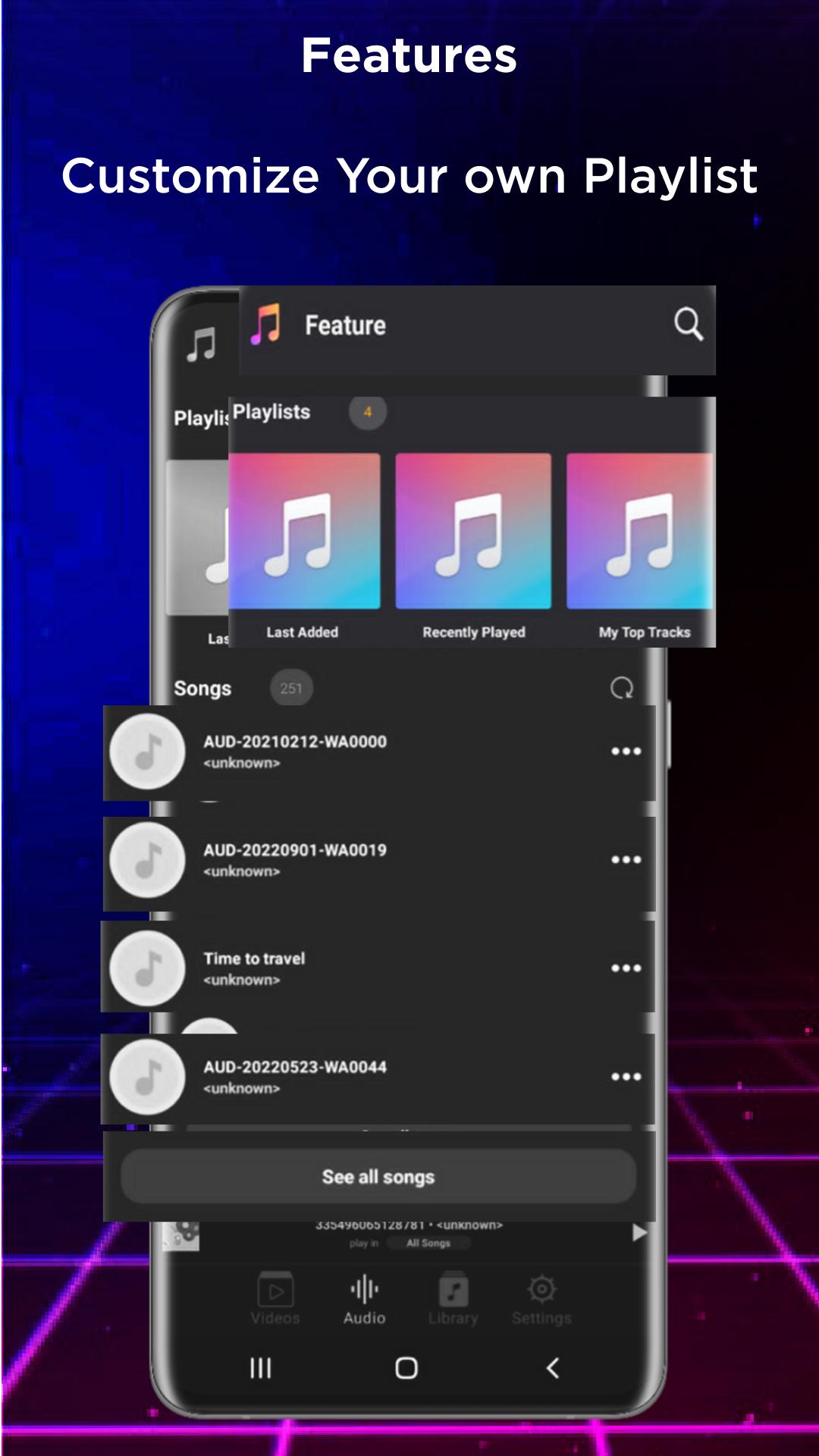
Looking for a simple, elegant, organized, and user-friendly Equalizer Music Player Video that can play music in a variety of media player file formats, has a pleasing user interface, and enables you to make playlists and folders? Music player and video equalizer.
It's simple to search and play music and videos using Audio Video Music Player, a strong media player and ideal HD music video player.
Equalizer Music Player & Video - Browse through all of your local play video files and play any other videos that are stored on your device, including movie trailers and status videos.
- A background media player feature that allows the video app to continue playing even while other apps are open or the phone's screen is off.
Find and organize all audio files on your phone's memory and SD card with HQ Music Player. You can freely pick whether to play a single song or the entire playlist on the music player.
Music and video players with equalizers
Your music listening experience will be improved by this music player and video player's built-in equalization, which has features like bass boost, reverb effects, etc.
All Types of Audio Formats Audio Player
Not only does a music player accept MP3 files, but it also supports all other audio and music file types, such as MIDI, WAV, FLAC, AAC, and APE. And play them high-quality music.
All formats of HD video players are supported, including DVD players, 4K and 1080p players, as well as MKV, FLV, 3GP, M4V, TS, and MPG files.
Features for the video player include:
-Equalizer, bass booster, and 3D virtualize.
-Automatically detect video files on your mobile device -Support all common video file formats: RMVB, MKV, AVI, MP4, WMV, etc.
Save your favorite moment from videos with the screenshot feature. Keep the watching process uninterrupted with the app lock.
-You can alter the pace at which your videos play in order to view more details or to save time.
The folder structure is used by music players as well as artists or albums. The Music Player will assist you in quickly finding all of the music files and allows you to quickly search for relevant music videos/MV by artist or track.
The top free media and music player!
The Music Player is incredibly wonderful because it has replaceable backdrop skins or themes.
The distinctive equalization gives your music a more polished tone. You are free to choose the musical style and take pleasure in it.
Preview
Tags
Music-&Information
Developer
OnicTech, Inc
Latest Version
1.0.9
Last Updated
2023-02-09
Category
Music-audio
Available on
Google Play
Show More
How to play Audio Video Player- Play Music with GameLoop on PC
1. Download GameLoop from the official website, then run the exe file to install GameLoop
2. Open GameLoop and search for “Audio Video Player- Play Music” , find Audio Video Player- Play Music in the search results and click “Install”
3. Enjoy playing Audio Video Player- Play Music on GameLoop
Minimum requirements
OS
Windows 8.1 64-bit or Windows 10 64-bit
GPU
GTX 1050
CPU
i3-8300
Memory
8GB RAM
Storage
1GB available space
Recommended requirements
OS
Windows 8.1 64-bit or Windows 10 64-bit
GPU
GTX 1050
CPU
i3-9320
Memory
16GB RAM
Storage
1GB available space