
Astral 3D FX Music Visualizer PC
Mobile Visuals
Download Astral 3D FX Music Visualizer on PC With GameLoop Emulator
Astral 3D FX Music Visualizer sa PC
Ang Astral 3D FX Music Visualizer, na nagmumula sa developer na Mobile Visuals, ay tumatakbo sa Android systerm sa nakaraan.
Ngayon, maaari mong laruin ang Astral 3D FX Music Visualizer sa PC gamit ang GameLoop nang maayos.
I-download ito sa GameLoop library o mga resulta ng paghahanap. Hindi na tumitingin sa baterya o nakakadismaya na mga tawag sa maling oras.
I-enjoy lang ang Astral 3D FX Music Visualizer PC sa malaking screen nang libre!
Astral 3D FX Music Visualizer Panimula
With so many colors and patterns, this app offers an immersive visual experience for music, relaxation and meditation. Explore tunnels, fractals and journeys through space while watching your music come alive.
Music choice
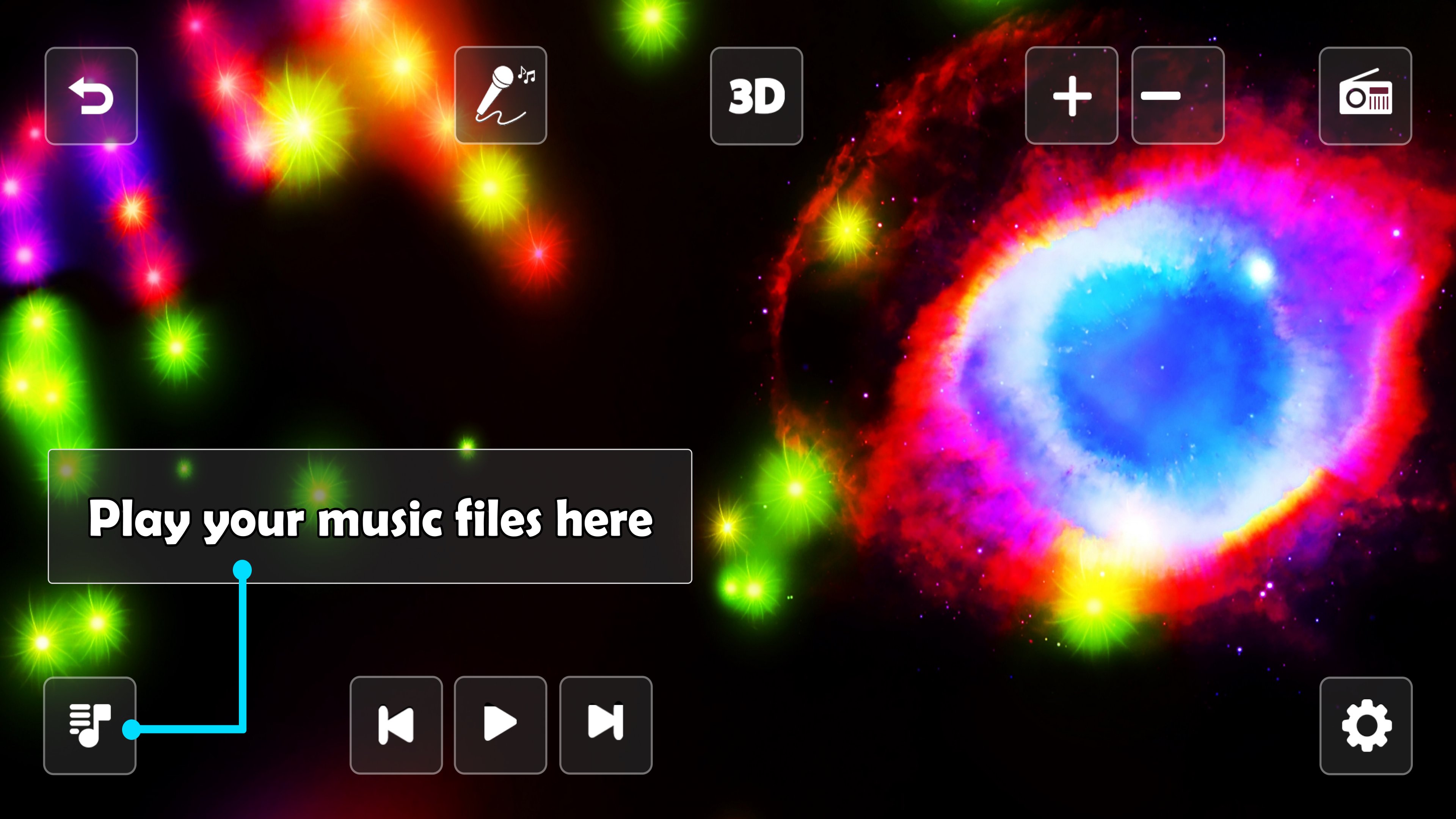
Play your music with a compatible music player app, then switch to this app to visualize the music. The app also includes access to a variety of online radio stations across different music genres. A player for your music files is included as well.
Create your own visualizers
Customize the visualizers with over 100 settings. Change colors, patterns, movement, backgrounds and other visual effects to create your own experience. In the free version, settings can be accessed by watching a video ad.
Interactivity
Swipe up to move further away in space and swipe down to move closer. You can also change the speed of the visual effects with the + and - buttons.
Meditation
The app can be used as a visual aid for meditation and mindfulness. Choose a visualizer, relax and focus on its colors and movements.
Background radio player
The radio can continue playing while the app is in the background, so you can listen while working or using other apps.
Visual stimulation mode
Pause or stop the music and use the app as a visual stimulation tool without sound.
PREMIUM FEATURES
3D gyroscope
Control your journey through space and the tunnels by moving your device with the interactive 3D gyroscope.
Microphone visualization
Visualize sounds using your phone's microphone. Try your voice, music from your stereo, or sounds at a party and watch them influence the visual effects.
Unlimited access to settings
Get unlimited access to all visualizer settings without having to watch video ads.
Preview
Tags
Music-&Information
Developer
Mobile Visuals
Latest Version
276
Last Updated
2026-09-14
Category
Music-audio
Available on
Google Play
Show More
How to play Astral 3D FX Music Visualizer with GameLoop on PC
1. Download GameLoop from the official website, then run the exe file to install GameLoop
2. Open GameLoop and search for “Astral 3D FX Music Visualizer” , find Astral 3D FX Music Visualizer in the search results and click “Install”
3. Enjoy playing Astral 3D FX Music Visualizer on GameLoop
Minimum requirements
OS
Windows 8.1 64-bit or Windows 10 64-bit
GPU
GTX 1050
CPU
i3-8300
Memory
8GB RAM
Storage
1GB available space
Recommended requirements
OS
Windows 8.1 64-bit or Windows 10 64-bit
GPU
GTX 1050
CPU
i3-9320
Memory
16GB RAM
Storage
1GB available space