Anime Radio Favorites PC
MyIndieApp.com
Download Anime Radio Favorites on PC With GameLoop Emulator
Anime Radio Favorites sa PC
Ang Anime Radio Favorites, na nagmumula sa developer na MyIndieApp.com, ay tumatakbo sa Android systerm sa nakaraan.
Ngayon, maaari mong laruin ang Anime Radio Favorites sa PC gamit ang GameLoop nang maayos.
I-download ito sa GameLoop library o mga resulta ng paghahanap. Hindi na tumitingin sa baterya o nakakadismaya na mga tawag sa maling oras.
I-enjoy lang ang Anime Radio Favorites PC sa malaking screen nang libre!
Anime Radio Favorites Panimula
***Anime Radio*** - Streaming Internet Anime Radio
Why is **Anime Radio** the best?
1. More Stations YOU Want To Hear
2. Built-in Internet Browser to surf the Web while you listen
3. Diverse Selection Of Channels (Jpop, Jrock, Anime, Jpoptronica, and More)
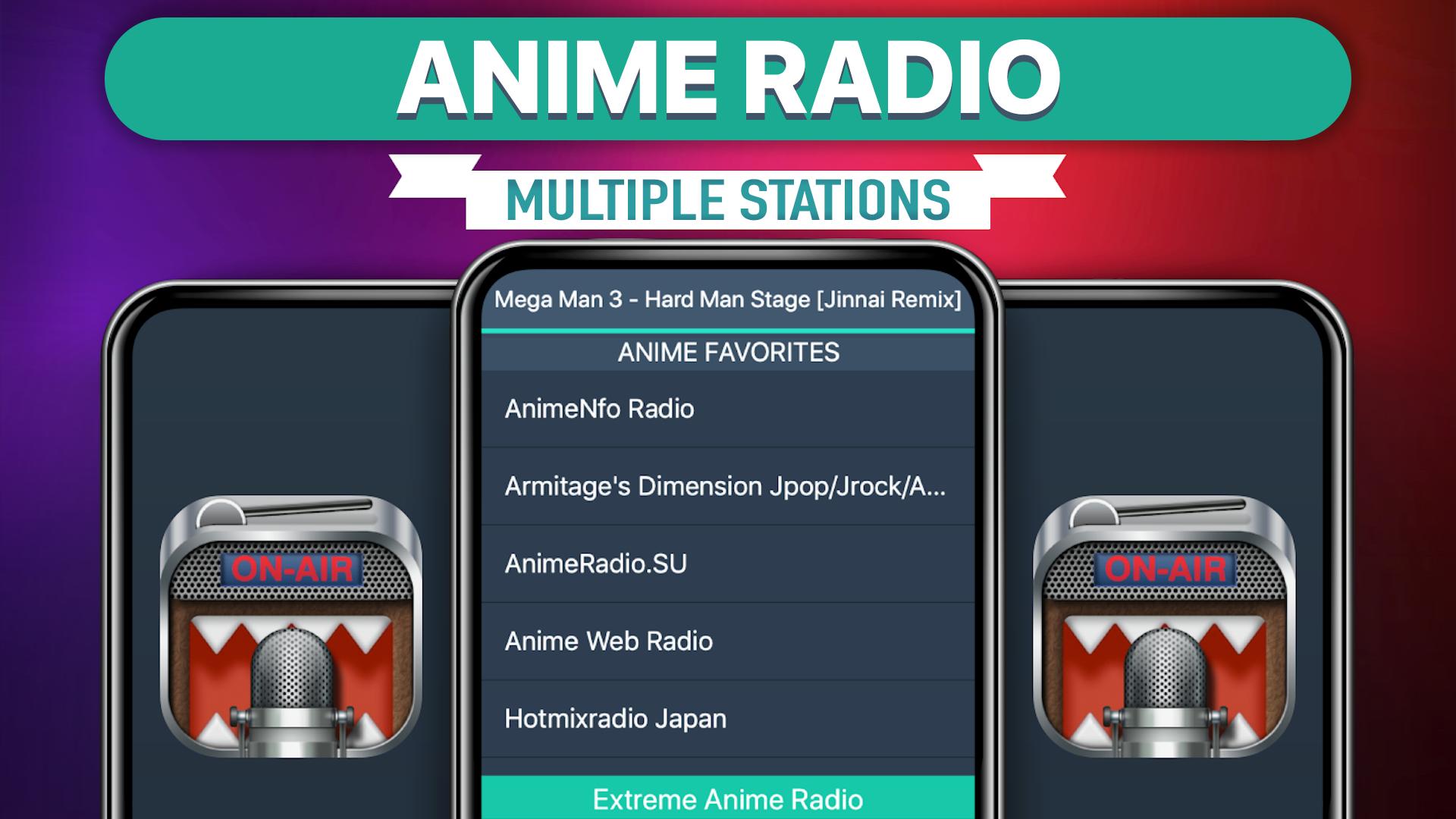
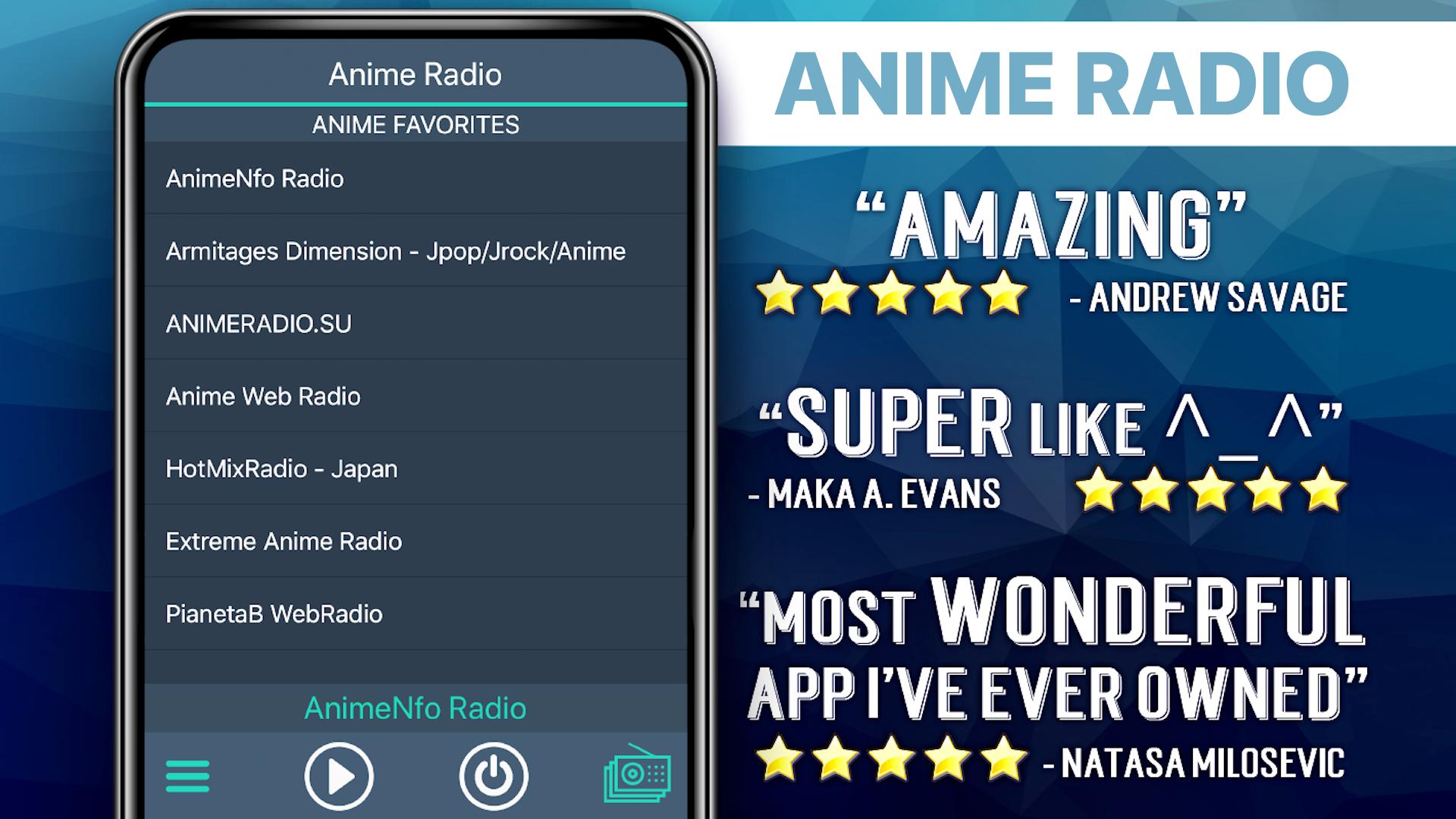
Station List
******* Anime Radio *******
Anime Radio
91.8 The Fan - Anime 24/7
AnimeNfo Radio | Anime music!
Extreme Anime Radio
Anime Web Radio
Streaming Soundtracks
AnimeID Radio
AnimeRadio.SU
Anime Obsesion
Radio Animati
Armitage - JPop/JRock/Anime
***** Anime Radio & Beyond *****
Sky.FM - JPop
RADIO JUNIOR
Friends Forever
CALMRADIO.COM - ORIENT - Favorites
shinsen-radio
MC Radio
Split Infinity Radio
Radio Conexao Otaku
acrobs
Omoshiroi Radio!
91.1 KLSU Radio
FAQs
Q: Why does the music stop playing when the screen goes dark?
A: There are several possible explanations for why this is happening. Many devices have built-in power saving settings (ex. Doze mode) that can cause disruptions in online streaming. Additionally, wifi settings need to be set to stay on when the device falls asleep. Please follow the link to our FAQ to find detailed instructions for how to adjust your settings to ensure seamless streaming: http://myindieapp.com/faq
Q: Why is the music skipping?
A: When songs are skipping, it is often because 1) that station's server has recently been reset or 2) the internet isn't filling the audio buffer fast enough. Usually these issues are resolved with faster internet, changing the wifi settings on your device, or they resolve on their own after the server resets.
Q: Where can I find these stations online?
A: Follow the link to the MadCalfApps.blogspot.com page in the app.
Q: Why do some of the stations have the wrong song titles?
A: The MetaData (or song titles) are collected from the websites providing the stream. They have either mislabeled the song or it has not updated yet.
Q: Why are some stations blank at times?
A: Some of these stations are controlled by real DJs and if they aren't playing anything at the time or their site is down no music will play. Fortunately we have a variety of free channels so you will always have a lot to choose from.
Enjoy!
Preview
Tags
Music-&Information
Developer
MyIndieApp.com
Latest Version
26.1
Last Updated
2025-08-26
Category
Music-audio
Available on
Google Play
Show More
How to play Anime Radio Favorites with GameLoop on PC
1. Download GameLoop from the official website, then run the exe file to install GameLoop
2. Open GameLoop and search for “Anime Radio Favorites” , find Anime Radio Favorites in the search results and click “Install”
3. Enjoy playing Anime Radio Favorites on GameLoop
Minimum requirements
OS
Windows 8.1 64-bit or Windows 10 64-bit
GPU
GTX 1050
CPU
i3-8300
Memory
8GB RAM
Storage
1GB available space
Recommended requirements
OS
Windows 8.1 64-bit or Windows 10 64-bit
GPU
GTX 1050
CPU
i3-9320
Memory
16GB RAM
Storage
1GB available space