Philips HearLink 2 PC
SBO Hearing A/S
Download Philips HearLink 2 on PC With GameLoop Emulator
Philips HearLink 2 sa PC
Ang Philips HearLink 2, na nagmumula sa developer na SBO Hearing A/S, ay tumatakbo sa Android systerm sa nakaraan.
Ngayon, maaari mong laruin ang Philips HearLink 2 sa PC gamit ang GameLoop nang maayos.
I-download ito sa GameLoop library o mga resulta ng paghahanap. Hindi na tumitingin sa baterya o nakakadismaya na mga tawag sa maling oras.
I-enjoy lang ang Philips HearLink 2 PC sa malaking screen nang libre!
Philips HearLink 2 Panimula
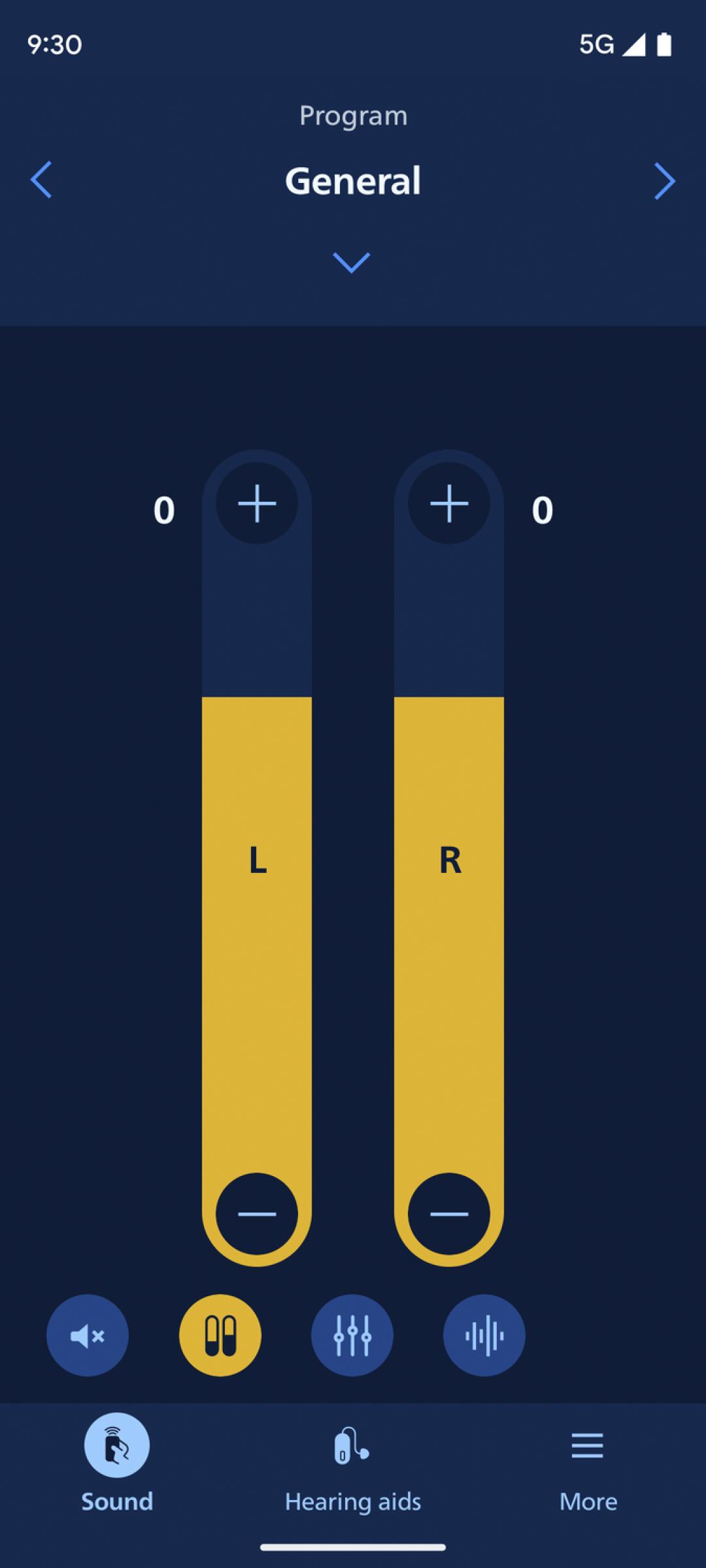
This app lets you control your hearing aids from your mobile device. Note: some features may be available depending on your hearing aid model. Check below for details.
• Adjust sound volume for each hearing aid together or separately
• Mute surroundings for better focus
• Switch between programs set by your hearing care professional
• Check battery levels
• Stream calls, music, and podcasts directly to your hearing aids (availability may vary depending on your phone model)
• Find your hearing aids if lost (requires location services always turned on)
• Access app support and troubleshooting solutions
• Meet your hearing care professional for an online visit (by appointment)
• Adjust streaming sounds with streaming equalizer (available for all hearing aid models except Philips HearLink 00)
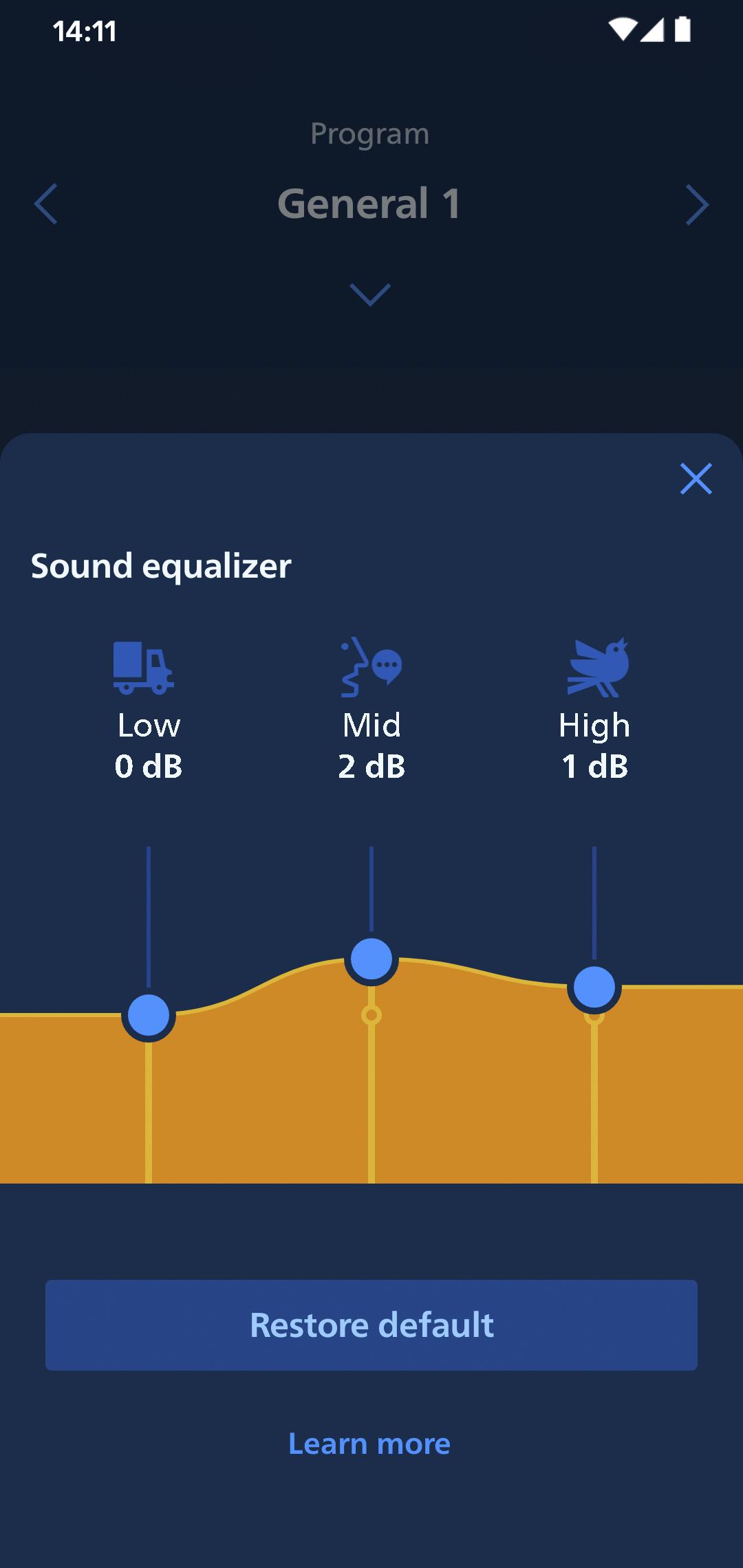
• Adjust sounds around you with sound equalizer (available for Philips HearLink 50 and 40 models)
• Track your progress with Philips Journal feature (available for Philips HearLink 50 and 40 models)
• Handle wireless accessories paired with your hearing aids such as TV Adapters and AudioClip
First use:
You need to pair your hearing aids with this app to use it to control your hearing aids.
App availability:
We recommend regular hearing aid updates during your routine check-up with your hearing care professional.
For optimal performance, we recommend updating your device to OS 10 or later. To check the latest list of compatible devices, please visit:
hearingsolutions.philips.com/compatibility
Preview
Tags
MedicalInformation
Developer
SBO Hearing A/S
Latest Version
1.5.2
Last Updated
2025-04-11
Category
Medical
Available on
Google Play
Show More
How to play Philips HearLink 2 with GameLoop on PC
1. Download GameLoop from the official website, then run the exe file to install GameLoop
2. Open GameLoop and search for “Philips HearLink 2” , find Philips HearLink 2 in the search results and click “Install”
3. Enjoy playing Philips HearLink 2 on GameLoop
Minimum requirements
OS
Windows 8.1 64-bit or Windows 10 64-bit
GPU
GTX 1050
CPU
i3-8300
Memory
8GB RAM
Storage
1GB available space
Recommended requirements
OS
Windows 8.1 64-bit or Windows 10 64-bit
GPU
GTX 1050
CPU
i3-9320
Memory
16GB RAM
Storage
1GB available space