
myMerlinPulse™ PC
Abbott
Download myMerlinPulse™ on PC With GameLoop Emulator
myMerlinPulse™ sa PC
Ang myMerlinPulse™, na nagmumula sa developer na Abbott, ay tumatakbo sa Android systerm sa nakaraan.
Ngayon, maaari mong laruin ang myMerlinPulse™ sa PC gamit ang GameLoop nang maayos.
I-download ito sa GameLoop library o mga resulta ng paghahanap. Hindi na tumitingin sa baterya o nakakadismaya na mga tawag sa maling oras.
I-enjoy lang ang myMerlinPulse™ PC sa malaking screen nang libre!
myMerlinPulse™ Panimula
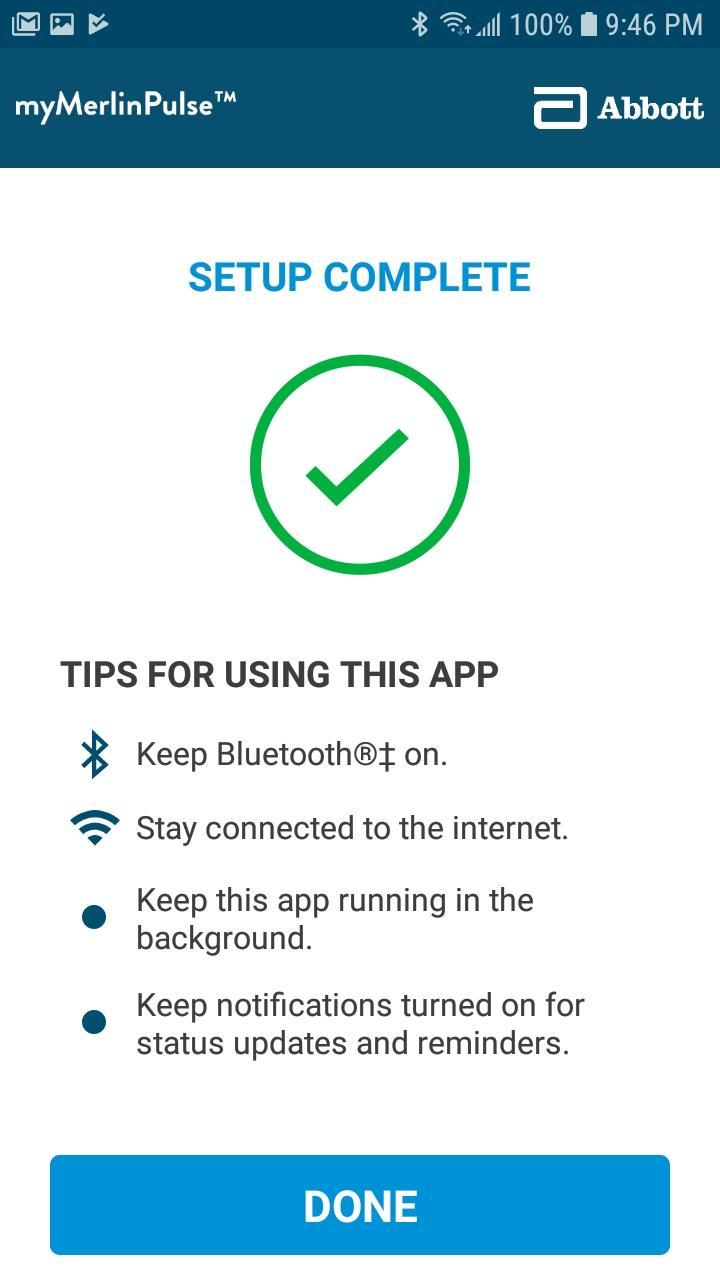
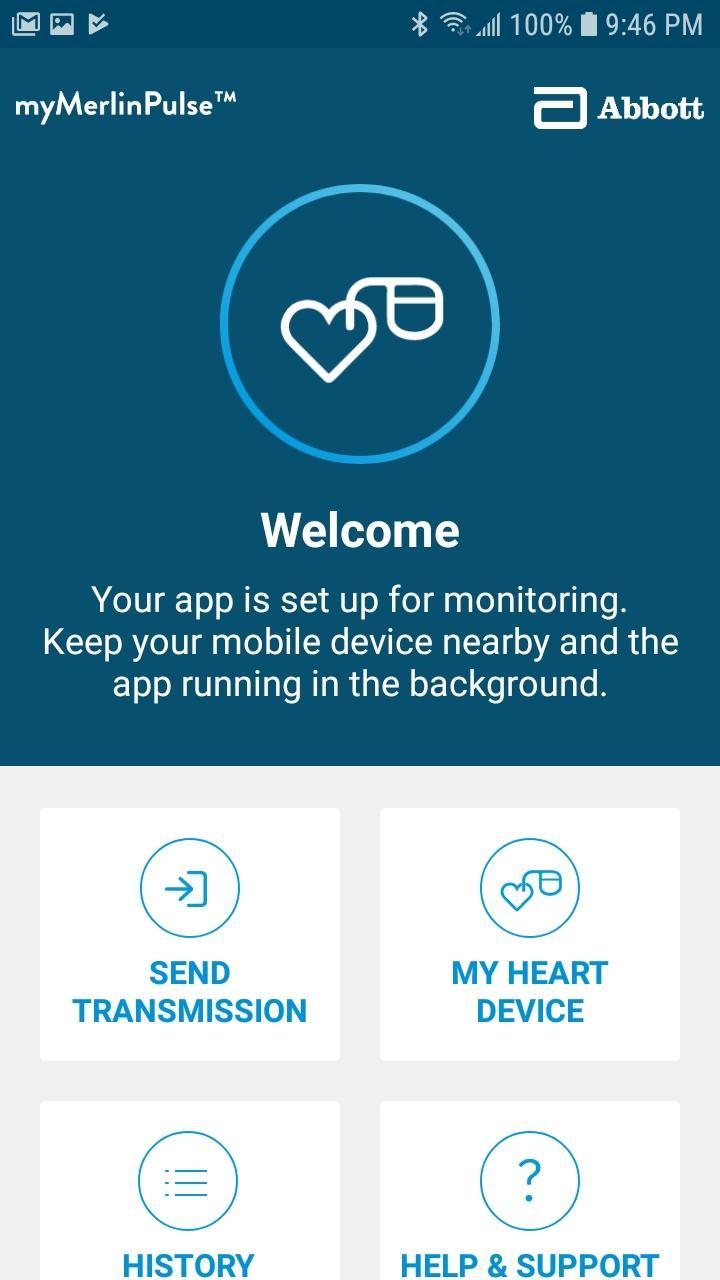
The myMerlinPulse™ mobile application for patients is intended for use by people who have an Abbott Medical implanted heart device and access to a mobile device. The app provides remote monitoring capability of the device by transmitting information from the patient’s implanted heart device to the patient’s healthcare provider.
The App uses an internet connection through a WiFi or cellular network to send information about your implanted heart device to your healthcare provider. Your information is encrypted to ensure the privacy and security of the transmission.
The app’s intuitive user-friendly interface allows you to check if your heart device is connected with your doctor, get information about your heart device including its battery status, view the history of transmissions and send manual transmissions to your healthcare provider, and be notified if there has been a significant change in the performance of your implanted device.
This app will only function once paired with your implanted device.
This app does not currently support tablet devices.
Do not rely on the app during a medical emergency. If you experience a medical emergency, seek medical attention immediately.
Preview
Tags
MedicalInformation
Developer
Abbott
Latest Version
1.0.106
Last Updated
2023-09-25
Category
Medical
Available on
Google Play
Show More
How to play myMerlinPulse™ with GameLoop on PC
1. Download GameLoop from the official website, then run the exe file to install GameLoop
2. Open GameLoop and search for “myMerlinPulse™” , find myMerlinPulse™ in the search results and click “Install”
3. Enjoy playing myMerlinPulse™ on GameLoop
Minimum requirements
OS
Windows 8.1 64-bit or Windows 10 64-bit
GPU
GTX 1050
CPU
i3-8300
Memory
8GB RAM
Storage
1GB available space
Recommended requirements
OS
Windows 8.1 64-bit or Windows 10 64-bit
GPU
GTX 1050
CPU
i3-9320
Memory
16GB RAM
Storage
1GB available space