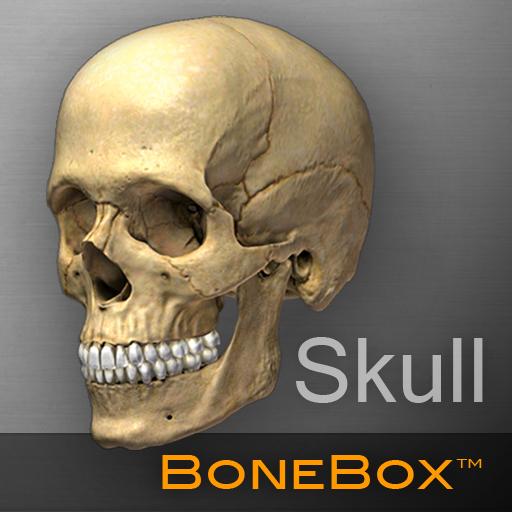
BoneBox™ - Skull Viewer PC
iSO-FORM, LLC
Download BoneBox™ - Skull Viewer on PC With GameLoop Emulator
BoneBox™ - Skull Viewer sa PC
Ang BoneBox™ - Skull Viewer, na nagmumula sa developer na iSO-FORM, LLC, ay tumatakbo sa Android systerm sa nakaraan.
Ngayon, maaari mong laruin ang BoneBox™ - Skull Viewer sa PC gamit ang GameLoop nang maayos.
I-download ito sa GameLoop library o mga resulta ng paghahanap. Hindi na tumitingin sa baterya o nakakadismaya na mga tawag sa maling oras.
I-enjoy lang ang BoneBox™ - Skull Viewer PC sa malaking screen nang libre!
BoneBox™ - Skull Viewer Panimula
OVERVIEW
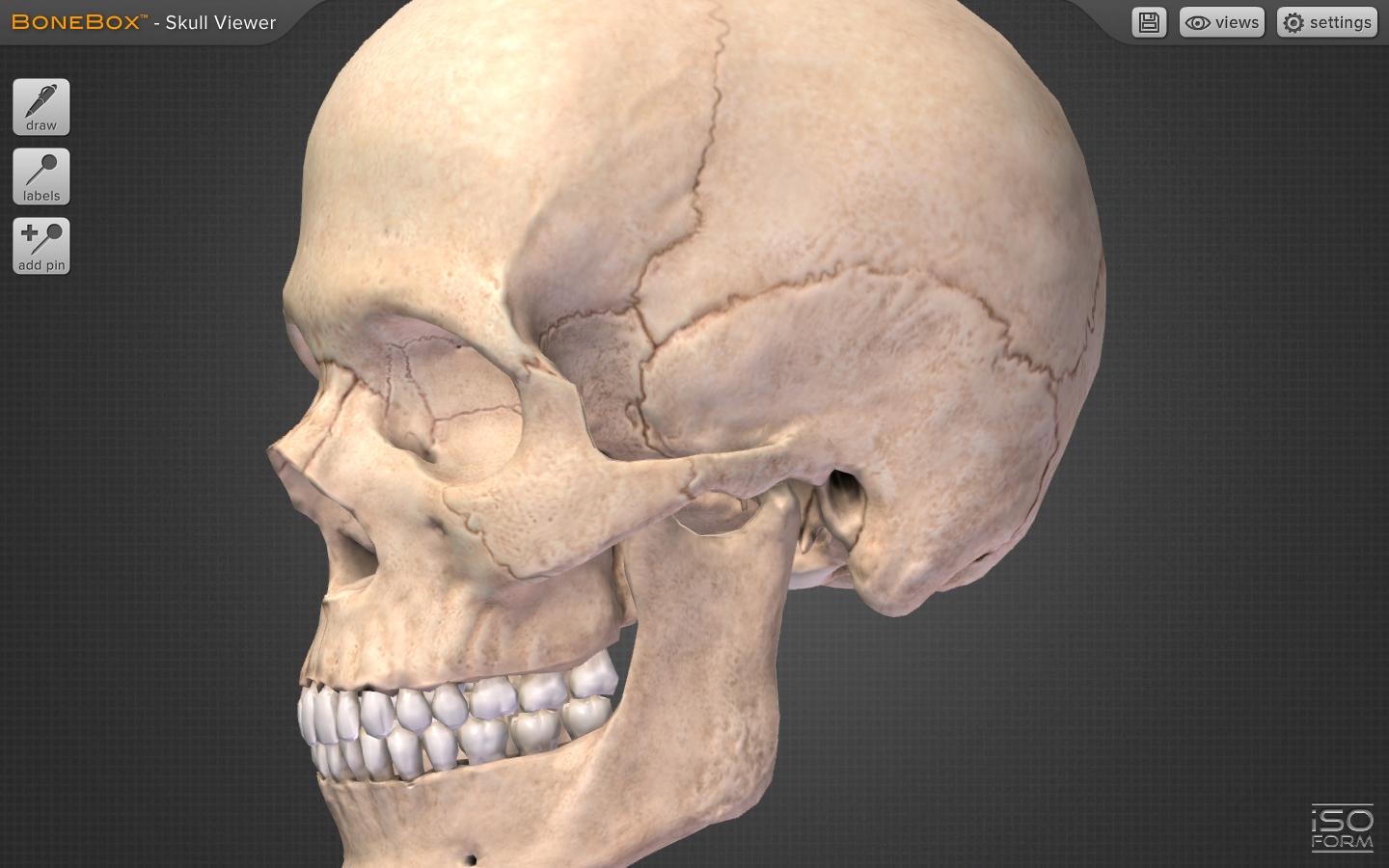
The BoneBox™ Skull Viewer is a real-time 3D medical education tool that features exceptionally detailed anatomical skull models and unique interactive elements. It is the first in a new series of apps developed by a team of anatomists, certified medical illustrators, animators, and programmers using actual human CT imaging data, and cutting-edge 3D modeling techniques.
Interaction with the BoneBox™ Skull Viewer utilizes true “real-time 3D”. Unlike other anatomical apps and programs, there are no pre-rendered frames or animations. Therefore, the user can orient the 3D skull in any position and zoom in to any location to explore anatomical structures.
The BoneBox™ Skull Viewer is appropriate for users at all levels, from secondary students to medical professionals wishing to learn skull anatomy.
FEATURES
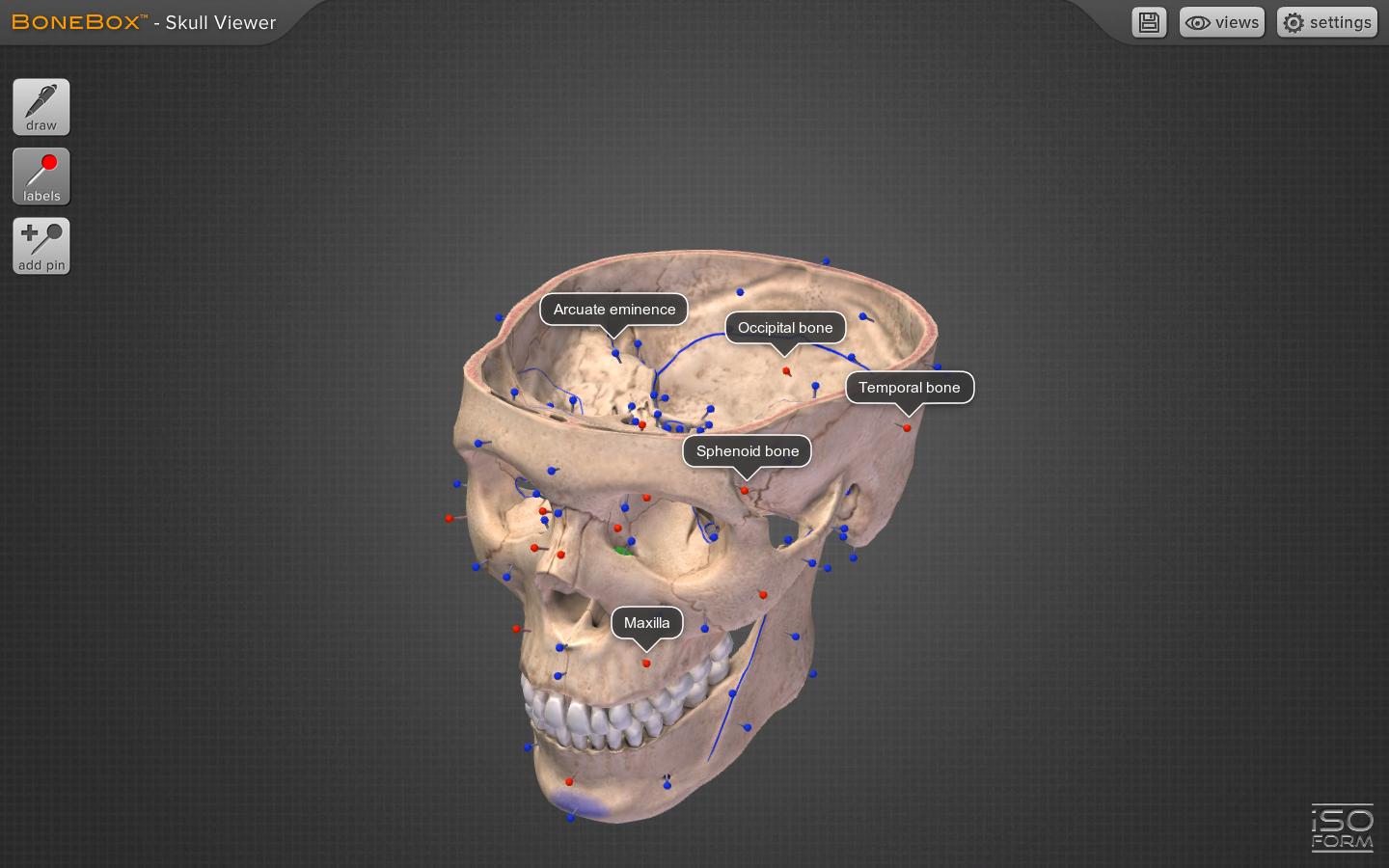
• Views: By selecting the “Views” menu he user can interact with sagittal, coronal, and transverse sections of the skull. Color-coded, didactic models clearly show the bones that comprise the skull.
• Pins: By turning on the color coded pins, the user can study the names and locations of over 100 anatomical structures, including: bones, foramina, and prominent anatomical features. The pins and labels remain on screen and in the exact anatomical location during all real time 3D user interaction.
• Pen Tool: Drawing with the multi-colored pen tool allows the user to draw directly on the surface of the 3D skull for use in the clinic, or classroom.
• Save Custom Features: The latest feature in the BoneBox™ line of applications is the ability to save and load user lines and pins for a customized learning experience.
• Background Selection: The user can now select a background color of their liking.
• Quizzing: The BoneBox™ Skull Viewer an excellent tool for any anatomy lecture or lab. Using the custom pin tool, instructors can place color-coded pins anywhere on the skull. Once placed, the instructor can write a question on the label of that pin. Students can then rotate the skull in 3D to gain a better understanding of that pin’s location on the model.
About iSO-FORM
iSO-FORM is a team of award winning medical artists, programmers and innovators who believe that we are on the verge of a new era of learning, where the user doesn’t just memorize facts, but discovers them through engaging interaction and exploration. We’re passionate about science, technology and art, so we live and work at that intersection. If we’ve piqued your curiosity, check us out at: www.iso-form.com.
Preview
Tags
MedicalInformation
Developer
iSO-FORM, LLC
Latest Version
1.0.0
Last Updated
2013-09-23
Category
Medical
Available on
Google Play
Show More
How to play BoneBox™ - Skull Viewer with GameLoop on PC
1. Download GameLoop from the official website, then run the exe file to install GameLoop
2. Open GameLoop and search for “BoneBox™ - Skull Viewer” , find BoneBox™ - Skull Viewer in the search results and click “Install”
3. Enjoy playing BoneBox™ - Skull Viewer on GameLoop
Minimum requirements
OS
Windows 8.1 64-bit or Windows 10 64-bit
GPU
GTX 1050
CPU
i3-8300
Memory
8GB RAM
Storage
1GB available space
Recommended requirements
OS
Windows 8.1 64-bit or Windows 10 64-bit
GPU
GTX 1050
CPU
i3-9320
Memory
16GB RAM
Storage
1GB available space