
TPL Trakker PC
TPL
Download TPL Trakker on PC With GameLoop Emulator
TPL Trakker sa PC
Ang TPL Trakker, na nagmumula sa developer na TPL, ay tumatakbo sa Android systerm sa nakaraan.
Ngayon, maaari mong laruin ang TPL Trakker sa PC gamit ang GameLoop nang maayos.
I-download ito sa GameLoop library o mga resulta ng paghahanap. Hindi na tumitingin sa baterya o nakakadismaya na mga tawag sa maling oras.
I-enjoy lang ang TPL Trakker PC sa malaking screen nang libre!
TPL Trakker Panimula
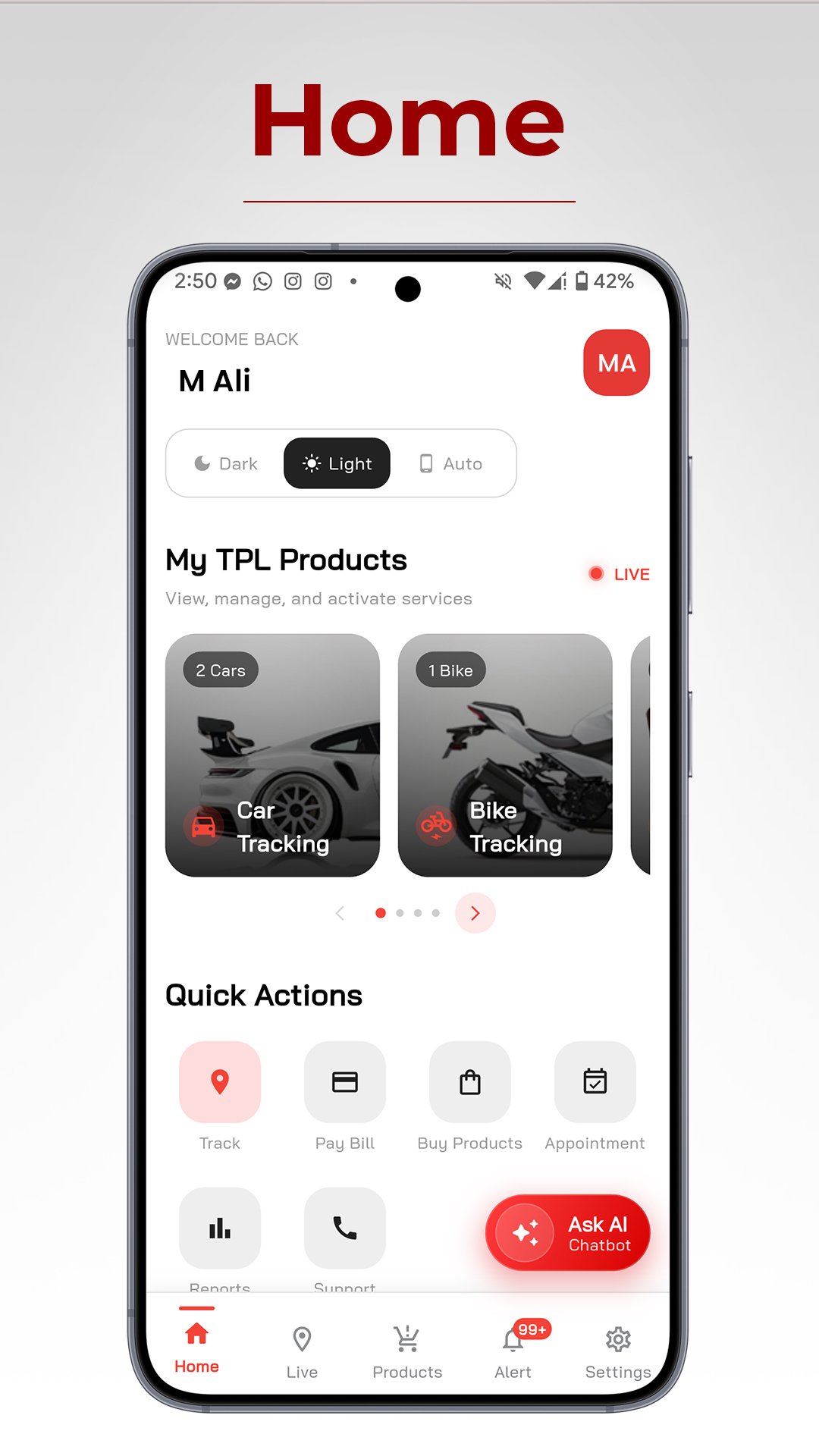
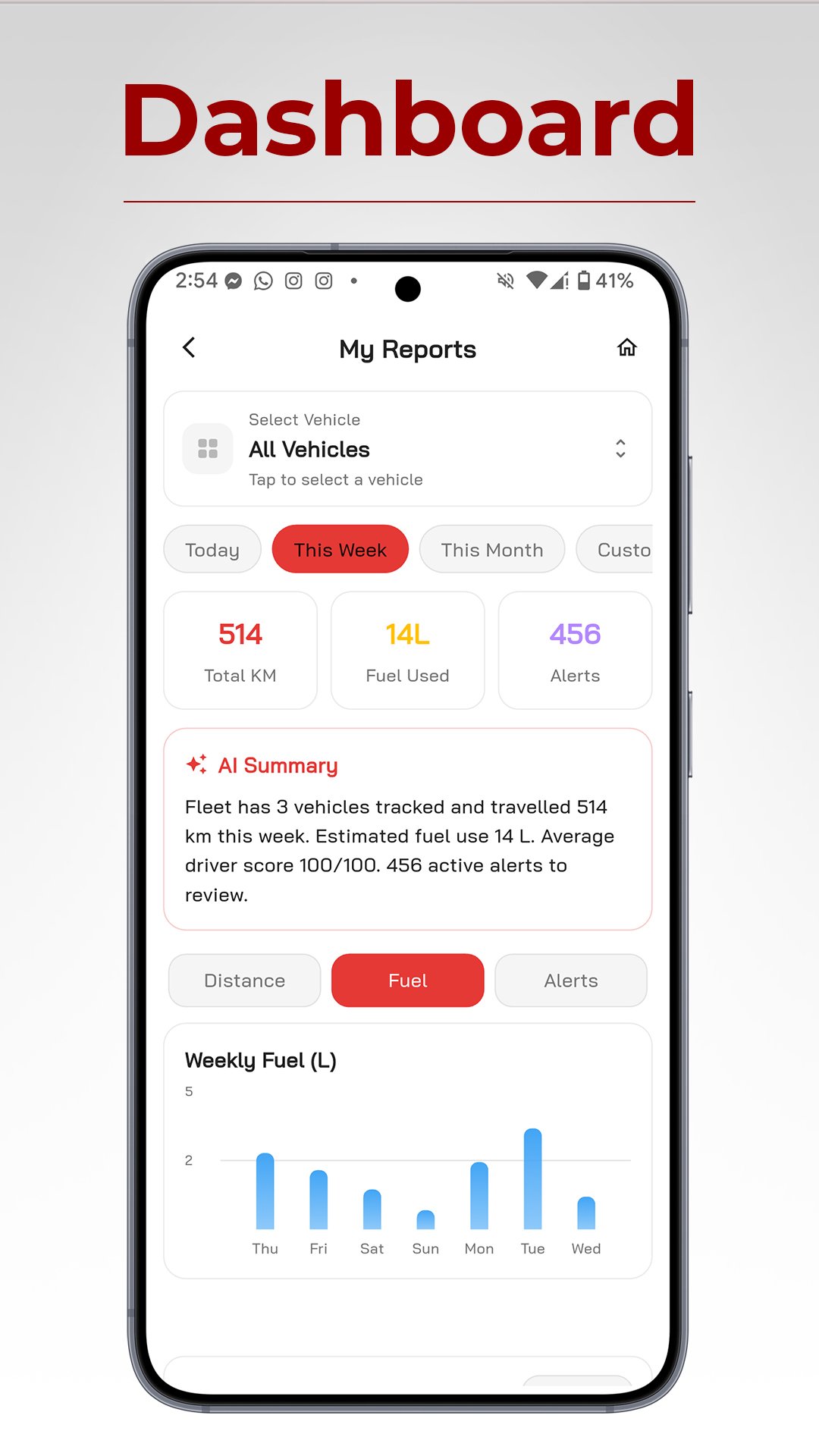
Welcome to the redesigned TPL Trakker mobile application – your all-in-one solution for efficient vehicle tracking and management. Our new design offers a seamless user experience with enhanced features and improved performance.
Key Features:
Real-time vehicle tracking: Monitor your fleet's location and status in real time.
Digital Customer Services: Access and manage customer service inquiries, complaints, and invoices conveniently through the app
History and reports: Access detailed trip histories and generate insightful reports.
Ignition on/off notifications: Receive instant alerts for added security.
No-Go Area Alerts Notifications: Receive immediate notifications when vehicles enter or exit restricted zones
.
Battery Notifications: Stay informed about your vehicle's battery alarms
Enhanced user interface: Enjoy a user-friendly and intuitive design.
Performance improvements: Experience faster and more reliable tracking.
Stay connected to your fleet like never before with the TPL Trakker app.
Download now and take control of your vehicle tracking needs.
Preview
Tags
Maps-&Information
Developer
TPL
Latest Version
8.0.6
Last Updated
2026-08-31
Category
Maps-navigation
Available on
Google Play
Show More
How to play TPL Trakker with GameLoop on PC
1. Download GameLoop from the official website, then run the exe file to install GameLoop
2. Open GameLoop and search for “TPL Trakker” , find TPL Trakker in the search results and click “Install”
3. Enjoy playing TPL Trakker on GameLoop
Minimum requirements
OS
Windows 8.1 64-bit or Windows 10 64-bit
GPU
GTX 1050
CPU
i3-8300
Memory
8GB RAM
Storage
1GB available space
Recommended requirements
OS
Windows 8.1 64-bit or Windows 10 64-bit
GPU
GTX 1050
CPU
i3-9320
Memory
16GB RAM
Storage
1GB available space