
NAH SH PC
HaCon Ingenieurges. mbH
Download NAH SH on PC With GameLoop Emulator
NAH SH sa PC
Ang NAH SH, na nagmumula sa developer na HaCon Ingenieurges. mbH, ay tumatakbo sa Android systerm sa nakaraan.
Ngayon, maaari mong laruin ang NAH SH sa PC gamit ang GameLoop nang maayos.
I-download ito sa GameLoop library o mga resulta ng paghahanap. Hindi na tumitingin sa baterya o nakakadismaya na mga tawag sa maling oras.
I-enjoy lang ang NAH SH PC sa malaking screen nang libre!
NAH SH Panimula
If you have questions regarding the semester ticket in Schleswig-Holstein, please inquire NAH.SH customer service via kundendialog@nah.sh.
NAH SH - Your personal journey planner for regional Schleswig-Holstein.
With the NAH.SH-App, your personal travel companion is always in your pocket. All of the information that you need for your next trip is only a quick click away. Students from Schleswig-Holstein universities can download their Schleswig-Holstein-wide semester ticket directly into the app.
The NAH SH-App offers you the following features:
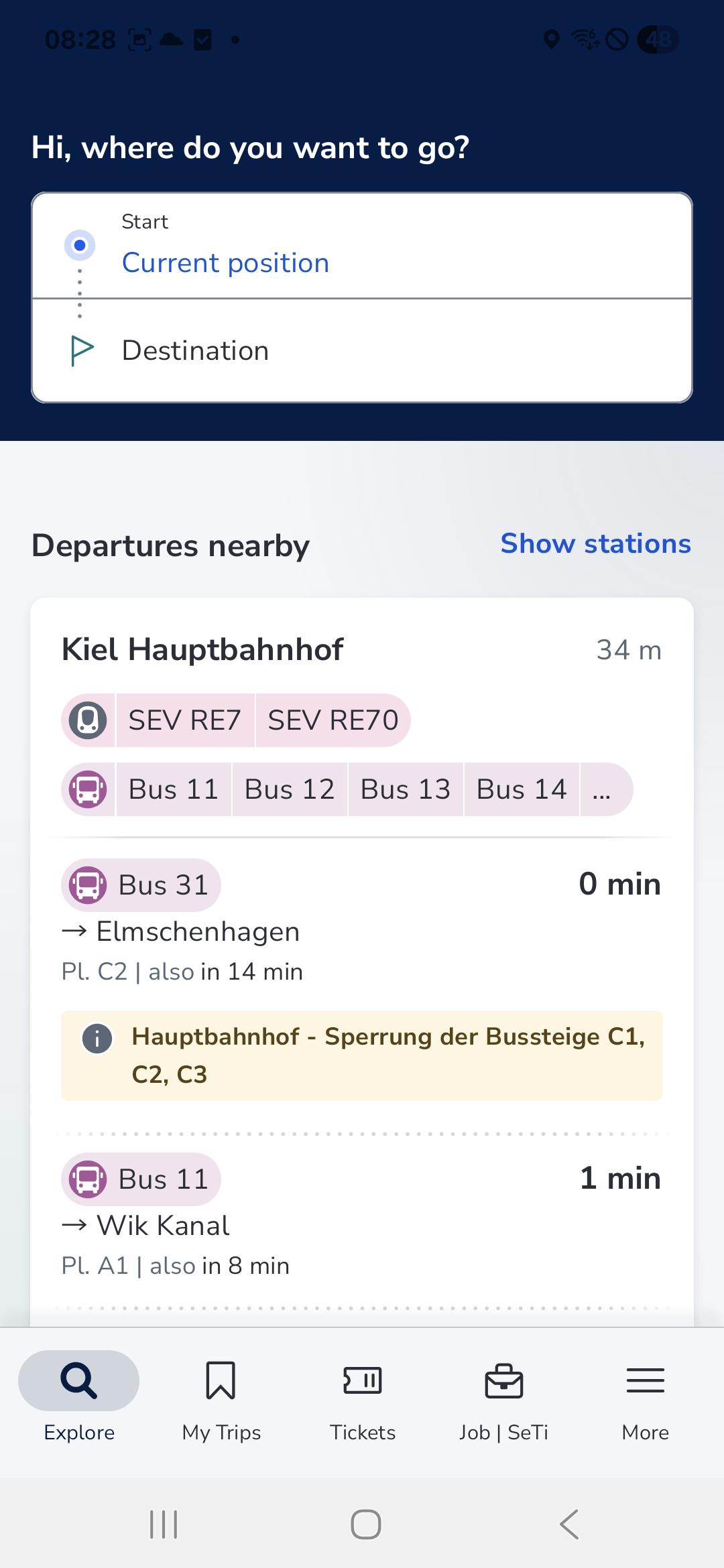
An individual journey planner for all trains and buses within Schleswig-Holstein: you can choose to search by your current location, a particular address, or the nearest bus or train station. Our journey planner gives you the fastest connections, the exact distance you need to travel, footpaths, platform number and transfer time.
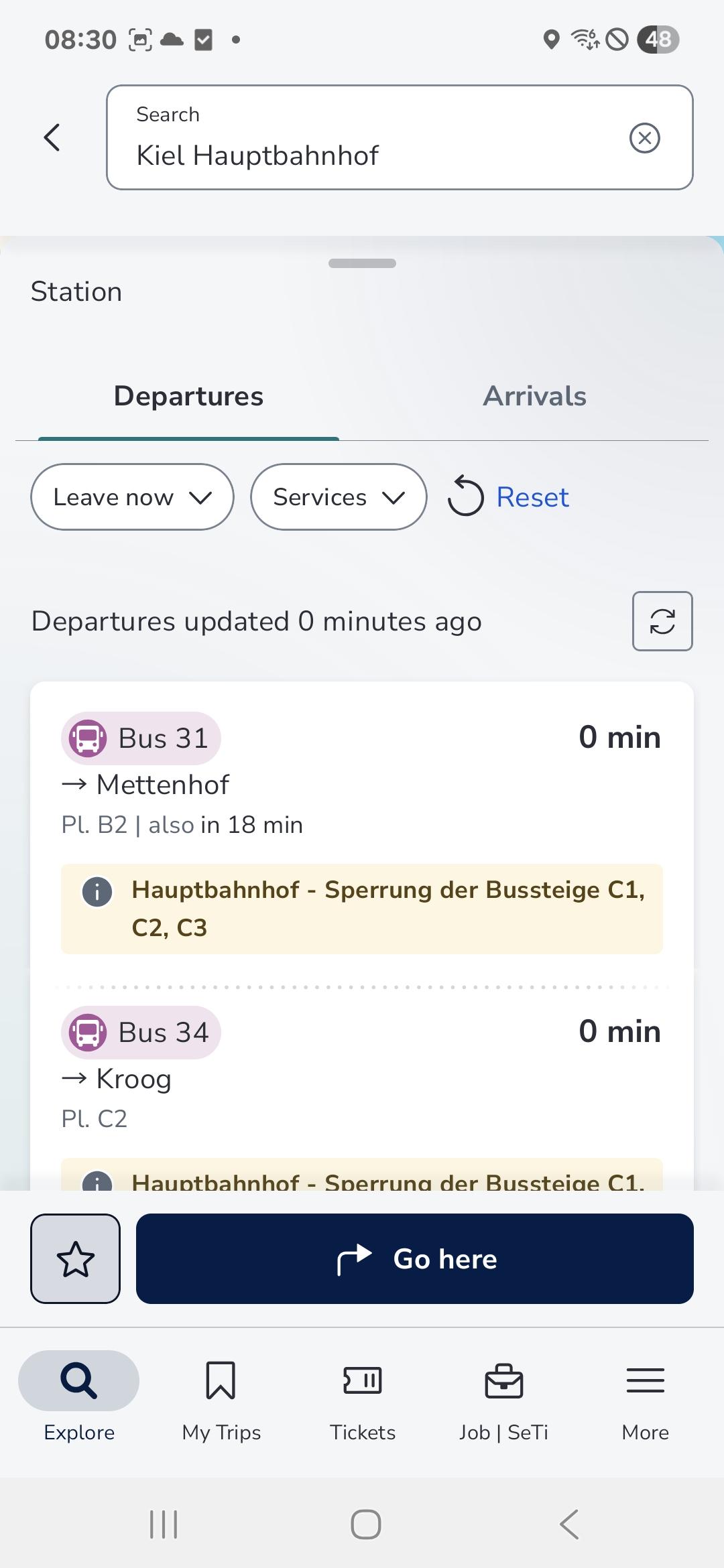
An overview of all stops with the next arrival and departure times as well as an environment map.
A map of your current location and the surrounding area with all the available stops.
Tariff information and ticket options that are relevant to your travel plan.
Real-time data information, so that you always know whether your train or bus is on time.
Push messages concerning disturbances, if notifications is activated in the app.
Under “my addresses” you can easily save frequently used travel routes as favourites to make searching for your connection even faster!
Preview
Tags
Maps-&Information
Developer
HaCon Ingenieurges. mbH
Latest Version
6.1.2 (6)
Last Updated
2025-10-10
Category
Maps-navigation
Available on
Google Play
Show More
How to play NAH SH with GameLoop on PC
1. Download GameLoop from the official website, then run the exe file to install GameLoop
2. Open GameLoop and search for “NAH SH” , find NAH SH in the search results and click “Install”
3. Enjoy playing NAH SH on GameLoop
Minimum requirements
OS
Windows 8.1 64-bit or Windows 10 64-bit
GPU
GTX 1050
CPU
i3-8300
Memory
8GB RAM
Storage
1GB available space
Recommended requirements
OS
Windows 8.1 64-bit or Windows 10 64-bit
GPU
GTX 1050
CPU
i3-9320
Memory
16GB RAM
Storage
1GB available space