My Drone Hub PC
UAE General Civil Aviation Authority
Download My Drone Hub on PC With GameLoop Emulator
My Drone Hub sa PC
Ang My Drone Hub, na nagmumula sa developer na UAE General Civil Aviation Authority, ay tumatakbo sa Android systerm sa nakaraan.
Ngayon, maaari mong laruin ang My Drone Hub sa PC gamit ang GameLoop nang maayos.
I-download ito sa GameLoop library o mga resulta ng paghahanap. Hindi na tumitingin sa baterya o nakakadismaya na mga tawag sa maling oras.
I-enjoy lang ang My Drone Hub PC sa malaking screen nang libre!
My Drone Hub Panimula
** THIS APP IS ONLY FOR EMIRATES ID CARD HOLDERS **
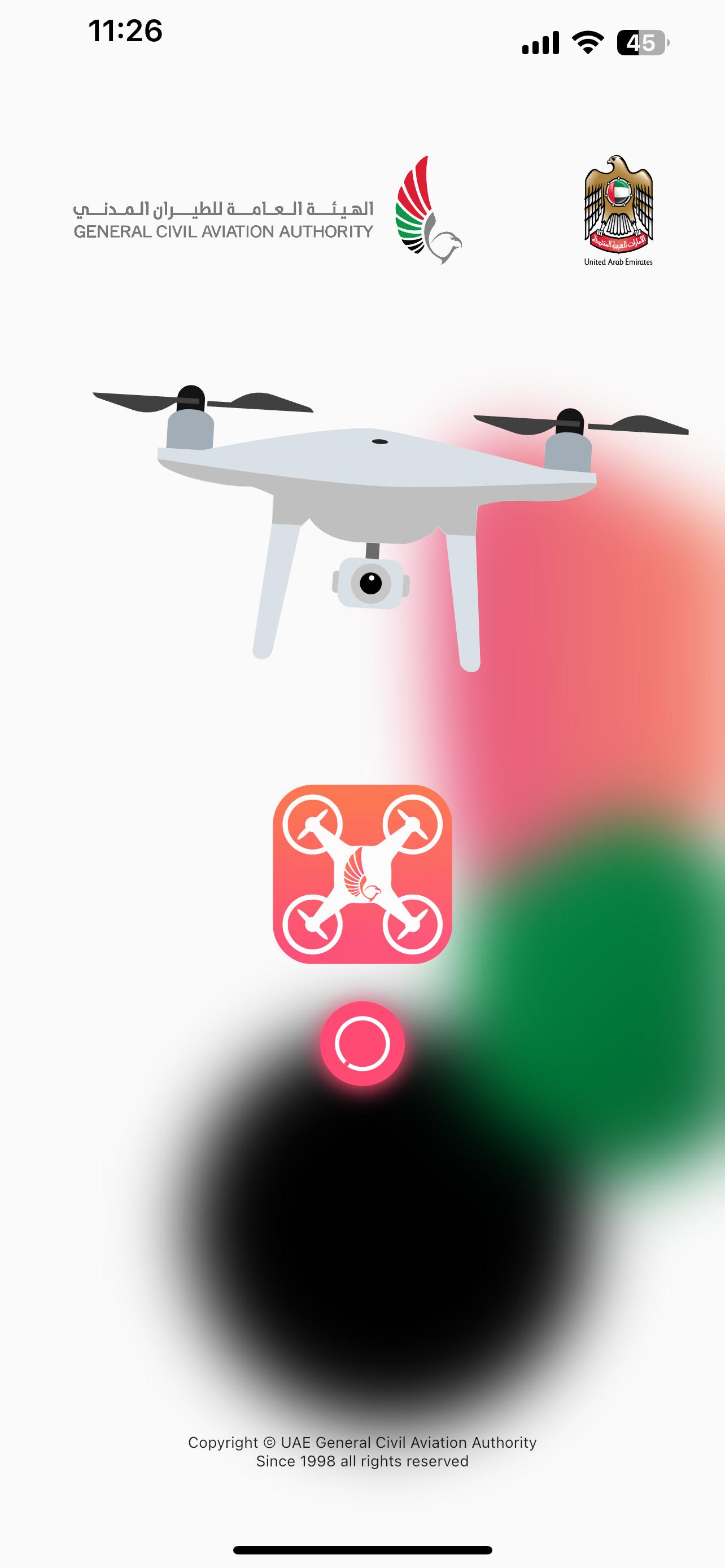
‘My Drone Hub’ is an all-in-one app developed by GCAA for the users of UAS/RPAS /Drone in UAE in order to inform and assist them using their Drones in compliance with the aviation safety regulations.
The current app version has the below features …
• Quick Drone Registration within minutes.
• Track of your Drone Applications by entering your mobile number
• Keep all your paperless Drone Certificates in the app
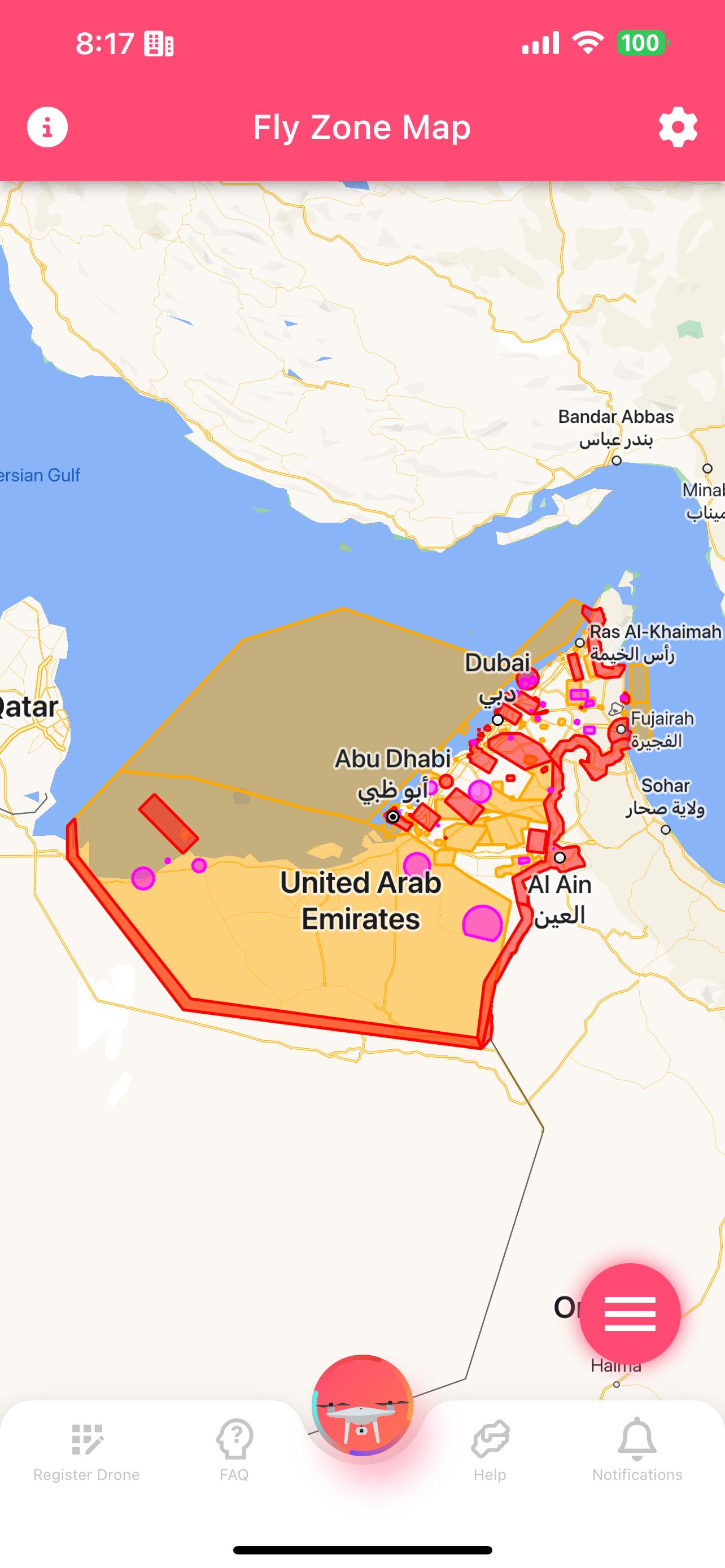
• Fly Zone Map to help you stay in the Drone Fly Zone
• Enable tracking and location to get notified when you leave or enter the Fly Zone
• Get important announcements related to Drones in UAE
We are not done yet, we will keep improving and will shortly get back with the below …
• Improved and interactive Fly Zone Map
• Support of Arabic language
We are listening, so please do share your feedback with us or reach out for help
Preview
Tags
Maps-&Information
Developer
UAE General Civil Aviation Authority
Latest Version
2.3.3
Last Updated
2023-11-21
Category
Maps-navigation
Available on
Google Play
Show More
How to play My Drone Hub with GameLoop on PC
1. Download GameLoop from the official website, then run the exe file to install GameLoop
2. Open GameLoop and search for “My Drone Hub” , find My Drone Hub in the search results and click “Install”
3. Enjoy playing My Drone Hub on GameLoop
Minimum requirements
OS
Windows 8.1 64-bit or Windows 10 64-bit
GPU
GTX 1050
CPU
i3-8300
Memory
8GB RAM
Storage
1GB available space
Recommended requirements
OS
Windows 8.1 64-bit or Windows 10 64-bit
GPU
GTX 1050
CPU
i3-9320
Memory
16GB RAM
Storage
1GB available space