
MKE Park PC
Parkmobile, LLC
Download MKE Park on PC With GameLoop Emulator
MKE Park sa PC
Ang MKE Park, na nagmumula sa developer na Parkmobile, LLC, ay tumatakbo sa Android systerm sa nakaraan.
Ngayon, maaari mong laruin ang MKE Park sa PC gamit ang GameLoop nang maayos.
I-download ito sa GameLoop library o mga resulta ng paghahanap. Hindi na tumitingin sa baterya o nakakadismaya na mga tawag sa maling oras.
I-enjoy lang ang MKE Park PC sa malaking screen nang libre!
MKE Park Panimula
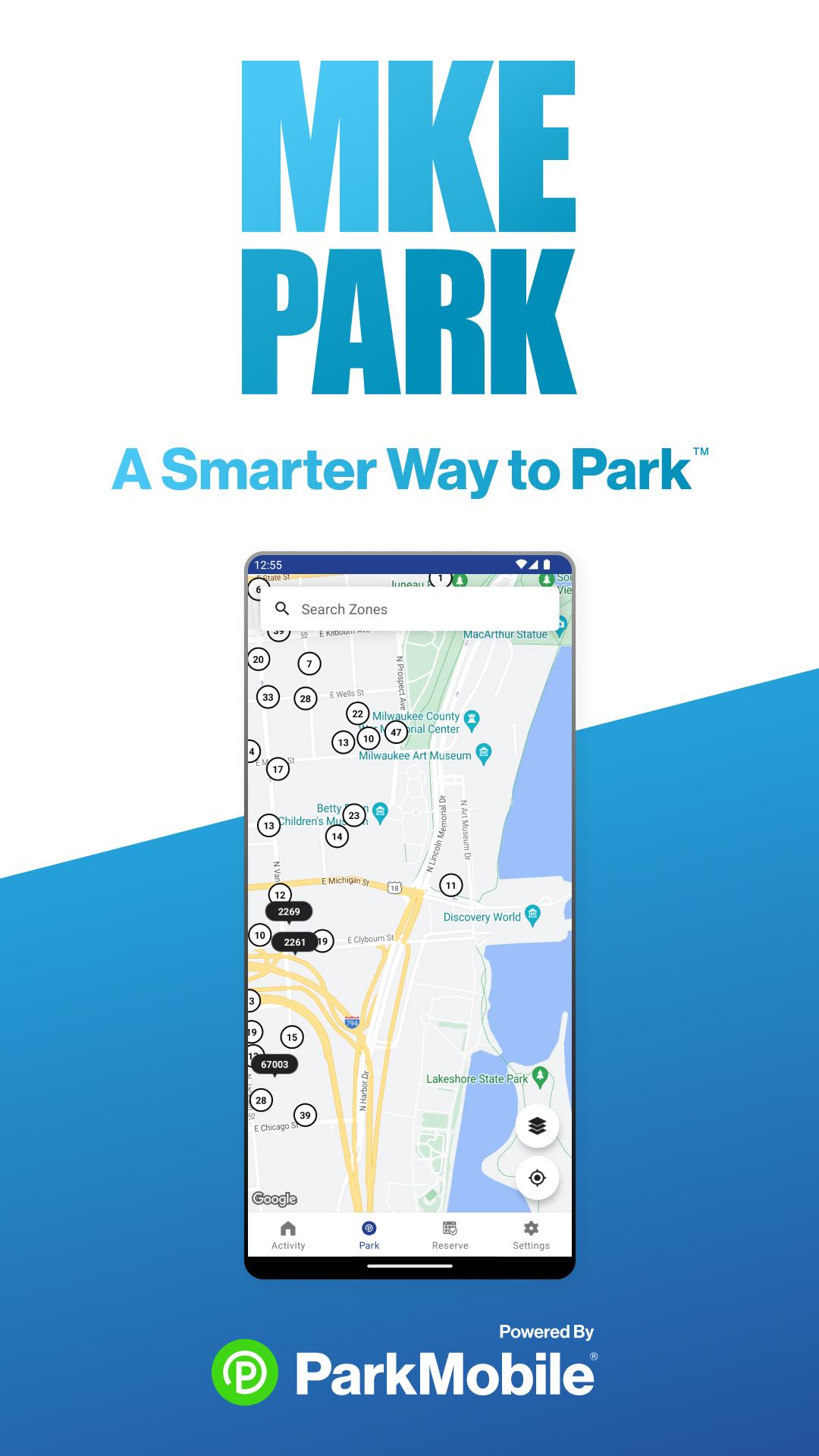
The MKE Park app, powered by ParkMobile, provides a convenient way to pay for parking using your mobile phone. Registration is free and takes less than two minutes to join. MKE Park takes the stress out of parking. No more searching for coins. No worries about an out-of-service parking meter. With the MKE Park app, starting your parking session takes just a few seconds.
Why Use MKE Park?
• Skip the meter and easily pay for parking from your mobile device
• Extend your parking duration remotely from the app
• Get alerts so you know when your parking session is going to expire
• Track parking expenses and easily export for expense reimbursements
Find out more about MKE Park by visiting www.MKEPark.com.
How to Set Up Your Account
• Download the MKE Park app and create an account with your email address and password
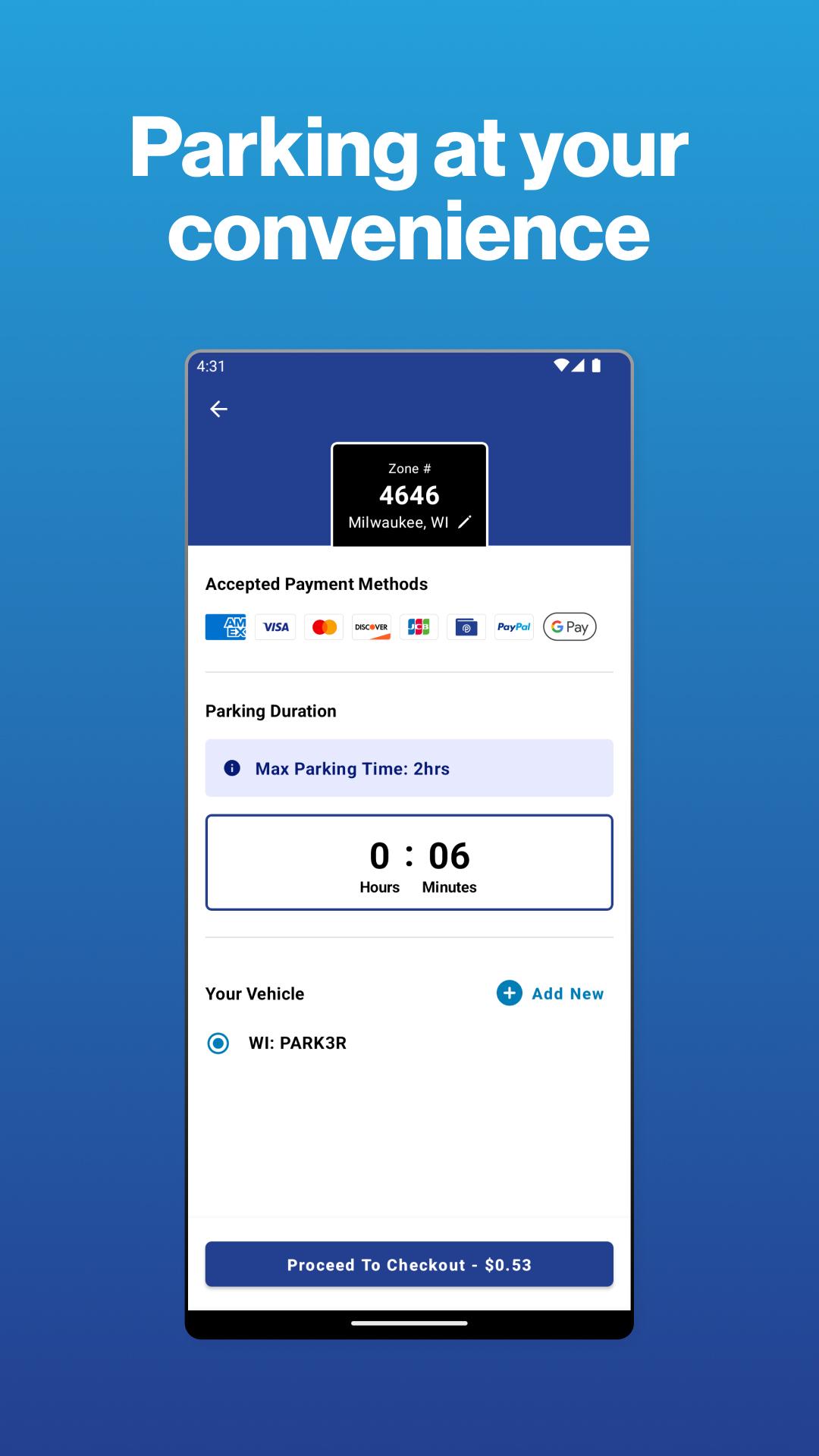
• Enter your license plate number and the state where your vehicle is registered
• Add your method of payment and start using the MKE Park
How It Works:
• Streets, Lots, and Garages: Enter the zone number on the posted signs in your area. Select the amount of time you want to park, and start your session. Extend time in the app if you are running late.
• Parking Reservations: Search for where you want to park and select the specific parking facility. Choose the date/time and complete your reservation. Follow the instructions in your confirmation to redeem at the parking facility.
App Features
• Customizable notifications delivered via email, text, and/or app
• Save your favorite parking locations for next time
• Store up to five cars in your account
• “Find my car” feature directs you back to the location where you parked
• Multiple payment methods available
About ParkMobile
ParkMobile, LLC is the leading provider of parking payment solutions in the United States, helping over 25 million people easily find, reserve, and pay for parking from their mobile devices.
Looking for Help?
At ParkMobile, we’re serious about customer service. We process over 350,000 parking transactions every day and we know that every now and then, something might go wrong. If you have an issue, we will do everything we can to make it right. Our customer service is 24/7/365. If you need help, here’s how to get in touch with us:
Web: https://ParkMobile.io/
Online Help Center: https://support.ParkMobile.io/hc/en-us/requests/new
Video Tutorials: https://ParkMobile.io/tips-demos/
Twitter: https://twitter.com/ParkMobile
Facebook: https://www.facebook.com/ParkMobile/
Preview
Tags
Maps-&Information
Developer
Parkmobile, LLC
Latest Version
23.11.0.60900-gold
Last Updated
2023-03-23
Category
Maps-navigation
Available on
Google Play
Show More
How to play MKE Park with GameLoop on PC
1. Download GameLoop from the official website, then run the exe file to install GameLoop
2. Open GameLoop and search for “MKE Park” , find MKE Park in the search results and click “Install”
3. Enjoy playing MKE Park on GameLoop
Minimum requirements
OS
Windows 8.1 64-bit or Windows 10 64-bit
GPU
GTX 1050
CPU
i3-8300
Memory
8GB RAM
Storage
1GB available space
Recommended requirements
OS
Windows 8.1 64-bit or Windows 10 64-bit
GPU
GTX 1050
CPU
i3-9320
Memory
16GB RAM
Storage
1GB available space