GPS Land Area Measurement App PC
AppsMi Studio
Download GPS Land Area Measurement App on PC With GameLoop Emulator
GPS Land Area Measurement App sa PC
Ang GPS Land Area Measurement App, na nagmumula sa developer na AppsMi Studio, ay tumatakbo sa Android systerm sa nakaraan.
Ngayon, maaari mong laruin ang GPS Land Area Measurement App sa PC gamit ang GameLoop nang maayos.
I-download ito sa GameLoop library o mga resulta ng paghahanap. Hindi na tumitingin sa baterya o nakakadismaya na mga tawag sa maling oras.
I-enjoy lang ang GPS Land Area Measurement App PC sa malaking screen nang libre!
GPS Land Area Measurement App Panimula
📏 LAND AREA & DISTANCE CALCULATOR
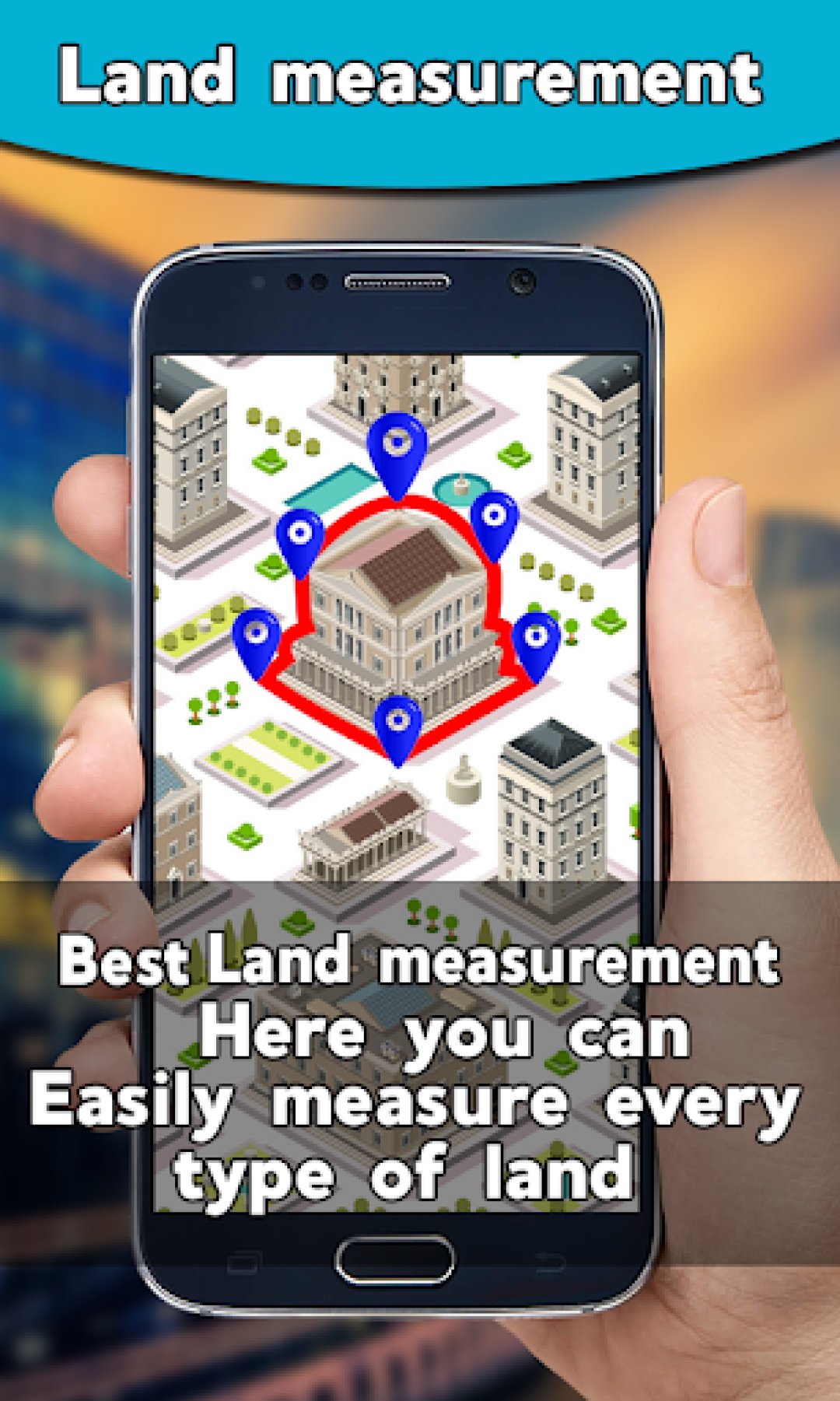
Measure land area and distance on any map — instantly. Tap points on the map and see the exact distance or enclosed area in real time. Save your measurements, reopen them to add more points, and share them with anyone.
Whether you are checking a plot before buying, sizing a field, planning a fence, or measuring a route, you get clear results in seconds on Google Maps.
📐 MEASURE DISTANCE ON MAP
• Tap two or more points to draw a path and see the total distance
• Ideal for roads, fences, boundaries, walking routes and property lines
• The result updates live as you add or remove points
• Undo the last point or clear everything with one tap
🗺️ MEASURE LAND AREA
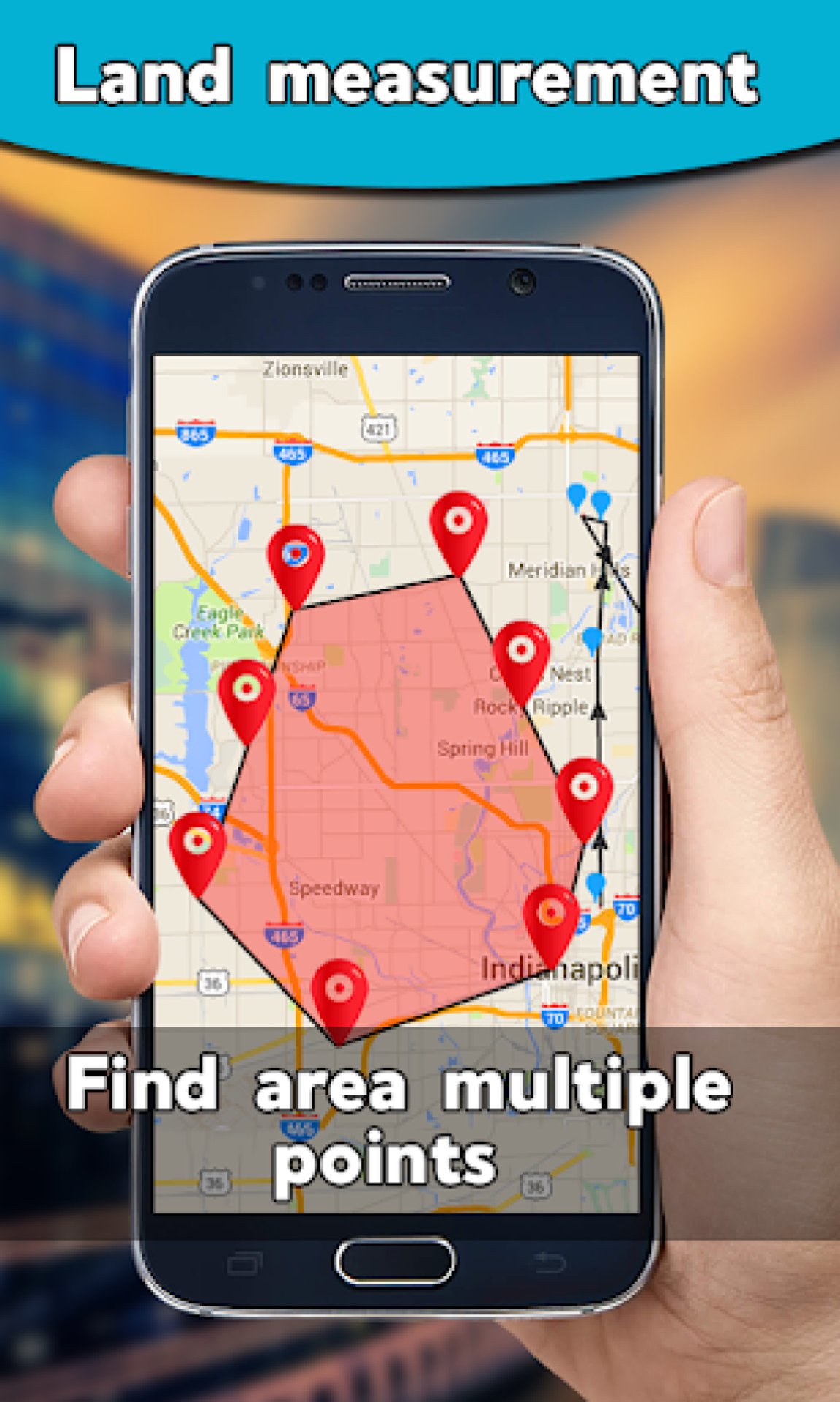
• Tap three or more points to outline a plot and see the enclosed area
• The shape is highlighted so you can confirm you traced the right boundary
• Ideal for fields, plots, gardens, yards, construction sites and land parcels
• Add more points for a more precise land measurement
📍 NEARBY PLACES
• Quick shortcuts to find everyday places around you
• Categories include banks, ATMs, shops, schools, colleges, fuel stations, hospitals, restaurants, pharmacies and more
• Tap a category and Google Maps opens showing those places near your current location
• Uses your GPS location so results match where you actually are
• Handy when you need the closest ATM, bank branch, fuel station or school in a new area
• Opens the Google Maps app installed on your device
💾 SAVE, EDIT AND SHARE
• Save any measurement with a name and note so you can find it later
• Reopen a saved measurement and keep adding points — it updates as you go
• Switch between saved distance and area measurements in one list
• Share a measurement with a friend, buyer, or surveyor
• Delete any saved measurement you no longer need
• Everything is stored on your device — no account required
🛰️ MAP VIEWS AND SEARCH
• Normal, Satellite and Terrain map types
• Switch the map view from the menu without losing your points
• Search any place, address or city and jump straight to it on the map
• One-tap GPS location button centers the map on your current position
📊 UNITS
• Metric: m, km, sq m (square meters), sq km (square kilometers)
• Imperial: ft, mi, sq ft (square feet), sq mi (square miles)
• Change units anytime — your measurement updates instantly
• Choose Metric or Imperial for the whole app from the menu
⚙️ HOW IT WORKS
1. Open the menu and choose Distance or Area
2. Tap the map to place your points
3. Read the result at the top of the screen
4. Save it with a name so you can come back to it later
👥 WHO USES THIS AREA CALCULATOR
• Landowners checking a plot size before buying or selling
• Farmers measuring fields and plots
• Real estate agents showing property boundaries
• Construction teams doing quick site measurements and land survey
• Travellers looking for the nearest ATM, bank, or fuel station
• Anyone who needs a fast distance calculator or area calculator on a map
⭐ FREE TO USE
This land area and distance calculator is free and supported by ads. No sign-up, no subscription, no hidden fees. Your saved measurements stay on your device.
💡 TIP FOR ACCURATE RESULTS
Measurements are calculated from the points you place on the map. For the most accurate result, zoom in and place each point precisely on the corner of the land.
Questions or feedback? Email us — we read every message and improve the app based on your suggestions.
Preview
Tags
Maps-&Information
Developer
AppsMi Studio
Latest Version
1.2.3
Last Updated
2026-11-06
Category
Maps-navigation
Available on
Google Play
Show More
How to play GPS Land Area Measurement App with GameLoop on PC
1. Download GameLoop from the official website, then run the exe file to install GameLoop
2. Open GameLoop and search for “GPS Land Area Measurement App” , find GPS Land Area Measurement App in the search results and click “Install”
3. Enjoy playing GPS Land Area Measurement App on GameLoop
Minimum requirements
OS
Windows 8.1 64-bit or Windows 10 64-bit
GPU
GTX 1050
CPU
i3-8300
Memory
8GB RAM
Storage
1GB available space
Recommended requirements
OS
Windows 8.1 64-bit or Windows 10 64-bit
GPU
GTX 1050
CPU
i3-9320
Memory
16GB RAM
Storage
1GB available space