
EconTool OBD2 Auto Scanner PC
SCOBA
Download EconTool OBD2 Auto Scanner on PC With GameLoop Emulator
EconTool OBD2 Auto Scanner sa PC
Ang EconTool OBD2 Auto Scanner, na nagmumula sa developer na SCOBA, ay tumatakbo sa Android systerm sa nakaraan.
Ngayon, maaari mong laruin ang EconTool OBD2 Auto Scanner sa PC gamit ang GameLoop nang maayos.
I-download ito sa GameLoop library o mga resulta ng paghahanap. Hindi na tumitingin sa baterya o nakakadismaya na mga tawag sa maling oras.
I-enjoy lang ang EconTool OBD2 Auto Scanner PC sa malaking screen nang libre!
EconTool OBD2 Auto Scanner Panimula
EconTool — OBD2/ELM327 scanner for most cars
Connects via OBD2/EOBD/JOBD and, for some brands, uses original
manufacturer protocols with extended features.
For Nissan owners:
Supports gasoline engines CG, CR, GA, HR, KA, MR, QG, QR, SR, RB, TB,
VE, VG, VQ, VH, VK.
Up to 90% of the capabilities of the original NC3P scanner.
Access to AT (RE4, RE5), CVT (RE0F06+), ABS, SRS, and many other units.
For Toyota owners:
Works via the original Toyota protocol with 0.5-second update time for
all parameters at once.
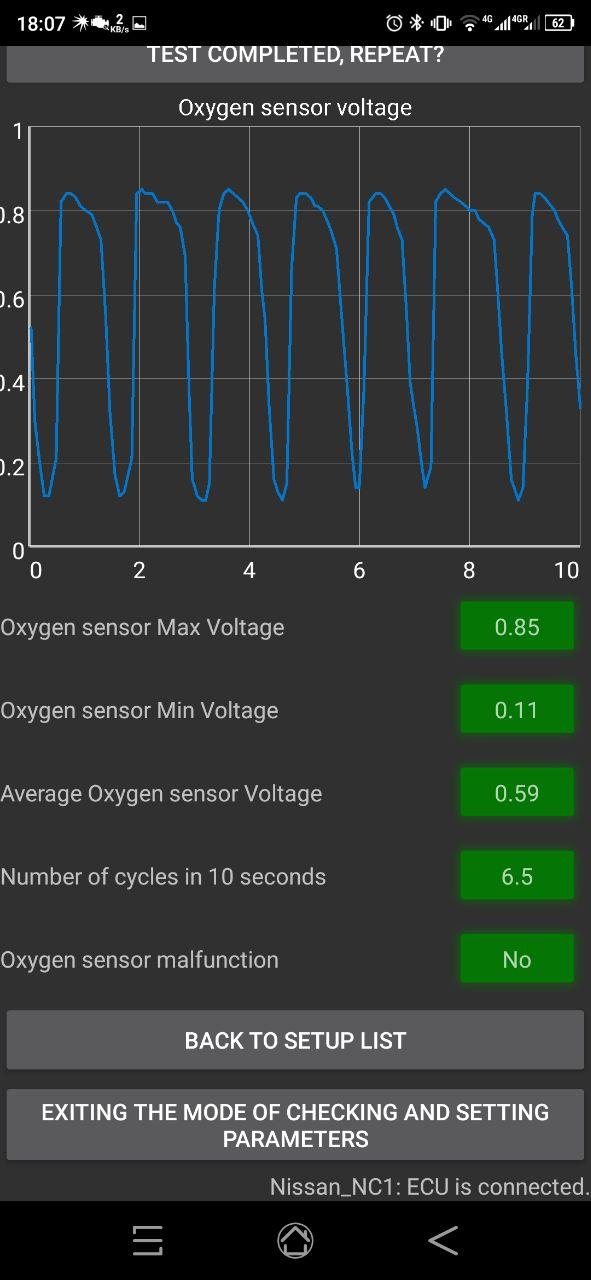
Supports active tests — control of fan relay, fuel pump, and other
devices.
For all cars:
- Universal OBD2 operation.
- Add custom PIDs from other apps (e.g., Torque Pro).
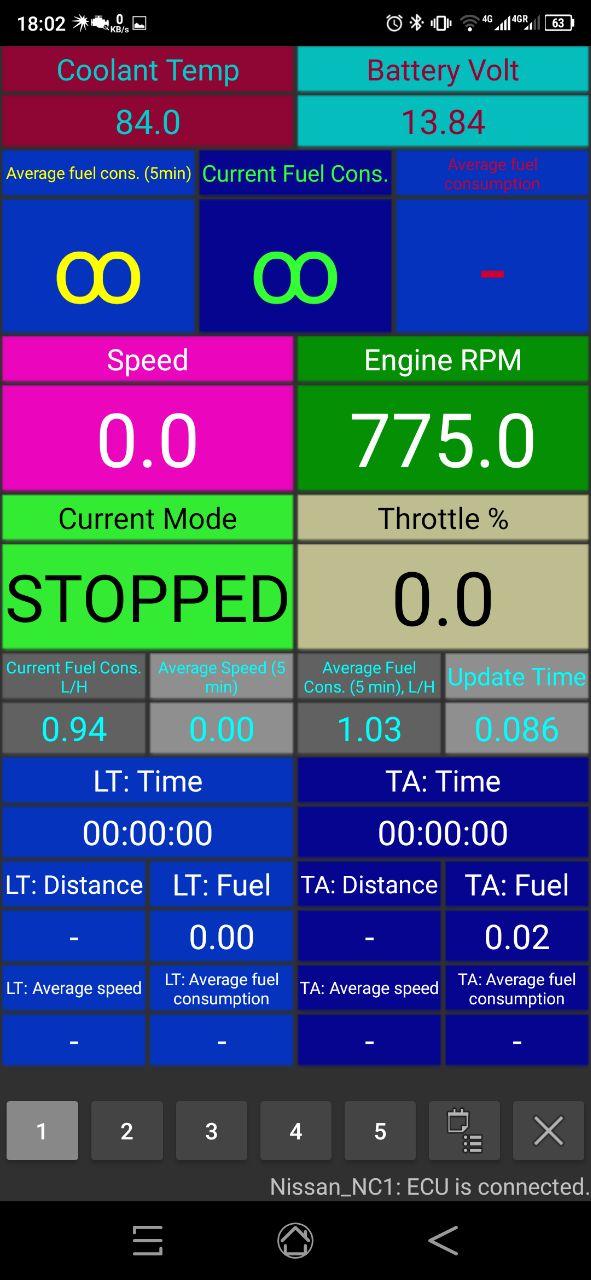
- Advanced trip computer (mileage, fuel consumption, temperatures, etc.).
- On-top widgets over any applications.
- Trip logging and viewing (graph mode, CSV export).
Preview
Tags
Maps-&Auto-&Information
Developer
SCOBA
Latest Version
3.48
Last Updated
2025-08-08
Category
Maps-navigation
Available on
Google Play
Show More
How to play EconTool OBD2 Auto Scanner with GameLoop on PC
1. Download GameLoop from the official website, then run the exe file to install GameLoop
2. Open GameLoop and search for “EconTool OBD2 Auto Scanner” , find EconTool OBD2 Auto Scanner in the search results and click “Install”
3. Enjoy playing EconTool OBD2 Auto Scanner on GameLoop
Minimum requirements
OS
Windows 8.1 64-bit or Windows 10 64-bit
GPU
GTX 1050
CPU
i3-8300
Memory
8GB RAM
Storage
1GB available space
Recommended requirements
OS
Windows 8.1 64-bit or Windows 10 64-bit
GPU
GTX 1050
CPU
i3-9320
Memory
16GB RAM
Storage
1GB available space