
Drive Smarter PC
Cedar Electronics
Download Drive Smarter on PC With GameLoop Emulator
Drive Smarter sa PC
Ang Drive Smarter, na nagmumula sa developer na Cedar Electronics, ay tumatakbo sa Android systerm sa nakaraan.
Ngayon, maaari mong laruin ang Drive Smarter sa PC gamit ang GameLoop nang maayos.
I-download ito sa GameLoop library o mga resulta ng paghahanap. Hindi na tumitingin sa baterya o nakakadismaya na mga tawag sa maling oras.
I-enjoy lang ang Drive Smarter PC sa malaking screen nang libre!
Drive Smarter Panimula
NOW AVAILABLE ON ANDROID AUTO!
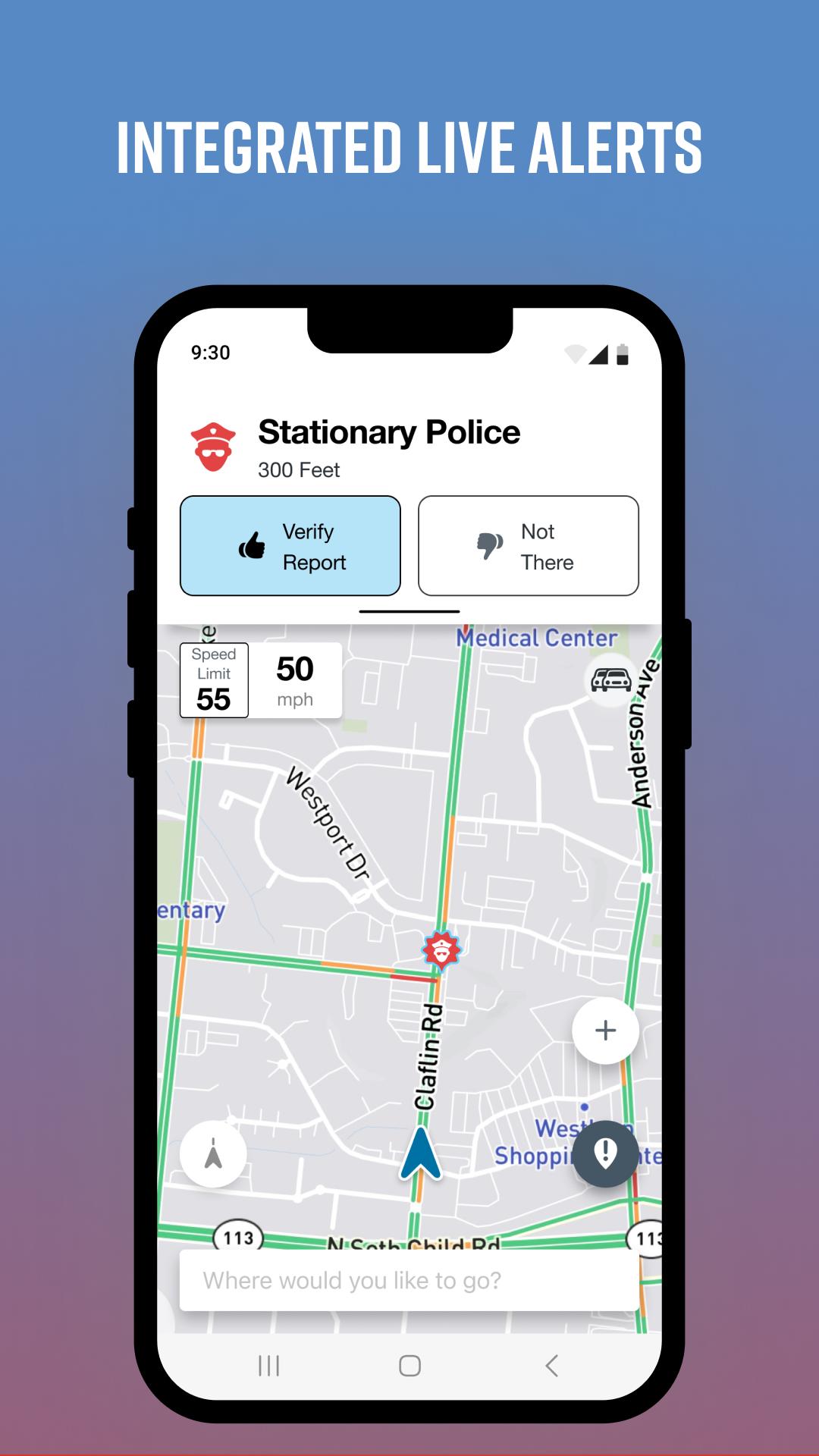
Drive Smarter enhances your driving experience when you are using select* connected Cobra and Escort devices.
Drive Smarter lets you use your smartphone as a companion to your DashCam.
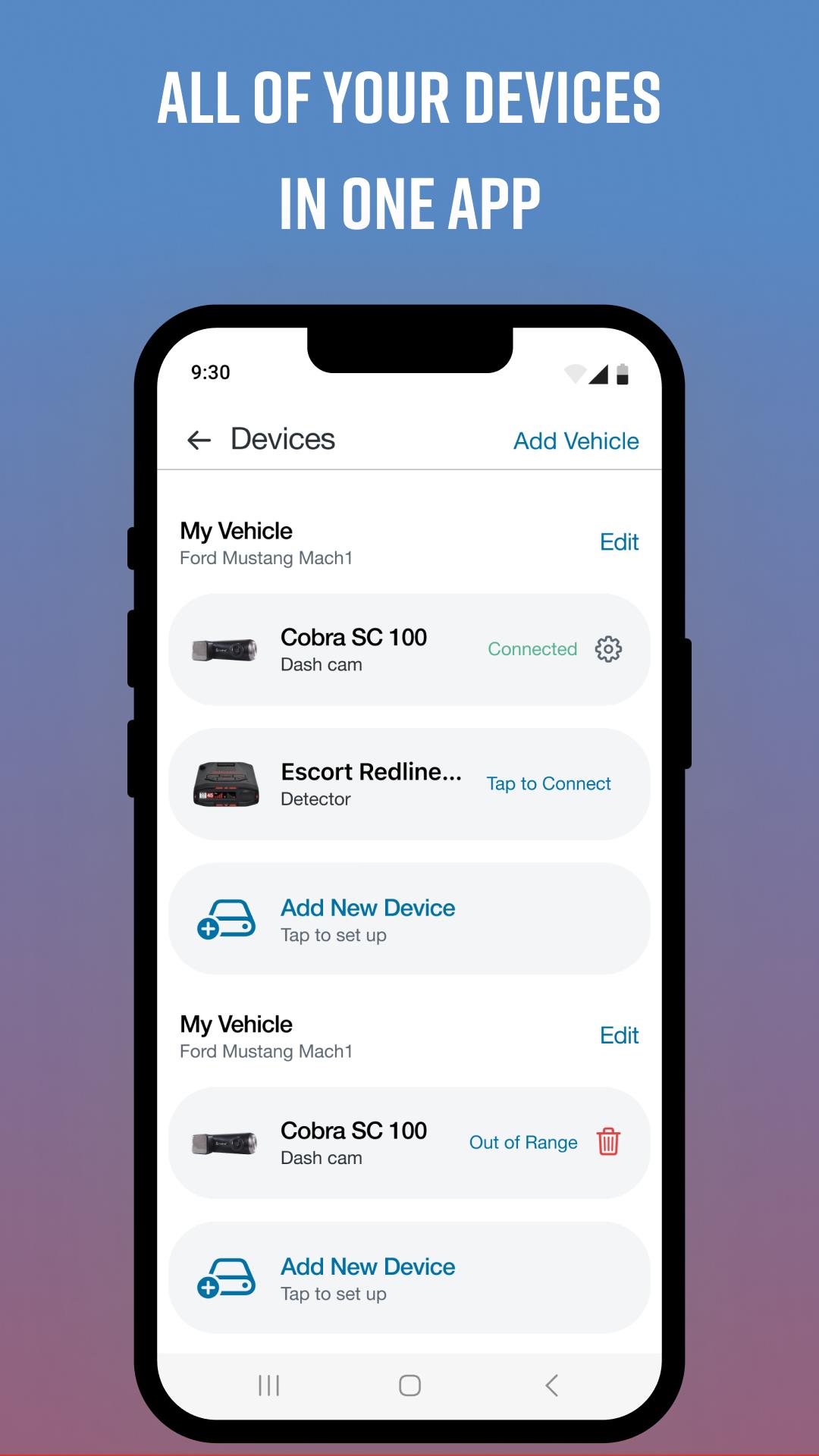
A streamlined onboarding process lets you quickly connect your Dash Cam and configure it as part of your dashboard. You can "add" a virtual vehicle to your account, then add compatible* Cobra and Escort branded devices to your vehicle.
Users with mobile WiFi hotspots** can optionally connect their cameras directly to the Drive Smarter cloud, to avail of instant upload of videos and to share time-sensitive data and event information.
View recordings stored on your Dash Camera SD card; recordings are conveniently sorted by timeline which highlights events of importance; such as possible collisions or impact. Select files to download to your phone; trim video clips and share with your contacts using your favorite communications app.
Take advantage of streamlined reports generated for insurance claims processing.
Get help using the in-built Mayday services that are automatically triggered in severe collisions - send details regarding your current situation to a designed in-case-of-emergency contact.
Keep your devices' firmware up-to-date so you are enjoying all the latest features that your devices' have to offer.
Emergency videos stored in the Drive Smarter cloud. ***
Convenient Snapshot button lets you remotely take photos via connected cameras, with a tap on your smartphone screen.
currently the Drive Smarter app and service is compatible with the Cobra SC- series Dash Cameras. Check out drivesmarter.com for up-to-date information.
* should have upload / download speeds equal to or exceeding 4G / Cat 4 speeds
** See drivesmarter.com for latest storage / deletion policies for free user accounts on the Drive Smarter cloud.
Preview
Tags
Maps-&Information
Developer
Cedar Electronics
Latest Version
4.4.4.0
Last Updated
2025-09-08
Category
Maps-navigation
Available on
Google Play
Show More
How to play Drive Smarter with GameLoop on PC
1. Download GameLoop from the official website, then run the exe file to install GameLoop
2. Open GameLoop and search for “Drive Smarter” , find Drive Smarter in the search results and click “Install”
3. Enjoy playing Drive Smarter on GameLoop
Minimum requirements
OS
Windows 8.1 64-bit or Windows 10 64-bit
GPU
GTX 1050
CPU
i3-8300
Memory
8GB RAM
Storage
1GB available space
Recommended requirements
OS
Windows 8.1 64-bit or Windows 10 64-bit
GPU
GTX 1050
CPU
i3-9320
Memory
16GB RAM
Storage
1GB available space