
Tiimo - Visual Daily Planner PC
Tiimo
Download Tiimo - Visual Daily Planner on PC With GameLoop Emulator
Tiimo - Visual Daily Planner sa PC
Ang Tiimo - Visual Daily Planner, na nagmumula sa developer na Tiimo, ay tumatakbo sa Android systerm sa nakaraan.
Ngayon, maaari mong laruin ang Tiimo - Visual Daily Planner sa PC gamit ang GameLoop nang maayos.
I-download ito sa GameLoop library o mga resulta ng paghahanap. Hindi na tumitingin sa baterya o nakakadismaya na mga tawag sa maling oras.
I-enjoy lang ang Tiimo - Visual Daily Planner PC sa malaking screen nang libre!
Tiimo - Visual Daily Planner Panimula
Meet Tiimo: a daily visual planner tailored for neurodiversity. Navigating the challenges of a busy day can feel daunting, especially when the brain is wired a bit differently. Whether you're grappling with ADHD, Autism, or simply need a more structured way to manage your time, we're here to help you simplify planning, build focus and make life happen.
Everyone is different. Plan as you are.
🌻 OUR KEY FEATURES:
Our free forever plan includes
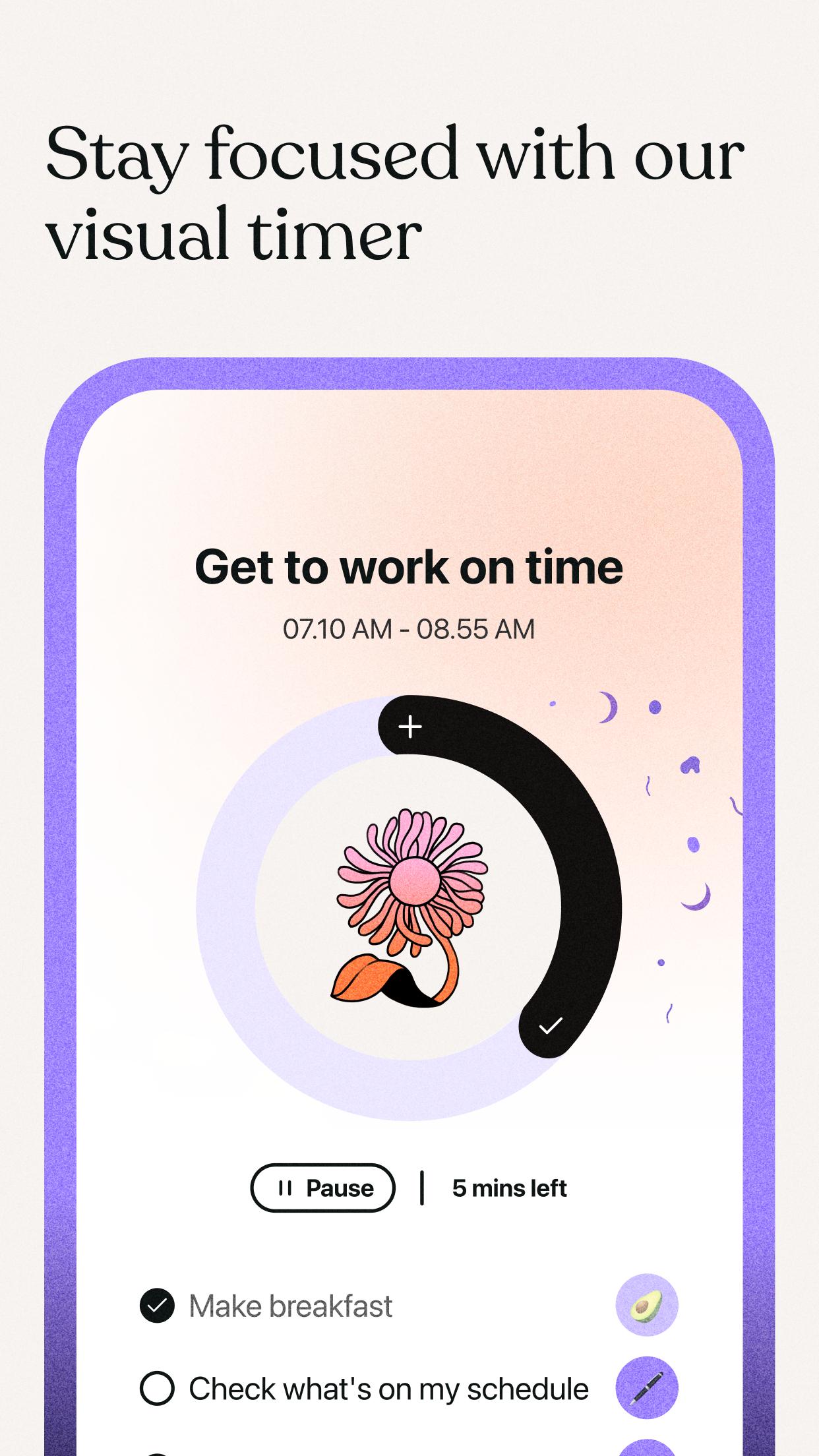
- A visual timeline to decode your day and to dos in a glance
- Smart AI checklists that help you break down big tasks with one click (up to 5 checklists)
- A rich library of pre-set and popular routines to speed up your planning
- Intuitive reminders (notifications, vibrations, sounds) that ensure you never miss a thing
- The freedom to 'Start' and 'Pause' tasks as your daily schedule unfolds
- Positive feedback through little celebrations for your accomplishments
With our premium plan you get access to all of the above plus:
- Immediate access to your schedule, right from your home screen
- An effortless calendar sync to have all your events in one place
- A burst of personalization with over 3000 colors, emojis, custom icons and sounds to truly make Tiimo a reflection of you
- Up to 5 profiles to share Tiimo with friends and family at no additional cost (up to 5 users)
💚 OUR USERS SAY:
“Tiimo makes me feel “in control” because I’m able to see my day visually, and I can build up a library of routines to make scheduling a breeze. I always know what is coming next which reduces anxiety and helps me focus on what I am currently doing. The power of Tiimo is that they know their audience and build specifically for them. This makes such a difference. They listen and respond promptly, I can tell that they care about the community they build their app for. I’m excited to see this app evolve even more in the future." - Robert
✨ WHAT SETS US APART
- Champions of neurodiversity: We proudly back neurodivergent creators.
- Small team, big heart: A tight-knit group with a mission to transform neurodivergent lives
- Ad-free forever: Your focus matters. We are 100% ad free and proud of it!
📱 PRICE & GENERAL TERMS
Tiimo offers a basic free version of the app, and a paid version with full access to all the Tiimo features. When you have chosen one of our plans and confirmed your purchase, the payment will be withdrawn from the credit card via your Google account after the trial ends.
Renewal: Your subscription automatically renews unless you unsubscribe at least 24 hours before the end of your subscription period. You can always manage your subscription by going to the settings on your device after the purchase.
How it works:
Once you have chosen your plan and confirmed your purchase, payment will be charged directly to your Google account. If you are on a free trial, your account will be charged after the trial ends.
Your subscription renews automatically unless auto-renew is turned off at least 24 hours before the end of your subscription period. To manage your subscription go to the subscription settings in Google Play.
👋 SAY HI TO US
Facebook, Instagram, TikTok or Twitter: @tiimoapp
📌 TERMS OF USE
Our detailed terms of service can be read here: https://www.tiimoapp.com/terms-of-use
Preview

Tags
LifestyleInformation
Developer
Tiimo
Latest Version
2.14.5
Last Updated
2024-04-11
Category
Lifestyle
Available on
Google Play
Show More
How to play Tiimo - Visual Daily Planner with GameLoop on PC
1. Download GameLoop from the official website, then run the exe file to install GameLoop
2. Open GameLoop and search for “Tiimo - Visual Daily Planner” , find Tiimo - Visual Daily Planner in the search results and click “Install”
3. Enjoy playing Tiimo - Visual Daily Planner on GameLoop
Minimum requirements
OS
Windows 8.1 64-bit or Windows 10 64-bit
GPU
GTX 1050
CPU
i3-8300
Memory
8GB RAM
Storage
1GB available space
Recommended requirements
OS
Windows 8.1 64-bit or Windows 10 64-bit
GPU
GTX 1050
CPU
i3-9320
Memory
16GB RAM
Storage
1GB available space