
MyPanasonic+ PC
Panasonic Holdings Corporation
Download MyPanasonic+ on PC With GameLoop Emulator
MyPanasonic+ sa PC
Ang MyPanasonic+, na nagmumula sa developer na Panasonic Holdings Corporation, ay tumatakbo sa Android systerm sa nakaraan.
Ngayon, maaari mong laruin ang MyPanasonic+ sa PC gamit ang GameLoop nang maayos.
I-download ito sa GameLoop library o mga resulta ng paghahanap. Hindi na tumitingin sa baterya o nakakadismaya na mga tawag sa maling oras.
I-enjoy lang ang MyPanasonic+ PC sa malaking screen nang libre!
MyPanasonic+ Panimula
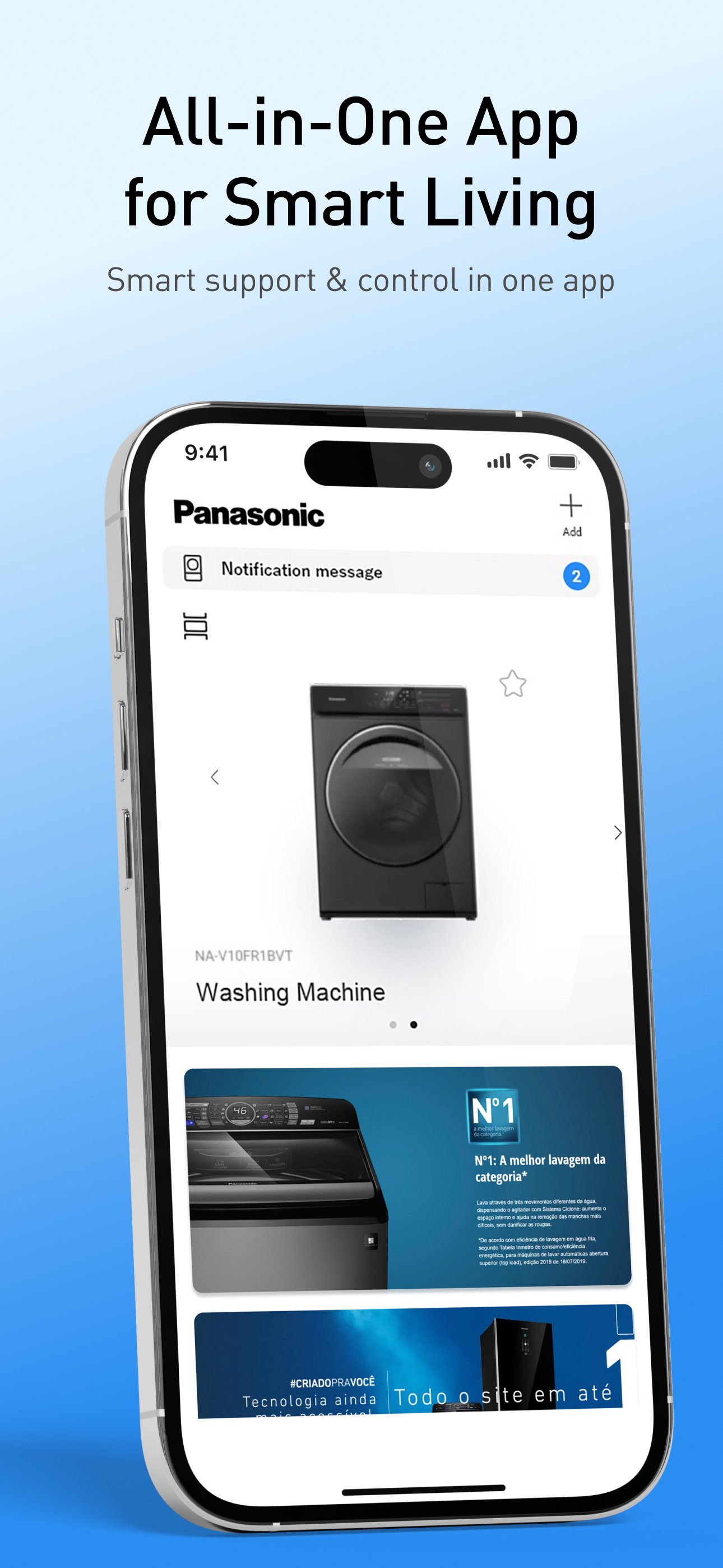
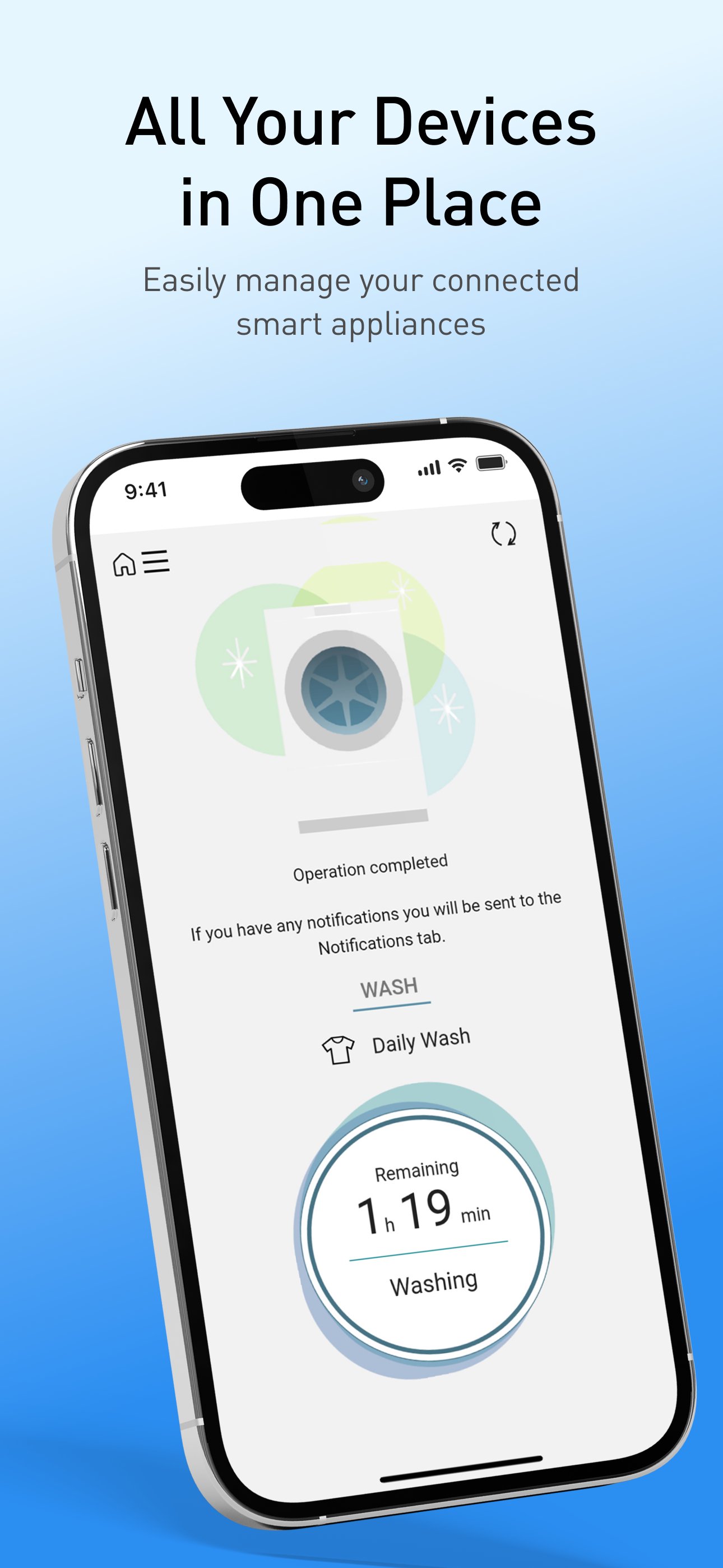
MyPanasonic+ allows you to control and monitor your washing machine and refrigerator via the IoT – from anywhere, using your smartphone.
Note: Panasonic Smartapp+ was renamed to MyPanasonic+ as of September 17, 2025.
■Customization
Easily set up and save complex programs using your smartphone.
[Washing Machine]
- Adjust detailed washing and drying programs (only washer/dryer has drying program)
- Create and save user-defined programs
Front-load: Up to 10 programs per operation (WASH, WASH & DRY, DRY)
Top-load: Up to 10 programs per operation (WASH)
[Refrigerator]
- The Prime Freeze list can be configured minute-by-minute according to the occasion or type of food. Up to 10 frequently used settings can be saved.
■Remote Control & Status Notification
Set up and check the status of your appliances via your smartphone, from anywhere.
[Washing Machine]
- You'll get a notification when the wash is done, so you don't have to check the machine yourself.
- Set and start a timed wash program using your smartphone. Change the end time and other settings, even after you've set the timer.
[Refrigerator]
- Temperatures can be set for each compartment: refrigerator, freezer, and Prime Fresh.
- Use the ice-making setting and start Quick Ice, even when you're not home.
■Notifications
[Washing Machine]
- Error messages
- Maintenance notifications
- Check error messages and get links to the support website.
- Display the operating and programming instructions.
[Refrigerator]
- Door alarm – Receive an alert when the refrigerator door is opened
- Get a notification when Prime Freeze is finished.
*This app can only be used on Panasonic IoT-compatible models.
*Please note that we cannot reply directly if you send an e-mail to the developers' email address.
Preview
Tags
LifestyleInformation
Developer
Panasonic Holdings Corporation
Latest Version
3.0.3
Last Updated
2025-10-09
Category
Lifestyle
Available on
Google Play
Show More
How to play MyPanasonic+ with GameLoop on PC
1. Download GameLoop from the official website, then run the exe file to install GameLoop
2. Open GameLoop and search for “MyPanasonic+” , find MyPanasonic+ in the search results and click “Install”
3. Enjoy playing MyPanasonic+ on GameLoop
Minimum requirements
OS
Windows 8.1 64-bit or Windows 10 64-bit
GPU
GTX 1050
CPU
i3-8300
Memory
8GB RAM
Storage
1GB available space
Recommended requirements
OS
Windows 8.1 64-bit or Windows 10 64-bit
GPU
GTX 1050
CPU
i3-9320
Memory
16GB RAM
Storage
1GB available space