
Noke PC
Noke LLC
Download Noke on PC With GameLoop Emulator
Noke sa PC
Ang Noke, na nagmumula sa developer na Noke LLC, ay tumatakbo sa Android systerm sa nakaraan.
Ngayon, maaari mong laruin ang Noke sa PC gamit ang GameLoop nang maayos.
I-download ito sa GameLoop library o mga resulta ng paghahanap. Hindi na tumitingin sa baterya o nakakadismaya na mga tawag sa maling oras.
I-enjoy lang ang Noke PC sa malaking screen nang libre!
Noke Panimula
The Nokē app is used to operate and manage Bluetooth enabled Nokē smart-locks to eliminate the hassle of keys and combinations forever. With Nokē, convenience is key.
Its features include:
Locking: Once you’ve downloaded the Nokē app, you can simply and safely lock and unlock your Nokē smart-lock using Bluetooth 4.0 technology. The lock will sense your approach and can instantly unlock without you having to turn on your phone.
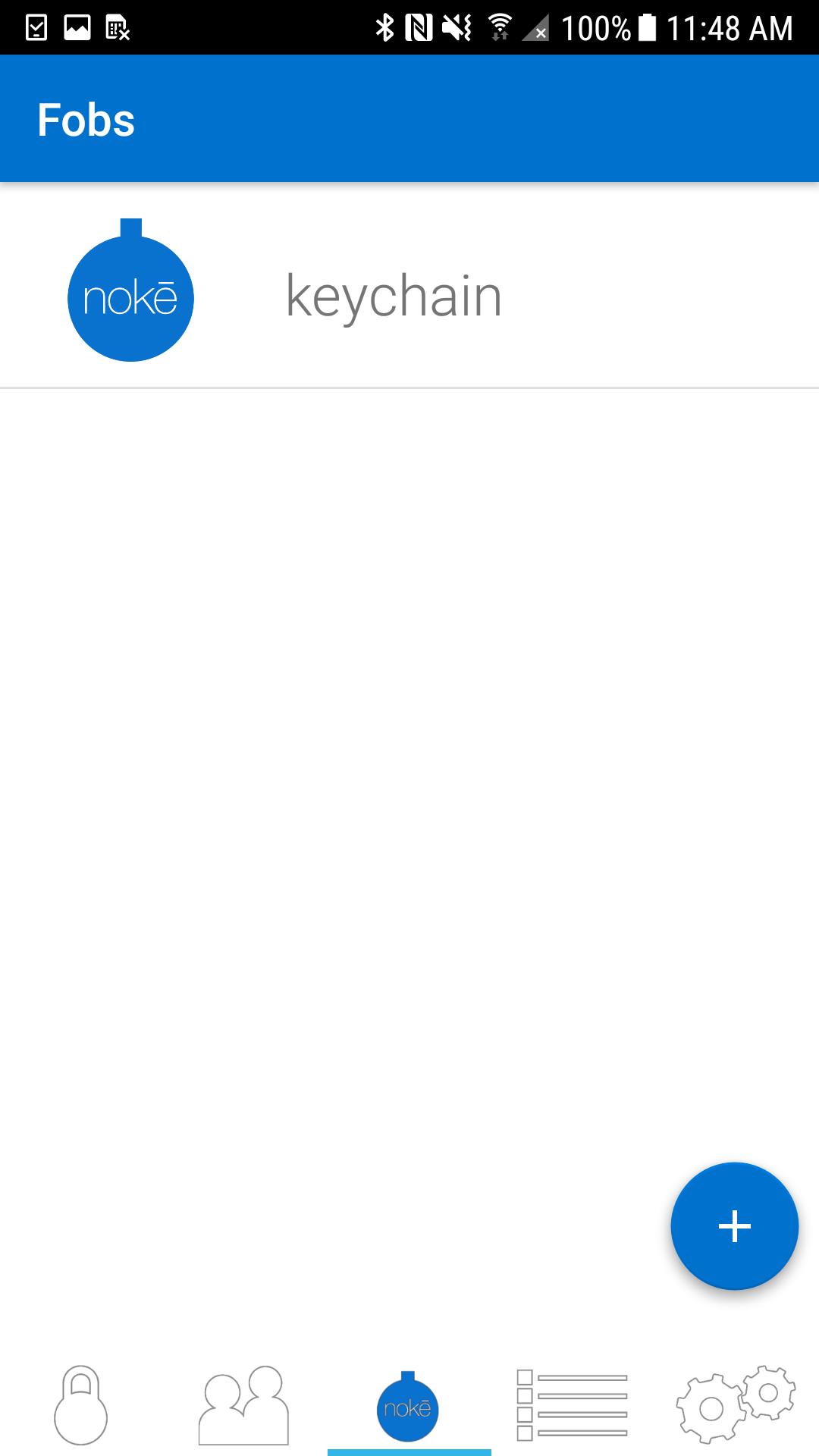
Sharing: Invite family and friends to have access to your lock using their own Bluetooth device. Within the Nokē app, you can share and revoke access with custom settings including day, time, or individual usage. For example, you can give unlimited access to your spouse, while giving just Monday afternoon access to your gardener.
GPS Location: Track where your lock is being used and view activity location on a map with the unique Nokē GPS feature.
History: The Nokē app provides you with an activity log so you can easily see who’s used your lock and exactly when and where they did.
For more information, or to buy a Nokē smart-lock, visit www.noke.com
Preview
Tags
LifestyleInformation
Developer
Noke LLC
Latest Version
2.1.3
Last Updated
2022-03-31
Category
Lifestyle
Available on
Google Play
Show More
How to play Noke with GameLoop on PC
1. Download GameLoop from the official website, then run the exe file to install GameLoop
2. Open GameLoop and search for “Noke” , find Noke in the search results and click “Install”
3. Enjoy playing Noke on GameLoop
Minimum requirements
OS
Windows 8.1 64-bit or Windows 10 64-bit
GPU
GTX 1050
CPU
i3-8300
Memory
8GB RAM
Storage
1GB available space
Recommended requirements
OS
Windows 8.1 64-bit or Windows 10 64-bit
GPU
GTX 1050
CPU
i3-9320
Memory
16GB RAM
Storage
1GB available space