
My Honda+ PC
Honda Motor Europe
Download My Honda+ on PC With GameLoop Emulator
My Honda+ sa PC
Ang My Honda+, na nagmumula sa developer na Honda Motor Europe, ay tumatakbo sa Android systerm sa nakaraan.
Ngayon, maaari mong laruin ang My Honda+ sa PC gamit ang GameLoop nang maayos.
I-download ito sa GameLoop library o mga resulta ng paghahanap. Hindi na tumitingin sa baterya o nakakadismaya na mga tawag sa maling oras.
I-enjoy lang ang My Honda+ PC sa malaking screen nang libre!
My Honda+ Panimula
My Honda+ is compatible with the e:Ny1, ZR-V, latest CR-V, latest Civic e:HEV, HR-V (2022 onwards), Honda e, selected grades of Jazz (2020 onwards).
To unlock the full potential of My Honda+ Connected Services, simply visit your local Honda Retailer to activate the Telematics Control Unit in your car. Once activated, you can subscribe to the comprehensive My Honda+ package. Enjoy all features free of charge for the first 3 years from first registration, then just £4.99 per month.
Here is an overview of the subscription package:
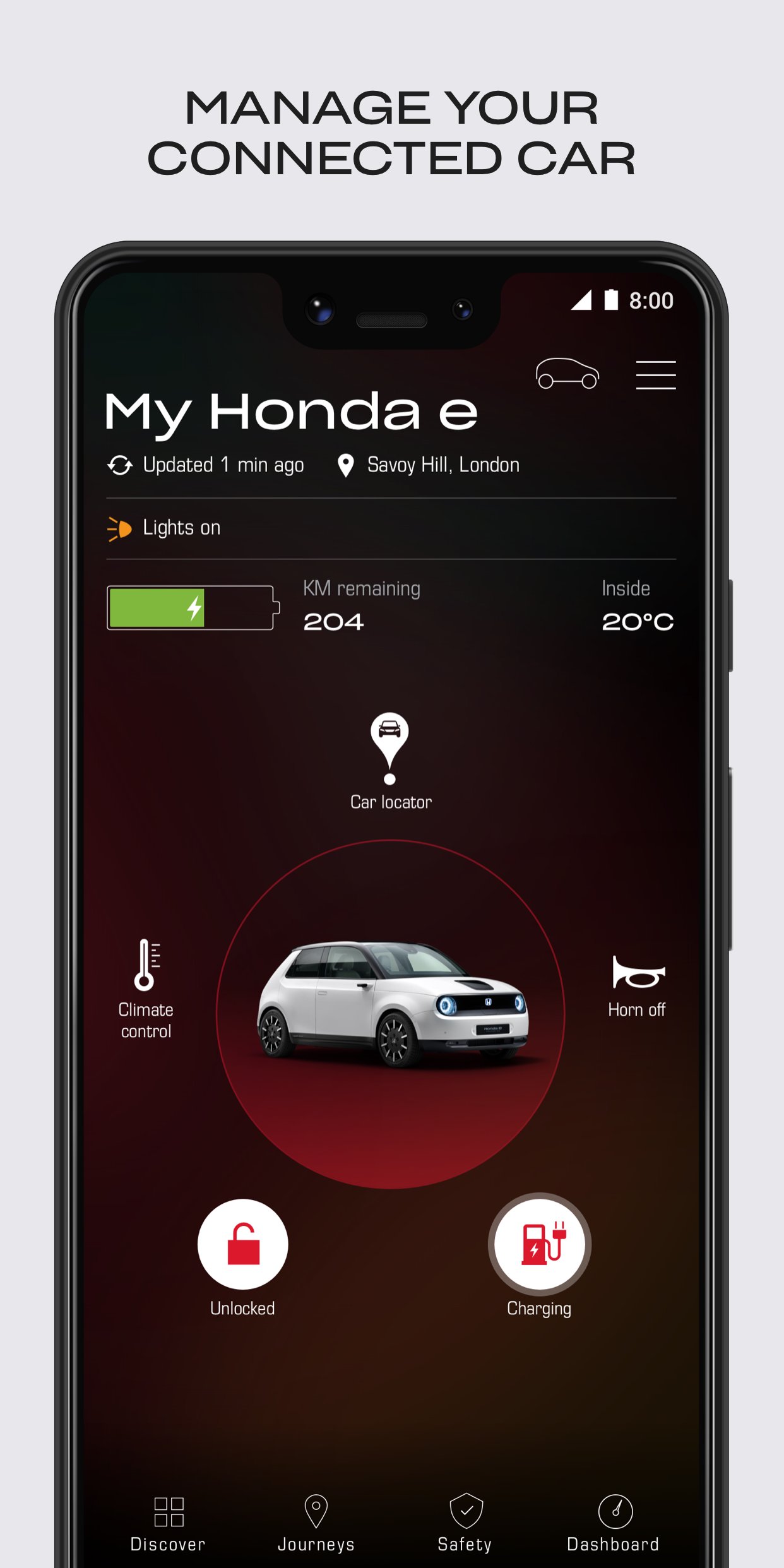
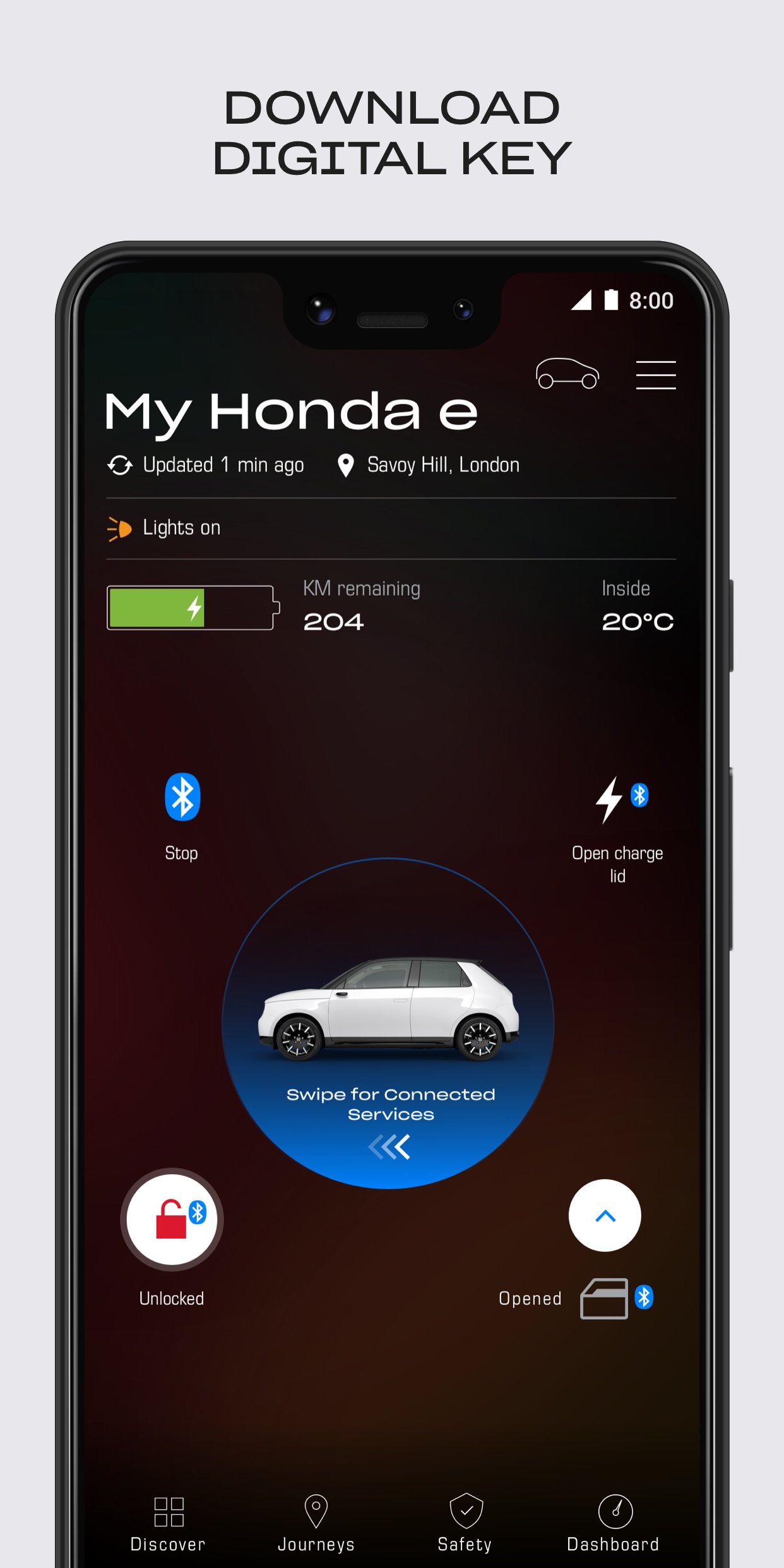
• Monitor the security of your car and receive alerts if windows or doors are open or unlocked.
• Lock and unlock your vehicle remotely.
• Manage Vehicle Health Checks, with the full report of your check-up.
• Remotely control your climate control and charging. You can even create charging and climate schedules. *
• Use the car locator to find your Honda on the map.
• You can define a Geo-fence around the car, and set a specific radius, to be notified if the car leaves the defined area.
Preview
Tags
LifestyleInformation
Developer
Honda Motor Europe
Latest Version
6.10.6
Last Updated
2025-11-19
Category
Lifestyle
Available on
Google Play
Show More
How to play My Honda+ with GameLoop on PC
1. Download GameLoop from the official website, then run the exe file to install GameLoop
2. Open GameLoop and search for “My Honda+” , find My Honda+ in the search results and click “Install”
3. Enjoy playing My Honda+ on GameLoop
Minimum requirements
OS
Windows 8.1 64-bit or Windows 10 64-bit
GPU
GTX 1050
CPU
i3-8300
Memory
8GB RAM
Storage
1GB available space
Recommended requirements
OS
Windows 8.1 64-bit or Windows 10 64-bit
GPU
GTX 1050
CPU
i3-9320
Memory
16GB RAM
Storage
1GB available space