
MRCOOL SmartHVAC PC
Cielo WiGle Inc
Download MRCOOL SmartHVAC on PC With GameLoop Emulator
MRCOOL SmartHVAC sa PC
Ang MRCOOL SmartHVAC, na nagmumula sa developer na Cielo WiGle Inc, ay tumatakbo sa Android systerm sa nakaraan.
Ngayon, maaari mong laruin ang MRCOOL SmartHVAC sa PC gamit ang GameLoop nang maayos.
I-download ito sa GameLoop library o mga resulta ng paghahanap. Hindi na tumitingin sa baterya o nakakadismaya na mga tawag sa maling oras.
I-enjoy lang ang MRCOOL SmartHVAC PC sa malaking screen nang libre!
MRCOOL SmartHVAC Panimula
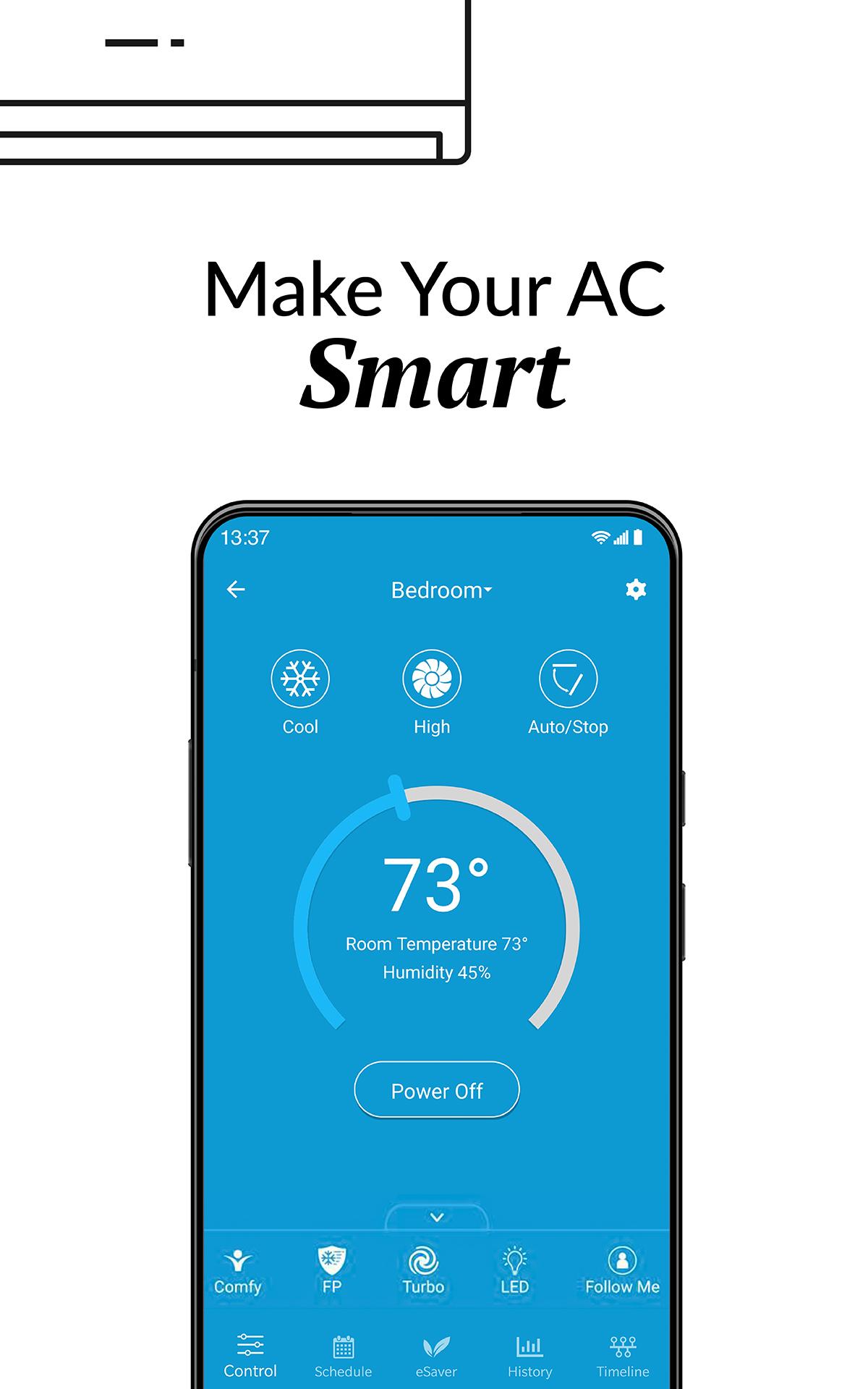
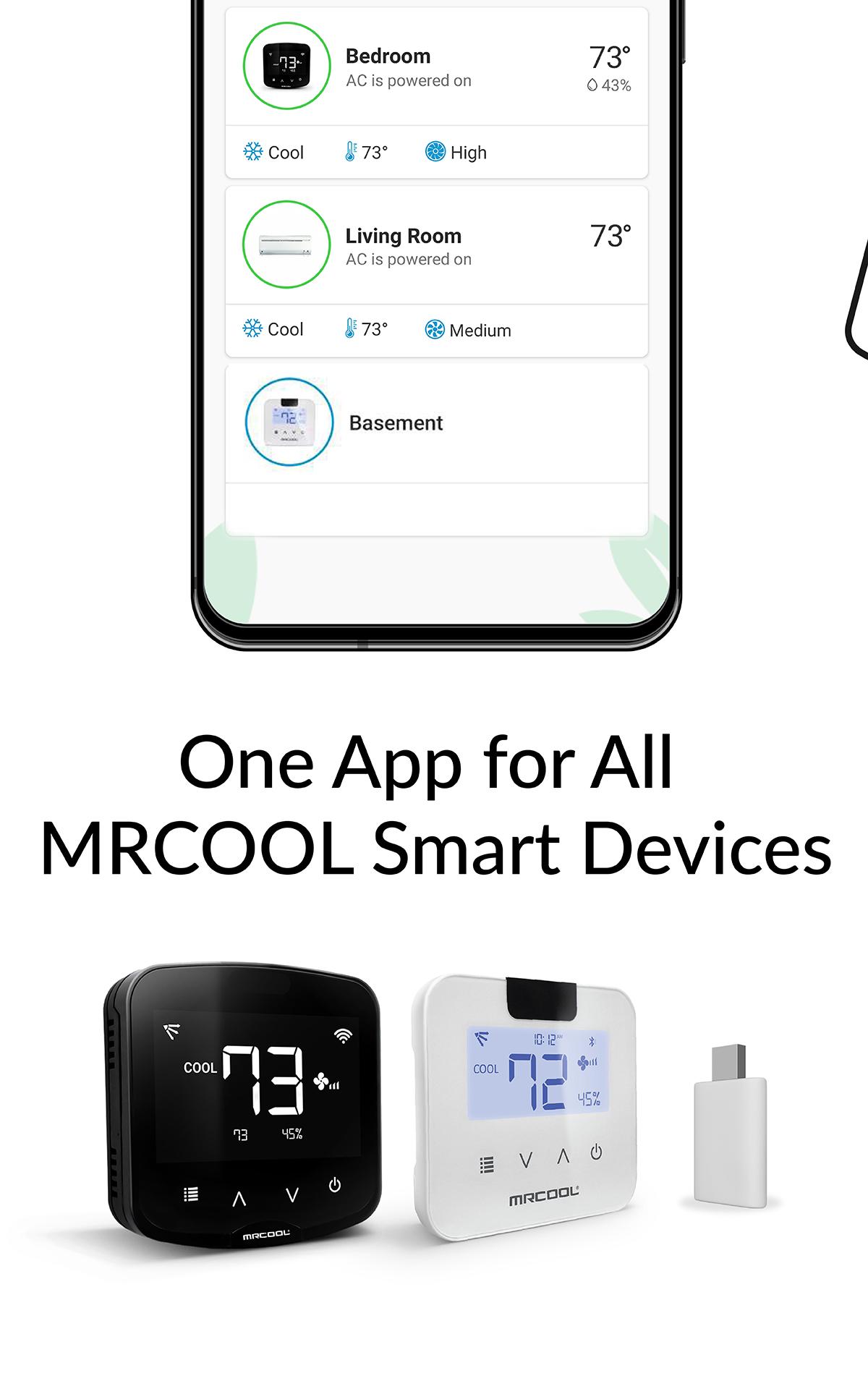
MRCOOL SmartHVAC App works with MRCOOL Smart Controllers to convert MRCOOL Air Conditioners & Heat Pumps to smart ones. Our smart controllers work with this App to help you convert your existing or new ACs to smart ACs. You can control your MRCOOL ACs through your smartphone or simple voice commands (our smart controllers are Alexa & Google Home enabled).
These DIY controllers are extremely easy to setup. You can automatically turn the air conditioner or heat pump OFF when you leave the premises and start to cool/heat once you arrive as per your settings. This App gives you complete control of your heating and cooling. It figures out when you're at home and when you're out and adjusts the settings to provide comfort and energy savings.
You can set weekly schedules for your air conditioners, monitor usage history, set air conditioning action in relation to your locations, see the air filter status of your AC and lot more. You can set intelligent temperature based triggers for your air conditioners by using the ‘Comfy’ feature under ‘My Rules’ section of the app. Comfy lets you set triggers to personalize the operation of your AC. It helps you automatically change your AC settings if room temperature goes above or falls below a pre-set value. It helps you reduce your energy bills with lot of convenience.
Preview
Tags
LifestyleInformation
Developer
Cielo WiGle Inc
Latest Version
6.1.6
Last Updated
2025-08-19
Category
Lifestyle
Available on
Google Play
Show More
How to play MRCOOL SmartHVAC with GameLoop on PC
1. Download GameLoop from the official website, then run the exe file to install GameLoop
2. Open GameLoop and search for “MRCOOL SmartHVAC” , find MRCOOL SmartHVAC in the search results and click “Install”
3. Enjoy playing MRCOOL SmartHVAC on GameLoop
Minimum requirements
OS
Windows 8.1 64-bit or Windows 10 64-bit
GPU
GTX 1050
CPU
i3-8300
Memory
8GB RAM
Storage
1GB available space
Recommended requirements
OS
Windows 8.1 64-bit or Windows 10 64-bit
GPU
GTX 1050
CPU
i3-9320
Memory
16GB RAM
Storage
1GB available space