Launcher and Theme For Moto C PC
Areeba apps
Download Launcher and Theme For Moto C on PC With GameLoop Emulator
Launcher and Theme For Moto C sa PC
Ang Launcher and Theme For Moto C, na nagmumula sa developer na Areeba apps, ay tumatakbo sa Android systerm sa nakaraan.
Ngayon, maaari mong laruin ang Launcher and Theme For Moto C sa PC gamit ang GameLoop nang maayos.
I-download ito sa GameLoop library o mga resulta ng paghahanap. Hindi na tumitingin sa baterya o nakakadismaya na mga tawag sa maling oras.
I-enjoy lang ang Launcher and Theme For Moto C PC sa malaking screen nang libre!
Launcher and Theme For Moto C Panimula
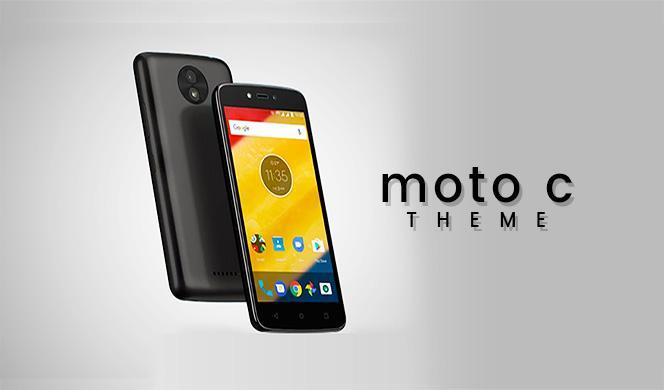
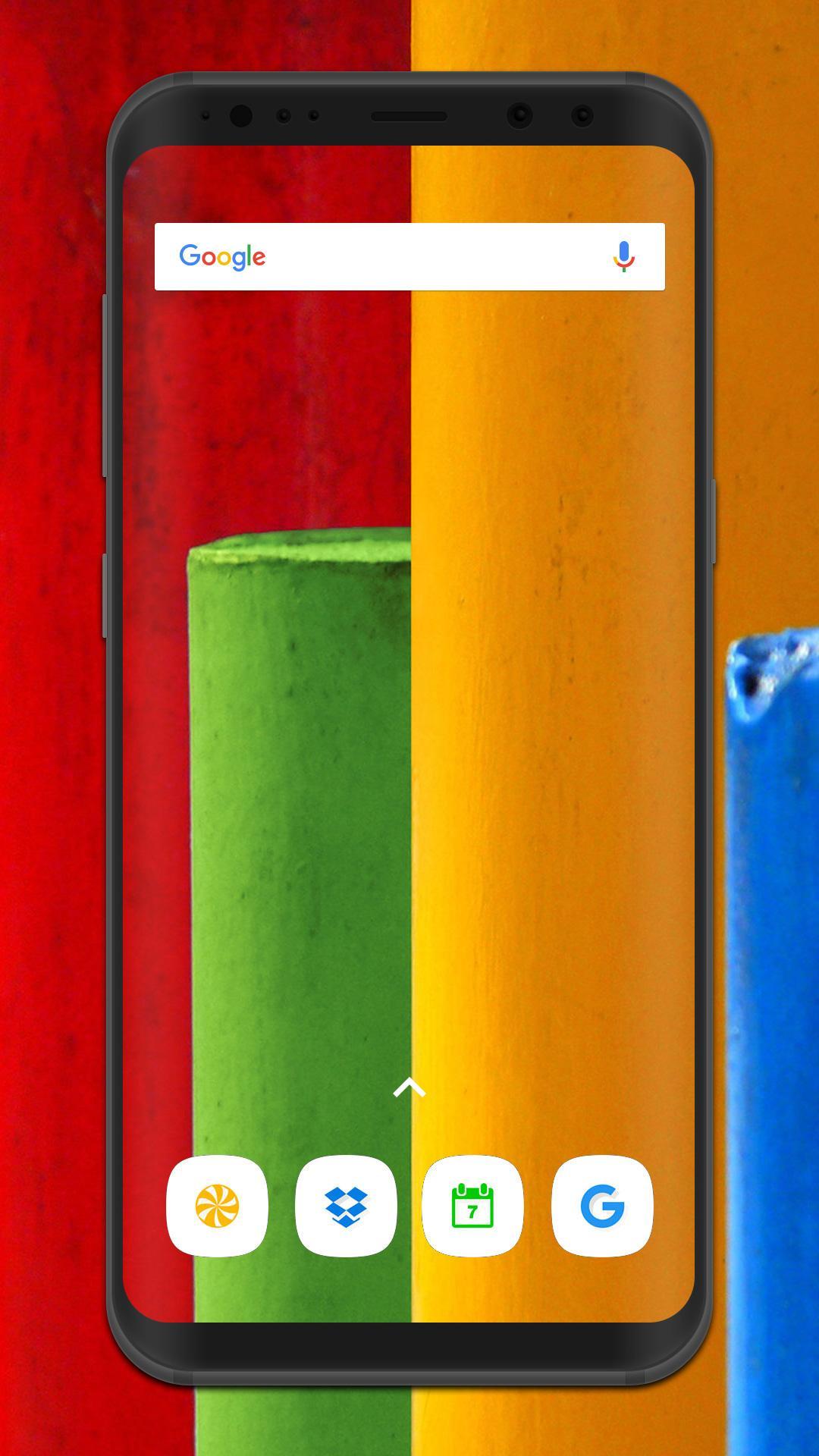
This Moto C | Moto z2 Play Launcher and theme is designed for those who loves different colors wallpapers and icons.if you want to get a fully customized phone interface. then this application will change the wallpaper, app icons and other visual elements. Add Moto C | Moto z2 Play launcher and theme into your everyday life in a fun and cool way. Try it now! and enjoy freely.
Download the free Moto C theme and launcher to personalize your phone with amazing app icons! Make your phone run faster and more secure, it can also enhance your phone's performance allowing smoother operations and fast access to your device functionalities. Give your phone an upgrade, create a better everyday mobile experience for yourself.it has Effective storage management, save space and speeds up your device! Smooth and elegant transition effects when switching between screens. please give us feed back about our Moto C | Moto z2 Play Launcher and theme application through email and also review our application. THANKS.
Preview
Tags
LifestyleInformation
Developer
Areeba apps
Latest Version
1.0.1
Last Updated
2017-07-10
Category
Lifestyle
Available on
Google Play
Show More
How to play Launcher and Theme For Moto C with GameLoop on PC
1. Download GameLoop from the official website, then run the exe file to install GameLoop
2. Open GameLoop and search for “Launcher and Theme For Moto C” , find Launcher and Theme For Moto C in the search results and click “Install”
3. Enjoy playing Launcher and Theme For Moto C on GameLoop
Minimum requirements
OS
Windows 8.1 64-bit or Windows 10 64-bit
GPU
GTX 1050
CPU
i3-8300
Memory
8GB RAM
Storage
1GB available space
Recommended requirements
OS
Windows 8.1 64-bit or Windows 10 64-bit
GPU
GTX 1050
CPU
i3-9320
Memory
16GB RAM
Storage
1GB available space