
inteO PC
Neocontrol Soluções em Automação S.A.
Download inteO on PC With GameLoop Emulator
inteO sa PC
Ang inteO, na nagmumula sa developer na Neocontrol Soluções em Automação S.A., ay tumatakbo sa Android systerm sa nakaraan.
Ngayon, maaari mong laruin ang inteO sa PC gamit ang GameLoop nang maayos.
I-download ito sa GameLoop library o mga resulta ng paghahanap. Hindi na tumitingin sa baterya o nakakadismaya na mga tawag sa maling oras.
I-enjoy lang ang inteO PC sa malaking screen nang libre!
inteO Panimula
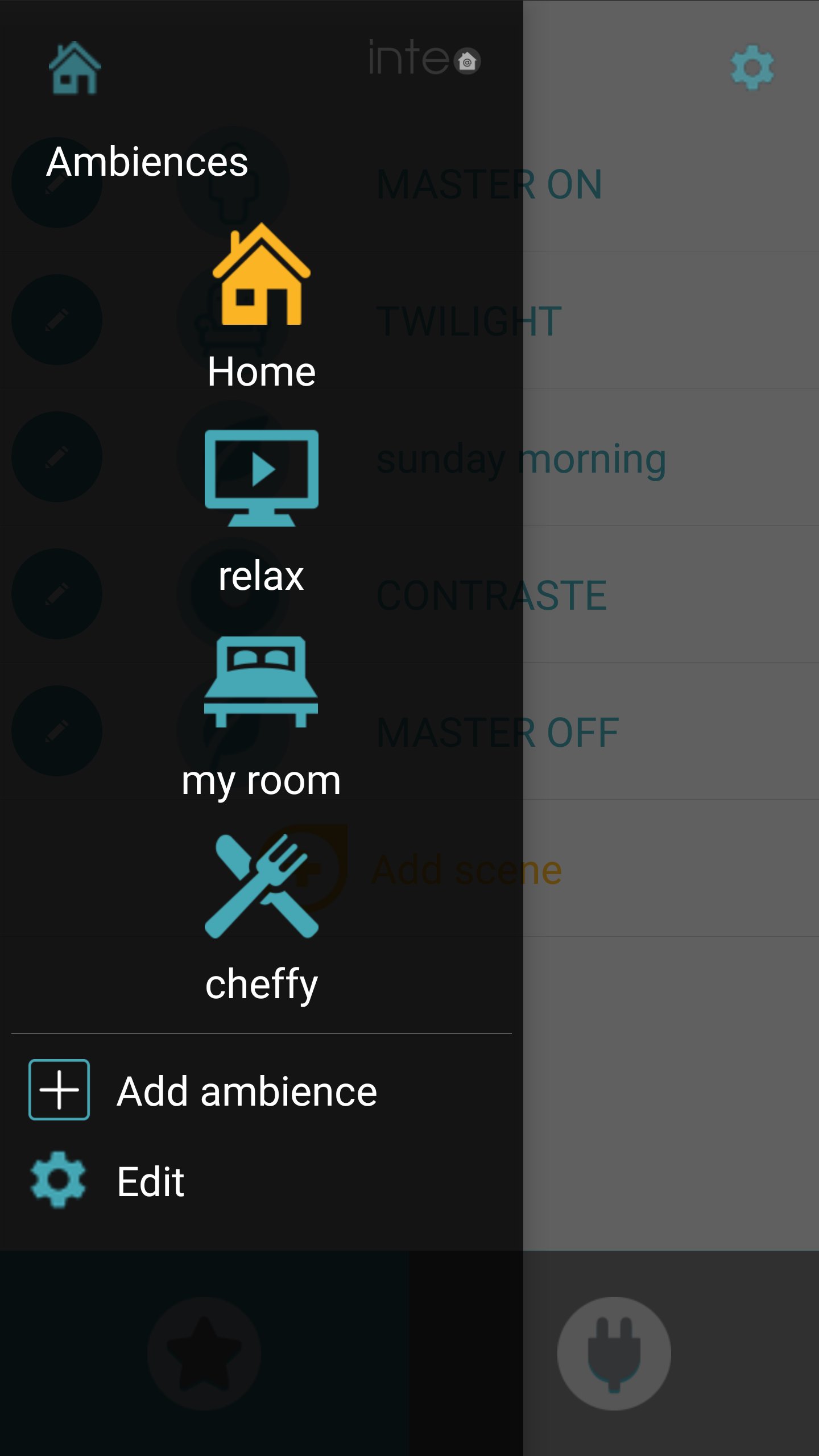
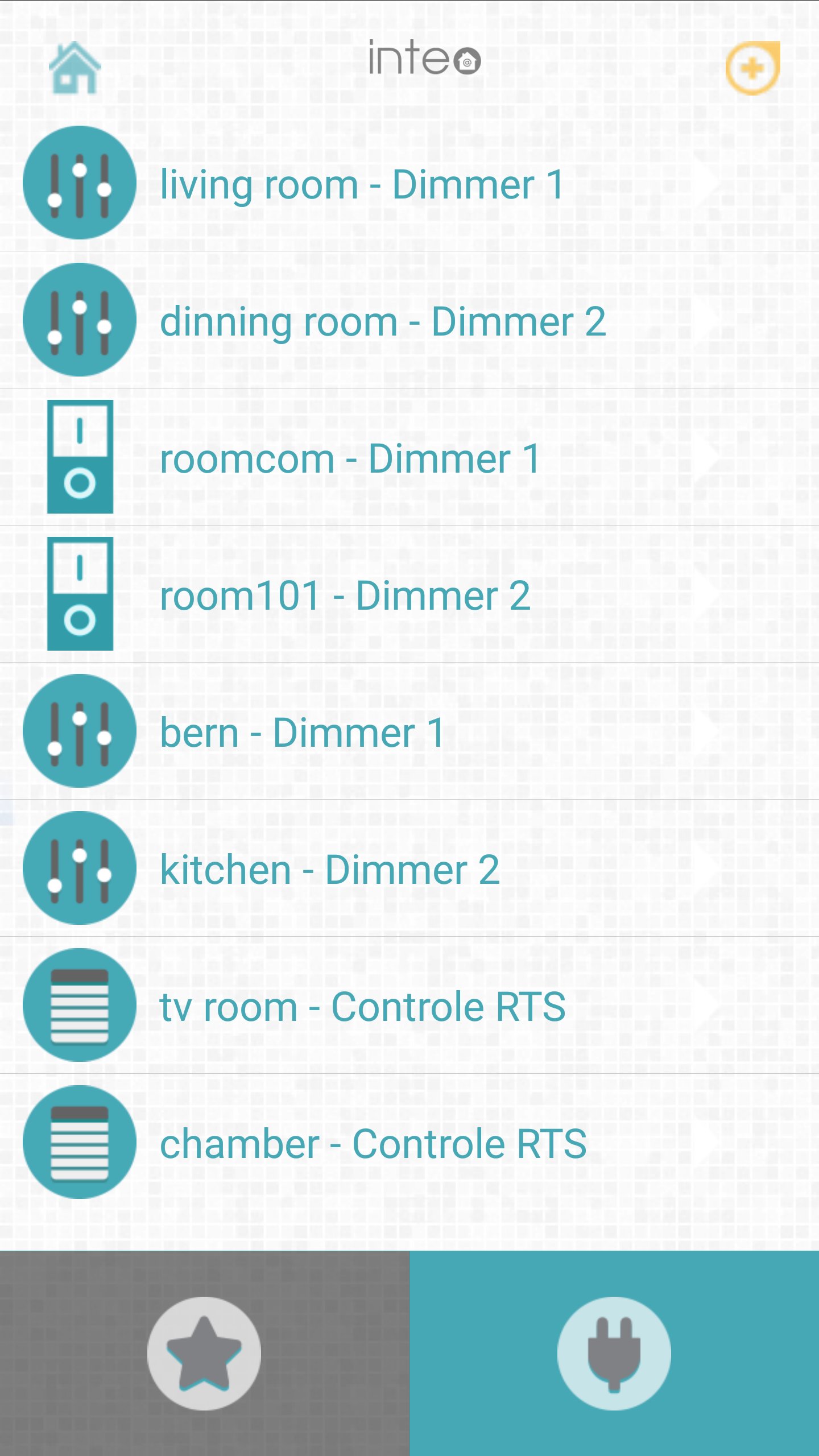
inteO is an easy-to-use, plug & play home automation system. This app controls Inteo’s devices giving the user control over their lights, motorized curtains, door & window sensors, and other electrical equipment. It works online and offline. Setup scenarios, control rooms, and schedule tasks. This system was created with the purpose of giving you and your family safety and peace of mind.
Products compatible with the automation system:
inteO central – device that connects all your devices from our home automation system.
Microdimmer – easy to install microcontroller. 2 channels to control your lighting, create scenarios and customize your environment.
Sensor Tag – door and window sensors, it provides you with push notifications to your app to know when a door or window has been opened.
Cubee – Stylish interface that triggers scenarios.
To use your system simply: plug your main station, scan the station and its devices, customize your devices, control your home from anywhere you want.
Preview
Tags
LifestyleInformation
Developer
Neocontrol Soluções em Automação S.A.
Latest Version
3.8.6
Last Updated
2025-11-24
Category
Lifestyle
Available on
Google Play
Show More
How to play inteO with GameLoop on PC
1. Download GameLoop from the official website, then run the exe file to install GameLoop
2. Open GameLoop and search for “inteO” , find inteO in the search results and click “Install”
3. Enjoy playing inteO on GameLoop
Minimum requirements
OS
Windows 8.1 64-bit or Windows 10 64-bit
GPU
GTX 1050
CPU
i3-8300
Memory
8GB RAM
Storage
1GB available space
Recommended requirements
OS
Windows 8.1 64-bit or Windows 10 64-bit
GPU
GTX 1050
CPU
i3-9320
Memory
16GB RAM
Storage
1GB available space