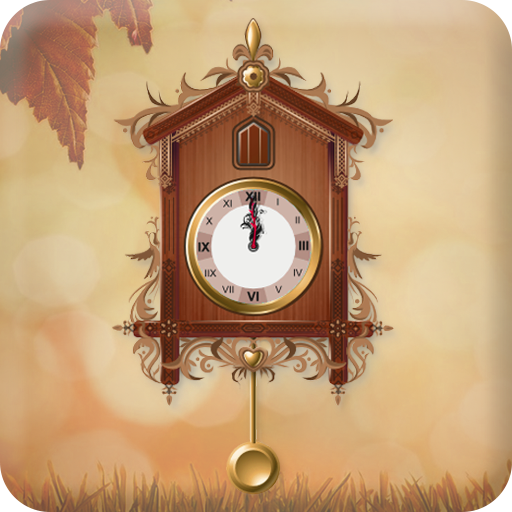
Grandfather Clock Live Wallpap PC
Photo Art Creator
Download Grandfather Clock Live Wallpap on PC With GameLoop Emulator
Grandfather Clock Live Wallpap sa PC
Ang Grandfather Clock Live Wallpap, na nagmumula sa developer na Photo Art Creator, ay tumatakbo sa Android systerm sa nakaraan.
Ngayon, maaari mong laruin ang Grandfather Clock Live Wallpap sa PC gamit ang GameLoop nang maayos.
I-download ito sa GameLoop library o mga resulta ng paghahanap. Hindi na tumitingin sa baterya o nakakadismaya na mga tawag sa maling oras.
I-enjoy lang ang Grandfather Clock Live Wallpap PC sa malaking screen nang libre!
Grandfather Clock Live Wallpap Panimula
Grandfather Clock Live Wallpaper
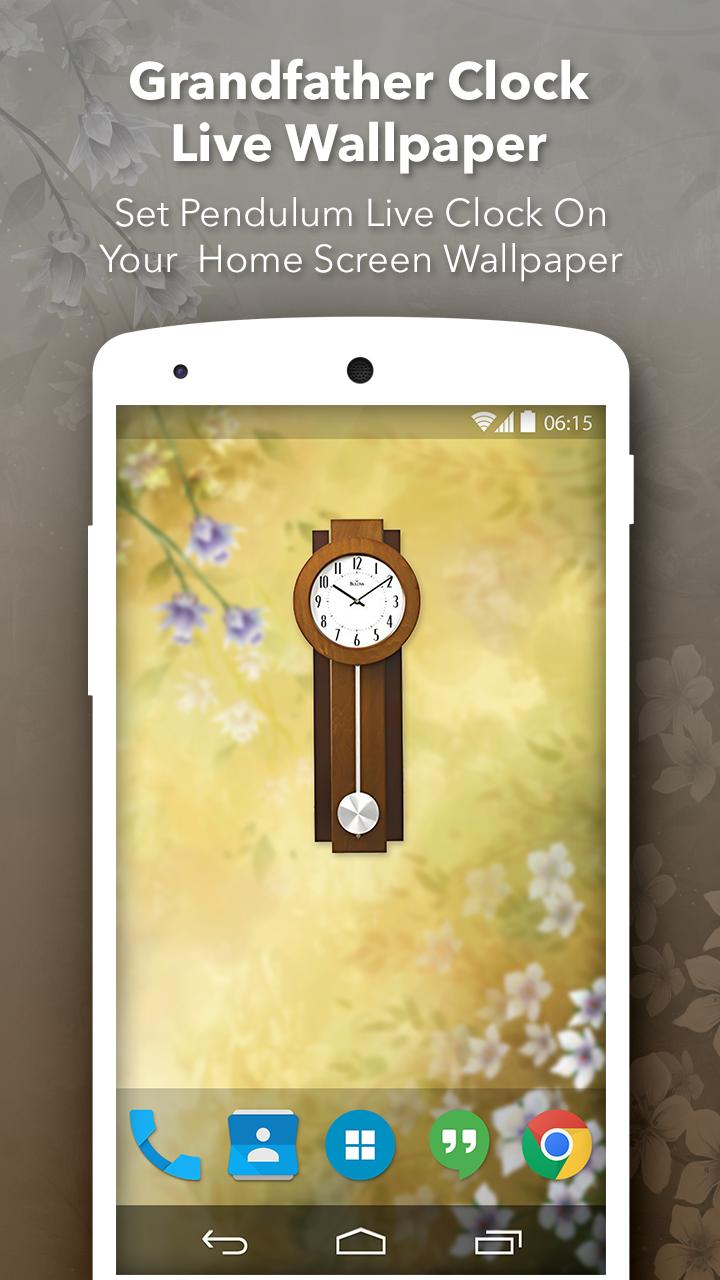
Grandfather Clock Live Wallpaper is most powerful and great live wallpaper & widget app which make your mobile display more beautiful.
It’s very easy to use, adaptable and you can always check it out for yourself and enjoy it unlike never before.
It contain many option for customize clock like select clock, clock size etc.
It’s the uniqueness and convenience offered here that stands out quite a bit, you just have to make the right choice and adapt or adjust to that as you see fit.
Features:
- Use the clock as your own wallpaper.
- Choose the style of the grandfather clock.
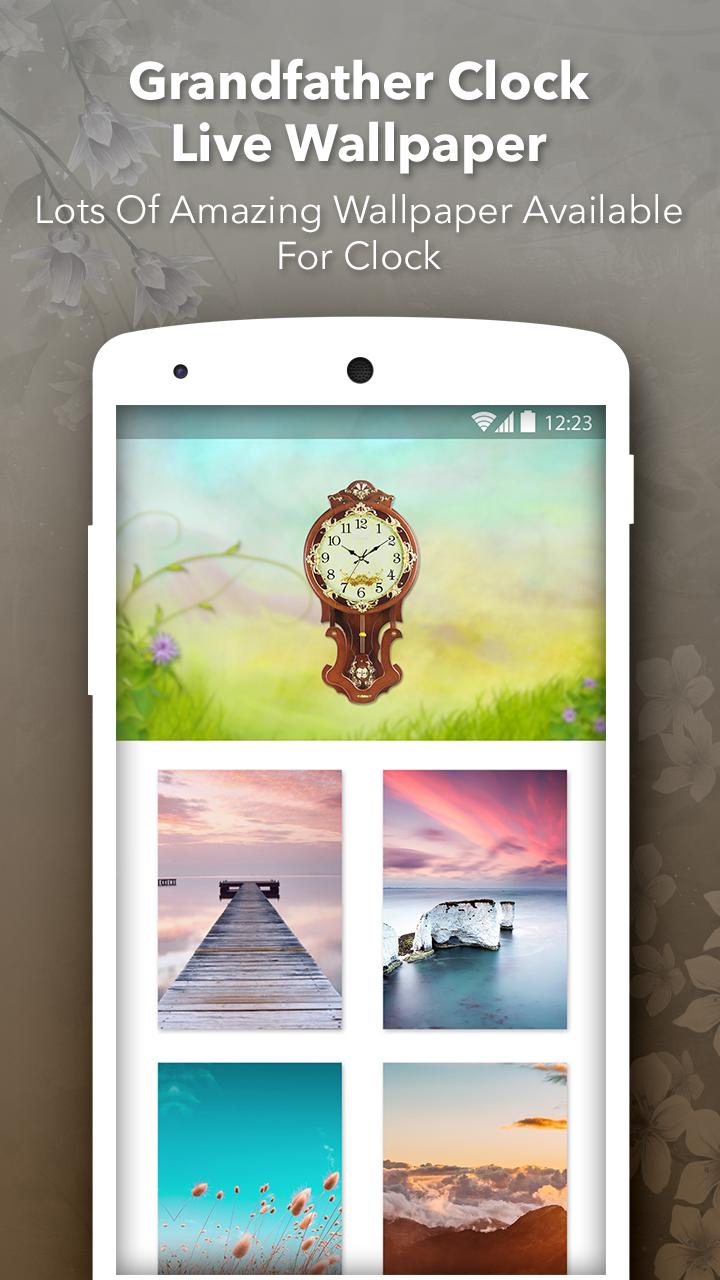
- There are lots of clock available with hd backgrounds.
- You can change clock dialer as per your clock.
- Every hour chime sound when you at home screen.
- Great user interface.
- You can change clock size as per your device screen.
- You can easily change the background screen.
- Change Potion of Clock.
- One click to Set as wallpaper and enjoy the beautiful Grandfather clock.
If you love this Grandfather clock live wallpaper than don't forgot to give good rating to us.
Thank you!!!
Preview
Tags
LifestyleInformation
Developer
Photo Art Creator
Latest Version
1.5
Last Updated
2022-07-16
Category
Lifestyle
Available on
Google Play
Show More
How to play Grandfather Clock Live Wallpap with GameLoop on PC
1. Download GameLoop from the official website, then run the exe file to install GameLoop
2. Open GameLoop and search for “Grandfather Clock Live Wallpap” , find Grandfather Clock Live Wallpap in the search results and click “Install”
3. Enjoy playing Grandfather Clock Live Wallpap on GameLoop
Minimum requirements
OS
Windows 8.1 64-bit or Windows 10 64-bit
GPU
GTX 1050
CPU
i3-8300
Memory
8GB RAM
Storage
1GB available space
Recommended requirements
OS
Windows 8.1 64-bit or Windows 10 64-bit
GPU
GTX 1050
CPU
i3-9320
Memory
16GB RAM
Storage
1GB available space