
Frost Diamond Fake Video Call PC
BAKSO
Download Frost Diamond Fake Video Call on PC With GameLoop Emulator
Frost Diamond Fake Video Call sa PC
Ang Frost Diamond Fake Video Call, na nagmumula sa developer na BAKSO, ay tumatakbo sa Android systerm sa nakaraan.
Ngayon, maaari mong laruin ang Frost Diamond Fake Video Call sa PC gamit ang GameLoop nang maayos.
I-download ito sa GameLoop library o mga resulta ng paghahanap. Hindi na tumitingin sa baterya o nakakadismaya na mga tawag sa maling oras.
I-enjoy lang ang Frost Diamond Fake Video Call PC sa malaking screen nang libre!
Frost Diamond Fake Video Call Panimula
Frost Diamond or who is familiarly called Kananda Widyantara likes to play games since childhood. In those days, Frost Diamond liked to play traditional games like marbles or tops. Frost Diamond also likes to play Tetris or Bounce, popular games on mobile phones at that time.
Frost Diamond's father bought a PC when Frost Diamond was 7 years old. From then on Frost Diamond loved to use the computer to draw or even play games. Until when he was 10 years old, Frost Diamond started getting acquainted with the internet. It was there that Kananda started to create and be active on social media, starting from a Facebook account, to loading his own web blog on Blogspot.
Frost Diamond started his career in the YouTube world in 2017. At that time Frost Diamond uploaded a gameplay video of the sandbox game, Minecraft. In this first Youtube account, Frost Diamond chose the name Frost Diamond. The name comes from two different things Frost Diamond likes. The name "Frost" he took from the movie Home Alone which he liked, while "Diamond" he got from the rarest material in the game Minecraft.
How to use :
- open the app
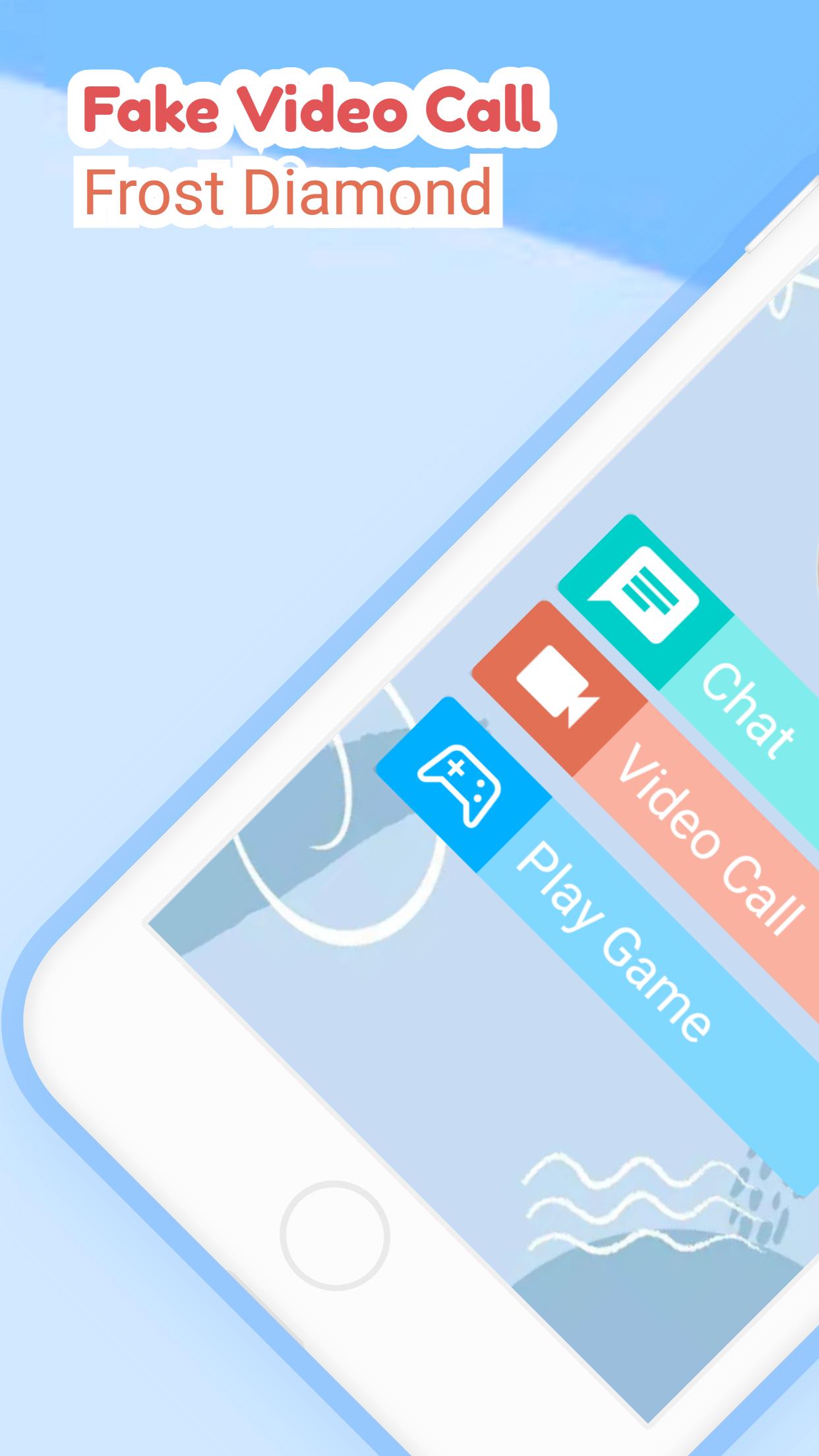
- select the available menu
- chat, video call or play puzzle
- simple and easy to use
Feature :
- Frost Diamond Puzzle
- Frost Diamond Contact
- Chat with Frost Diamond
- Video call with Frost Diamond
- Prank called by Frost Diamond
- Lightweight and easy to use.
Preview

Tags
LifestyleInformation
Developer
BAKSO
Latest Version
3.1.0
Last Updated
2022-09-13
Category
Lifestyle
Available on
Google Play
Show More
How to play Frost Diamond Fake Video Call with GameLoop on PC
1. Download GameLoop from the official website, then run the exe file to install GameLoop
2. Open GameLoop and search for “Frost Diamond Fake Video Call” , find Frost Diamond Fake Video Call in the search results and click “Install”
3. Enjoy playing Frost Diamond Fake Video Call on GameLoop
Minimum requirements
OS
Windows 8.1 64-bit or Windows 10 64-bit
GPU
GTX 1050
CPU
i3-8300
Memory
8GB RAM
Storage
1GB available space
Recommended requirements
OS
Windows 8.1 64-bit or Windows 10 64-bit
GPU
GTX 1050
CPU
i3-9320
Memory
16GB RAM
Storage
1GB available space