
Daily Diary - Diary with lock PC
Fivestars Studio
Download Daily Diary - Diary with lock on PC With GameLoop Emulator
Daily Diary - Diary with lock sa PC
Ang Daily Diary - Diary with lock, na nagmumula sa developer na Fivestars Studio, ay tumatakbo sa Android systerm sa nakaraan.
Ngayon, maaari mong laruin ang Daily Diary - Diary with lock sa PC gamit ang GameLoop nang maayos.
I-download ito sa GameLoop library o mga resulta ng paghahanap. Hindi na tumitingin sa baterya o nakakadismaya na mga tawag sa maling oras.
I-enjoy lang ang Daily Diary - Diary with lock PC sa malaking screen nang libre!
Daily Diary - Diary with lock Panimula
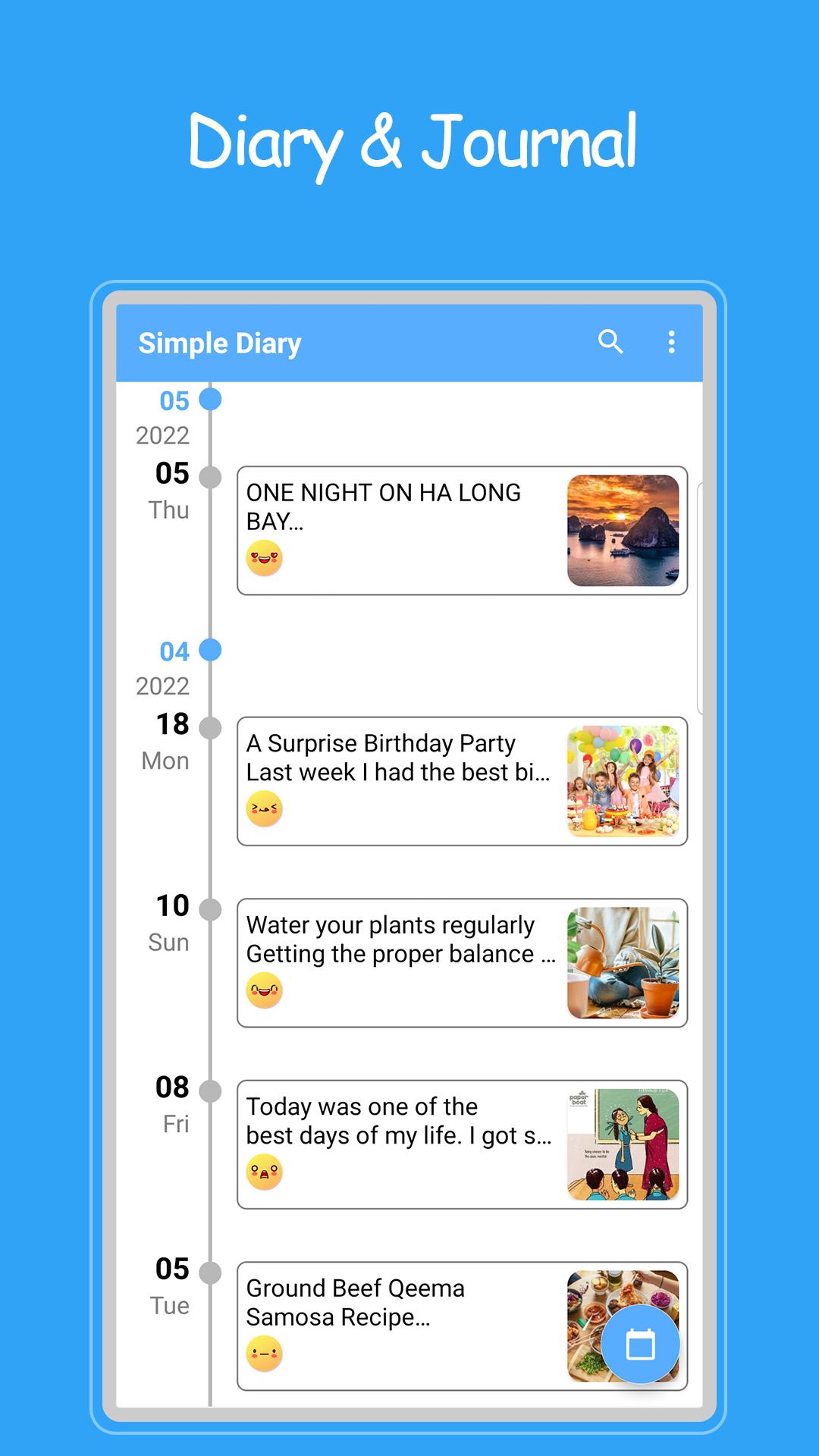
Daily Diary - Diary with lock is a diary to record daily life, secrets, emotions and any private moments. It is a diary with pictures, moods, passwords... to make your diary more vivid and safe.
Daily Diary - Diary with lock supports password setting to protect your privacy, confidentiality and memory. Sync logs with Google Drive to ensure never-lost journal entries and access across multiple devices. You can export the photo diary to txt, pdf file or share with friends.
Record your daily life and review your fond memories here. Let's install and try now!
Function daily journal - journal with lock:
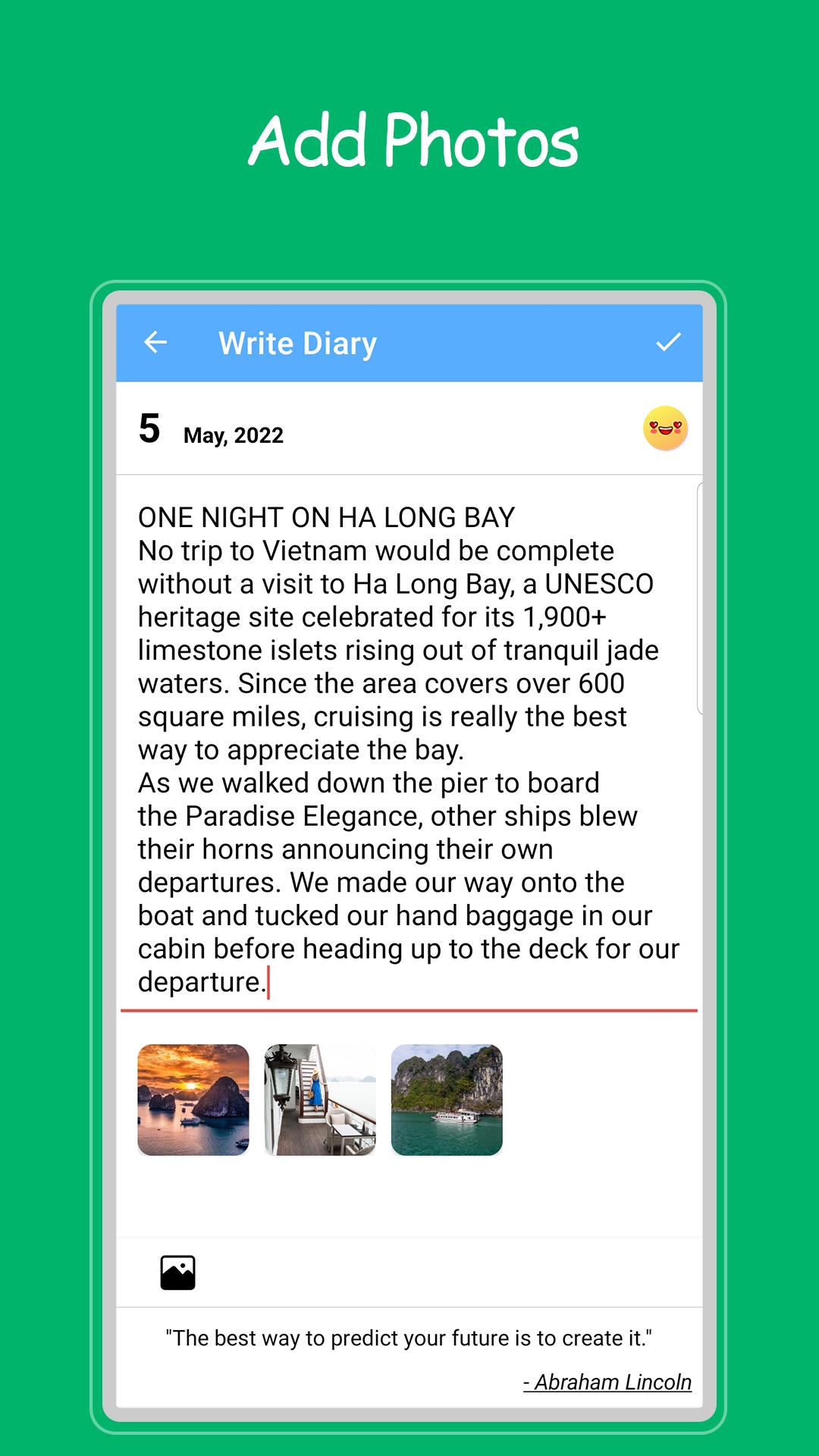
⭐ Write a diary every day
⭐ Attach multiple photos 📷
⭐ Mood Stickers 😊
⭐ Password protection (fingerprint support)
⭐ Personalize the background color with the theme (Blue, pink, yellow...)
⭐ Easy search
⭐ Sync between devices
⭐ Cloud storage with Google Drive ensures privacy and safety ☁️
⭐ Share diary
⭐ Export TXT, PDF files
⭐ Log notifications
Thank you for using Daily Diary - Diary with lock. Wish you have moments of relaxation and comfort when using the application. If you like this free diary, please give us 5 stars.
For any questions or concerns, please contact email: fivestars68studio@gmail.com
Preview
Tags
LifestyleInformation
Developer
Fivestars Studio
Latest Version
1.18
Last Updated
2025-09-30
Category
Lifestyle
Available on
Google Play
Show More
How to play Daily Diary - Diary with lock with GameLoop on PC
1. Download GameLoop from the official website, then run the exe file to install GameLoop
2. Open GameLoop and search for “Daily Diary - Diary with lock” , find Daily Diary - Diary with lock in the search results and click “Install”
3. Enjoy playing Daily Diary - Diary with lock on GameLoop
Minimum requirements
OS
Windows 8.1 64-bit or Windows 10 64-bit
GPU
GTX 1050
CPU
i3-8300
Memory
8GB RAM
Storage
1GB available space
Recommended requirements
OS
Windows 8.1 64-bit or Windows 10 64-bit
GPU
GTX 1050
CPU
i3-9320
Memory
16GB RAM
Storage
1GB available space