Energizer Connect PC
Energizer Connect
Download Energizer Connect on PC With GameLoop Emulator
Energizer Connect sa PC
Ang Energizer Connect, na nagmumula sa developer na Energizer Connect, ay tumatakbo sa Android systerm sa nakaraan.
Ngayon, maaari mong laruin ang Energizer Connect sa PC gamit ang GameLoop nang maayos.
I-download ito sa GameLoop library o mga resulta ng paghahanap. Hindi na tumitingin sa baterya o nakakadismaya na mga tawag sa maling oras.
I-enjoy lang ang Energizer Connect PC sa malaking screen nang libre!
Energizer Connect Panimula
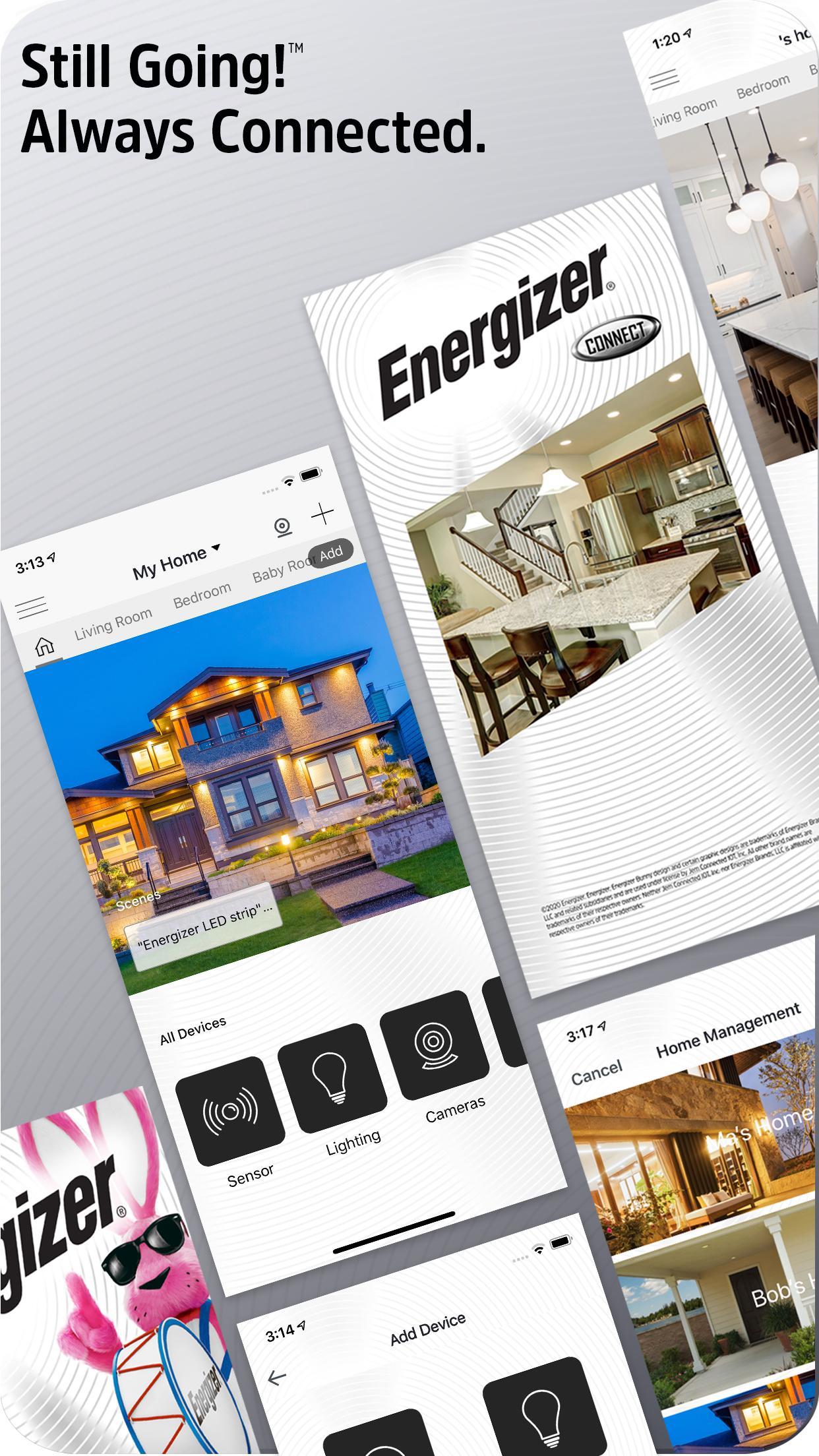
The Energizer Connect family of home automation products offers plug-and-play, easy to use devices--all controllable from your smartphone. The power of Energizer keeps you connected and in control!
The easiest device pairing you've ever experienced lets you add multiple devices in seconds
Elegant navigation lets you create profiles for multiple homes
Add rooms within your homes to customize your experience
View all of your devices per-room or per-home and control them all
Intuitive device control screens let you control and set preferences on each device
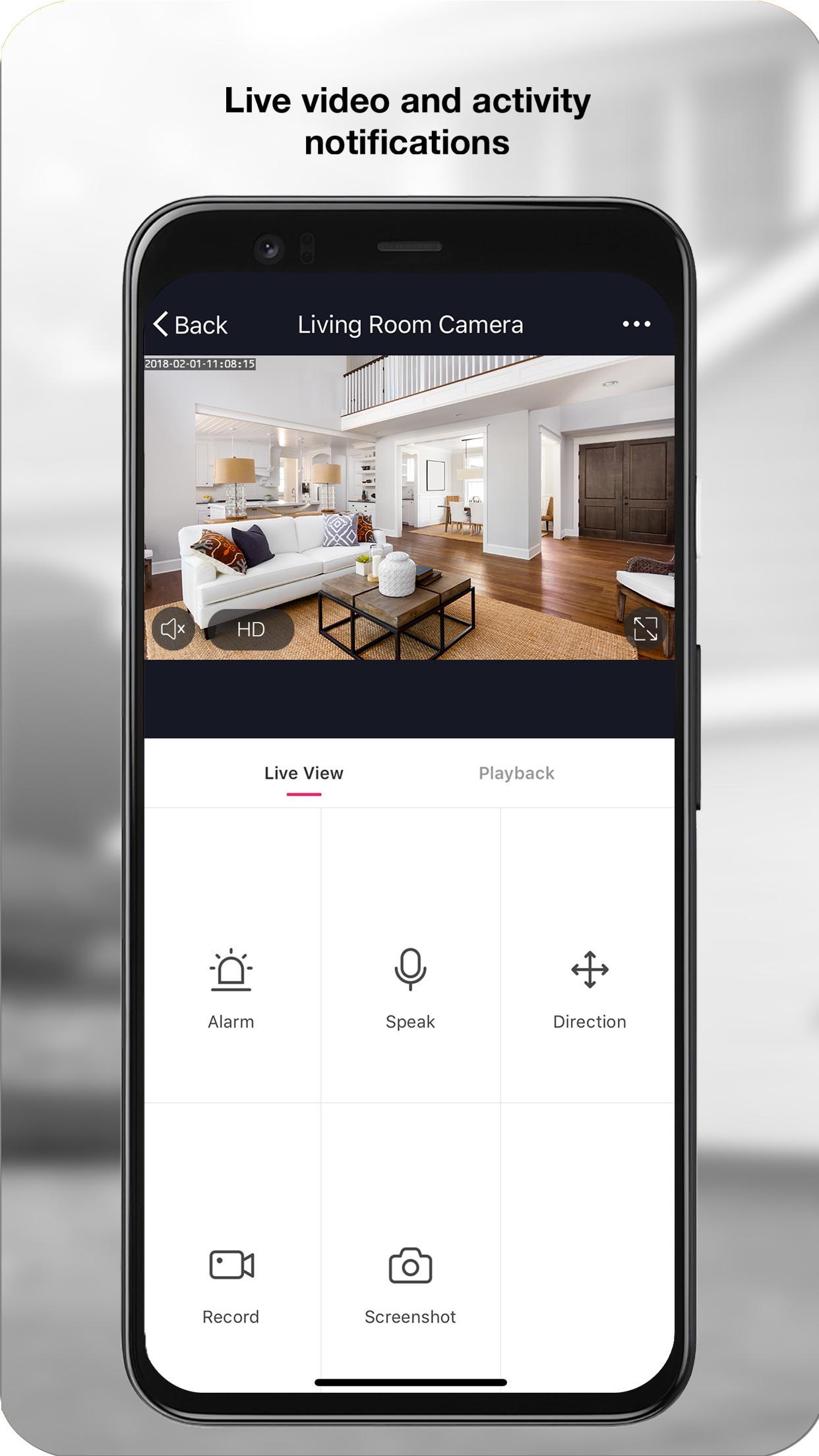
Alerts keep you informed of activity around your home
Full history and activity data logging lets you look back in time
Set alarms and schedules for convenience and security
Scenes and triggers let you define rules to truly automate your home
Share your device with other family members, let them control their own rooms or the whole home
In-app live chat support experience, quick help for when you need it the most
Experience our complete product lineup including:
Indoor and Outdoor Cameras
Smart Lighting
Power Products
Smart Sensors
and much more coming soon!
Preview
Tags
LifestyleInformation
Developer
Energizer Connect
Latest Version
5.5.0
Last Updated
2024-10-31
Category
Lifestyle
Available on
Google Play
Show More
How to play Energizer Connect with GameLoop on PC
1. Download GameLoop from the official website, then run the exe file to install GameLoop
2. Open GameLoop and search for “Energizer Connect” , find Energizer Connect in the search results and click “Install”
3. Enjoy playing Energizer Connect on GameLoop
Minimum requirements
OS
Windows 8.1 64-bit or Windows 10 64-bit
GPU
GTX 1050
CPU
i3-8300
Memory
8GB RAM
Storage
1GB available space
Recommended requirements
OS
Windows 8.1 64-bit or Windows 10 64-bit
GPU
GTX 1050
CPU
i3-9320
Memory
16GB RAM
Storage
1GB available space