AstroBot: Palm Reader & Tarot PC
RoboBot Studio
Download AstroBot: Palm Reader & Tarot on PC With GameLoop Emulator
AstroBot: Palm Reader & Tarot sa PC
Ang AstroBot: Palm Reader & Tarot, na nagmumula sa developer na RoboBot Studio, ay tumatakbo sa Android systerm sa nakaraan.
Ngayon, maaari mong laruin ang AstroBot: Palm Reader & Tarot sa PC gamit ang GameLoop nang maayos.
I-download ito sa GameLoop library o mga resulta ng paghahanap. Hindi na tumitingin sa baterya o nakakadismaya na mga tawag sa maling oras.
I-enjoy lang ang AstroBot: Palm Reader & Tarot PC sa malaking screen nang libre!
AstroBot: Palm Reader & Tarot Panimula
AstroBot is your AI astrologer and palm reader. Snap a photo of your palm, your tarot cards or your coffee cup and get a reading in seconds. Then get a daily horoscope calculated on your own birth chart: not for "all Scorpios", for you.
★ AI PALM READER & PHOTO READINGS
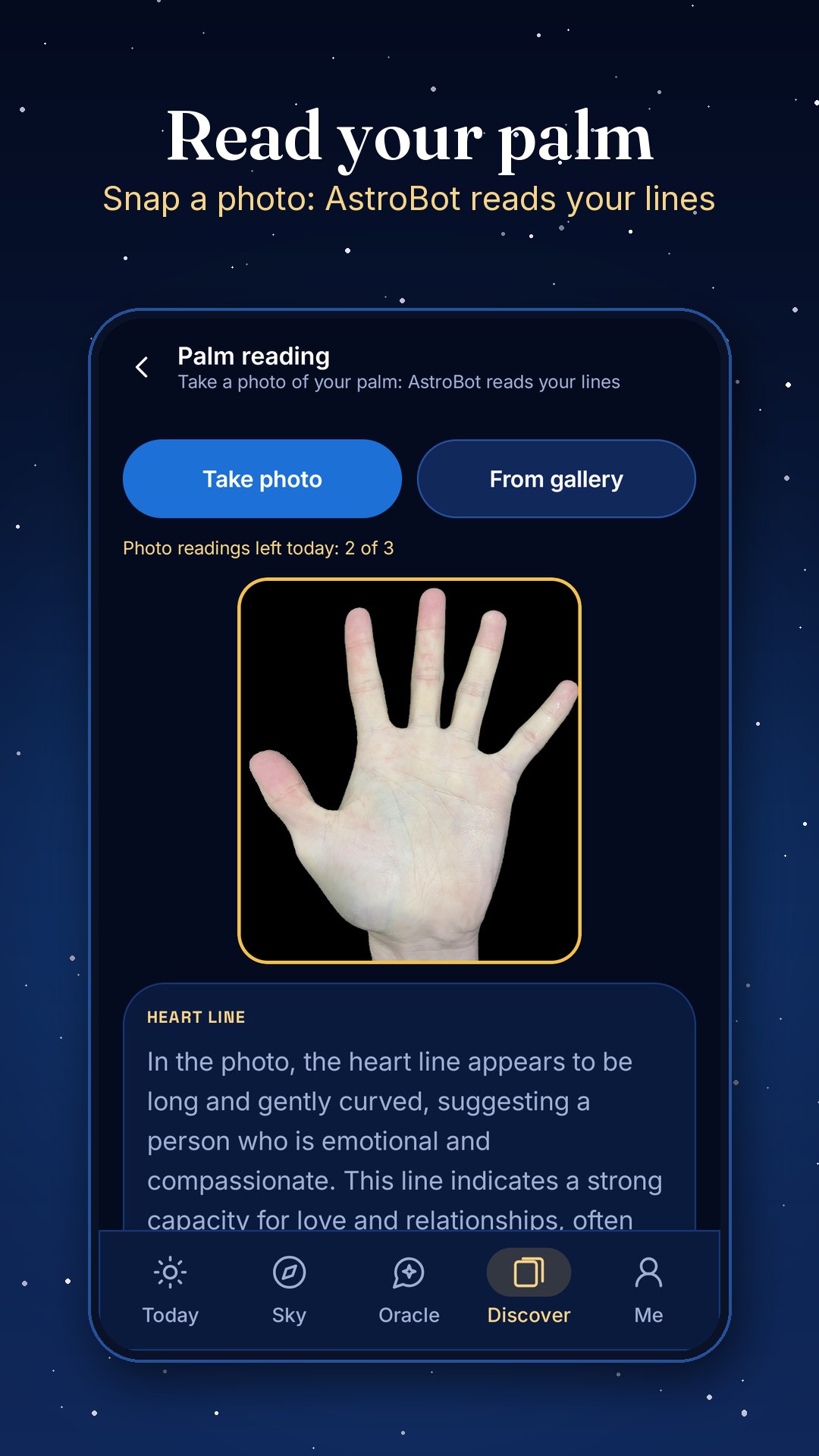
• Palm reading from a photo: AstroBot reads your heart, head, life and fate lines
• Tarot reading from a photo: lay out your own cards, take a picture and get the full reading
• Coffee cup reading: snap the grounds and discover the symbols near the rim and at the bottom
• Prefer to do it yourself? Guided palmistry and guided coffee reading are in the library
Your photos are used only for the reading and are never saved.
★ ASK THE ORACLE
Ask AstroBot anything about love, work or your future. Every answer is written by AI for your natal chart and today's sky. Want a sign? Get your answer as a one-card tarot reading, a three-card spread or a rune.
★ YOUR DAILY HOROSCOPE
• A personal horoscope based on today's transits to your birth chart, not only on your zodiac sign
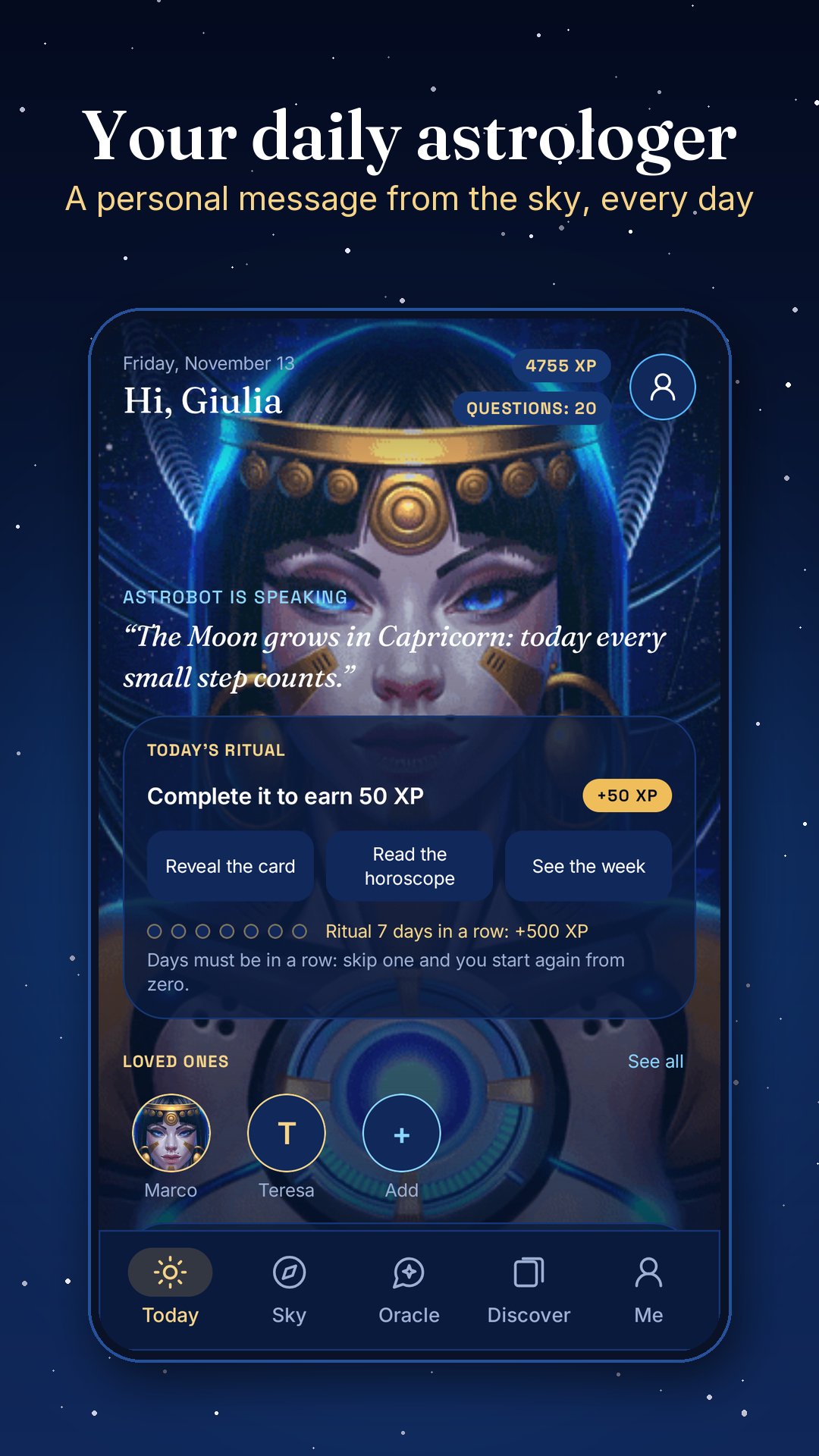
• A daily message from the sky and your energy for love, work and mood
• Tarot card and stone of the day, plus a small daily ritual that rewards you with XP
• Mood tracker: discover how the Moon affects the way you feel
★ ASTROLOGY, FREE AND PRECISE
• Full birth chart (natal chart) with planets, aspects and houses: Placidus, Equal, Whole Sign, Porphyry
• Live sky: transits to your chart, retrogrades, eclipses and void-of-course Moon
• Move through time: see how the sky changes day by day
• Astral calendar with new and full Moon reminders
• Year ahead: solar return, progressions and the great transits of the next 12 months
All astrology calculations run on your phone, even offline.
★ LOVE COMPATIBILITY
Add your partner, family and friends: see their natal chart, their astral portrait, what the sky says about them today and your love compatibility. The bond map shows who you are most in tune with.
★ TAROT, RUNES AND MORE
Free tarot reading (Yes or No tarot, tarot table, Celtic cross, the book of the 22 arcana), runes, numerology and lucky numbers, gemstones, dream dictionary, Chinese, Celtic, Mayan and Egyptian astrology and zodiac signs. Almost everything is free.
★ WITH ASTROBOT PRO
• Up to 20 questions a day to the Oracle, which remembers who you are
• Your daily horoscope written for you by AstroBot every morning
• 3 photo readings a day: AI palm reader, coffee cup and tarot
• Unlimited loved ones, with full chart readings and relationship reports
• Your year report and "the right moment" for signing, travelling, love and more
• Dream diary with interpretations
• Personal alerts 3 days before important transits, and no ads
Share any reading as an image or a PDF report, save it in your journal and mark what came true.
AstroBot speaks 16 languages and can read every answer aloud.
Content is for entertainment and does not replace professional advice.
Preview
Tags
LifestyleInformation
Developer
RoboBot Studio
Latest Version
5.0.4
Last Updated
2026-11-20
Category
Lifestyle
Available on
Google Play
Show More
How to play AstroBot: Palm Reader & Tarot with GameLoop on PC
1. Download GameLoop from the official website, then run the exe file to install GameLoop
2. Open GameLoop and search for “AstroBot: Palm Reader & Tarot” , find AstroBot: Palm Reader & Tarot in the search results and click “Install”
3. Enjoy playing AstroBot: Palm Reader & Tarot on GameLoop
Minimum requirements
OS
Windows 8.1 64-bit or Windows 10 64-bit
GPU
GTX 1050
CPU
i3-8300
Memory
8GB RAM
Storage
1GB available space
Recommended requirements
OS
Windows 8.1 64-bit or Windows 10 64-bit
GPU
GTX 1050
CPU
i3-9320
Memory
16GB RAM
Storage
1GB available space