
COCORO HOME PC
SHARP CORPORATION
Download COCORO HOME on PC With GameLoop Emulator
COCORO HOME sa PC
Ang COCORO HOME, na nagmumula sa developer na SHARP CORPORATION, ay tumatakbo sa Android systerm sa nakaraan.
Ngayon, maaari mong laruin ang COCORO HOME sa PC gamit ang GameLoop nang maayos.
I-download ito sa GameLoop library o mga resulta ng paghahanap. Hindi na tumitingin sa baterya o nakakadismaya na mga tawag sa maling oras.
I-enjoy lang ang COCORO HOME PC sa malaking screen nang libre!
COCORO HOME Panimula
COCORO HOME connects Sharp's smart home appliances and devices with the "COCORO+" service and other useful services to deliver a smart home experience that's tailored to your lifestyle.
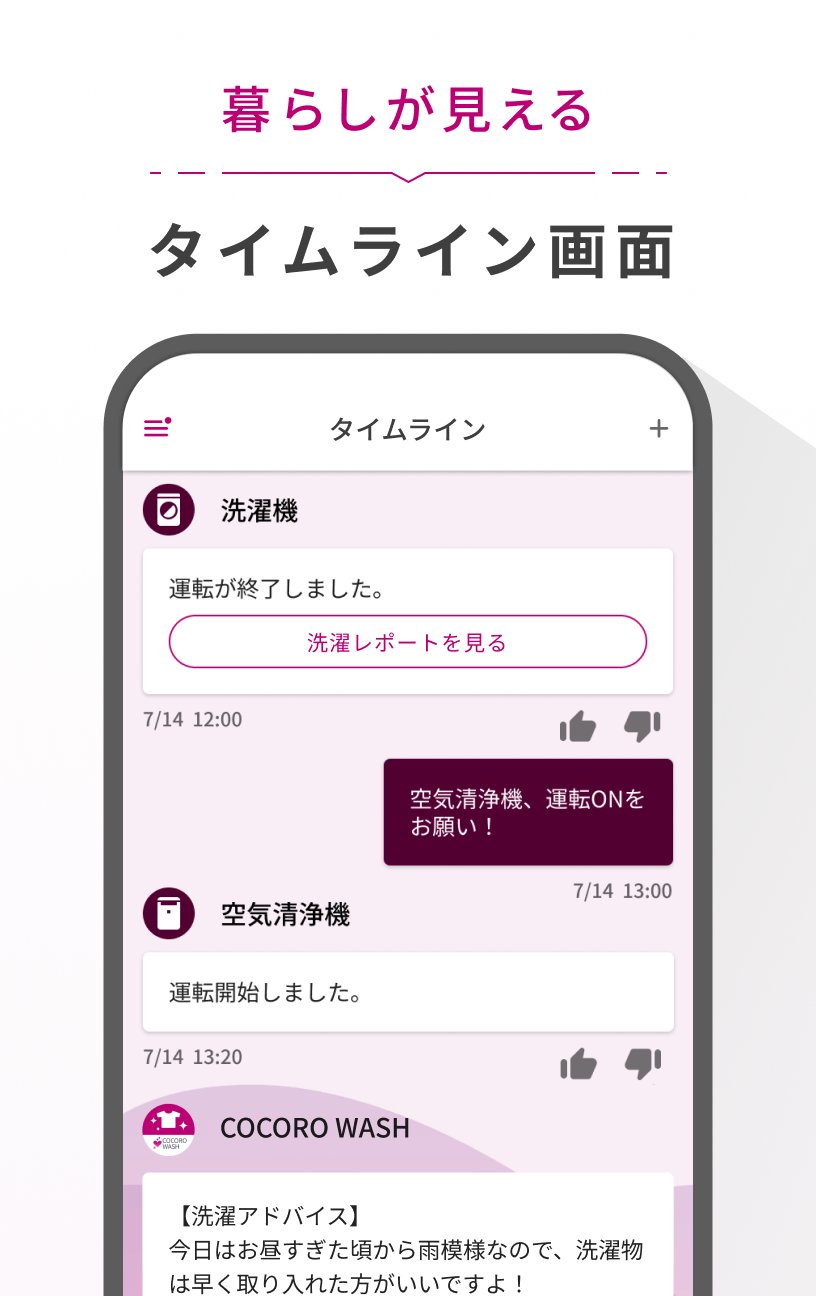
"Timeline":
Consolidates notifications from devices and services to visualize your daily life.
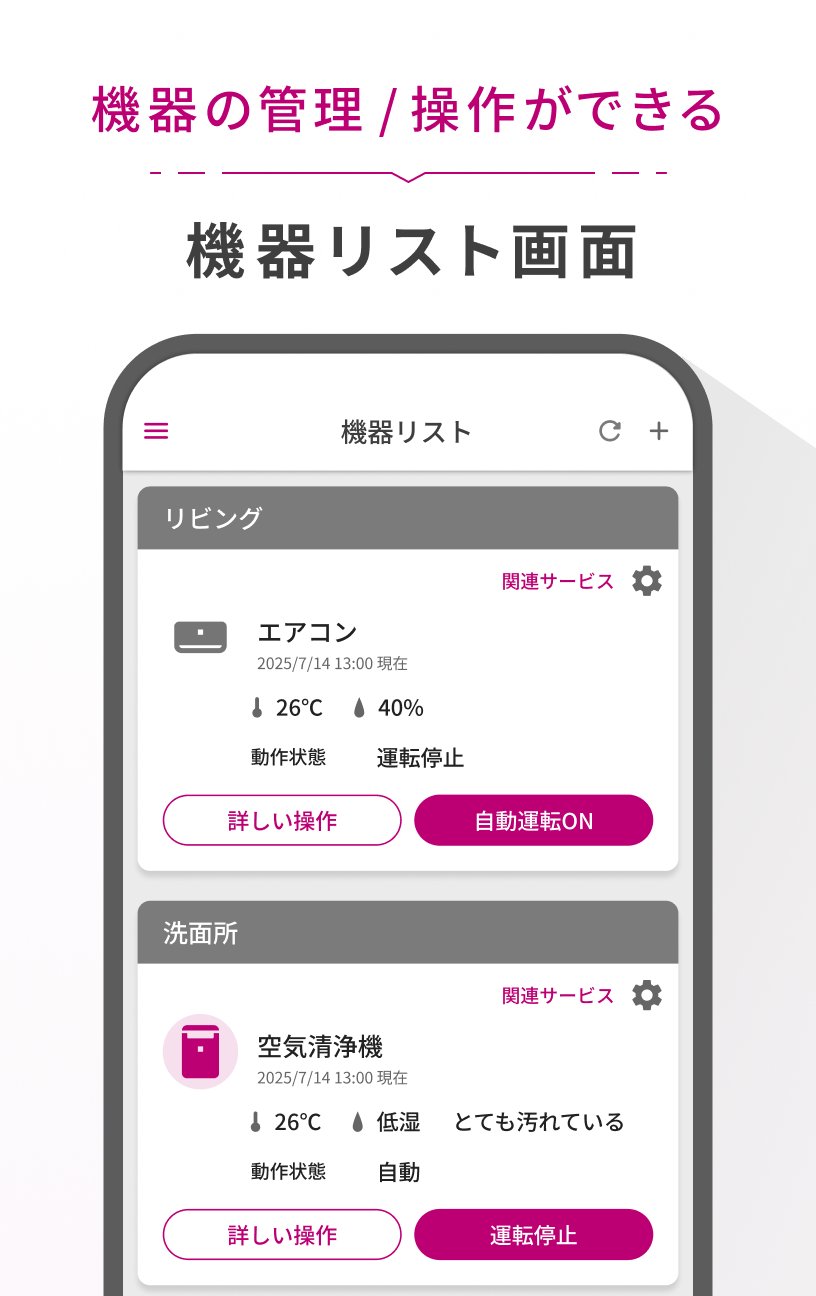
"Device List":
Register devices and check their operating status.
"Service List":
Browse a variety of useful services.
"Talk":
Constantly consult with AI for help with home appliance and household chores.
"Multi-Device Control":
By pre-registering the controls for multiple devices in "Multi-Device Control," you can perform operations such as turning devices on and off all at once.
"My Rule Learning":
By registering the location information of your home, work, or school, the service will detect your device operation habits, such as before leaving home, and suggest registering them in "Multi-Device Control."
■Linked apps and compatible models:
https://jp.sharp/support/home/cloud/cocoro_home04.html
*This app is intended for use with Sharp's smart home appliances and devices.
*Available functions and services vary depending on the device model.
*A home network environment (such as a home wireless LAN environment) is required to use the service.
*We will use your opinions and requests to improve our services in the future. However, we will not be able to respond to your inquiries. Thank you for your understanding.
■COCORO HOME App Inquiry Contact
Email address: cocoro_home@sharp.co.jp
Preview
Tags
LifestyleInformation
Developer
SHARP CORPORATION
Latest Version
2.29.00
Last Updated
2026-03-02
Category
Lifestyle
Available on
Google Play
Show More
How to play COCORO HOME with GameLoop on PC
1. Download GameLoop from the official website, then run the exe file to install GameLoop
2. Open GameLoop and search for “COCORO HOME” , find COCORO HOME in the search results and click “Install”
3. Enjoy playing COCORO HOME on GameLoop
Minimum requirements
OS
Windows 8.1 64-bit or Windows 10 64-bit
GPU
GTX 1050
CPU
i3-8300
Memory
8GB RAM
Storage
1GB available space
Recommended requirements
OS
Windows 8.1 64-bit or Windows 10 64-bit
GPU
GTX 1050
CPU
i3-9320
Memory
16GB RAM
Storage
1GB available space